
HIKMICRO Sight PC
Hangzhou Microimage Software Co.Ltd
Download HIKMICRO Sight on PC With GameLoop Emulator
HIKMICRO Sight on PC
HIKMICRO Sight, coming from the developer Hangzhou Microimage Software Co.Ltd, is running on Android systerm in the past.
Now, You can play HIKMICRO Sight on PC with GameLoop smoothly.
Download it in the GameLoop library or search results. No more eyeing the battery or frustrating calls at the wrong time any more.
Just enjoy HIKMICRO Sight PC on the large screen for free!
HIKMICRO Sight Introduction
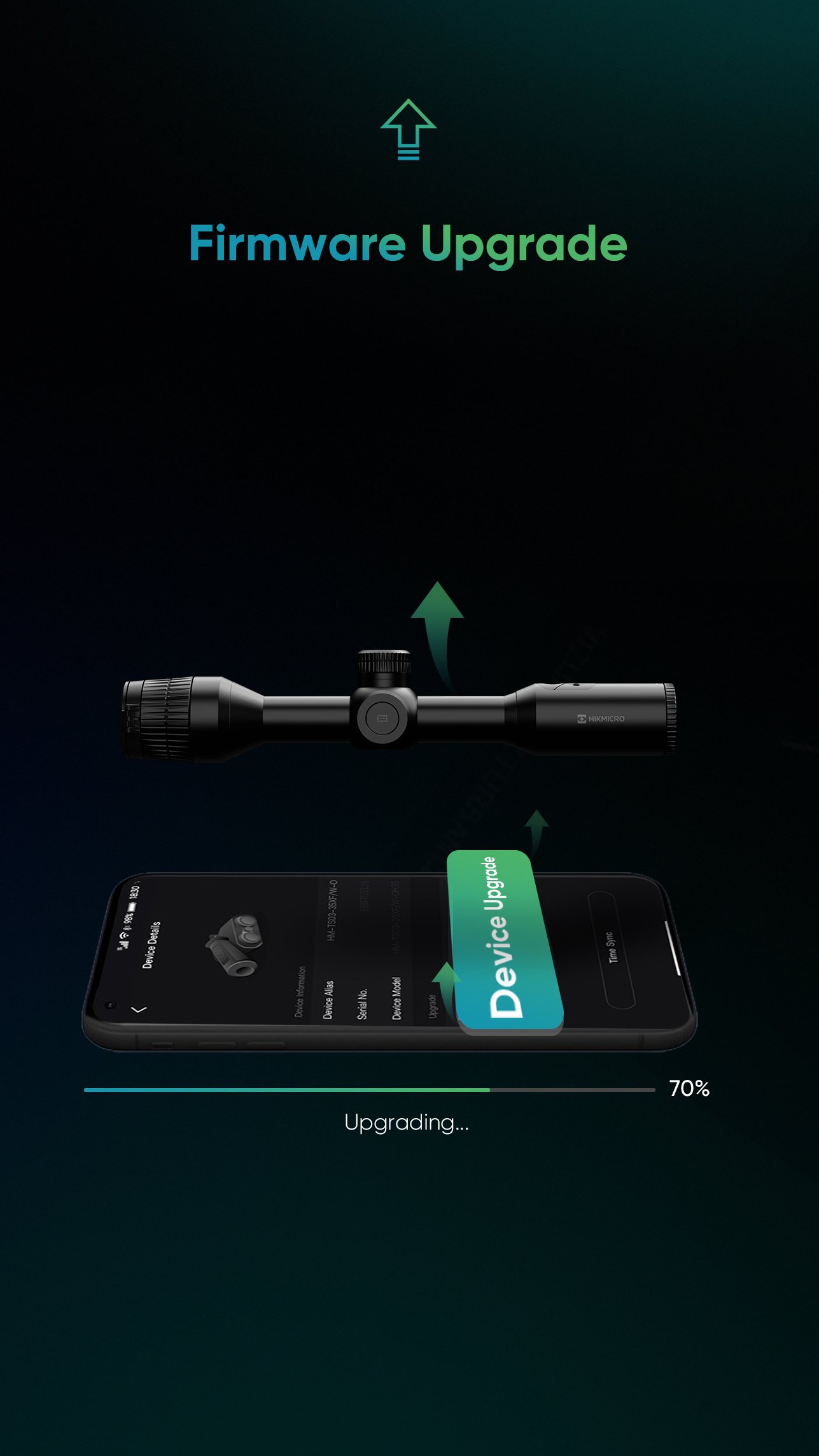
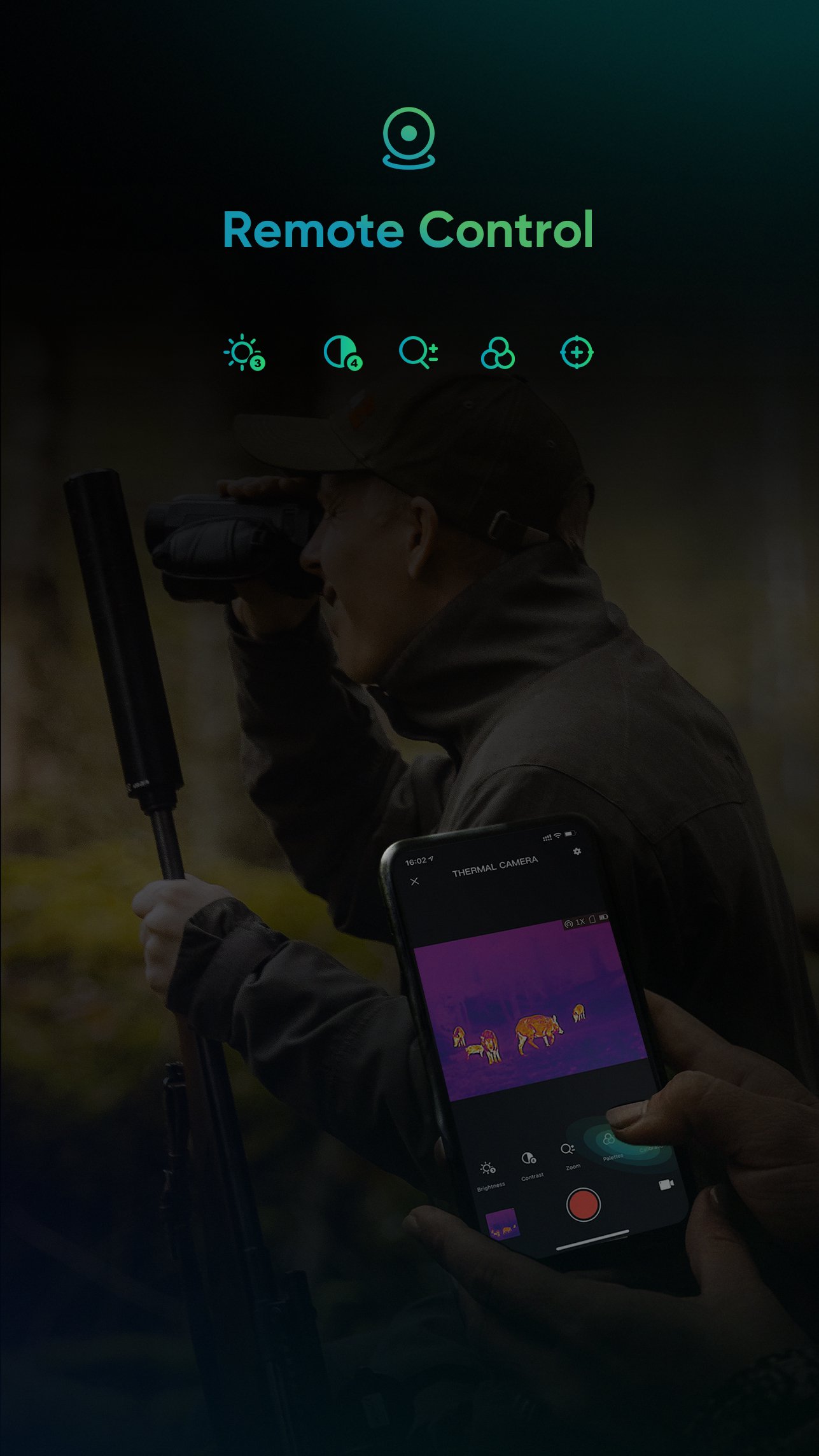
HIKMICRO Sight is a mobile APP used in outdoor scenarios, mainly used for outdoor hunting with HIKMICRO outdoor products. With connecting smartphone via Wi-Fi hotspot, HIKMICRO Sight supports live view, capture image, record video, share file to social media, album management, remote parameter setting, firmware upgrade.
1. Support real-time preview
2. Support video recording on the phone
3. Support capture pictures on the phone
4. Support view and delete pictures/videos of app local album that captured by this app and meantime check their details
5. Support view and delete pictures/videos of SD memory of the devices (remote album) and meantime check their details
6. Support share pictures and videos to other application
7. Support full-screen video viewing and adjust the playback speed
8. Support export pictures/videos from app local album to phone’s local photo album
9. Support adjust brightness and contrast
10. Support adjust digital zoom ratio
11. Support adjust color palettes
12. Support enable FFC manually
13. Support enable/disable laser ranging (varies to certain models)
14. Support enable/disable and adjust OSD settings
15. Support multiple-language setting
16. Support check device system information
Preview
Tags
ToolsInformation
Developer
Hangzhou Microimage Software Co.Ltd
Latest Version
2.10.0
Last Updated
2026-03-25
Category
Tools
Available on
Google Play
Show More
How to play HIKMICRO Sight with GameLoop on PC
1. Download GameLoop from the official website, then run the exe file to install GameLoop
2. Open GameLoop and search for “HIKMICRO Sight” , find HIKMICRO Sight in the search results and click “Install”
3. Enjoy playing HIKMICRO Sight on GameLoop
Minimum requirements
OS
Windows 8.1 64-bit or Windows 10 64-bit
GPU
GTX 1050
CPU
i3-8300
Memory
8GB RAM
Storage
1GB available space
Recommended requirements
OS
Windows 8.1 64-bit or Windows 10 64-bit
GPU
GTX 1050
CPU
i3-9320
Memory
16GB RAM
Storage
1GB available space