
Force Stop Apps - Hibernator PC
APPDEV QUEBEC
Download Force Stop Apps - Hibernator on PC With GameLoop Emulator
Force Stop Apps - Hibernator on PC
Force Stop Apps - Hibernator, coming from the developer APPDEV QUEBEC, is running on Android systerm in the past.
Now, You can play Force Stop Apps - Hibernator on PC with GameLoop smoothly.
Download it in the GameLoop library or search results. No more eyeing the battery or frustrating calls at the wrong time any more.
Just enjoy Force Stop Apps - Hibernator PC on the large screen for free!
Force Stop Apps - Hibernator Introduction
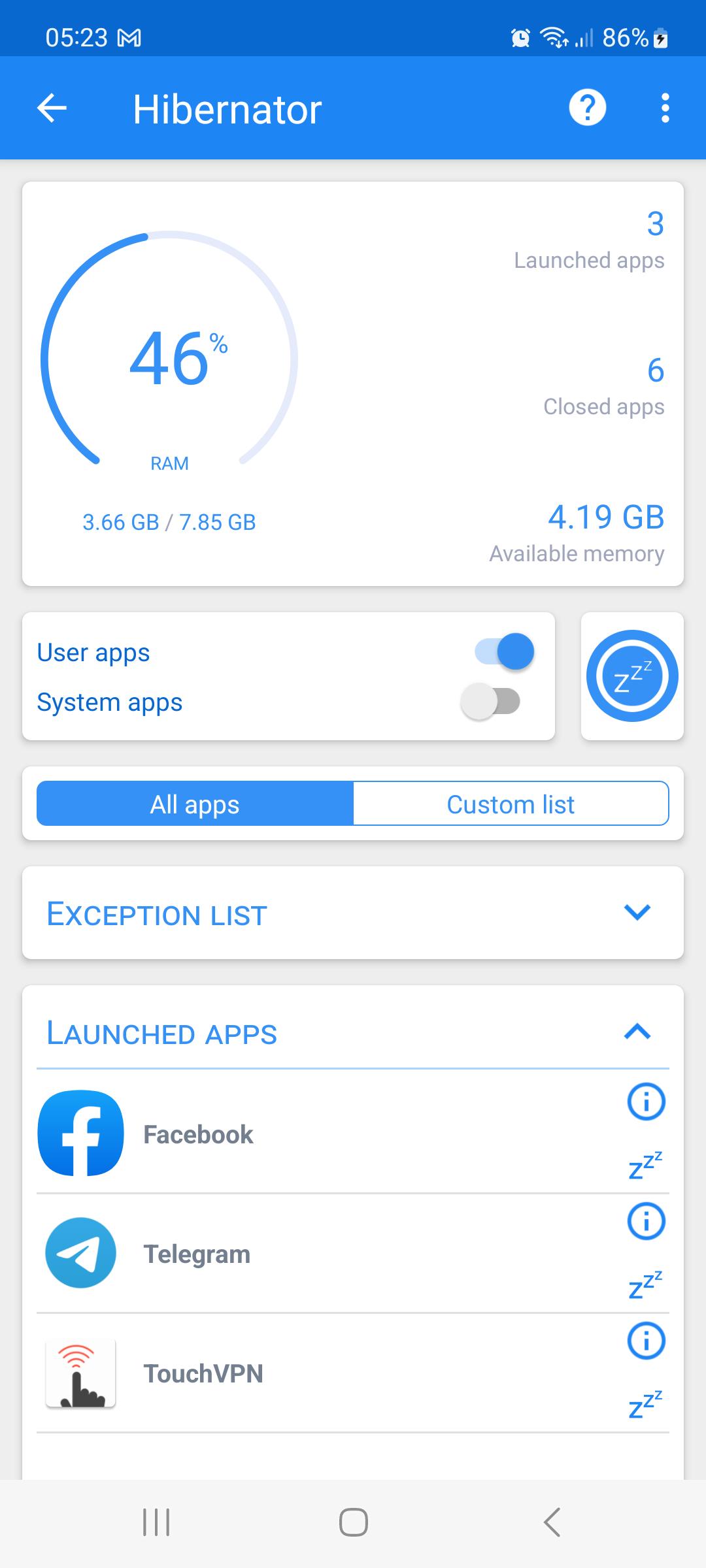
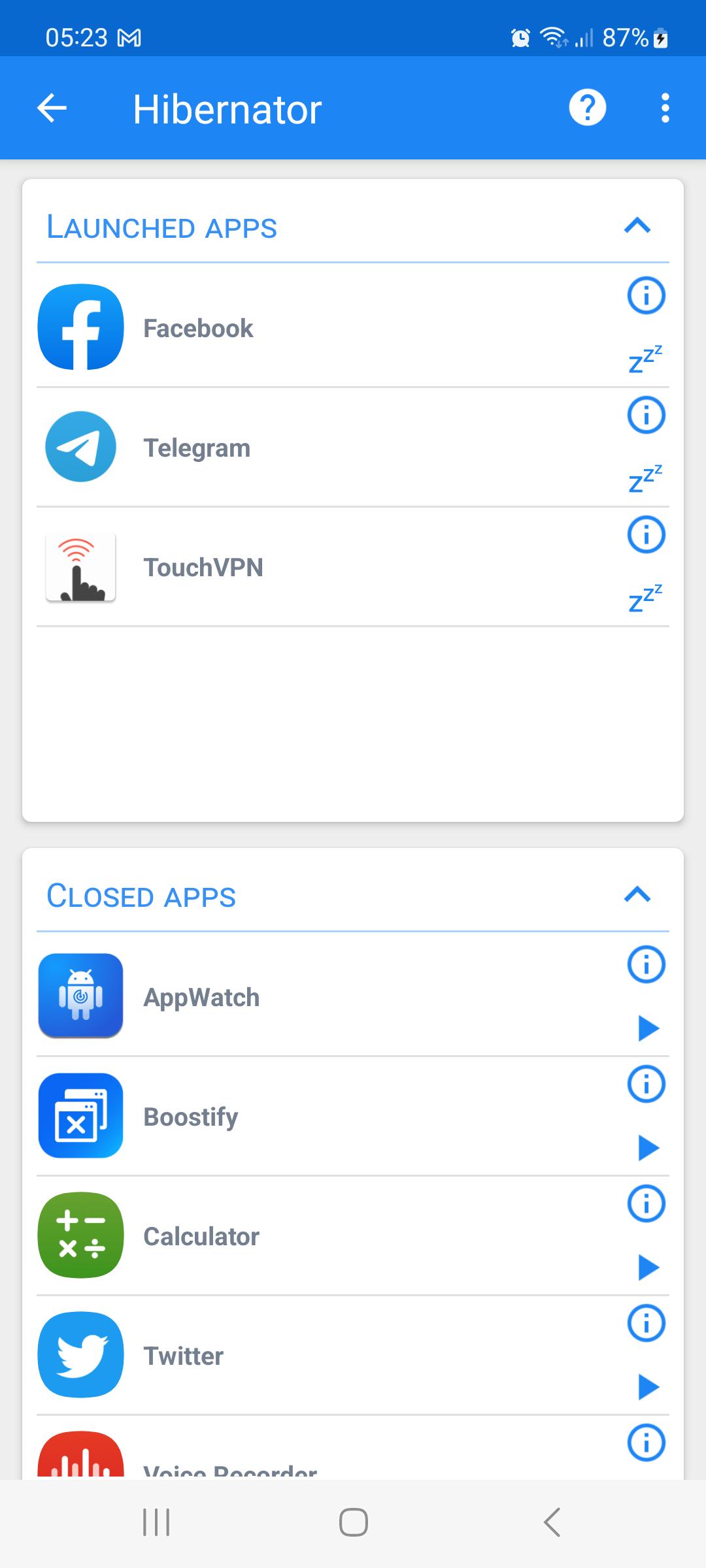
Hibernator provides an easy way to close running apps with a single touch, and it can also close apps automatically every time the screen is turned off.
Features:
✓ Close All Apps
✓ Automatically close apps when the screen is turned off
✓ Supports user apps and system apps
✓ Widget
✓ Shortcuts
What is the difference between KillApps and Hibernator ?
Hibernator is more advanced than Killapps, since it lets you close apps automatically every time the screen is turned off.
Your privacy is safe
✓ This app does not collect any data.
This app uses Accessibility services
This app requires the accessibility service permission in order to be able to close other apps.
⇒ This app will be able to retrieve the active window content in order to find the button which forces closing an app in the system settings, then emulate a click action.
⇒ This app will be able to observe the actions related to the interface in order to guide the process of automating the task of closing apps , by monitoring the transition between windows during the emulation of interaction with the interface.
Permissions
✓ This app requires the permission to draw above the other apps in order to be able to show the wait screen while closing apps.
✓ This app requires the permission to modify system settings in order to be able to turn off the screen after the hibernation operation is completed
[ Contact ]
E-Mail : contact@appdev-quebec.com
Preview
Tags
ToolsInformation
Developer
APPDEV QUEBEC
Latest Version
2.54.17
Last Updated
2025-06-10
Category
Tools
Available on
Google Play
Show More
How to play Force Stop Apps - Hibernator with GameLoop on PC
1. Download GameLoop from the official website, then run the exe file to install GameLoop
2. Open GameLoop and search for “Force Stop Apps - Hibernator” , find Force Stop Apps - Hibernator in the search results and click “Install”
3. Enjoy playing Force Stop Apps - Hibernator on GameLoop
Minimum requirements
OS
Windows 8.1 64-bit or Windows 10 64-bit
GPU
GTX 1050
CPU
i3-8300
Memory
8GB RAM
Storage
1GB available space
Recommended requirements
OS
Windows 8.1 64-bit or Windows 10 64-bit
GPU
GTX 1050
CPU
i3-9320
Memory
16GB RAM
Storage
1GB available space