
Hello Browser Fast&Private PC
COMEET Lab
Download Hello Browser Fast&Private on PC With GameLoop Emulator
Hello Browser Fast&Private on PC
Hello Browser Fast&Private, coming from the developer COMEET Lab, is running on Android systerm in the past.
Now, You can play Hello Browser Fast&Private on PC with GameLoop smoothly.
Download it in the GameLoop library or search results. No more eyeing the battery or frustrating calls at the wrong time any more.
Just enjoy Hello Browser Fast&Private PC on the large screen for free!
Hello Browser Fast&Private Introduction
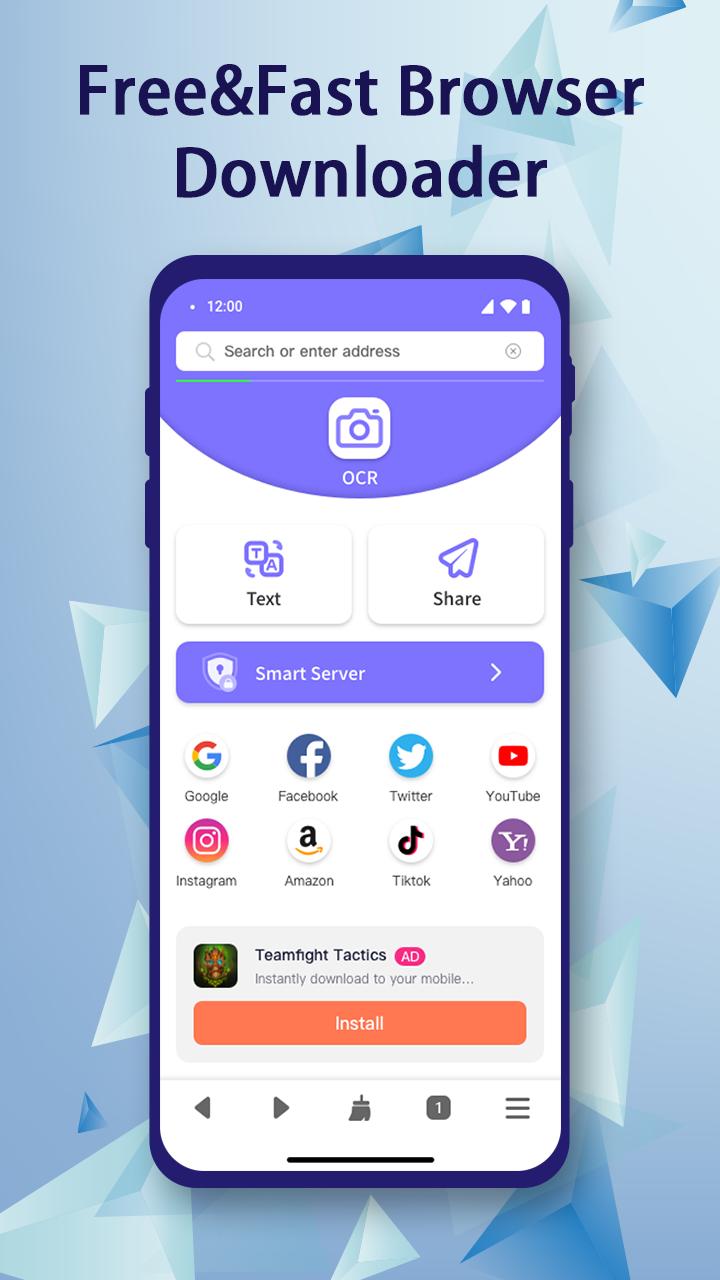
Best Internet Browser allows you to browse the web smoothly on your Phone. It makes mobile browsing faster, easier and smarter.
Feature:
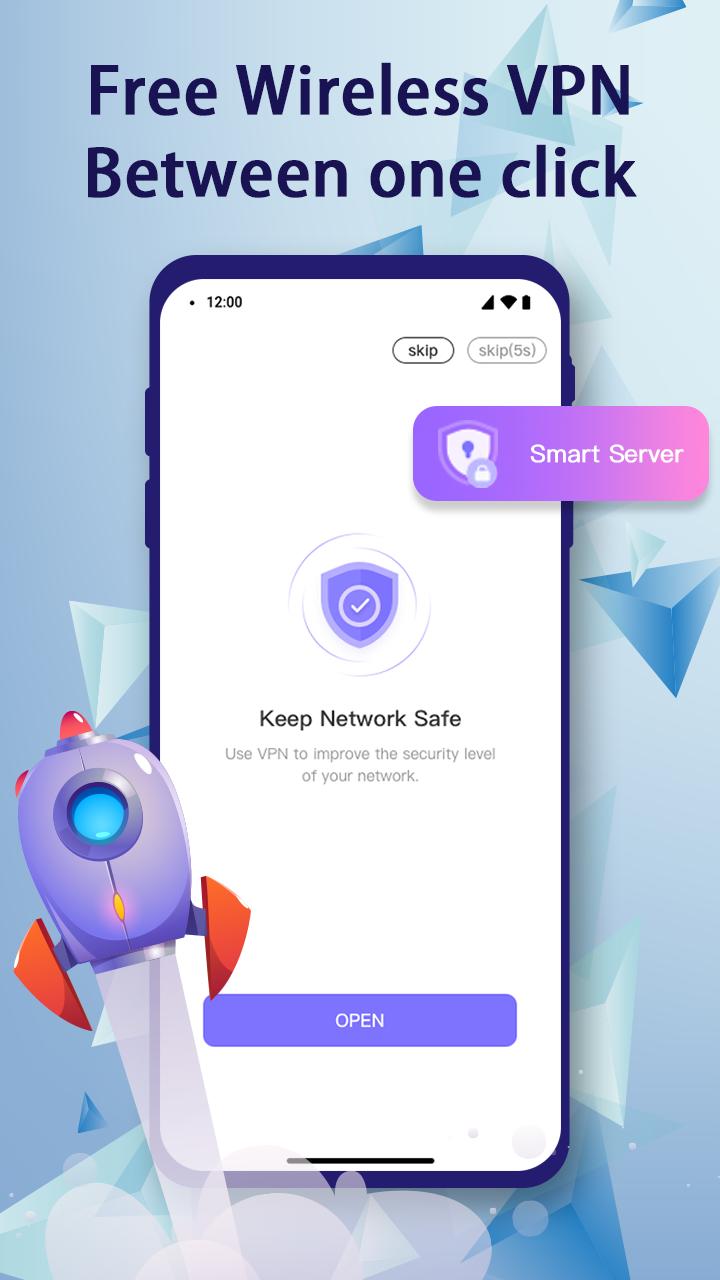
- Effective privacy protection
Through the encrypted VPN service, it is guaranteed that your visit will never leave any trace, and others cannot query your official address.
- Browse unlimited tabs.
Tabs are loaded at the same time.
- faster browsing
Load instantly and get what you want quickly.
- full screen browsing
The interface can disappear for full-screen browsing.
- Speed Dial
Some popular site addresses are included in the speed dial.
- Easy navigation
Navigate with a simple, streamlined browser.
-100+ language translations
This product supports translation functions in more than 100 languages.
- Bookmarks feature
Bookmarks the pages you need. Also you can import your bookmarks into this app.
- Clear Caches & Cookies
Preview
Tags
ToolsInformation
Developer
COMEET Lab
Latest Version
1.1.1
Last Updated
2023-01-11
Category
Tools
Available on
Google Play
Show More
How to play Hello Browser Fast&Private with GameLoop on PC
1. Download GameLoop from the official website, then run the exe file to install GameLoop
2. Open GameLoop and search for “Hello Browser Fast&Private” , find Hello Browser Fast&Private in the search results and click “Install”
3. Enjoy playing Hello Browser Fast&Private on GameLoop
Minimum requirements
OS
Windows 8.1 64-bit or Windows 10 64-bit
GPU
GTX 1050
CPU
i3-8300
Memory
8GB RAM
Storage
1GB available space
Recommended requirements
OS
Windows 8.1 64-bit or Windows 10 64-bit
GPU
GTX 1050
CPU
i3-9320
Memory
16GB RAM
Storage
1GB available space