
HD Video Recorder PC
win std (smart apps)
Download HD Video Recorder on PC With GameLoop Emulator
HD Video Recorder on PC
HD Video Recorder, coming from the developer win std (smart apps), is running on Android systerm in the past.
Now, You can play HD Video Recorder on PC with GameLoop smoothly.
Download it in the GameLoop library or search results. No more eyeing the battery or frustrating calls at the wrong time any more.
Just enjoy HD Video Recorder PC on the large screen for free!
HD Video Recorder Introduction
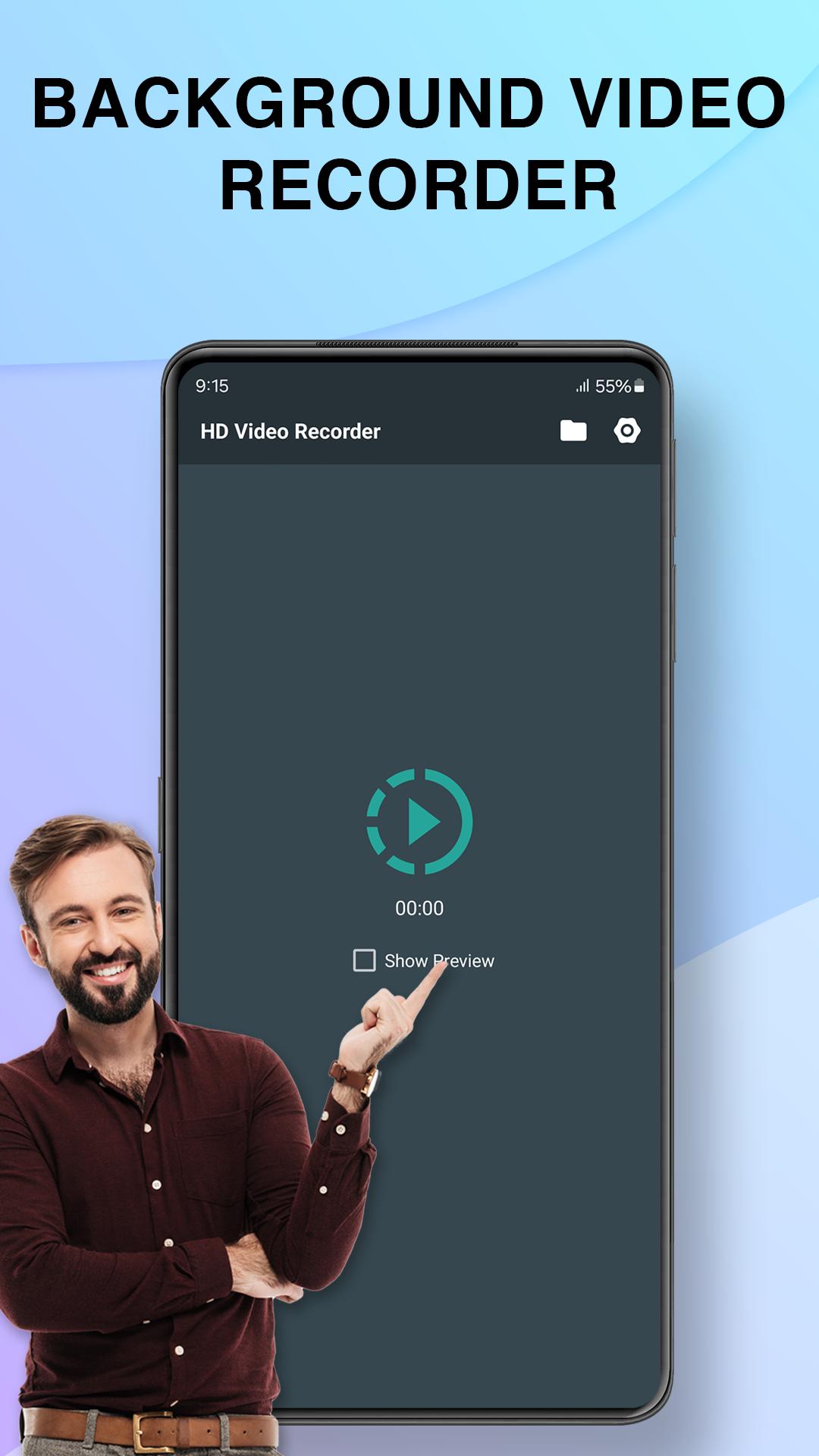
HD video recorder is a free background video recorder app, stable, high-quality video recorder for Android that helps you record smooth and clear videos. No rooting needed, HD video recorder provides an easy way to record videos in background mode - support unlimited recording time!
Advantages:
Contains Ads, NO root needed, NO recording time limit (but cannot record exceed 4Gb file size)
HIGH-QUALITY video: 1080p, 12Mbps, 60FPS
Provides interfaces in MORE THAN 60 LANGUAGES
HD video recorder allow you to capture excellent video in a fast and simply way. You can even record video while your screen is turn-off.
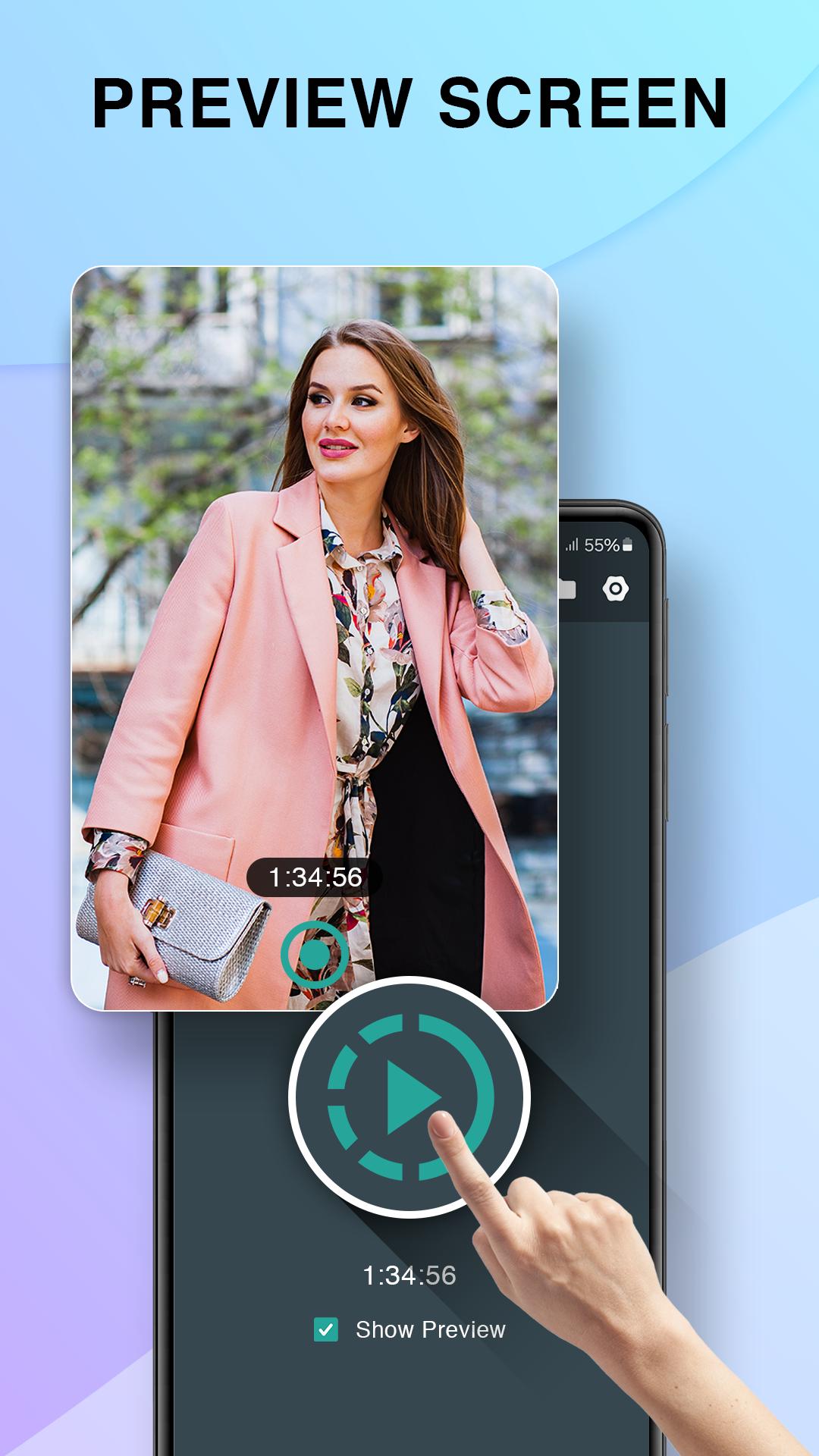
HD video recorder does background recording, with or without preview, so you can use your phone as normal and recording video in parallel.
Just one touch for instant recording, schedule recording or auto recording. HD video recorder can continue recording when screen off.
Key Features of HD video recorder:
- Record video in background
- NO recording time limit
- NO CAMERA shutter sound
- camera and video features
- Countdown Timer
- record video without sounds.
- Spot focus
- Quick video recorder
- One touch to start or stop recording
- Support Video Full HD (1920x1080)
- Select back or front camera
- Easy to open folder containing recorded videos.
- Hide video in gallery
- Share recorded video
- Schedule recording video at specific time on Android 10 and earlier
- Unlimited number video recording.
- you can record video with or without preview.
- Can record during phone call.
- Turn screen off and continue recording in background mode.
- Easy to config duration, camera, and video quality.
- Check free storage before recording.
All feedback and feature requests related to the operation of the application, as well as many other questions can be sent the following email of support team: app@win-std.com
If you like our app, please take a minute to rate it on Google Play market.
Preview
Tags
ToolsInformation
Developer
win std (smart apps)
Latest Version
7.13.5
Last Updated
2025-08-28
Category
Tools
Available on
Google Play
Show More
How to play HD Video Recorder with GameLoop on PC
1. Download GameLoop from the official website, then run the exe file to install GameLoop
2. Open GameLoop and search for “HD Video Recorder” , find HD Video Recorder in the search results and click “Install”
3. Enjoy playing HD Video Recorder on GameLoop
Minimum requirements
OS
Windows 8.1 64-bit or Windows 10 64-bit
GPU
GTX 1050
CPU
i3-8300
Memory
8GB RAM
Storage
1GB available space
Recommended requirements
OS
Windows 8.1 64-bit or Windows 10 64-bit
GPU
GTX 1050
CPU
i3-9320
Memory
16GB RAM
Storage
1GB available space