
Gallery Lock Photo Vault: Hide PC
Zed Inc
Download Gallery Lock Photo Vault: Hide on PC With GameLoop Emulator
Gallery Lock Photo Vault: Hide on PC
Gallery Lock Photo Vault: Hide, coming from the developer Zed Inc, is running on Android systerm in the past.
Now, You can play Gallery Lock Photo Vault: Hide on PC with GameLoop smoothly.
Download it in the GameLoop library or search results. No more eyeing the battery or frustrating calls at the wrong time any more.
Just enjoy Gallery Lock Photo Vault: Hide PC on the large screen for free!
Gallery Lock Photo Vault: Hide Introduction
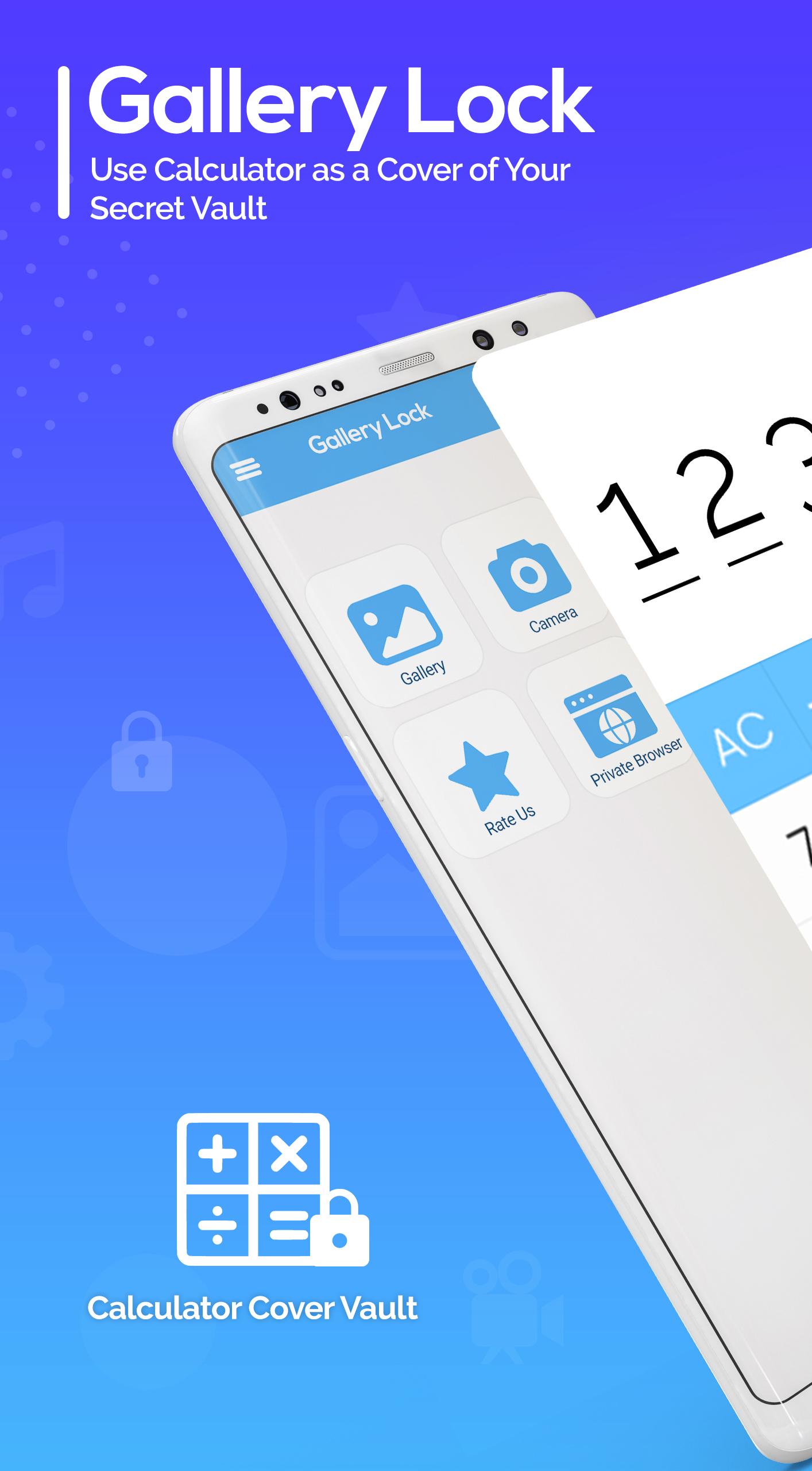
Do you want to have a private gallery lock for your personal data on your mobile? Then photo vault app locker is amazing to hide videos and privacy lock on all your private data or personal information. Calculator lock and gallery lock help you to hide photos and hide videos behind a calculator. You can save your personal data like videos, photos, or private browsers without knowing anyone it as a photo vault. Search any photo or video in a private safe browser and save it in your calculator gallery lock app.
Easy to hide photos and videos from your gallery and share your phone without any worry. Easy to access your hidden photos or videos by just adding a secret PIN number. It will keep your private data safe and in a separate folder without any interference from anyone. Make your app lock & safe, with gallery lock app 2021. The photo vault app maintains your privacy and facilitates you to hide your private photos, videos, and documents. Calculator lock secures your photo and video only accessible through a secret password or PIN, set by you.
Secret photos and videos are protected with a gallery lock app and hidden from any invaders. Locking your private photos and videos is very easy with the photo vault app. The photo lock app provides you a private photo vault, where you can hide memorable photos and videos and ensure that no one will see or invade your personal data while using your mobile.
Photo Vault: Hide Videos and App Lock Features:
Secret photo vault hides photos and videos within a second
Free to use photo vault, & keeps your gallery safe
Set a secret PIN code to access your photo vault app and it also has a backup pattern to unlock
Easy to name a file, delete or locate any folder or photo in gallery lock
A private browser helps to visit sites safely and privately
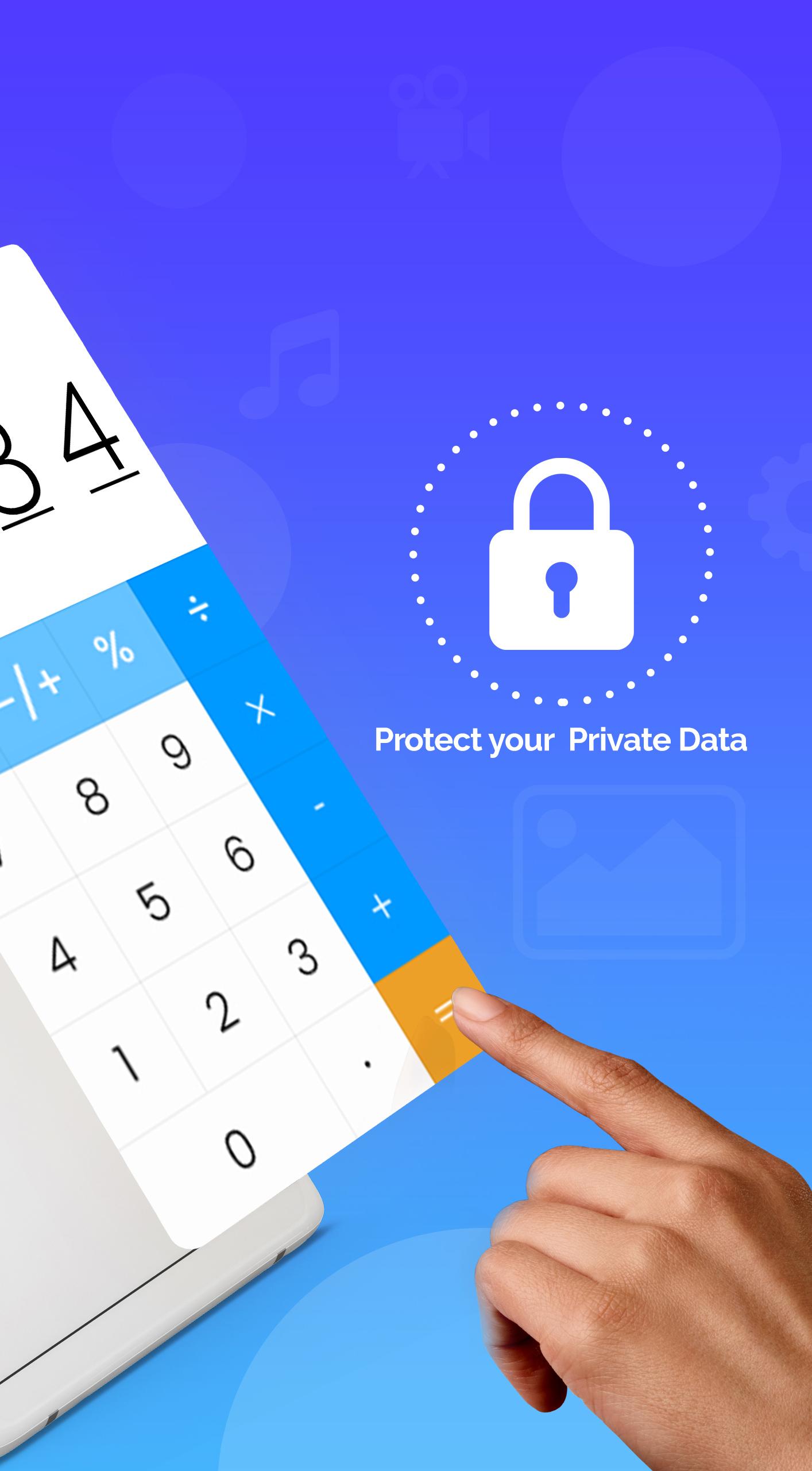
Assess the hide photos and videos by typing PIN or password in the calculator lock app
A powerful app lock system that makes sure your gallery and documents are safe
Video Vault/ Hide Videos
If your phone is easily accessible for everyone, then don’t worry, use this video vault app and hide your selected video with just a click, and add it to the secret vault app folder.
Photo Vault / Hide Photos
Hiding pictures was not so easy before, but now with this photo vault app, select any picture and add it to the photo vault. Through this, no one will see your private photos.
Safe Browsing Feature
Through this private browser, easy to browse with safety. Download any data without any track.
Download calculator gallery lock: hide photos and videos app and hide your personal data in a secret folder. Move your files from this photo vault just by exporting photos & videos from the gallery lock app.
Note:
If you uninstall this app, then you cannot recover deleted files after reinstalling it. So before uninstalling, make sure you have its backup.
Preview
Tags
ToolsInformation
Developer
Zed Inc
Latest Version
1.19
Last Updated
2021-10-19
Category
Tools
Available on
Google Play
Show More
How to play Gallery Lock Photo Vault: Hide with GameLoop on PC
1. Download GameLoop from the official website, then run the exe file to install GameLoop
2. Open GameLoop and search for “Gallery Lock Photo Vault: Hide” , find Gallery Lock Photo Vault: Hide in the search results and click “Install”
3. Enjoy playing Gallery Lock Photo Vault: Hide on GameLoop
Minimum requirements
OS
Windows 8.1 64-bit or Windows 10 64-bit
GPU
GTX 1050
CPU
i3-8300
Memory
8GB RAM
Storage
1GB available space
Recommended requirements
OS
Windows 8.1 64-bit or Windows 10 64-bit
GPU
GTX 1050
CPU
i3-9320
Memory
16GB RAM
Storage
1GB available space