
Galaxy Buds Live Manager PC
Samsung Electronics Co., Ltd.
Download Galaxy Buds Live Manager on PC With GameLoop Emulator
Galaxy Buds Live Manager on PC
Galaxy Buds Live Manager, coming from the developer Samsung Electronics Co., Ltd., is running on Android systerm in the past.
Now, You can play Galaxy Buds Live Manager on PC with GameLoop smoothly.
Download it in the GameLoop library or search results. No more eyeing the battery or frustrating calls at the wrong time any more.
Just enjoy Galaxy Buds Live Manager PC on the large screen for free!
Galaxy Buds Live Manager Introduction
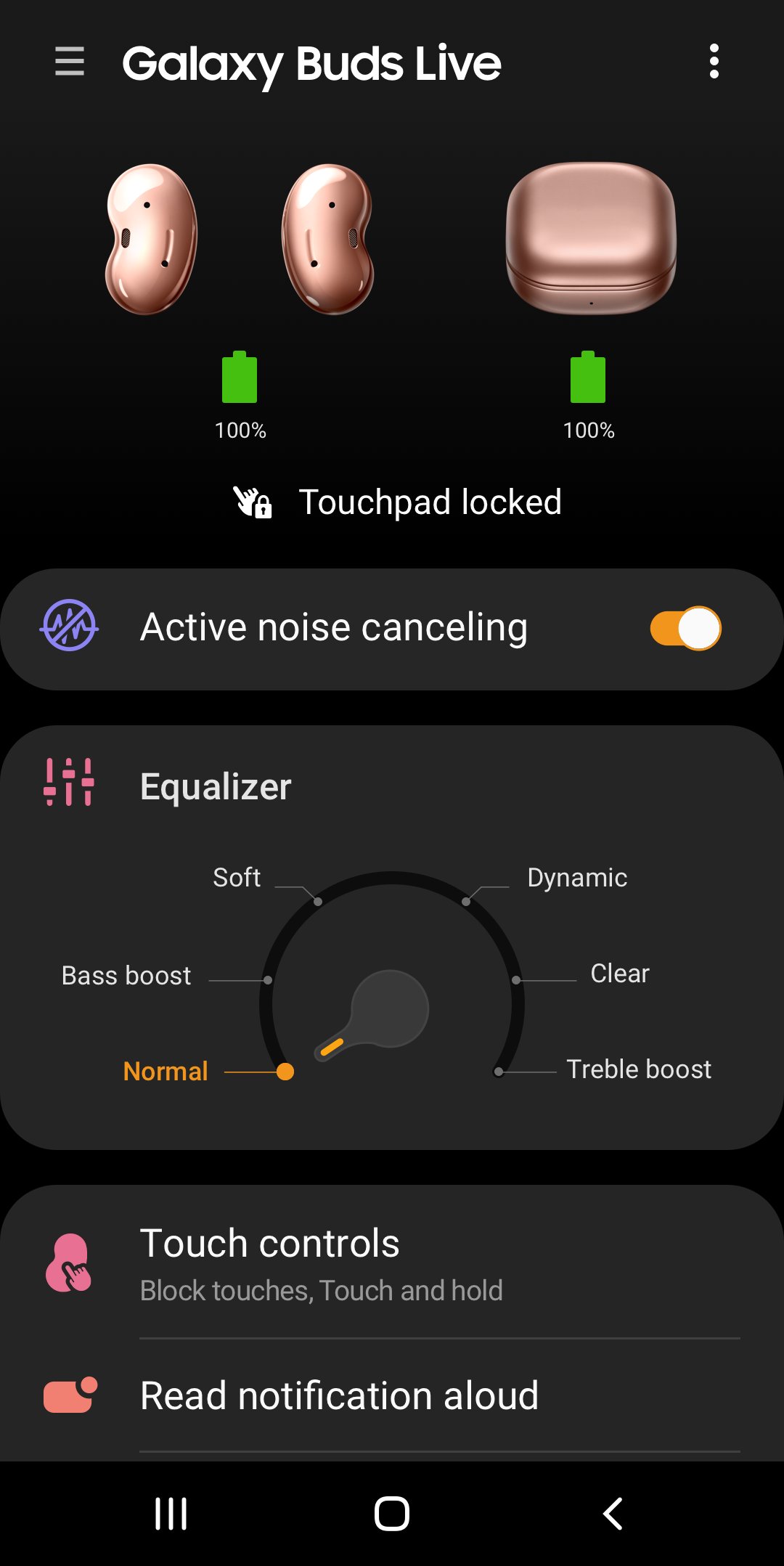
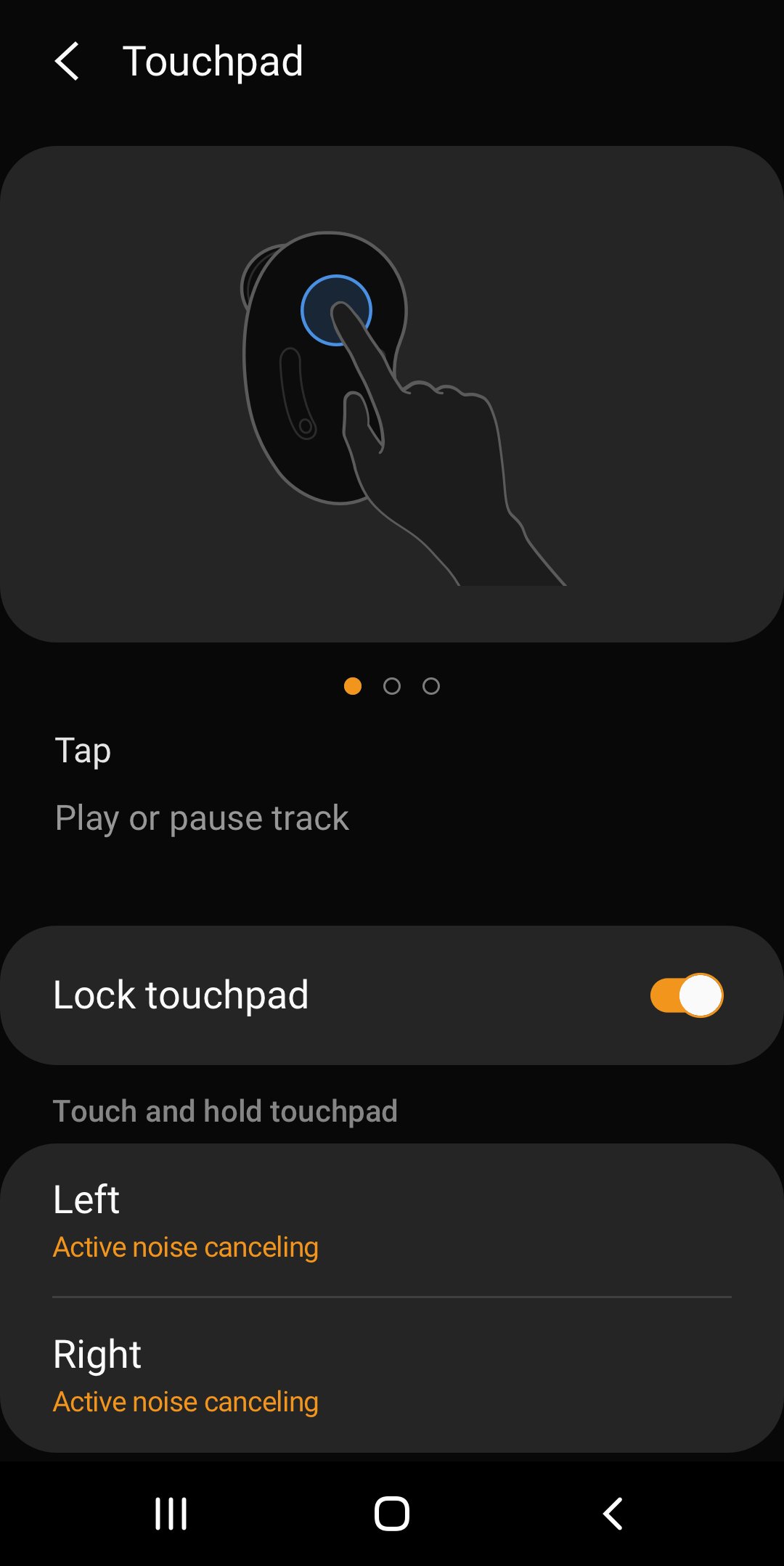
The Galaxy Buds Live Manager allows you to use features such as device settings and status view when connected to a Galaxy Buds Live device.
This application does not work alone because this is a component of the Galaxy Wearable application.
The Galaxy Wearable application has to be installed first for the Galaxy Buds Live Manager application to operate normally.
※ Please allow the permissions of the Galaxy Buds Live Manager in Android Settings to use all the features in Android 6.0 or later.
Settings > Applications > Galaxy Buds Live Manager > Permissions
※ Access rights information
The following permissions are required for the app service. For optional permissions, the default functionality of the service is turned on, but not allowed.
[Required Permissions]
- Notifications : Purpose for confirming voice notification function
- Contacts : Purpose for confirming Contacts information for voice notification function
- Phone : Purpose for confirming Contacts information for voice notification function
- Calendar : Purpose for checking Calendar information for using voice notification function
- Call logs : Purpose for confirming Call logs information for voice notification function
- Nearby devices : Purpose for confirming to search Buds Devices
- SMS: Purpose for confirming SMS contents for voice notification
[Optional Permissions]
-None
If your system software version is lower than Android 6.0, please update the software to configure App permissions.
Previously allowed permissions can be reset on Apps menu in device settings after software update.
Preview
Tags
ToolsInformation
Developer
Samsung Electronics Co., Ltd.
Latest Version
6.0.25110651
Last Updated
2025-11-18
Category
Tools
Available on
Google Play
Show More
How to play Galaxy Buds Live Manager with GameLoop on PC
1. Download GameLoop from the official website, then run the exe file to install GameLoop
2. Open GameLoop and search for “Galaxy Buds Live Manager” , find Galaxy Buds Live Manager in the search results and click “Install”
3. Enjoy playing Galaxy Buds Live Manager on GameLoop
Minimum requirements
OS
Windows 8.1 64-bit or Windows 10 64-bit
GPU
GTX 1050
CPU
i3-8300
Memory
8GB RAM
Storage
1GB available space
Recommended requirements
OS
Windows 8.1 64-bit or Windows 10 64-bit
GPU
GTX 1050
CPU
i3-9320
Memory
16GB RAM
Storage
1GB available space