PDFtoIMG: PDF to JPG Converter PC
Futuretech Apps
Download PDFtoIMG: PDF to JPG Converter on PC With GameLoop Emulator
PDFtoIMG: PDF to JPG Converter on PC
PDFtoIMG: PDF to JPG Converter, coming from the developer Futuretech Apps, is running on Android systerm in the past.
Now, You can play PDFtoIMG: PDF to JPG Converter on PC with GameLoop smoothly.
Download it in the GameLoop library or search results. No more eyeing the battery or frustrating calls at the wrong time any more.
Just enjoy PDFtoIMG: PDF to JPG Converter PC on the large screen for free!
PDFtoIMG: PDF to JPG Converter Introduction
📄 PDFtoIMG: PDF to JPG Converter
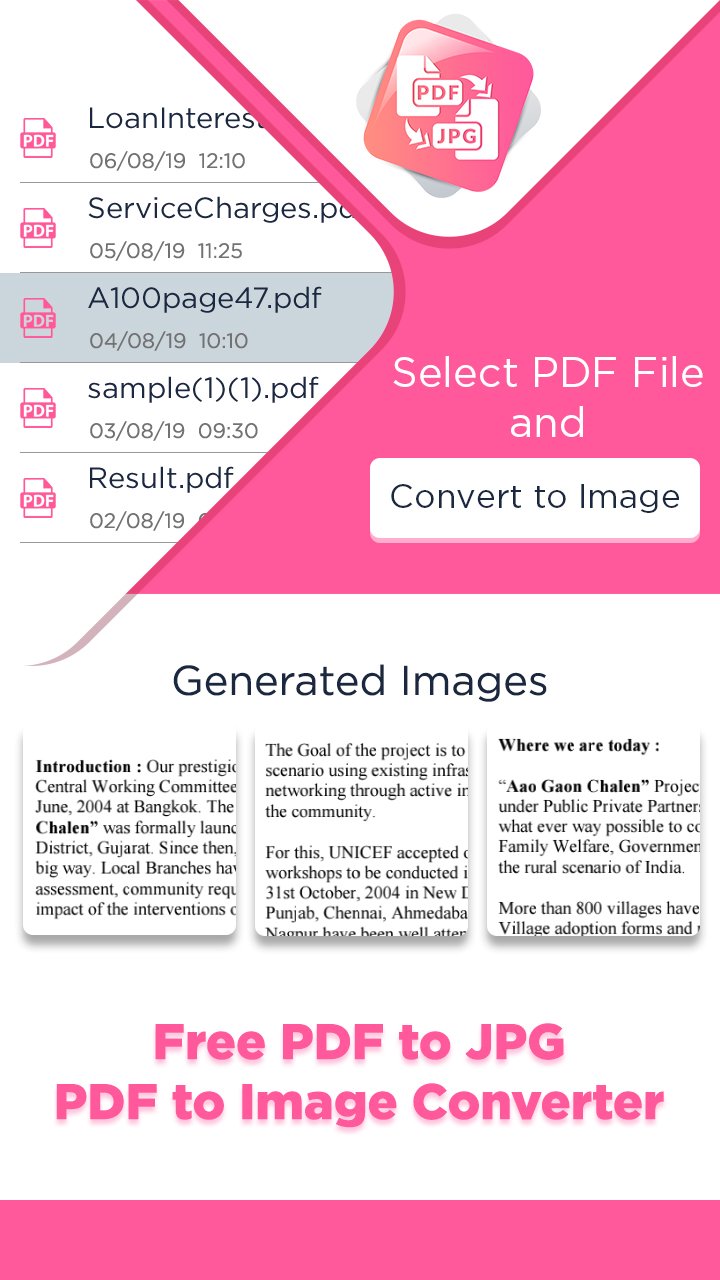
PDFtoIMG: PDF to JPG Converter is your ultimate tool to convert PDF files into high-quality images (JPG & PNG) in seconds. Whether you’re a student, professional, or frequent PDF user, this fast, lightweight, and easy-to-use PDF to Image converter helps you get results instantly — no internet required, no ads, no registration!
Easily convert all pages of a PDF to images or extract embedded images from PDF files — all in just a few taps. Enjoy batch conversion, HD output, custom image quality, and powerful file management tools, making this one of the best PDF utility apps of 2025.
🔥 Key Features of PDFtoIMG:
✅ PDF to JPG & PNG Converter – Quickly convert entire PDF documents to image formats.
🖼️ Extract Images from PDF – Pull out embedded images in original quality.
📂 Batch Conversion – Convert multiple PDFs to images at once.
⚡ Fast & Offline – Works without internet. Superfast image generation.
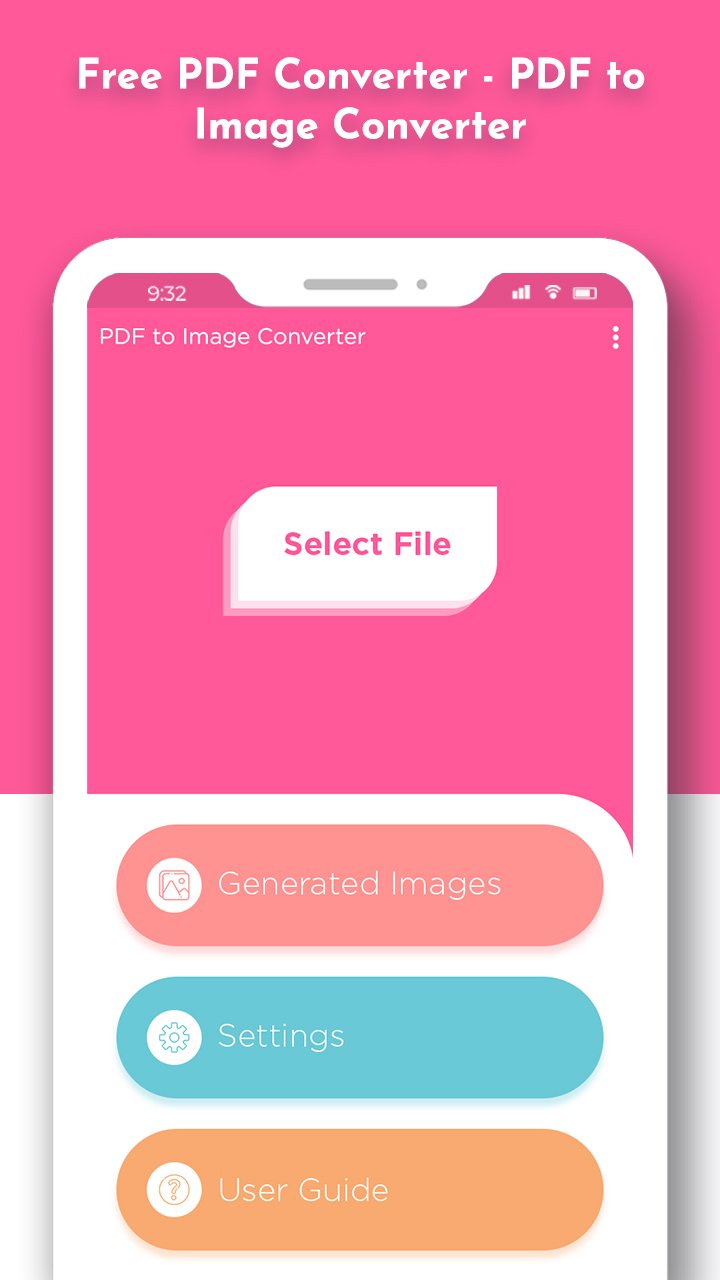
🔍 Built-in PDF Viewer – Preview before converting any document.
🎯 Custom Image Quality – Select desired output quality from 10% to 100%.
🗃️ Smart File Manager – Easily organize, delete, or share converted images.
🔒 Secure & Private – All conversions are done on your device. No uploads.
🌐 Multi-language Support – Accessible to users worldwide.
🎯 Why Choose PDFtoIMG?
Perfect for corporate use, students, freelancers, and daily productivity.
No watermarks, no file size limits.
Works on low-end phones smoothly.
Clean and intuitive UI/UX design for all age groups.
Convert PDF to Image without registration or sign-up.
💼 Ideal for:
Sharing slides, infographics, or book pages as JPG/PNG
Archiving documents as images
Printing documents in image format
Extracting and reusing PDF content
Download PDFtoIMG: PDF to JPG Converter today and enjoy the best offline PDF to Image converter app of 2025 — simple, fast, and completely free!
Preview
Tags
ToolsInformation
Developer
Futuretech Apps
Latest Version
1.16
Last Updated
2026-02-10
Category
Tools
Available on
Google Play
Show More
How to play PDFtoIMG: PDF to JPG Converter with GameLoop on PC
1. Download GameLoop from the official website, then run the exe file to install GameLoop
2. Open GameLoop and search for “PDFtoIMG: PDF to JPG Converter” , find PDFtoIMG: PDF to JPG Converter in the search results and click “Install”
3. Enjoy playing PDFtoIMG: PDF to JPG Converter on GameLoop
Minimum requirements
OS
Windows 8.1 64-bit or Windows 10 64-bit
GPU
GTX 1050
CPU
i3-8300
Memory
8GB RAM
Storage
1GB available space
Recommended requirements
OS
Windows 8.1 64-bit or Windows 10 64-bit
GPU
GTX 1050
CPU
i3-9320
Memory
16GB RAM
Storage
1GB available space