
Block WiFi & IP Tools PC
Futuretech Apps
Download Block WiFi & IP Tools on PC With GameLoop Emulator
Block WiFi & IP Tools on PC
Block WiFi & IP Tools, coming from the developer Futuretech Apps, is running on Android systerm in the past.
Now, You can play Block WiFi & IP Tools on PC with GameLoop smoothly.
Download it in the GameLoop library or search results. No more eyeing the battery or frustrating calls at the wrong time any more.
Just enjoy Block WiFi & IP Tools PC on the large screen for free!
Block WiFi & IP Tools Introduction
Block WiFi & IP Tools – Network Scanner & WiFi Blocker
Block WiFi & IP Tools is a powerful WiFi analyzer and IP toolkit that helps you monitor, manage, and protect your home WiFi network in real-time. Discover all connected devices, block unknown users, boost network performance, and secure your internet from intruders — all from your mobile device.
Whether you're dealing with slow internet or suspicious devices, Block WiFi & IP Tools gives you full control over your WiFi network with advanced features like device scanner, IP tools, port scanning, and router admin access.
🔐 Key Features:
✅ WiFi Device Scanner
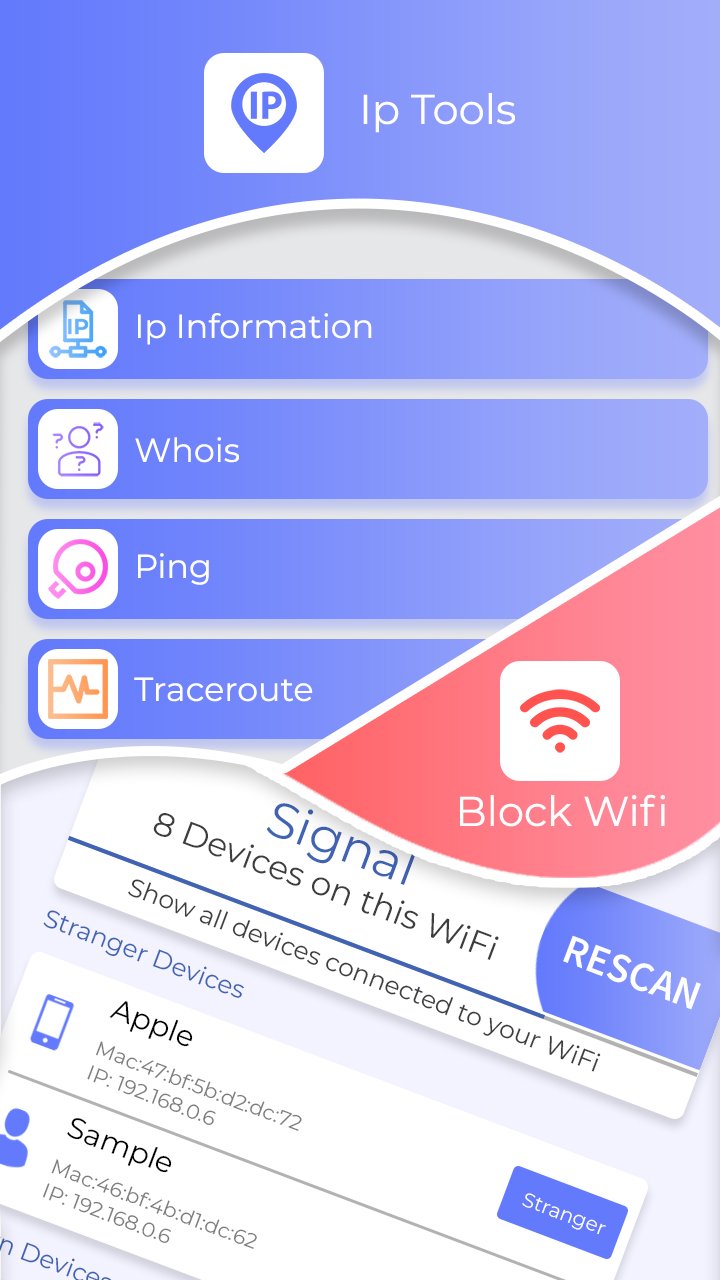
Detect all devices connected to your WiFi. View full device info: IP address, MAC address, device name, manufacturer, and more.
✅ Block Unknown Devices
Instantly block suspicious or unknown users accessing your WiFi. Keep your internet fast and secure.
✅ Network Monitoring Tools
Use smart utilities like Ping, Traceroute, DNS Lookup, and Whois to diagnose and fix network issues quickly.
✅ WiFi Signal Strength Meter
Check real-time signal strength (0–100%) to find the best spots for fast connectivity.
✅ IP Tools & Network Analyzer
Comprehensive IP address info including: internal/external IP, DNS, gateway, server location (latitude-longitude), and SSID details.
✅ Advanced Port Scanner
Scan open ports on connected devices (range 0–65535). Improve security by identifying vulnerable entry points.
✅ Router Admin Setup
Easy access to router settings via IP (192.168.1.1). Manage router admin tools and update WiFi passwords directly.
✅ LAN Scanner & WiFi Explorer
Explore your local network, scan hosts, and get detailed insights on all connected devices.
✅ Who is on My WiFi?
Know who’s using your WiFi in real-time. Kick out strangers with one tap.
✅ Fast & Simple Interface
User-friendly, lightweight, and optimized for performance. Works with most routers and ISPs.
🔍 Perfect for:
Home WiFi security
Office & public WiFi monitoring
Boosting internet speed & performance
Detecting bandwidth thieves
Managing smart home networks
Troubleshooting network issues
🔧 Be the Admin of Your Own Network!
With Block WiFi & IP Tools, you get the best-in-class WiFi blocker, signal meter, network scanner, and IP address manager—all in one free app.
🛡️ Take control. Stay protected. Download now and stop WiFi leeches today!
Preview
Tags
ToolsInformation
Developer
Futuretech Apps
Latest Version
1.6
Last Updated
2025-10-30
Category
Tools
Available on
Google Play
Show More
How to play Block WiFi & IP Tools with GameLoop on PC
1. Download GameLoop from the official website, then run the exe file to install GameLoop
2. Open GameLoop and search for “Block WiFi & IP Tools” , find Block WiFi & IP Tools in the search results and click “Install”
3. Enjoy playing Block WiFi & IP Tools on GameLoop
Minimum requirements
OS
Windows 8.1 64-bit or Windows 10 64-bit
GPU
GTX 1050
CPU
i3-8300
Memory
8GB RAM
Storage
1GB available space
Recommended requirements
OS
Windows 8.1 64-bit or Windows 10 64-bit
GPU
GTX 1050
CPU
i3-9320
Memory
16GB RAM
Storage
1GB available space