Find my Missing Smart Watch PC
keytools inc
Download Find my Missing Smart Watch on PC With GameLoop Emulator
Find my Missing Smart Watch on PC
Find my Missing Smart Watch, coming from the developer keytools inc, is running on Android systerm in the past.
Now, You can play Find my Missing Smart Watch on PC with GameLoop smoothly.
Download it in the GameLoop library or search results. No more eyeing the battery or frustrating calls at the wrong time any more.
Just enjoy Find my Missing Smart Watch PC on the large screen for free!
Find my Missing Smart Watch Introduction
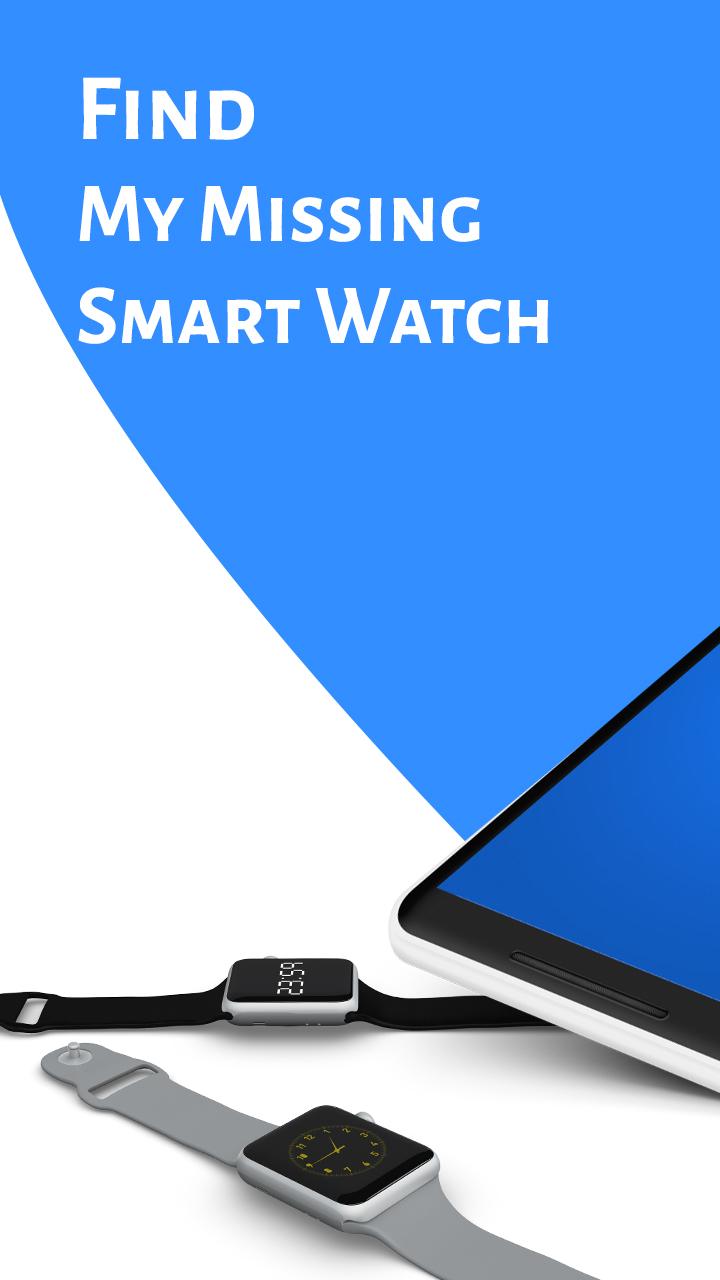
Misplaced your smartwatch? Not able to locate your smartwatch? Get your smartwatch by Find my Missing Smartwatch app.
Find my Missing Smartwatch application allows establishing a Bluetooth connection between android device and android smartwatch.
⌚️ Steps to Find Lost Smartwatch ⌚️
1. Turn On Bluetooth device.
2. Scan the Bluetooth device.
3. You will get the available Bluetooth device list and select the Bluetooth.
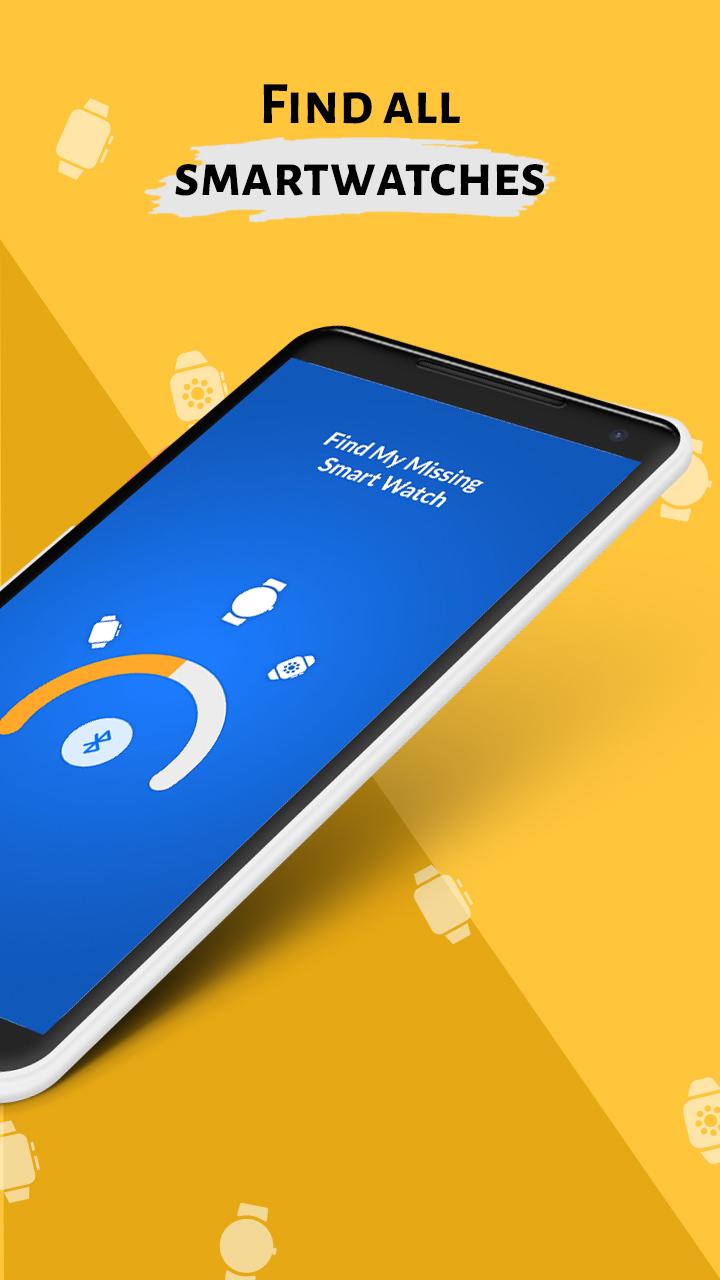
4. App will show the distance of the watch near you.
5. If you found the device then click on 'Got the device'.
Features of Find my Smartwatch:
- Easy and simple app.
- Scan available Bluetooth devices and find your lost devices.
- View history of find devices.
- Get your Bluetooth info from app.
- Shows list of paired Bluetooth device.
- 100% offline app.
- small size app.
Download the Find my Missing Smartwatch app and get your lost smartwatch…!!!
Note:-
This app requires access to Bluetooth. The phone and smartwatch must be equipped with Bluetooth. Before using this app, make sure that your phone and Bluetooth device are connected. We have neither partnered nor affiliated with any of the above-mentioned companies. You can also drop us a mail if you have any feedback regarding this app.
Preview
Tags
ToolsInformation
Developer
keytools inc
Latest Version
1.0
Last Updated
2021-04-01
Category
Tools
Available on
Google Play
Show More
How to play Find my Missing Smart Watch with GameLoop on PC
1. Download GameLoop from the official website, then run the exe file to install GameLoop
2. Open GameLoop and search for “Find my Missing Smart Watch” , find Find my Missing Smart Watch in the search results and click “Install”
3. Enjoy playing Find my Missing Smart Watch on GameLoop
Minimum requirements
OS
Windows 8.1 64-bit or Windows 10 64-bit
GPU
GTX 1050
CPU
i3-8300
Memory
8GB RAM
Storage
1GB available space
Recommended requirements
OS
Windows 8.1 64-bit or Windows 10 64-bit
GPU
GTX 1050
CPU
i3-9320
Memory
16GB RAM
Storage
1GB available space