FX Explorer: Manage your data PC
ProDev+
Download FX Explorer: Manage your data on PC With GameLoop Emulator
FX Explorer: Manage your data on PC
FX Explorer: Manage your data, coming from the developer ProDev+, is running on Android systerm in the past.
Now, You can play FX Explorer: Manage your data on PC with GameLoop smoothly.
Download it in the GameLoop library or search results. No more eyeing the battery or frustrating calls at the wrong time any more.
Just enjoy FX Explorer: Manage your data PC on the large screen for free!
FX Explorer: Manage your data Introduction
This File Explorer allows you to manage your files as quickly and easily as on your computer.
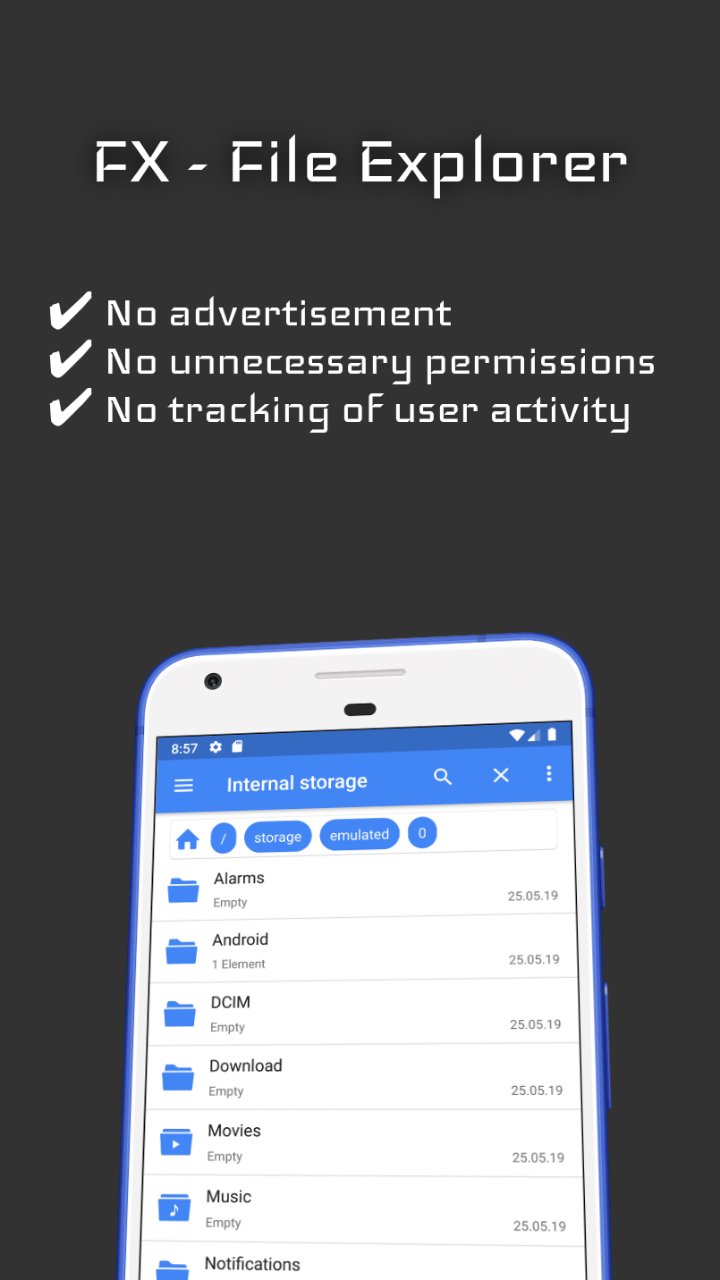
✔ No advertisement
✔ No unnecessary permissions
✔ No tracking of user activity
Features:
• Use multiple pages
• Navigate folders
• Search folders
• Open every file type
• Open and extract archive files
(.zip / .apk / .rar)
• Share every file type
• Send files to other devices on the same network
• Use the private storage to keep files protected from any other app
• Copy / Cut files from multiple pages at once
• Delete files
• Batch rename files
• See important file properties
• Manage your SD-Card
• Manage connected USB- / OTG-Devices
• Sort every folder individually (or all at once)
• Customize the explorer's startup pages
• Customize the file / folder layout
(Details, List or Grid layout)
• Customize the side menu behavior
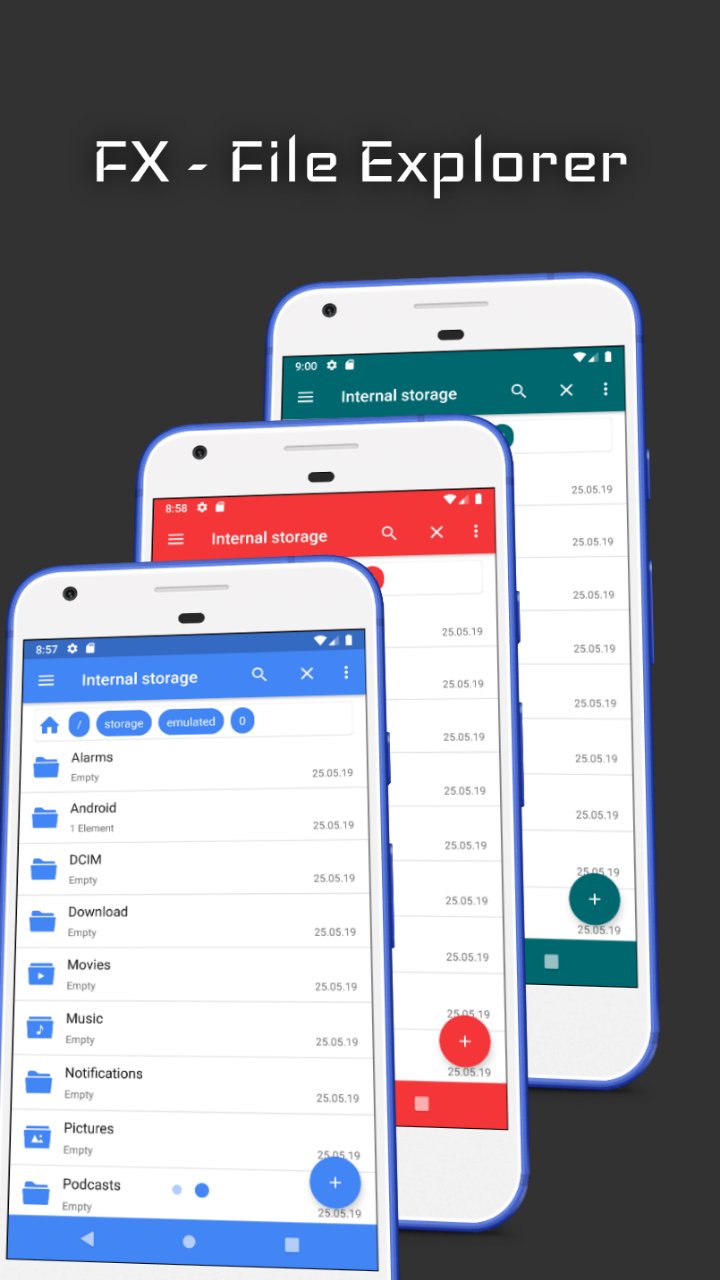
• Use Light or Dark theme
• Recolor the entire file explorer
• Create favourites on the home screen
• Create shortcuts in the launcher
• Multiple language support
Tools:
• FX Select
(Select files from any app using FX Select)
• FX Save
(Save shared files from any app with FX Save)
• FX Image Viewer
(View images and gif files)
Coming soon:
• FX Video Player
• FX Music Player
• FX Text Editor
Preview
Tags
ToolsInformation
Developer
ProDev+
Latest Version
9.8.7
Last Updated
2024-08-27
Category
Tools
Available on
Google Play
Show More
How to play FX Explorer: Manage your data with GameLoop on PC
1. Download GameLoop from the official website, then run the exe file to install GameLoop
2. Open GameLoop and search for “FX Explorer: Manage your data” , find FX Explorer: Manage your data in the search results and click “Install”
3. Enjoy playing FX Explorer: Manage your data on GameLoop
Minimum requirements
OS
Windows 8.1 64-bit or Windows 10 64-bit
GPU
GTX 1050
CPU
i3-8300
Memory
8GB RAM
Storage
1GB available space
Recommended requirements
OS
Windows 8.1 64-bit or Windows 10 64-bit
GPU
GTX 1050
CPU
i3-9320
Memory
16GB RAM
Storage
1GB available space