Don't Touch My Phone : Theft A PC
Photo Tools Maker
Download Don't Touch My Phone : Theft A on PC With GameLoop Emulator
Don't Touch My Phone : Theft A on PC
Don't Touch My Phone : Theft A, coming from the developer Photo Tools Maker, is running on Android systerm in the past.
Now, You can play Don't Touch My Phone : Theft A on PC with GameLoop smoothly.
Download it in the GameLoop library or search results. No more eyeing the battery or frustrating calls at the wrong time any more.
Just enjoy Don't Touch My Phone : Theft A PC on the large screen for free!
Don't Touch My Phone : Theft A Introduction
Don't Touch My Phone : Theft Alarm
If you are worried about your phone and your personal data then no need to worry about your phone's protection any more because we made don't touch my phone also known as do not touch my phone.
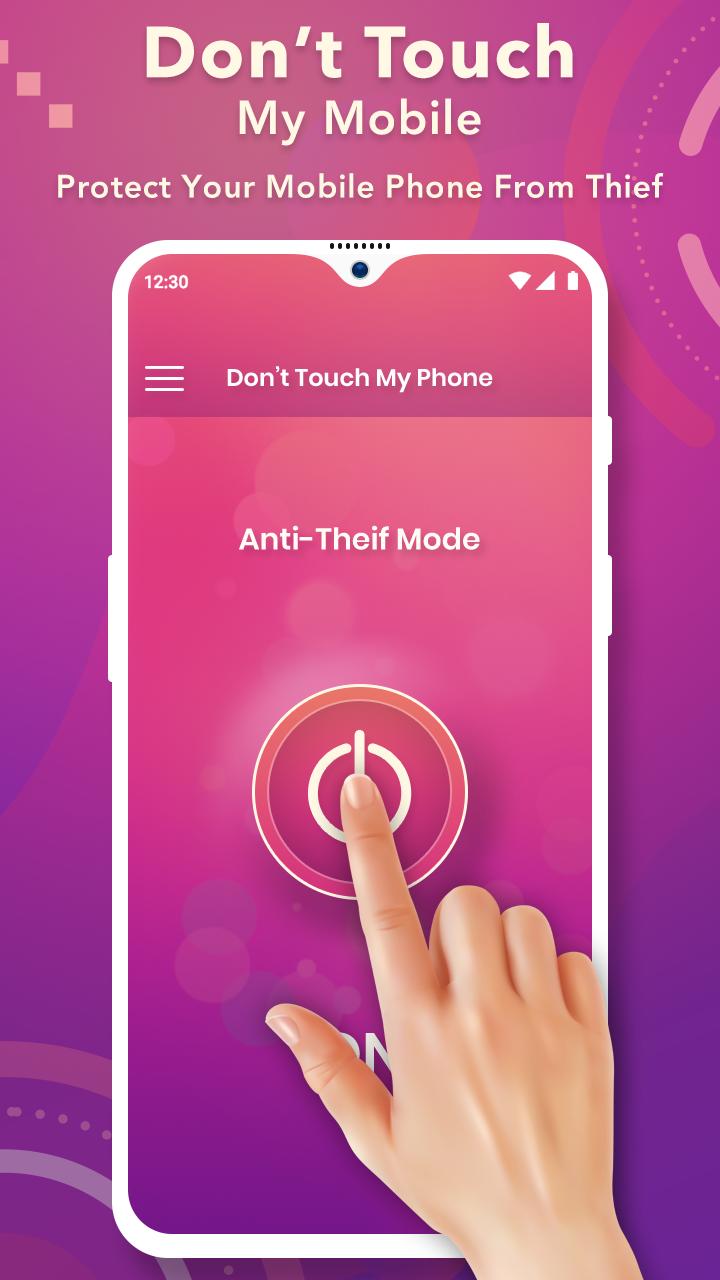
This application protect your mobile phone from theft and unknown people, who will try to open your mobile secretly without your permission. Don’t touch my phone will protect your phone by simply activating the don’t touch my smartphone activation button.
This mobile touch app works on sensor motion for alarm antifurto with sensitive touchtunes that trigga alarm and touch alarm by touching your phone. different types of alarme anti furto with touched phone is available.
Don't touch my phone alarm System is a new great anti-theft utility app. Cool and simple phone Alarm security & find my phone.
Features :
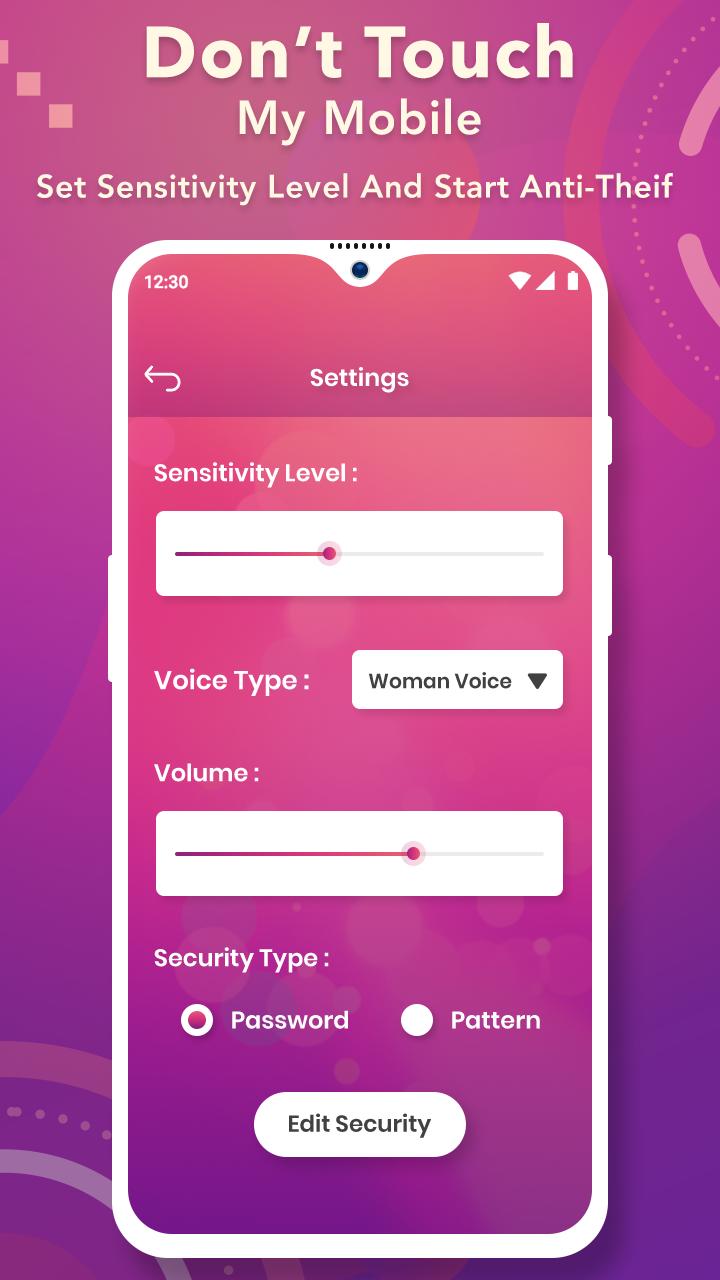
- Different types of alarm sounds.
- Time delay for alarm sound.
- Notification to stop or start the application.
- Password system to activate or deactivate anti theft alarm.
- PIN Code for super protection.
- Record and Setup your own custom alarm sound, a nosy person can not shut down.
- Background process will start immediately after clicking active button.
- Flashlights when the alarm is triggered.
- Protect your mobile security.
- Nice UI and Easy to Use.
- No need of any internet connection.
Don't touch my phone or simply do not touch my phone have functions for dont touch my phone like don't touch phone privacy and don't touch anything.
Don't touch my phone privacy app is good against thieves, kids, noisy people and its a fantastic security system. Just place your phone next to the door and have a good night sleep.
Thank you for downloading this app..!!!
Preview
Tags
ToolsInformation
Developer
Photo Tools Maker
Latest Version
1.4
Last Updated
2023-09-07
Category
Tools
Available on
Google Play
Show More
How to play Don't Touch My Phone : Theft A with GameLoop on PC
1. Download GameLoop from the official website, then run the exe file to install GameLoop
2. Open GameLoop and search for “Don't Touch My Phone : Theft A” , find Don't Touch My Phone : Theft A in the search results and click “Install”
3. Enjoy playing Don't Touch My Phone : Theft A on GameLoop
Minimum requirements
OS
Windows 8.1 64-bit or Windows 10 64-bit
GPU
GTX 1050
CPU
i3-8300
Memory
8GB RAM
Storage
1GB available space
Recommended requirements
OS
Windows 8.1 64-bit or Windows 10 64-bit
GPU
GTX 1050
CPU
i3-9320
Memory
16GB RAM
Storage
1GB available space