
Dice Dreams Daily Rewards PC
Dabhi Web
Download Dice Dreams Daily Rewards on PC With GameLoop Emulator
Dice Dreams Daily Rewards on PC
Dice Dreams Daily Rewards, coming from the developer Dabhi Web, is running on Android systerm in the past.
Now, You can play Dice Dreams Daily Rewards on PC with GameLoop smoothly.
Download it in the GameLoop library or search results. No more eyeing the battery or frustrating calls at the wrong time any more.
Just enjoy Dice Dreams Daily Rewards PC on the large screen for free!
Dice Dreams Daily Rewards Introduction
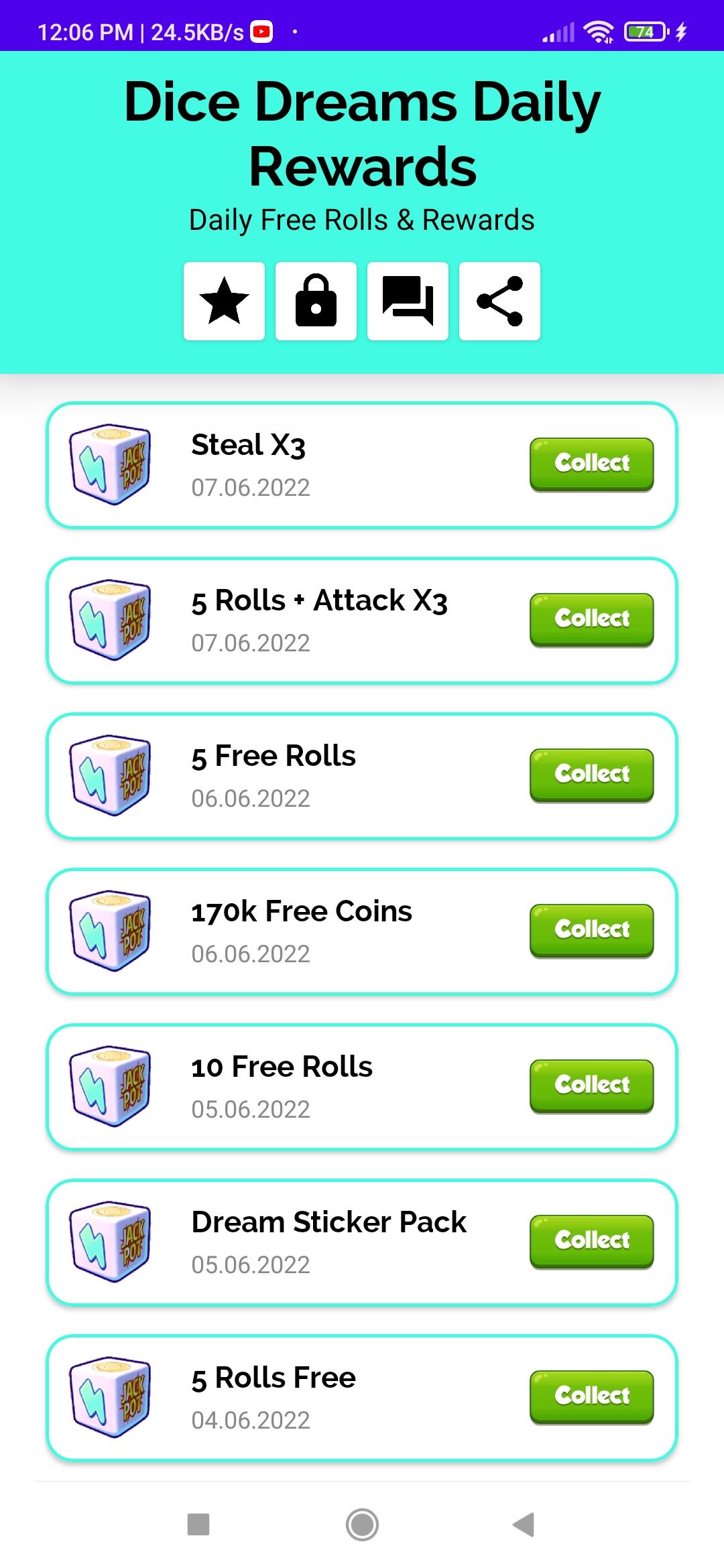
Dice Dream Daily Rewards provides daily free rolls, coins, and rewards for the Dice Dreams game. All rewards are manually checked by our team before being posted in our application. Everyone can get all the latest rolls linked in one place So no one needs to waste your time.
Features:-
• Very User-Friendly Interface
• Simple and Soft Design
• You will get a notification when the new rewards link is updated.
• Dice Dreams Daily Rewards App is supported on all Android Devices.
• Dice Dreams Daily Rewards
• Free Rolls Links Daily
• Dice Dreams Free Rolls
• Dice Dreams Rolls Rewards App
Disclaimer: -
This is not an official app in any case, we don’t claim any rights on the content added in the application. All the content presented in this application is from Dice Dreams Facebook, Instagram, Twitter, and Email. If you have any suggestions or complaints about our app, then please send us an email before reporting. We will try and make sure to remove or fix it within thirty business working days.
Notice:-
Dice Dreams Daily Rewards App is not a gambling app, we never offer real money or coins. We share only legal rewards related to Dice Dreams that help you to play games. Dice Dreams Daily Rewards is only happy and entertaining, please do not use this app for any commercial use.
Preview

Tags
ToolsInformation
Developer
Dabhi Web
Latest Version
7.4.2
Last Updated
2023-10-07
Category
Tools
Available on
Google Play
Show More
How to play Dice Dreams Daily Rewards with GameLoop on PC
1. Download GameLoop from the official website, then run the exe file to install GameLoop
2. Open GameLoop and search for “Dice Dreams Daily Rewards” , find Dice Dreams Daily Rewards in the search results and click “Install”
3. Enjoy playing Dice Dreams Daily Rewards on GameLoop
Minimum requirements
OS
Windows 8.1 64-bit or Windows 10 64-bit
GPU
GTX 1050
CPU
i3-8300
Memory
8GB RAM
Storage
1GB available space
Recommended requirements
OS
Windows 8.1 64-bit or Windows 10 64-bit
GPU
GTX 1050
CPU
i3-9320
Memory
16GB RAM
Storage
1GB available space