Control Center iOS 16 iControl PC
Pak cottage
Download Control Center iOS 16 iControl on PC With GameLoop Emulator
Control Center iOS 16 iControl on PC
Control Center iOS 16 iControl, coming from the developer Pak cottage, is running on Android systerm in the past.
Now, You can play Control Center iOS 16 iControl on PC with GameLoop smoothly.
Download it in the GameLoop library or search results. No more eyeing the battery or frustrating calls at the wrong time any more.
Just enjoy Control Center iOS 16 iControl PC on the large screen for free!
Control Center iOS 16 iControl Introduction
iOS Control Center iOS 16 iControl iOS
iControl iOS Control Center iOS 15 is a volume control app that helps you to change your mobile settings into an iOS Control center and quickly access your favorite apps with a single tab.
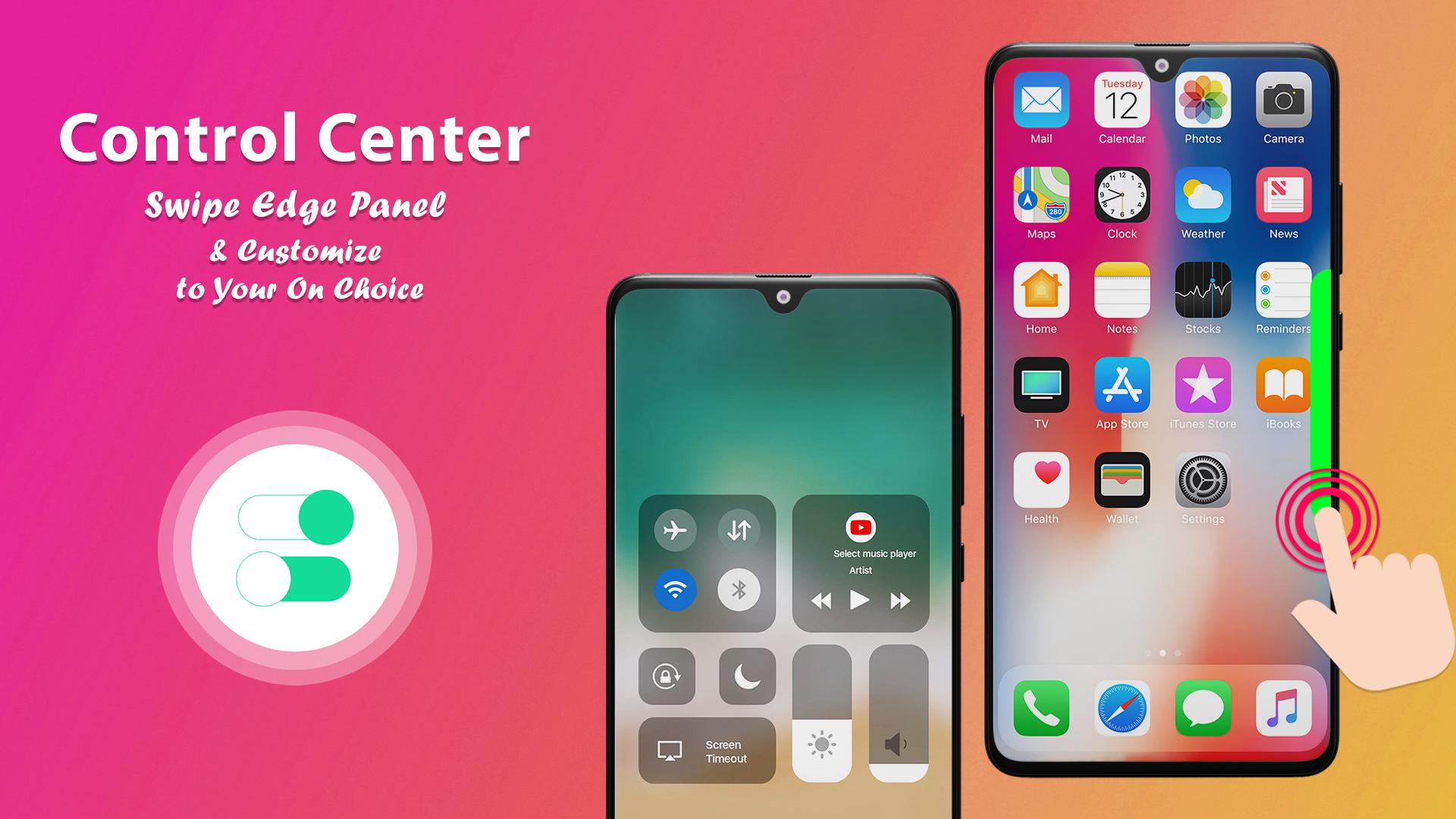
IOS 15 control center gives you instant access to the Camera, Clock, Record the screen, Screenshot, and more settings. Instant access and Swipe up, swipe down, swipe right, swipe left or tap the top of the screen.
iOS Center app gives you the experience of the iOS 15 control center in your android phone with this beautifully designed iOS 15 control center. In this volume control and iOS 15 control app, users can easily enable or disable their notifications and manage them by dragging the drop-down of the iOS control center specially designed for android phones. With the help of this control panel screen recorder app, you can customize your mobile settings and easily add and remove any functions. Control IOS penal app is to manage your app for quick access on one screen. The volume control app comes with an iOS screen recorder and an eye-catching control panel. “iOS control center-iOS Center” for Android is compatible with all android mobile phones and android tablets.
iOS 15 control center and volume controller app, Instant access to volume adjustment by swipe up and swipe down option. You can easily access your mobile calculator, alarm, LED flash, camera, etc. IOS Control panel app is a very useful app for all users with an attractive interface. IOS 15 control center app is to manage your apps for quick access on one screen. Volume control can help to save time and quick access to your mobile phone settings.
IOS Control Center for Android
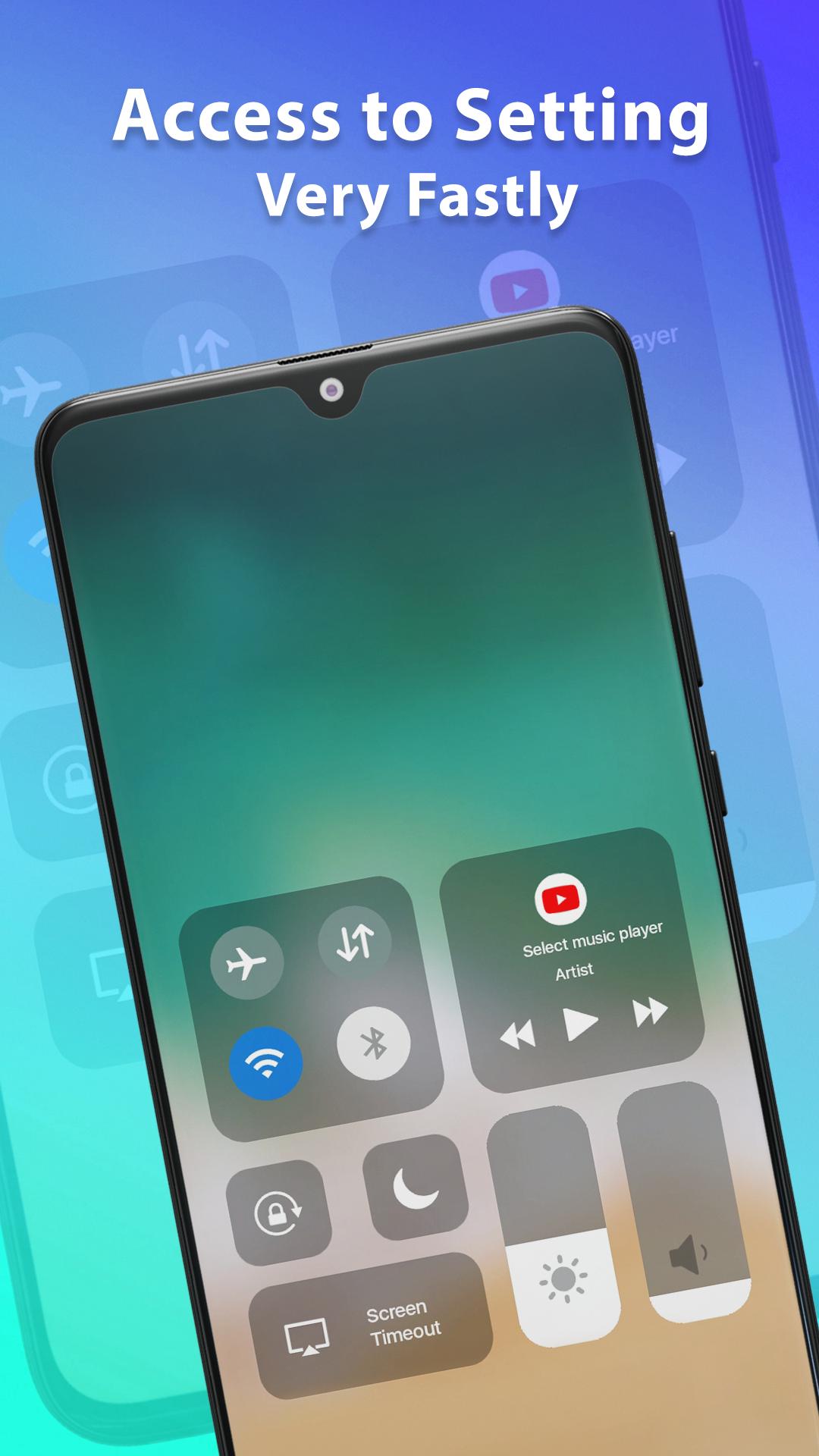
With the IOS control center, you can manage all your phone notifications with one bar of the control center. All your phone settings like WIFI connection, Bluetooth connectivity, and Lock-Screen can be accessed through the iOS volume control center. Moreover, you can control the volume of media with your IOS control center. Users can access the most frequent apps by using the swipe option of the control center and IOS volume control.
Aesthetic Media Control
This app comes with the media control option through which you can control your music volume and change your playlist. You can play your favorite songs with just one tab of the control center. In addition, using the media control center of the app, users can also play audio from their gallery media, so you don’t need to open the gallery to play a song or any other media from your internal gallery. This media control can also handle your YouTube by adjusting the volume and changing the playlist.
Sensitivity Control Center
The sensitivity control panel of the app enables you to control the whole settings of your phone with just one swipe. Users can increase the sensitivity option so that they can make the changes more quickly. These settings of the control center give you the feel of IOS in your android phone. You can turn on the night mode sensitivity so that the mobile brightness will be automatically adjusted.
Customizable Screen Control
This control center app is customizable and you can make your personalized settings using it. The personalized settings can only be changed by the phone user, so it gives you a personal touch to your phone. The customizable option is unique, you can add your most frequently used apps to the shortcut so they can be accessed easily, without any hassle.
Unique Features of “iOS Control Panel – iOS Center”
Ios Control Panel app is providing the best volume Control features. If you have a question that why should you download this “Ios Control Panel – ios Center” app then your answers are following:
• IOS Control Center manages all your phone notifications.
• Quickly add and remove functions with Screen Control
• One click to get your mobile calculator, alarm, LED flash, camera, etc.
b>IF YOU LIKE THIS IOS Control panel-IOS center APP THEN SHARE IT WITH OTHER
Preview
Tags
ToolsPersonalizationInformation
Developer
Pak cottage
Latest Version
1.0.7
Last Updated
2022-12-13
Category
Tools
Available on
Google Play
Show More
How to play Control Center iOS 16 iControl with GameLoop on PC
1. Download GameLoop from the official website, then run the exe file to install GameLoop
2. Open GameLoop and search for “Control Center iOS 16 iControl” , find Control Center iOS 16 iControl in the search results and click “Install”
3. Enjoy playing Control Center iOS 16 iControl on GameLoop
Minimum requirements
OS
Windows 8.1 64-bit or Windows 10 64-bit
GPU
GTX 1050
CPU
i3-8300
Memory
8GB RAM
Storage
1GB available space
Recommended requirements
OS
Windows 8.1 64-bit or Windows 10 64-bit
GPU
GTX 1050
CPU
i3-9320
Memory
16GB RAM
Storage
1GB available space