Assistive Touch for Android PC
Pak cottage
Download Assistive Touch for Android on PC With GameLoop Emulator
Assistive Touch for Android on PC
Assistive Touch for Android, coming from the developer Pak cottage, is running on Android systerm in the past.
Now, You can play Assistive Touch for Android on PC with GameLoop smoothly.
Download it in the GameLoop library or search results. No more eyeing the battery or frustrating calls at the wrong time any more.
Just enjoy Assistive Touch for Android PC on the large screen for free!
Assistive Touch for Android Introduction
Assistive Touch for Android
Assistive Touch iOS 15 Bubble
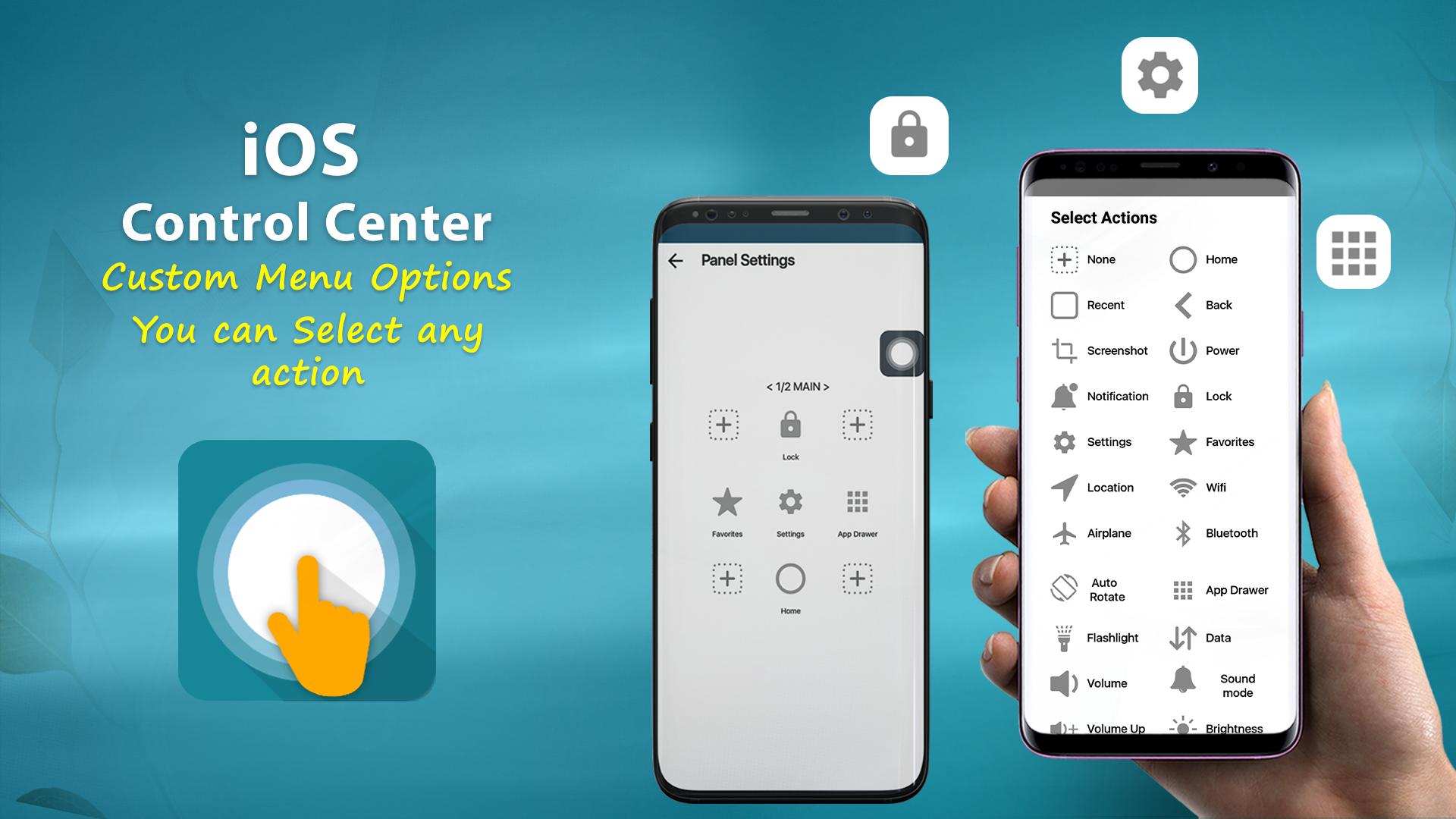
Virtual Home button, easy touch to lock screen and open recent task
- Virtual Volume button, quick touch to change volume and change sound mode
- Virtual Back button
- Clean ram, boost speed, one tap ram booster.
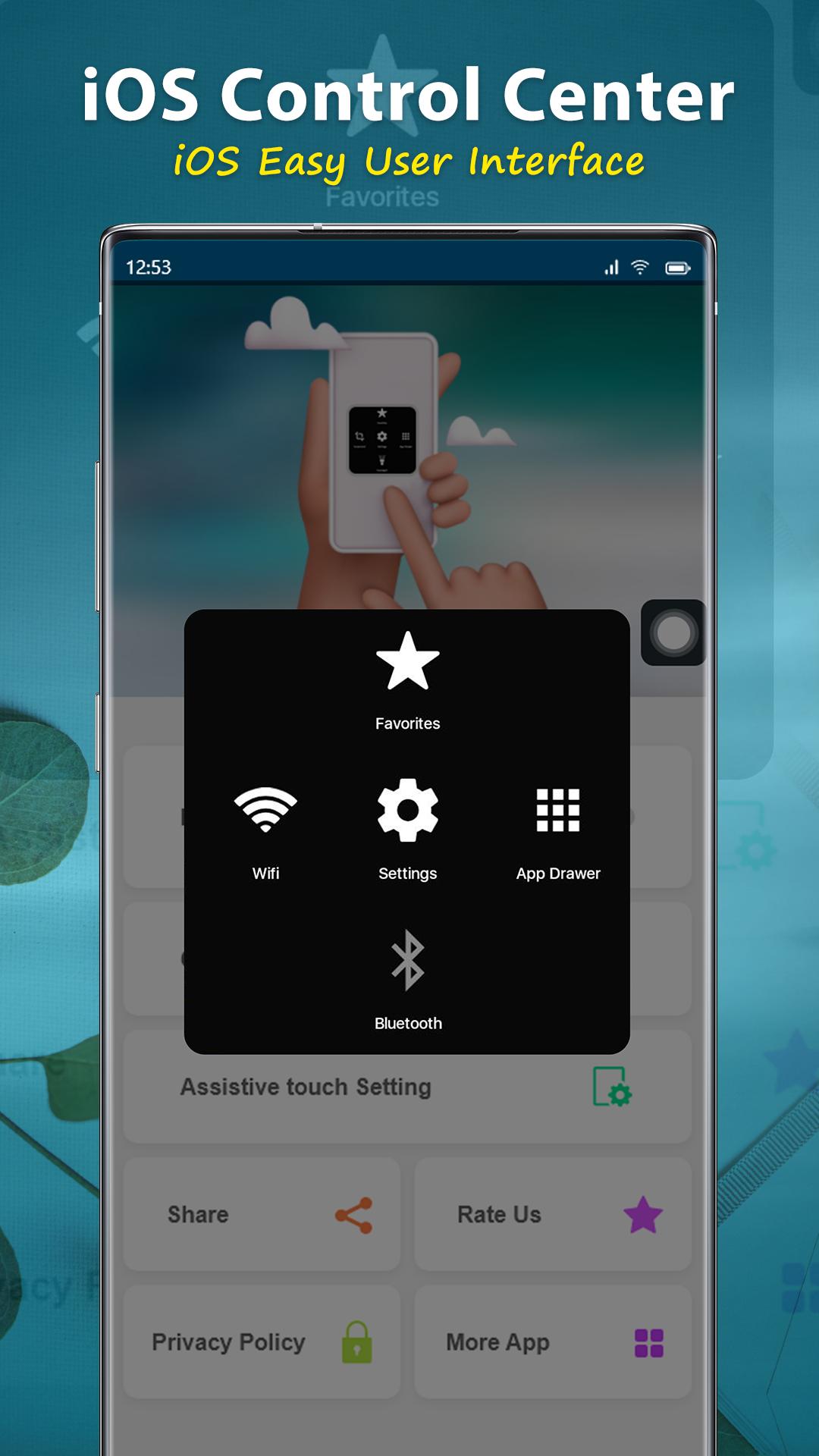
- Easy touch to open your favorite application
- Go to all setting very quick with a touch
NOTE: DON'T REPORT BUGS, SUGGESTION NEW FEATURES VIA COMMENT AND RATE. PLEASE REQUEST BUG FIX AND IMPLEMENT NEW FEATURES VIA EMAIL: pakcottage@gmail.com
Permission Declarations for Assistive Touch:
+ CAMERA: to turn on Flashlight, not take a photo.
+ READ/WRITE_EXTERNAL_STORAGE: To download and save icon for Assistive Touch.
+ DRAW OVER SCREEN: To show Assistive Touch in over all apps.
+ BIND_ACCESSIBILITY_SERVICE: To allow apps to draw in HOME SCREEN. App does not use the permission for any other purpose. The application is only allowed to use this permission with the consent of the user.
- We never publicly disclose any personal or sensitive user data related to financial or payment activities or any government identification numbers, photos and contacts, etc.
This app uses Accessibility services.
Let install and enjoy ^^
Thank for your support
Preview
Tags
ToolsPersonalizationInformation
Developer
Pak cottage
Latest Version
1.1.3
Last Updated
2022-12-13
Category
Tools
Available on
Google Play
Show More
How to play Assistive Touch for Android with GameLoop on PC
1. Download GameLoop from the official website, then run the exe file to install GameLoop
2. Open GameLoop and search for “Assistive Touch for Android” , find Assistive Touch for Android in the search results and click “Install”
3. Enjoy playing Assistive Touch for Android on GameLoop
Minimum requirements
OS
Windows 8.1 64-bit or Windows 10 64-bit
GPU
GTX 1050
CPU
i3-8300
Memory
8GB RAM
Storage
1GB available space
Recommended requirements
OS
Windows 8.1 64-bit or Windows 10 64-bit
GPU
GTX 1050
CPU
i3-9320
Memory
16GB RAM
Storage
1GB available space