
Zendure PC
Zendure
Download Zendure on PC With GameLoop Emulator
Zendure on PC
Zendure, coming from the developer Zendure, is running on Android systerm in the past.
Now, You can play Zendure on PC with GameLoop smoothly.
Download it in the GameLoop library or search results. No more eyeing the battery or frustrating calls at the wrong time any more.
Just enjoy Zendure PC on the large screen for free!
Zendure Introduction
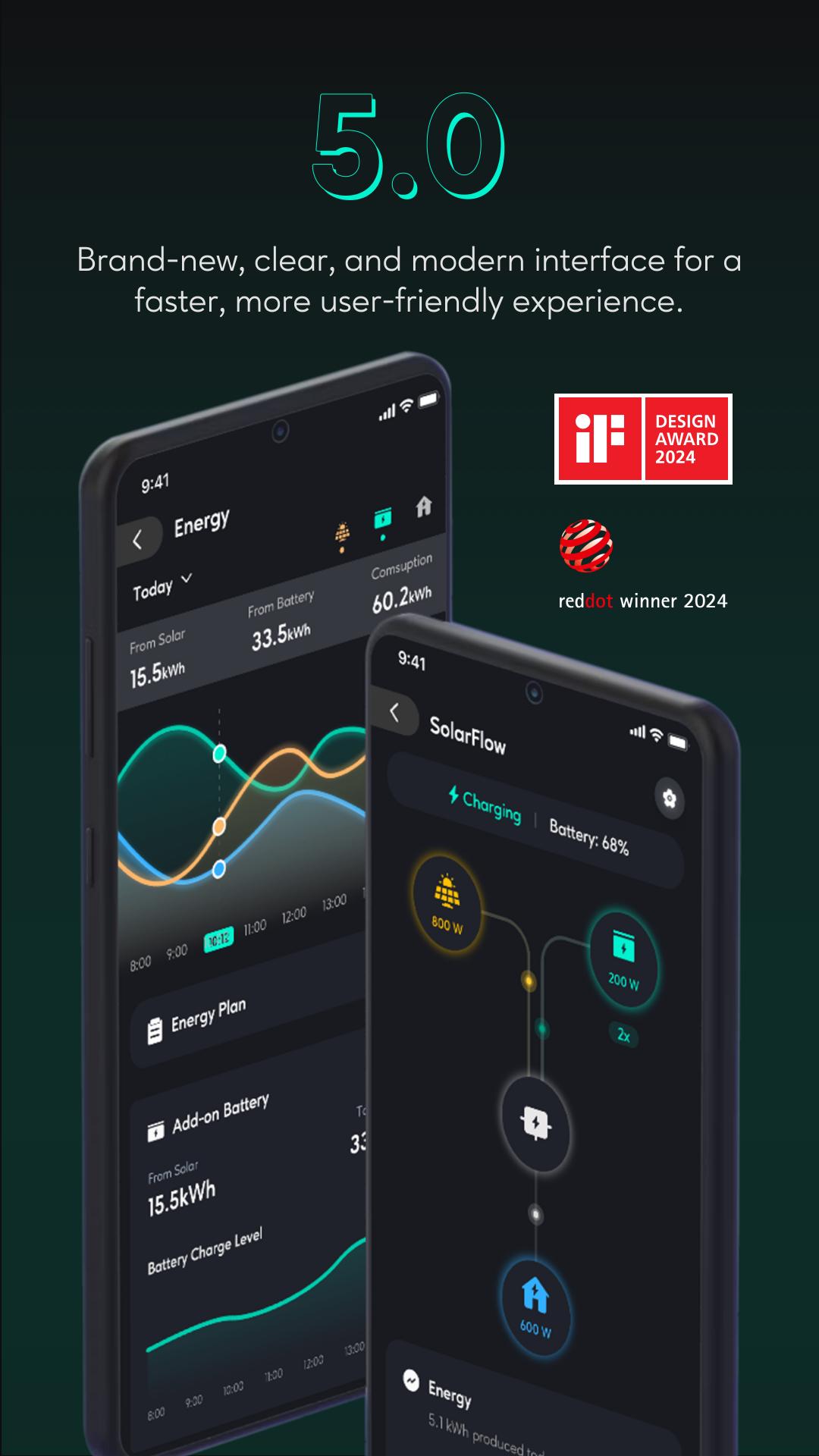
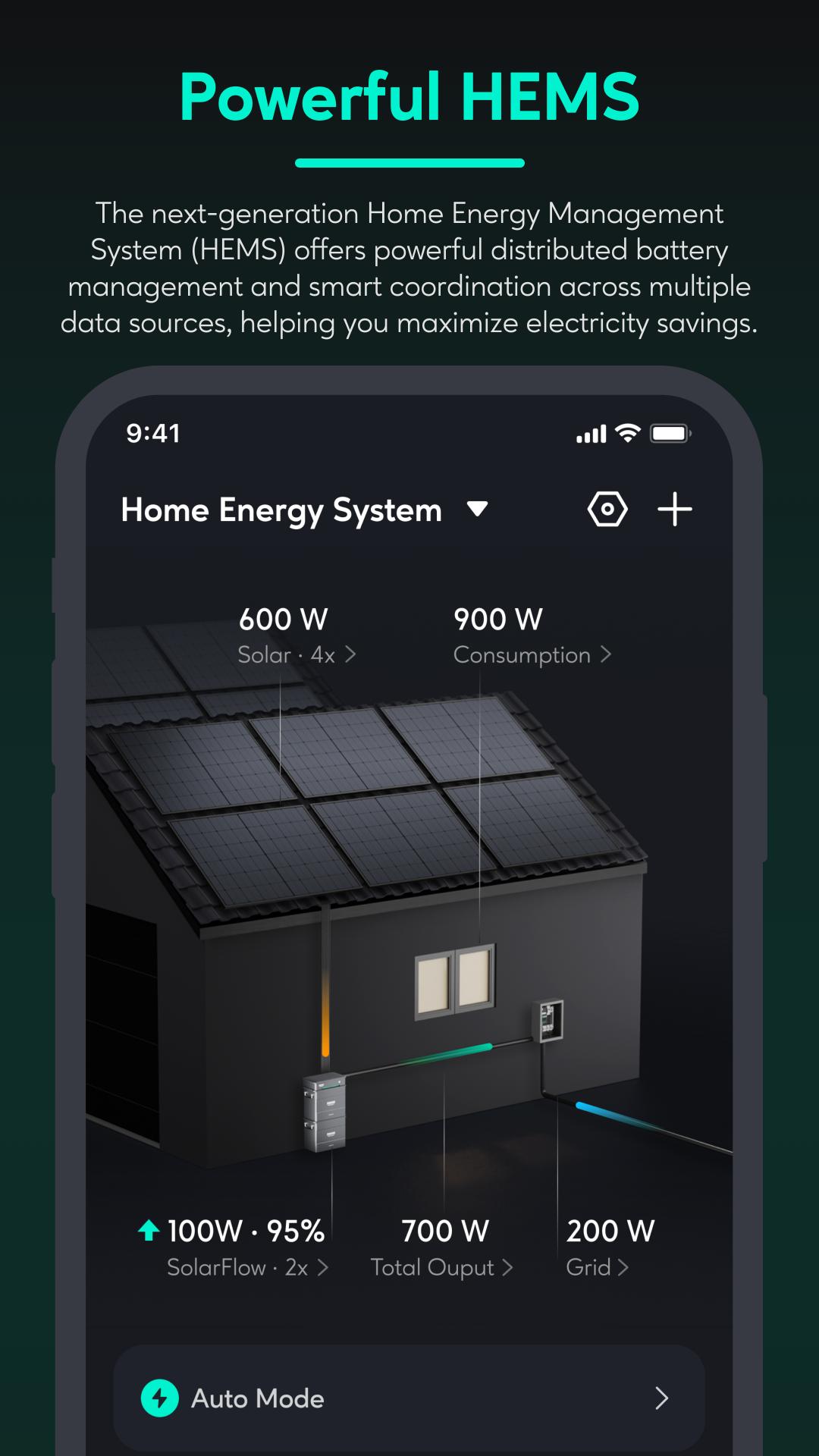
Zendure App is a home energy management application. With the Zendure App, you can easily and quickly control and manage Zendure smart devices, analyze historical data to make informed decisions, share your product usage experiences in the community, and purchase high-quality Zendure products from the store.
1. Add and Control Devices: Add your Zendure smart devices via Bluetooth and Wi-Fi, allowing you to control them and view historical data anytime, anywhere;
2. Smart Power Plan: Use AI and automation control features to achieve optimal power storage and usage strategies, automatically matching your home's power needs in real time.
3. Historical Data Analysis: The Zendure App offers rich historical data chart functions, enabling you to easily analyze the relationships between solar power, the grid, batteries, and home consumption over different periods to make more informed deployments and decisions;
4. Community: In the Zendure community, you can see stories shared by others about their product usage, and you can also share your experiences and discuss with others.
5. Store: In the store, you can browse and purchase the full range of Zendure ecosystem products. Get the latest information on new Zendure products and be the first to receive product purchase discounts.
Enjoy your Zendure smart journey, Get SuperCharged now!
Preview
Tags
ToolsInformation
Developer
Zendure
Latest Version
5.9.0
Last Updated
2025-08-31
Category
Tools
Available on
Google Play
Show More
How to play Zendure with GameLoop on PC
1. Download GameLoop from the official website, then run the exe file to install GameLoop
2. Open GameLoop and search for “Zendure” , find Zendure in the search results and click “Install”
3. Enjoy playing Zendure on GameLoop
Minimum requirements
OS
Windows 8.1 64-bit or Windows 10 64-bit
GPU
GTX 1050
CPU
i3-8300
Memory
8GB RAM
Storage
1GB available space
Recommended requirements
OS
Windows 8.1 64-bit or Windows 10 64-bit
GPU
GTX 1050
CPU
i3-9320
Memory
16GB RAM
Storage
1GB available space