
Mago PC
Kinski tech
Download Mago on PC With GameLoop Emulator
Mago on PC
Mago, coming from the developer Kinski tech, is running on Android systerm in the past.
Now, You can play Mago on PC with GameLoop smoothly.
Download it in the GameLoop library or search results. No more eyeing the battery or frustrating calls at the wrong time any more.
Just enjoy Mago PC on the large screen for free!
Mago Introduction
Mago is the app created and used by true household moving professionals. Our platform connects industry insiders professionally and socially. Mago isn’t just a booking app but rather a complete organizational tool used by both drivers , labor crews and eventually operations dispatch.
Key features include:
•crew search filtered by area, certification, ratings, and crew size.
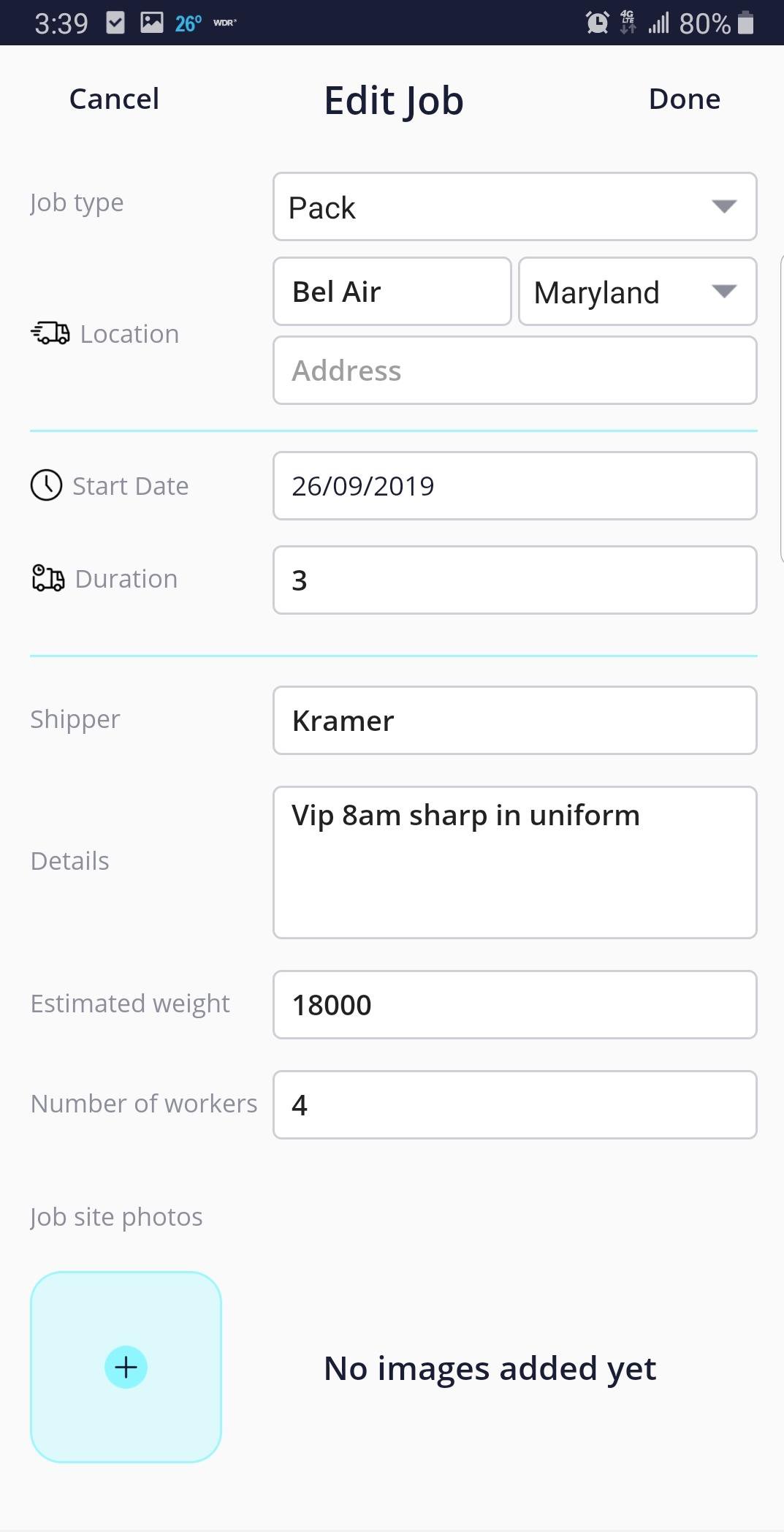
•live job editing with notifications
•calendar for each user that syncs job details Info for driver, crew leader and crew members assigned.
•transparency giving drivers a glimpse of assigned members of the crew they choose
•live messaging keeping everyone in tuned as jobs and events constantly evolve
•truck stop, the social platform that crews, drivers, and industry personnel can post or comment on industry topics or promote and advertise their services.
Created by a team with 100 years of combined experience, Mago cuts to core of every need our modern movers need and want.
Features Coming Soon:
•”pay your Crew” having the capability to pay crews right through mago will allow our pro’s to cut down on time searching for banks or carrying cash.
•”crew page” allowing crews to have 1 centralized page to dispatch, coordinate, and advertise.
•”interactive map” that drivers can pin job locations, their favorite crew locations, or hangouts. This map will be available to share locations with friends or fellow drivers.
And much more!
Mago “open to a new road”
Preview

Tags
ToolsInformation
Developer
Kinski tech
Latest Version
2.04
Last Updated
2023-08-29
Category
Tools
Available on
Google Play
Show More
How to play Mago with GameLoop on PC
1. Download GameLoop from the official website, then run the exe file to install GameLoop
2. Open GameLoop and search for “Mago” , find Mago in the search results and click “Install”
3. Enjoy playing Mago on GameLoop
Minimum requirements
OS
Windows 8.1 64-bit or Windows 10 64-bit
GPU
GTX 1050
CPU
i3-8300
Memory
8GB RAM
Storage
1GB available space
Recommended requirements
OS
Windows 8.1 64-bit or Windows 10 64-bit
GPU
GTX 1050
CPU
i3-9320
Memory
16GB RAM
Storage
1GB available space