Camera Translator PC
David Serrano Canales
Download Camera Translator on PC With GameLoop Emulator
Camera Translator on PC
Camera Translator, coming from the developer David Serrano Canales, is running on Android systerm in the past.
Now, You can play Camera Translator on PC with GameLoop smoothly.
Download it in the GameLoop library or search results. No more eyeing the battery or frustrating calls at the wrong time any more.
Just enjoy Camera Translator PC on the large screen for free!
Camera Translator Introduction
Camera Translator is a tool for effortless and accurate language translation. With this app, you can experience the power of picture translation, making communication across languages a breeze.
Key features:
- Camera translation with high accuracy and real-time translation
- Picture translator for instant text conversion from photos taken from the video feed
- OCR technology for precise text recognition
- Multilingual translator supporting a wide range of languages
- Live translation overlay for easy comprehension
- User-friendly interface for a seamless experience
Unlock a world of possibilities with our app's advanced features. Seamlessly translate text captured by your device's camera into multiple languages. Whether it's a sign, menu, document, or any text you come across, our picture translator is here to assist you.
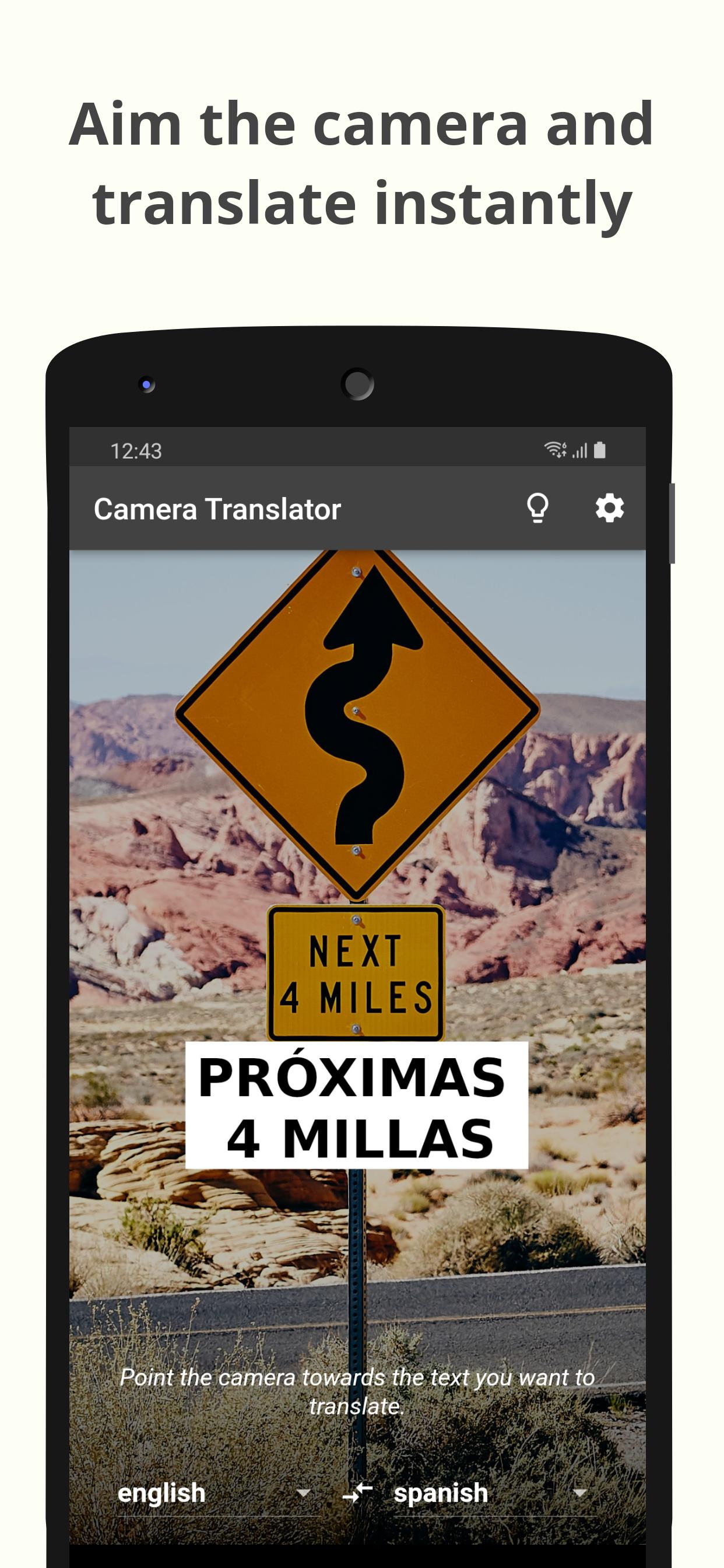
Say goodbye to language barriers and hello to convenience. Camera Translator combines cutting-edge OCR technology and live translation capabilities to provide instant and accurate translations. Simply point your camera at the text you want to translate, and watch as it comes to life on your screen.
Experience the power of our camera scanner, effortlessly converting photos into translated text. Capture images on the go and let our app work its magic. Whether you're traveling, studying, or simply curious about other languages, our app is your reliable companion.
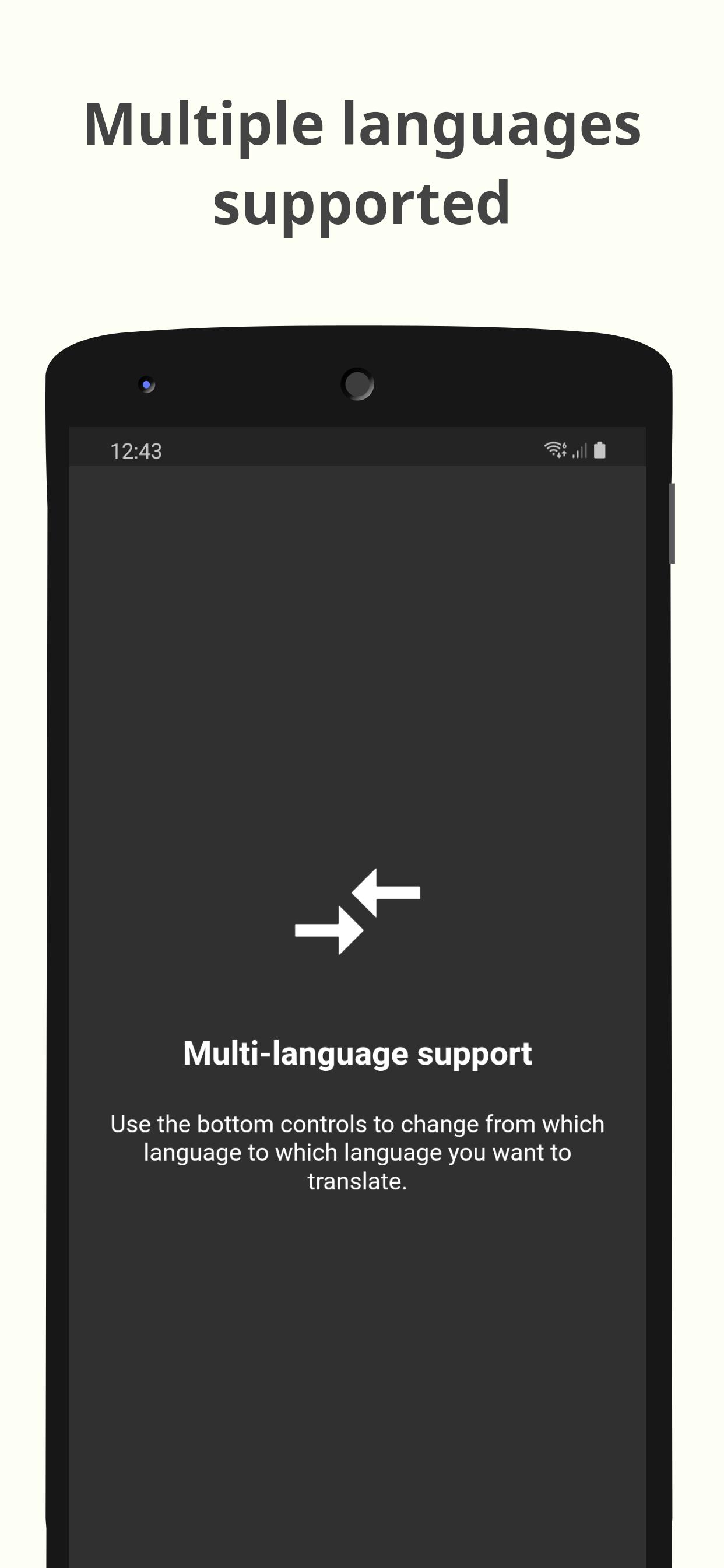
Our language translator is designed to cater to your needs, offering a user-friendly interface and a wide range of supported languages. From English to Spanish, French to Italian, our app supports the translation of diverse languages, ensuring that you can understand physical signs and walls effectively wherever you are.
Utilizing OCR technology, our app recognizes text with precision and accuracy. This enables you to extract information from images and convert it into translated text seamlessly. With the integration of live translation, you can see the translated text overlaid on the camera preview, making it easy to understand and navigate the world around you.
Enjoy the benefits of a versatile translation app that fits your lifestyle.
Enhance your language learning by translating the text directly from books or articles. The possibilities are endless, and the power of language is at your fingertips.
Preview
Tags
ToolsInformation
Developer
David Serrano Canales
Latest Version
0.10.0
Last Updated
2023-09-26
Category
Tools
Available on
Google Play
Show More
How to play Camera Translator with GameLoop on PC
1. Download GameLoop from the official website, then run the exe file to install GameLoop
2. Open GameLoop and search for “Camera Translator” , find Camera Translator in the search results and click “Install”
3. Enjoy playing Camera Translator on GameLoop
Minimum requirements
OS
Windows 8.1 64-bit or Windows 10 64-bit
GPU
GTX 1050
CPU
i3-8300
Memory
8GB RAM
Storage
1GB available space
Recommended requirements
OS
Windows 8.1 64-bit or Windows 10 64-bit
GPU
GTX 1050
CPU
i3-9320
Memory
16GB RAM
Storage
1GB available space