
ShareHub: Smart File Transfer PC
Apero Technologies Group - TrustedApp
Download ShareHub: Smart File Transfer on PC With GameLoop Emulator
ShareHub: Smart File Transfer on PC
ShareHub: Smart File Transfer, coming from the developer Apero Technologies Group - TrustedApp, is running on Android systerm in the past.
Now, You can play ShareHub: Smart File Transfer on PC with GameLoop smoothly.
Download it in the GameLoop library or search results. No more eyeing the battery or frustrating calls at the wrong time any more.
Just enjoy ShareHub: Smart File Transfer PC on the large screen for free!
ShareHub: Smart File Transfer Introduction
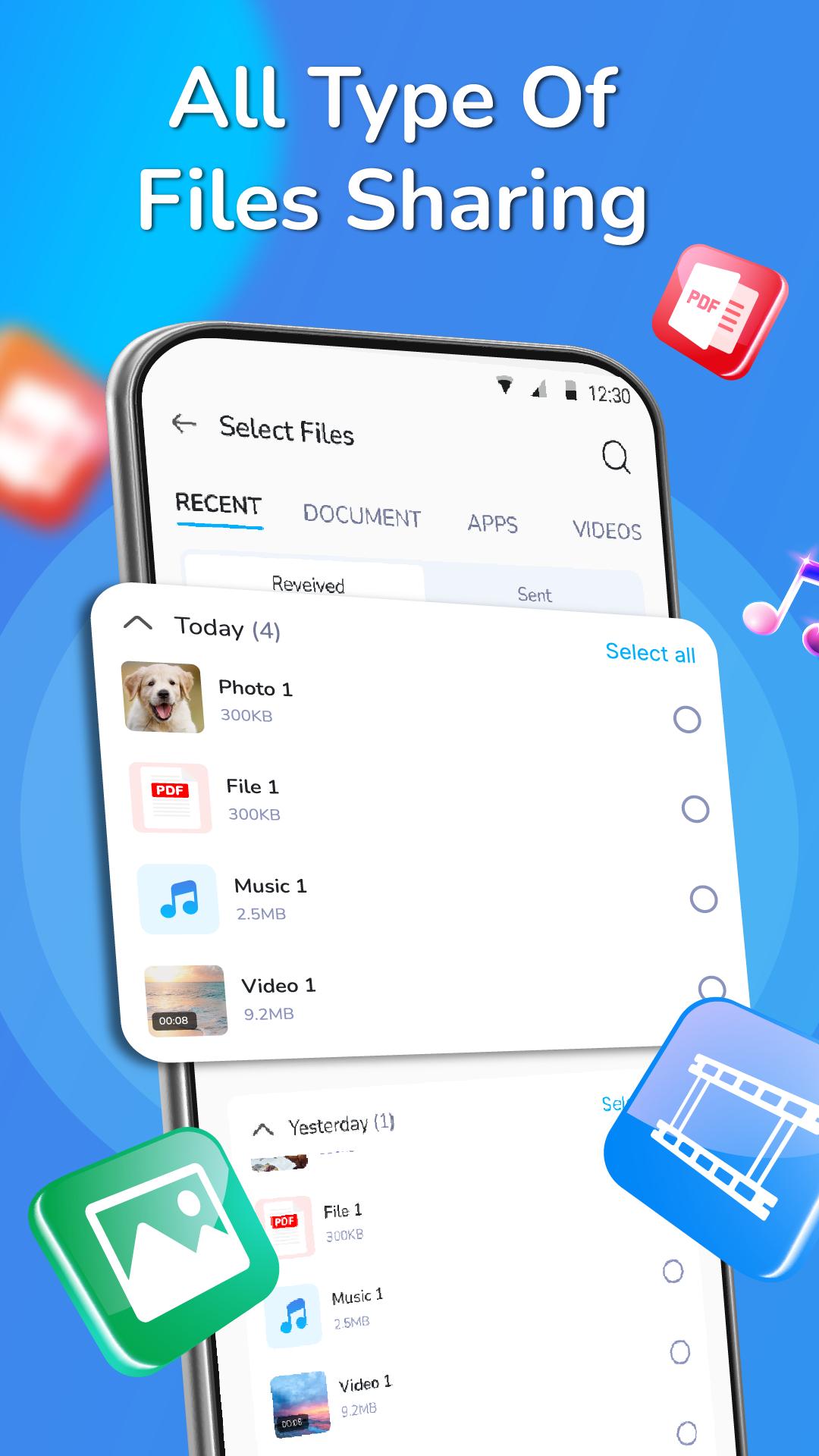
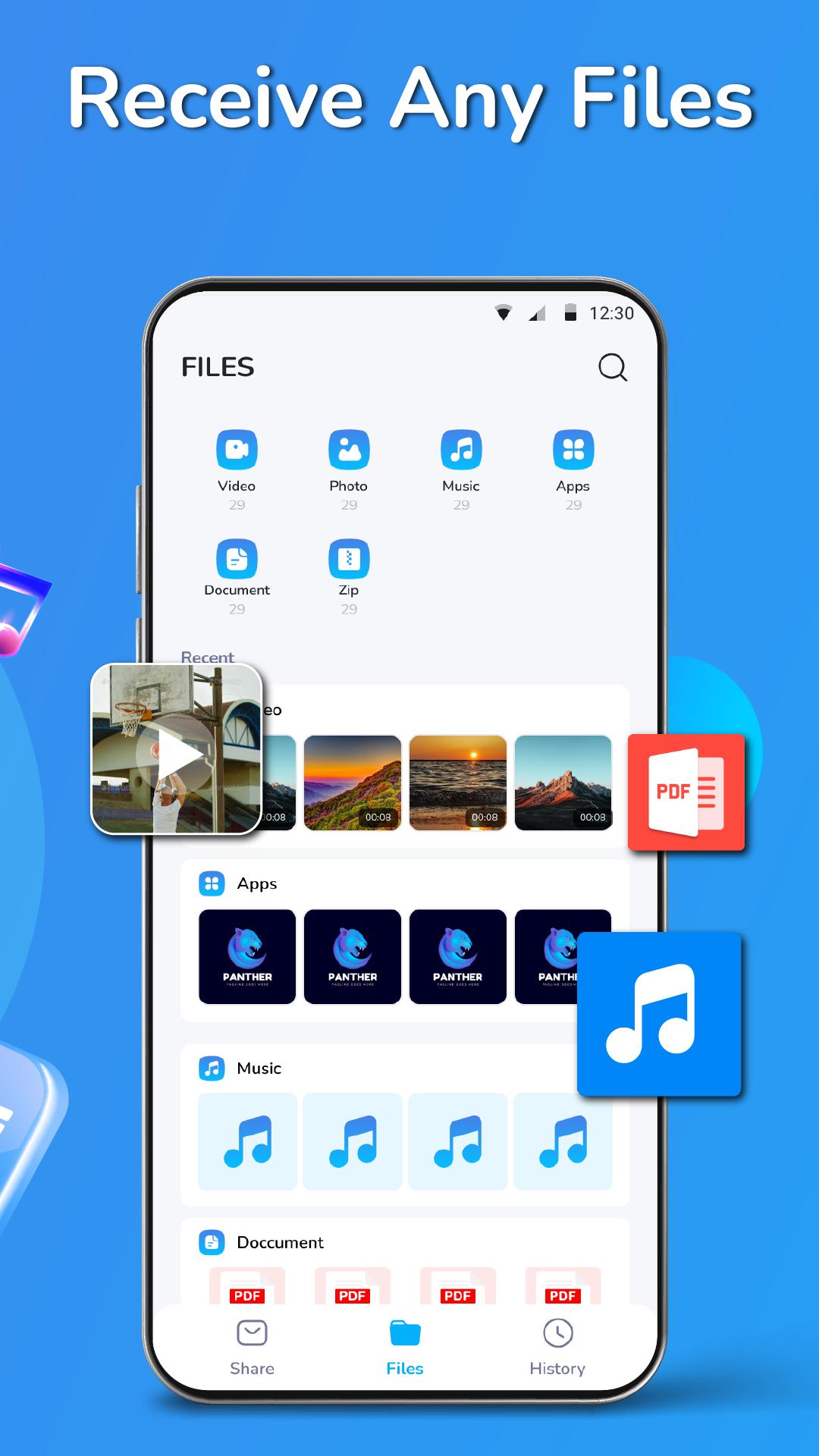
ShareHub is a file-sharing app with a user-friendly interface that lets you share, mobile transfer and receive files (photos, videos, apps, documents and music transfer) using Bluetooth or Wi-Fi. You can easily send the files to your loved ones in seconds without any limits. It is a very fast file-sharing application and it supports all types of formats like PDF, Word, Excel, PPT, etc.
ShareHub is a cloud file storage & file transfer tool. It’s fast, secure and no internet connection is required to transfer large-sized files. Transfer any size of the file - PDFs, PPTs, Word documents, Zip files and any other type of files within seconds. You can send multiple files at one time and even share them with multiple people via a link.
Main features of this file sharing app:
📂Nearby share & smart transfer any file: Movies, Photos, Videos, Music, installed apps, apk and any other files
📂Super fast file sharing without any limits
📂Compatible with all devices
📂One touch to send files and folders or receive the file
📂 No internet connection is required
📂 Send multiple files at the same time
📂 Share files to multi-people at once via a link
📂 Easily find transfer any files and folders history and file manager
📂 Easy connectivity, QR Code for sharing purposes
📂 Simple and user-friendly UI & secure file transfer
How to use this smart transfer app:
Step 1: Choose files (photos, videos, apps, documents or song transfer) or import file
Step 2: Turn on Bluetooth to find your friend's device nearby Share
Step 3: Transfer process & fast move file
ShareHub is the amazing cloud and file manager app in the world. You can easily transfer files on all Bluetooth-enabled devices. You can send or share all types of files such as photos, music, video, word, excel, and more. We have been working hard to make sure that it is easy for you to use and easy to connect anywhere with your friends or colleagues at any time
🔥🔥🔥 We are working our best on making the data transfer application better and more useful for you. This file explorer and photo transfer app is still in development so your feedback is welcome.
If you have any questions about all file transfer data apps, don't hesitate to contact support email: Trustedapp.help@gmail.com.
Thank you for choosing our ShareHub app. Have a nice day! ❤️
Preview
Tags
ToolsInformation
Developer
Apero Technologies Group - TrustedApp
Latest Version
1.0
Last Updated
2023-04-20
Category
Tools
Available on
Google Play
Show More
How to play ShareHub: Smart File Transfer with GameLoop on PC
1. Download GameLoop from the official website, then run the exe file to install GameLoop
2. Open GameLoop and search for “ShareHub: Smart File Transfer” , find ShareHub: Smart File Transfer in the search results and click “Install”
3. Enjoy playing ShareHub: Smart File Transfer on GameLoop
Minimum requirements
OS
Windows 8.1 64-bit or Windows 10 64-bit
GPU
GTX 1050
CPU
i3-8300
Memory
8GB RAM
Storage
1GB available space
Recommended requirements
OS
Windows 8.1 64-bit or Windows 10 64-bit
GPU
GTX 1050
CPU
i3-9320
Memory
16GB RAM
Storage
1GB available space