Photo Converter: File Converte PC
TSACom
Download Photo Converter: File Converte on PC With GameLoop Emulator
Photo Converter: File Converte on PC
Photo Converter: File Converte, coming from the developer TSACom, is running on Android systerm in the past.
Now, You can play Photo Converter: File Converte on PC with GameLoop smoothly.
Download it in the GameLoop library or search results. No more eyeing the battery or frustrating calls at the wrong time any more.
Just enjoy Photo Converter: File Converte PC on the large screen for free!
Photo Converter: File Converte Introduction
💎 Photo Converter: File Converter & JPEG Converter is your number one application for converting image file formats on your device.
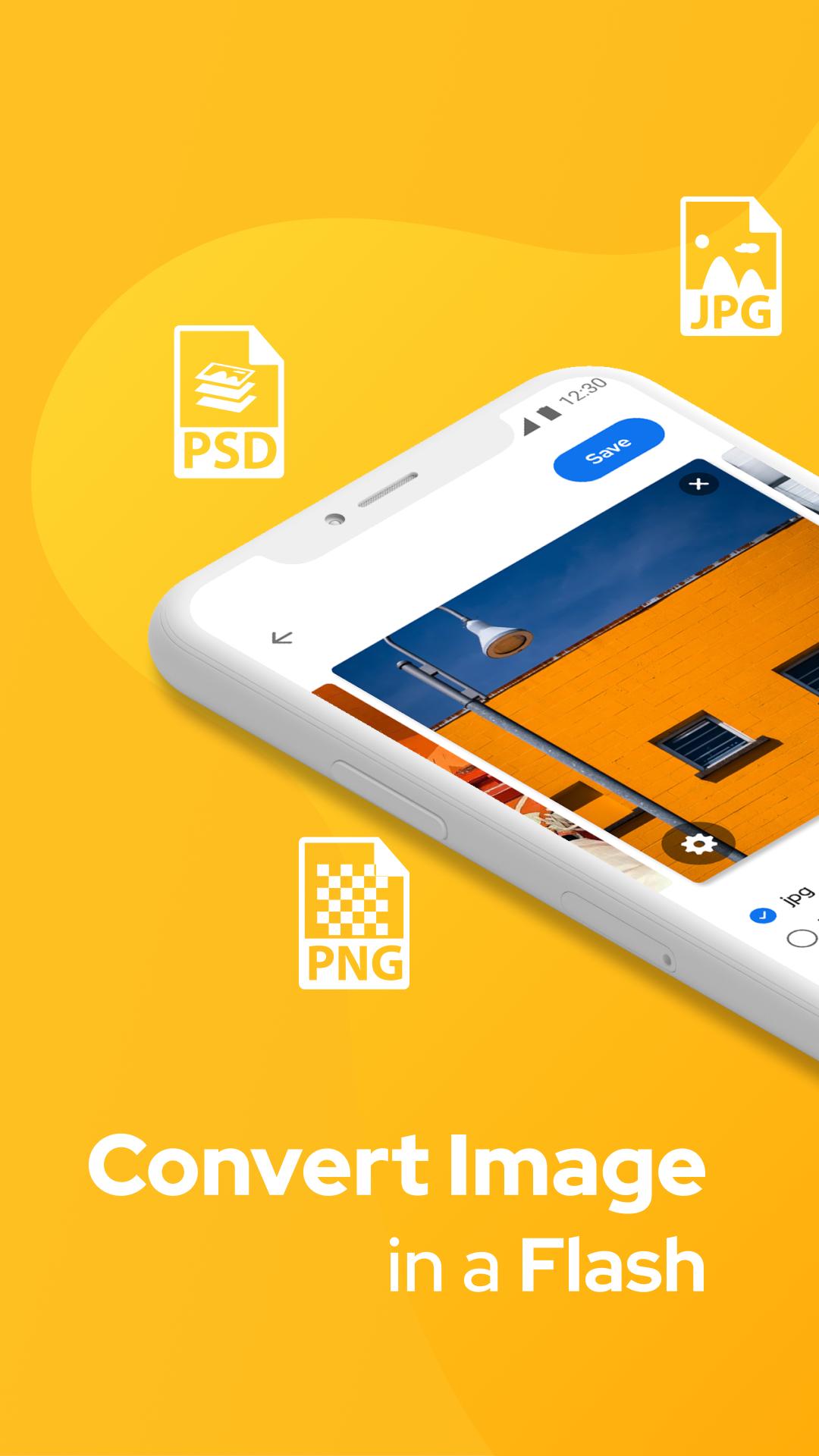
💎 Photo Converter: File Converter & JPEG Converter app helps convert many images into jpg, png, webp, gif or pdf.
💎JPEG Converter: JPG to PNG & Photo Converter App helps to convert from JPG / JPEG to PNG image or PNG to JPG / JPEG image.
💎 Image Converter: File Converter & Photo Converter is a simple step to follow and convert your photos in the best format.
💎 JPEG Converter: JPG to PNG & Photo Converter is mainly used when you have to share photos via the Internet in a slow network, you can easily convert.
💎 This is an Image Converter: JPG to PNG & Picture Converter app to convert images to JPEG format.
🎀 JPEG Converter: JPG to PNG & Picture Converter After simple steps to convert images like:
💧 Select images from Gallery or directly from the camera.
💧 Image Converter: JPG to PNG & Picture Converter applies the converted image in offline mode.
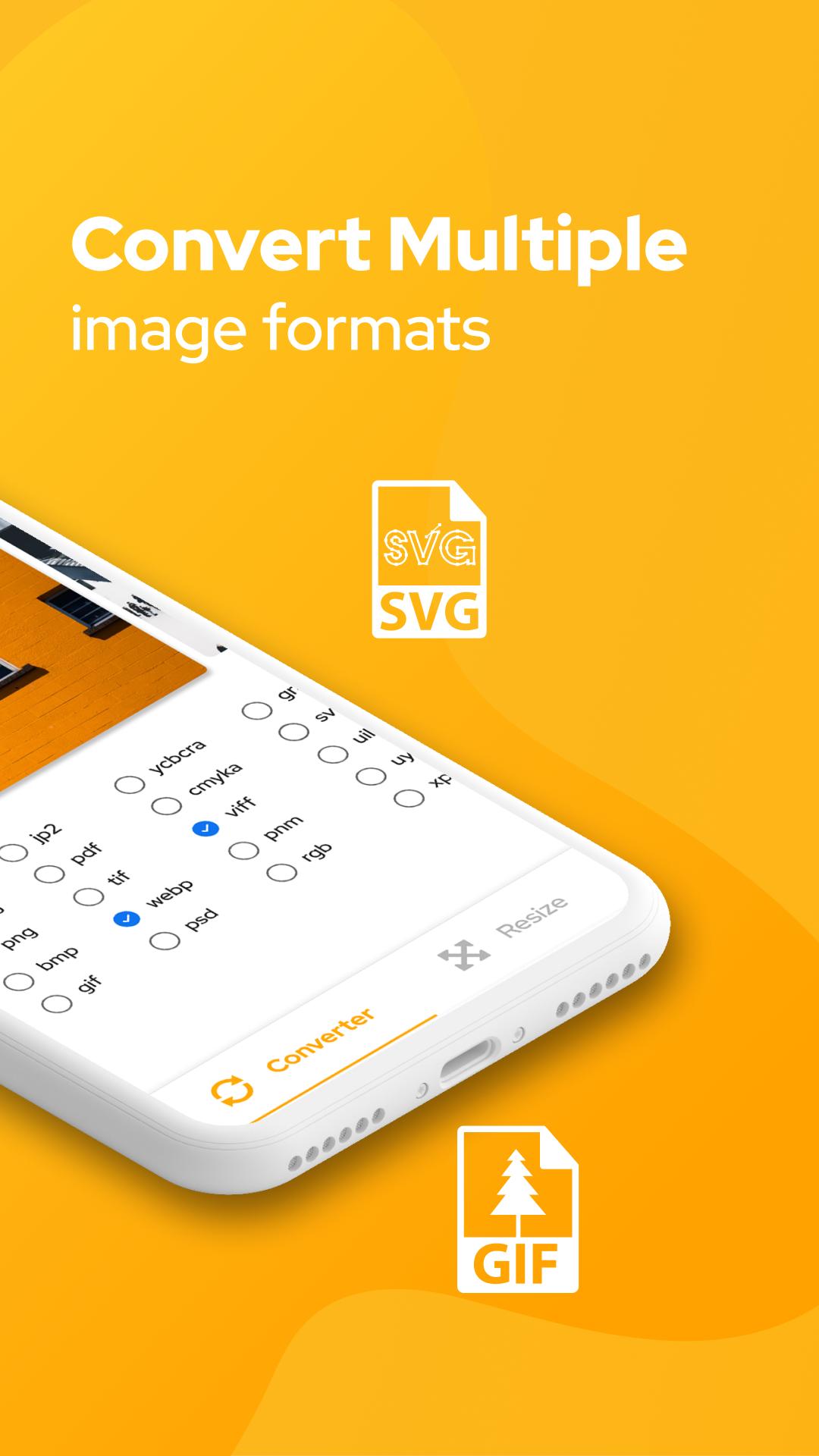
💧JPEG Converter: PNG Converter & Convert Image has more than file converters like BMP, GIF, JPG, WBMP, Tiff, PNG, TGA and more.
💧 You can also share directly from the images viewed according to the image converted.
💧 Image Converter: PNG Converter & Photo Converter also has the option to delete the images you convert.
Examples of Image Converter: PNG Converter & Convert Image:
✫ HEIC to JPG
✫ PNG to JPEG
✫ JPEG to PNG
✫ DDS to JPEG
✫ PNG to DDS
✫ JPG to VTF
🎀 Main features of JPEG Converter: PNG Converter & Picture Converter:
☂ Convert images to other formats: JPG, JPEG, PDF, PNG, BMP ...
☂ Easily save and share successfully converted files for friends when using the Image Converter: JPG to PNG & Picture Converter app.
☂ Select the output format of the image you want to convert (jpeg, png, jpg, pdf ...).
☂ Simple interface, friendly and easy to use with the Image Converter: File Converter & Photo Converter app.
☂ With Image Converter: PNG Converter & Picture Converter, you can easily convert JPG to BMP, BMP to PNG, GIF to JPG, BMP to JPG, etc.
👉 Download Image Converter: File Converter & Photo Converter app if you are looking to convert images in many different formats.
Subscription info:
- You will have 3 days to try all the app features for free and can cancel anytime during this period.
- Payment will be charged to your Google Account at confirmation of purchase.
- Subscription automatically renews unless auto-renew is turned off at least 24-hours before the end of the current period.
- Account will be charged for renewal within 24-hours prior to the end of the current period, and identify the cost of the renewal.
- Any unused portion of a free trial period, if offered, will be forfeited when the user purchases a subscription to that publication, where applicable.
If you find our Image Converter: File Converter & Photo Converter app useful, leave us 5 ⭐️ ⭐️ ⭐️ ⭐️ ⭐️and your feedback below. We will reply to you as soon as possible. Thank you!
Preview
Tags
ToolsInformation
Developer
TSACom
Latest Version
1.0
Last Updated
2021-04-29
Category
Tools
Available on
Google Play
Show More
How to play Photo Converter: File Converte with GameLoop on PC
1. Download GameLoop from the official website, then run the exe file to install GameLoop
2. Open GameLoop and search for “Photo Converter: File Converte” , find Photo Converter: File Converte in the search results and click “Install”
3. Enjoy playing Photo Converter: File Converte on GameLoop
Minimum requirements
OS
Windows 8.1 64-bit or Windows 10 64-bit
GPU
GTX 1050
CPU
i3-8300
Memory
8GB RAM
Storage
1GB available space
Recommended requirements
OS
Windows 8.1 64-bit or Windows 10 64-bit
GPU
GTX 1050
CPU
i3-9320
Memory
16GB RAM
Storage
1GB available space