Screen Lock PC
Jazzy Worlds
Download Screen Lock on PC With GameLoop Emulator
Screen Lock on PC
Screen Lock, coming from the developer Jazzy Worlds, is running on Android systerm in the past.
Now, You can play Screen Lock on PC with GameLoop smoothly.
Download it in the GameLoop library or search results. No more eyeing the battery or frustrating calls at the wrong time any more.
Just enjoy Screen Lock PC on the large screen for free!
Screen Lock Introduction
A new and innovative way to lock your phone is now here for free.
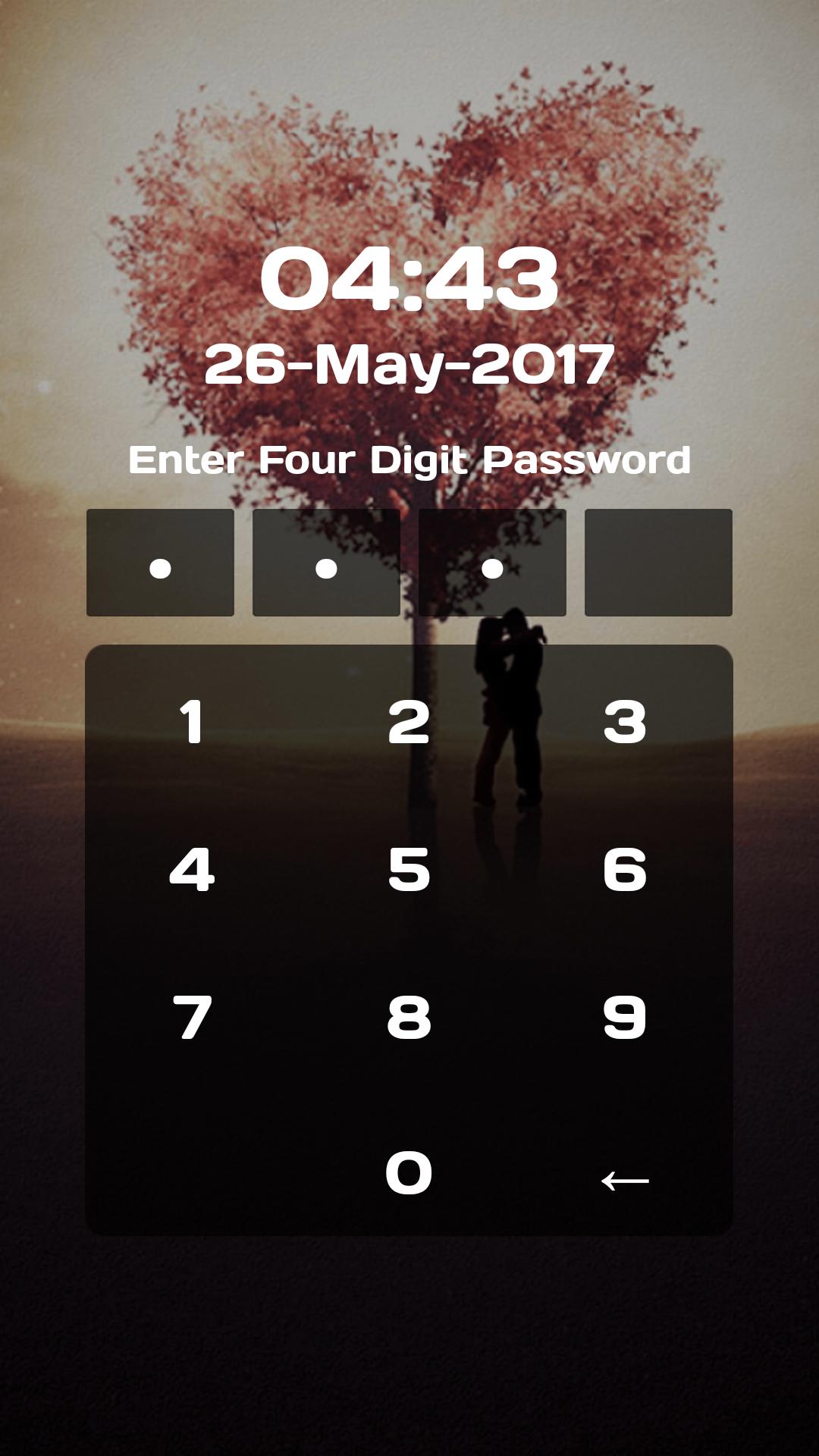
Pin screen lock is made for the people who are much concerned with the high lock security for their phone as it maximizes your lock security. To set Pin screen lock as your screen lock you will have to open the application and then tap on set pin to set a unique 4 digit pin. It must contain exact 4 digits else wise your pin can not be submitted.
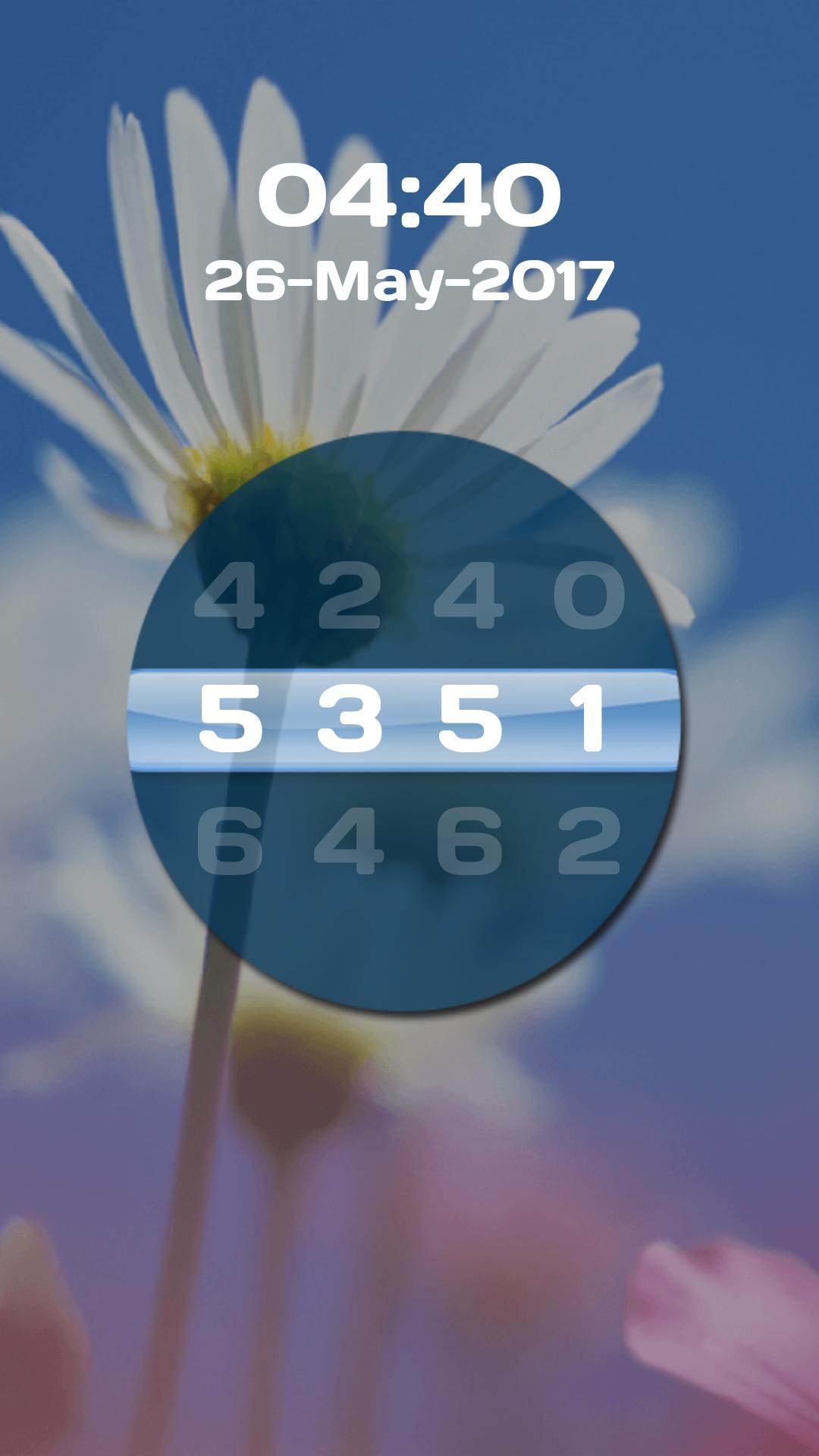
Screen Lock is an exciting app with the concept of wheel lock and pin lock to secure your smart phone. We are presenting you a wheel screen lock, similar to the wheel locks available is travel bags and beautiful pin locks.
Keep your data safe and out of reach of other people. No abuse of personal data is possible with this Pin Lock Screen. The application supports PIN lock to enhance security of your phone. Unlocking screen is not possible unless the right pin is entered. Access will be granted only when you enter right Pin from our beautiful keypad.
This Screen lock app helps you to protect your privacy, prevent others invade your phone illegally
Many different types of backgrounds to choose from, these wallpapers are exquisite design, beautiful. Also you can select your favorite wallpaper, it could be someone you love, your love, your child.
How to use:
It's very simple to set lock using our screen lock app. Just open the app, set the password, choose your favorite theme or background image, set the lock sound on or off and you are done.
You will get a stylish pin and wheel screen lock with beautiful background.
This our Screen Lock can helps to avoid accidental touches on your smart phones and secure your privacy in Android devices.
Key features:
★ Choose your own Lock Type from Pin lock and Wheel lock
★ Beautiful Lock Themes
★ Choose Background from Gallery
★ ON/OFF screen lock
★ ON/OFF Lock sounds
★ ON/OFF vibration
★ Easy to use
★ Password settings for wheel and pin lock
★ 100% safe and secure
We would love to hear your suggestions & feedback. Send feedback on parmarfalguni2255@gmail.com
Preview
Tags
ToolsInformation
Developer
Jazzy Worlds
Latest Version
1.1
Last Updated
2019-10-24
Category
Tools
Available on
Google Play
Show More
How to play Screen Lock with GameLoop on PC
1. Download GameLoop from the official website, then run the exe file to install GameLoop
2. Open GameLoop and search for “Screen Lock” , find Screen Lock in the search results and click “Install”
3. Enjoy playing Screen Lock on GameLoop
Minimum requirements
OS
Windows 8.1 64-bit or Windows 10 64-bit
GPU
GTX 1050
CPU
i3-8300
Memory
8GB RAM
Storage
1GB available space
Recommended requirements
OS
Windows 8.1 64-bit or Windows 10 64-bit
GPU
GTX 1050
CPU
i3-9320
Memory
16GB RAM
Storage
1GB available space