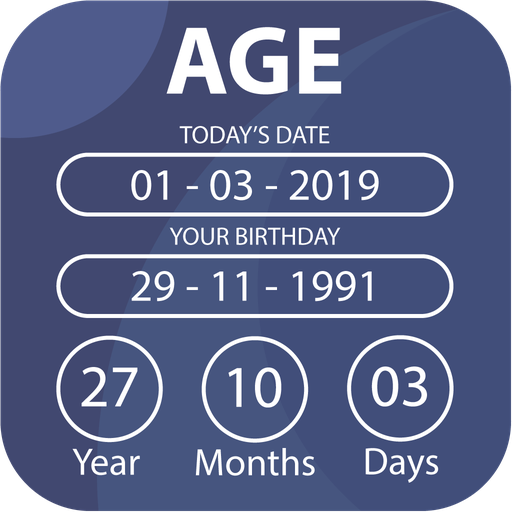
Age Calculator - Date of Birth PC
CalCon Mobile
Download Age Calculator - Date of Birth on PC With GameLoop Emulator
Age Calculator - Date of Birth on PC
Age Calculator - Date of Birth, coming from the developer CalCon Mobile, is running on Android systerm in the past.
Now, You can play Age Calculator - Date of Birth on PC with GameLoop smoothly.
Download it in the GameLoop library or search results. No more eyeing the battery or frustrating calls at the wrong time any more.
Just enjoy Age Calculator - Date of Birth PC on the large screen for free!
Age Calculator - Date of Birth Introduction
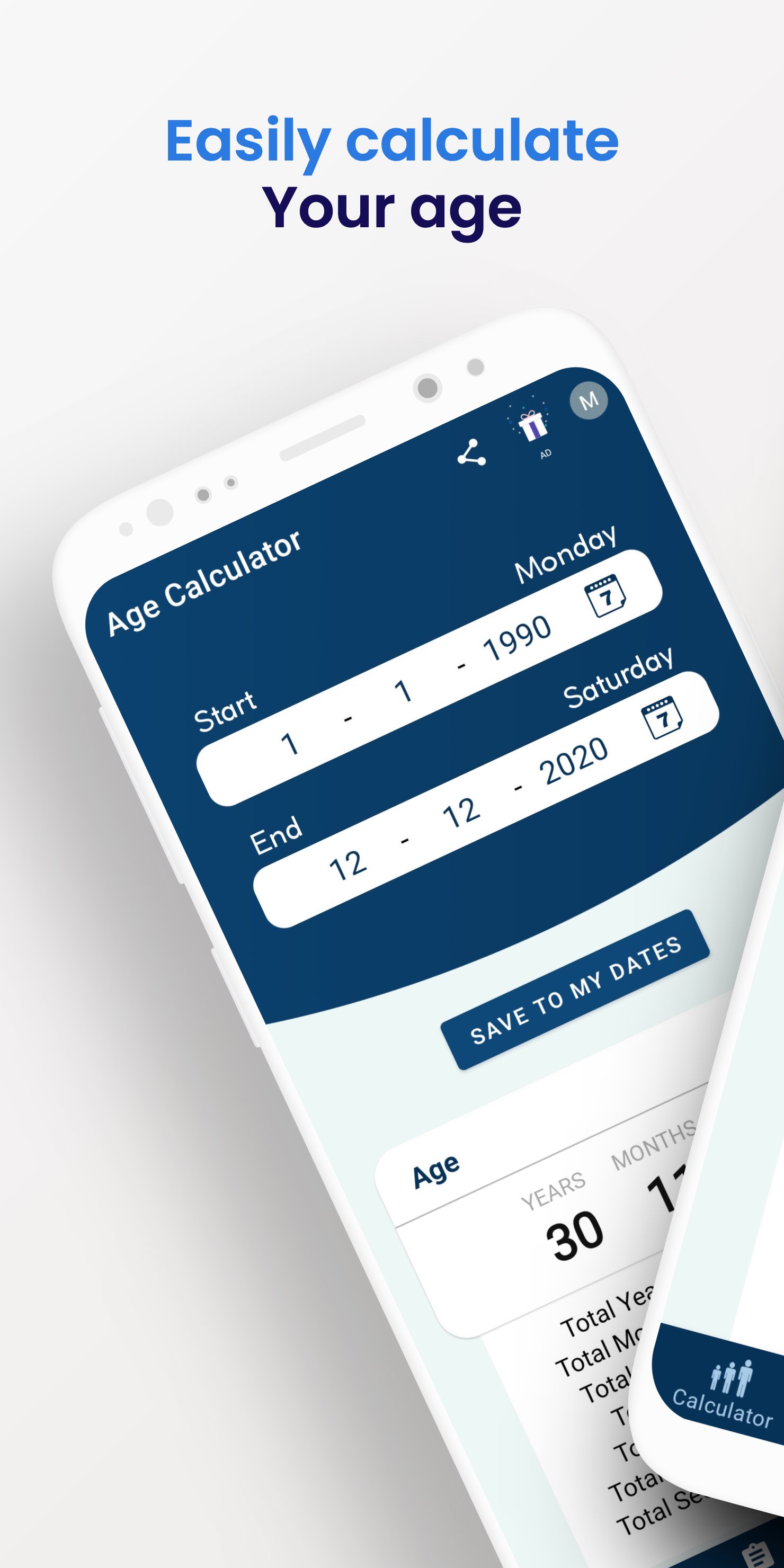
Calculate your exact age in seconds with Age Calculator. Simply enter your date of birth to instantly calculate your age in years, months, weeks, days, hours, minutes, and seconds. Whether you need an age calculator, a date of birth calculator, or an age calculator by date of birth, Age Calculator gives fast and accurate results.
Key features
• Calculate age from any date of birth (DOB)
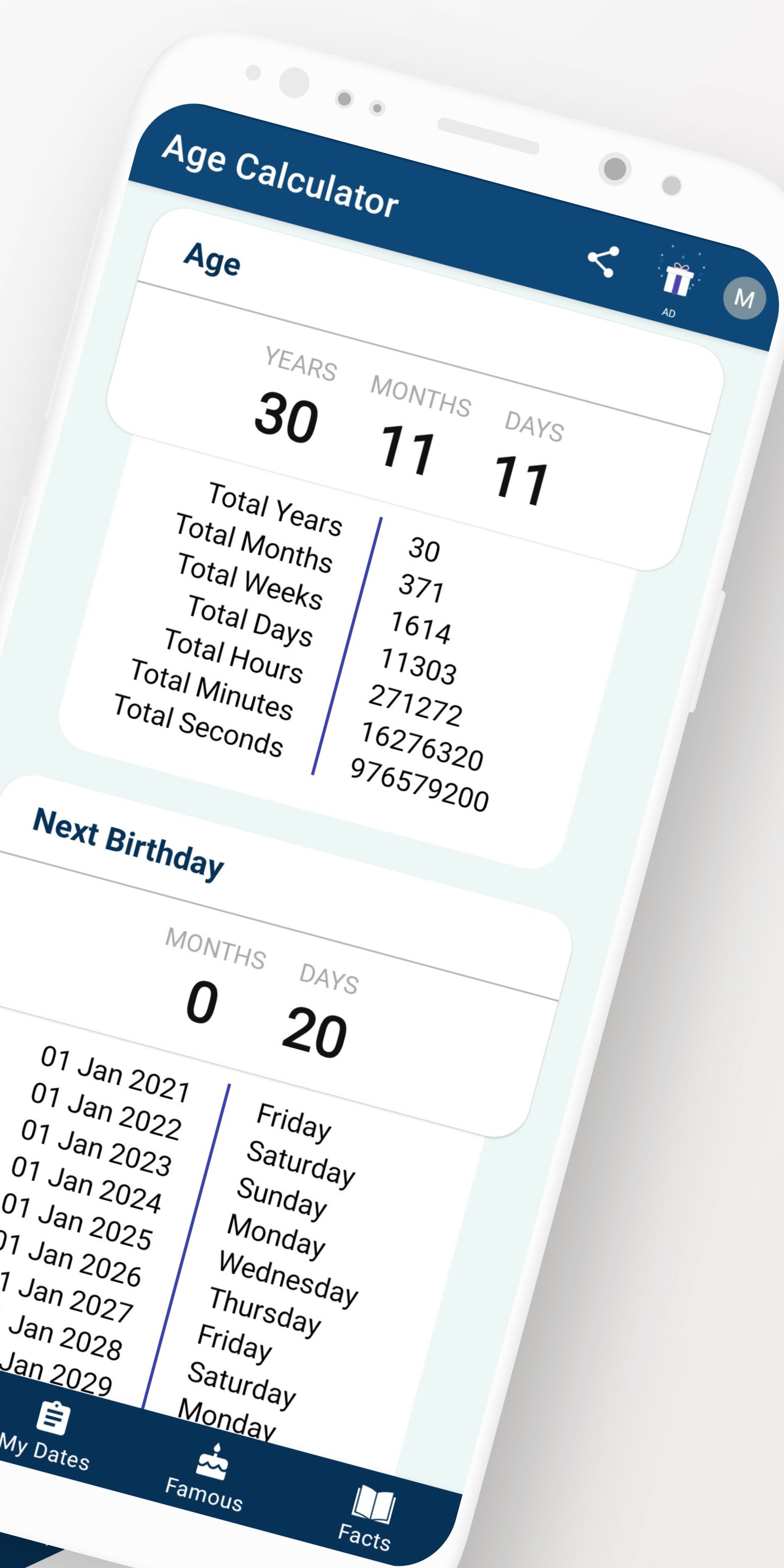
• Exact age in years, months, weeks and days
• View your age in hours, minutes and seconds
• Birthday countdown for your next birthday
• Save birthdays and anniversaries
• Birthday and anniversary reminders
• Calculate the difference between any two dates
• Use as a date difference calculator
• Fast, accurate and easy to use
• Works offline
Age Calculator is perfect for school admissions, job applications, official forms, medical records, insurance documents, retirement planning, and anyone who needs to calculate an exact age from a birth date.
Whether you're looking for a birthday calculator, DOB calculator, birth date calculator, years calculator, or date calculator, Age Calculator helps you calculate age quickly and accurately whenever you need it.
Download Age Calculator today and calculate your age from your date of birth in just a few seconds.
Preview
Tags
ToolsInformation
Developer
CalCon Mobile
Latest Version
3.0.2
Last Updated
2026-08-28
Category
Tools
Available on
Google Play
Show More
How to play Age Calculator - Date of Birth with GameLoop on PC
1. Download GameLoop from the official website, then run the exe file to install GameLoop
2. Open GameLoop and search for “Age Calculator - Date of Birth” , find Age Calculator - Date of Birth in the search results and click “Install”
3. Enjoy playing Age Calculator - Date of Birth on GameLoop
Minimum requirements
OS
Windows 8.1 64-bit or Windows 10 64-bit
GPU
GTX 1050
CPU
i3-8300
Memory
8GB RAM
Storage
1GB available space
Recommended requirements
OS
Windows 8.1 64-bit or Windows 10 64-bit
GPU
GTX 1050
CPU
i3-9320
Memory
16GB RAM
Storage
1GB available space