Accurate Compass PC
Abc Apps
Download Accurate Compass on PC With GameLoop Emulator
Accurate Compass on PC
Accurate Compass, coming from the developer Abc Apps, is running on Android systerm in the past.
Now, You can play Accurate Compass on PC with GameLoop smoothly.
Download it in the GameLoop library or search results. No more eyeing the battery or frustrating calls at the wrong time any more.
Just enjoy Accurate Compass PC on the large screen for free!
Accurate Compass Introduction
This compass app is designed for hiking, camping, sailing, and other outdoor activities.
Fast, accurate direction guidance with a lightweight and optimized design.
The app can be used together with maps, a flashlight, and Morse code tools for additional convenience during outdoor navigation.
Features
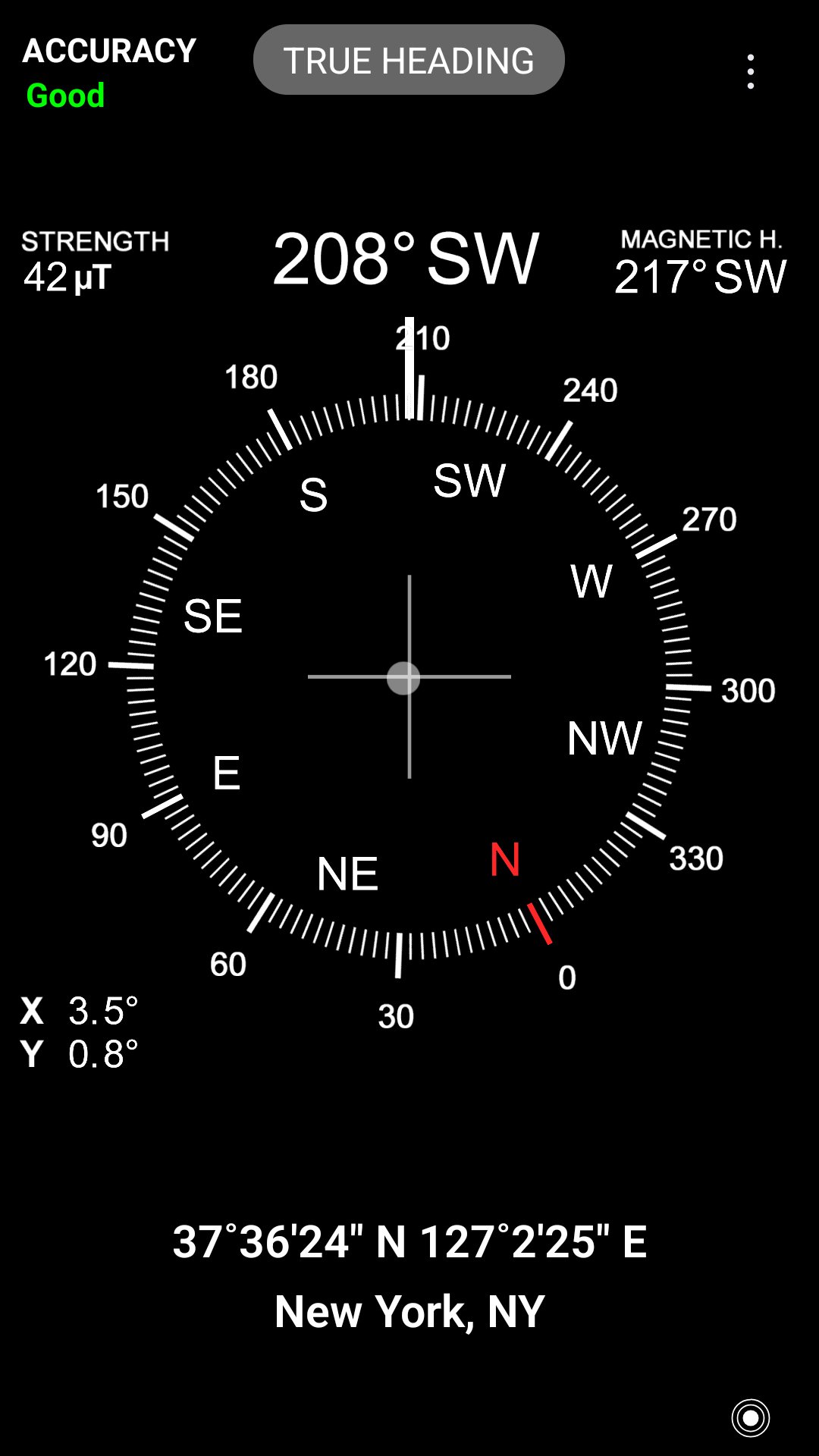
• True North and Magnetic North support
• Compass calibration status indicator
• Address and GPS coordinates (latitude / longitude)
• Map integration for location viewing
• LED flashlight and screen flashlight (Coming soon)
• Morse code transmitter
• Level tool (Bubble Level)
Notice
This app requires a magnetic sensor (compass sensor) to function.
Calibration
Magnetic cases or nearby magnetic objects may interfere with the compass sensor and cause inaccurate readings.
If the compass direction appears incorrect, check whether the device is affected by nearby magnetic objects.
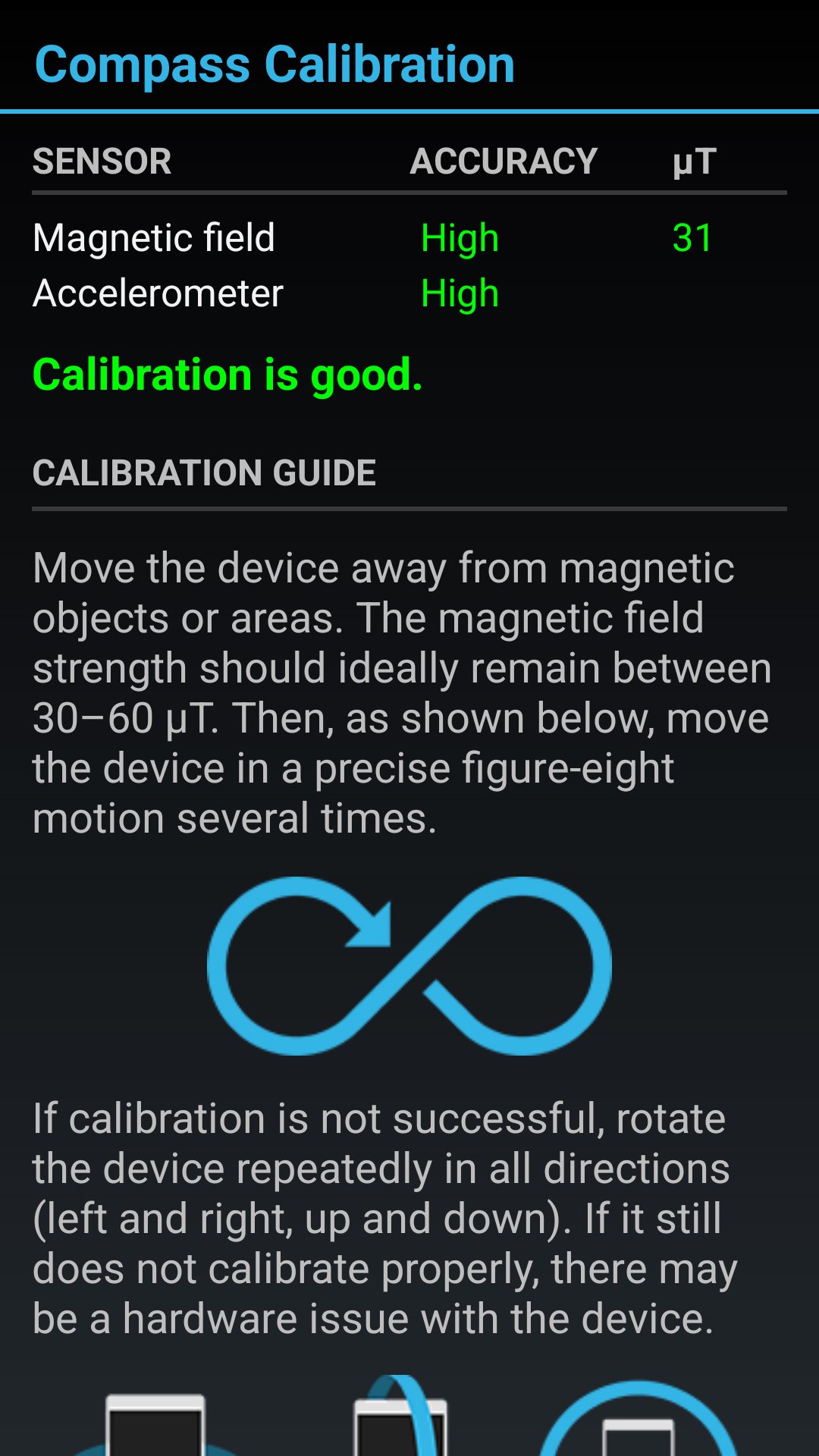
For optimal performance, the magnetic field strength should ideally remain between 30–60 μT.
To calibrate the compass, move your device in a figure-eight (∞) motion several times.
If the sensor accuracy remains low, rotate the device repeatedly in all directions (left/right and up/down) to improve calibration.
Preview
Tags
ToolsInformation
Developer
Abc Apps
Latest Version
2.4.8
Last Updated
2026-03-30
Category
Tools
Available on
Google Play
Show More
How to play Accurate Compass with GameLoop on PC
1. Download GameLoop from the official website, then run the exe file to install GameLoop
2. Open GameLoop and search for “Accurate Compass” , find Accurate Compass in the search results and click “Install”
3. Enjoy playing Accurate Compass on GameLoop
Minimum requirements
OS
Windows 8.1 64-bit or Windows 10 64-bit
GPU
GTX 1050
CPU
i3-8300
Memory
8GB RAM
Storage
1GB available space
Recommended requirements
OS
Windows 8.1 64-bit or Windows 10 64-bit
GPU
GTX 1050
CPU
i3-9320
Memory
16GB RAM
Storage
1GB available space