
All Backup & Restore PC
SuriDevs
Download All Backup & Restore on PC With GameLoop Emulator
All Backup & Restore on PC
All Backup & Restore, coming from the developer SuriDevs, is running on Android systerm in the past.
Now, You can play All Backup & Restore on PC with GameLoop smoothly.
Download it in the GameLoop library or search results. No more eyeing the battery or frustrating calls at the wrong time any more.
Just enjoy All Backup & Restore PC on the large screen for free!
All Backup & Restore Introduction
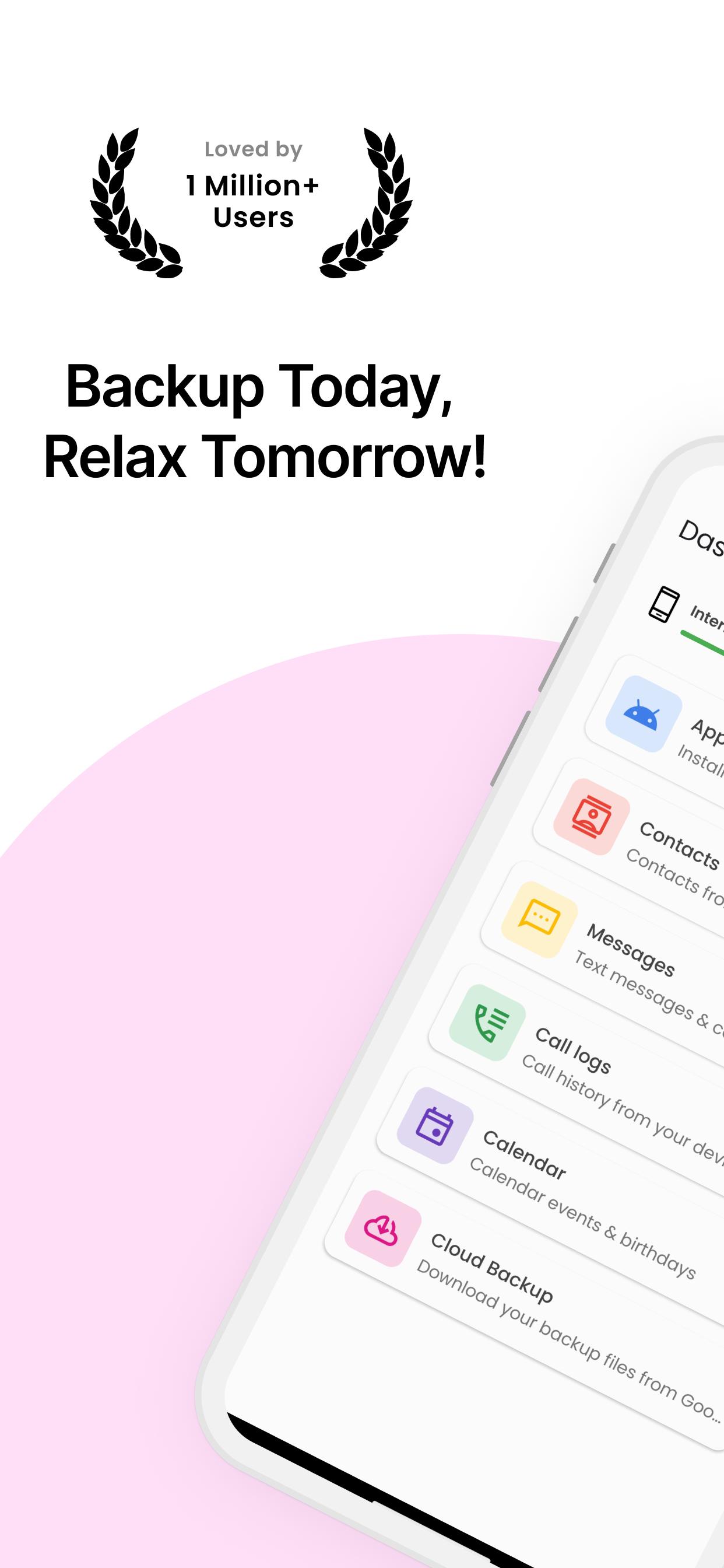
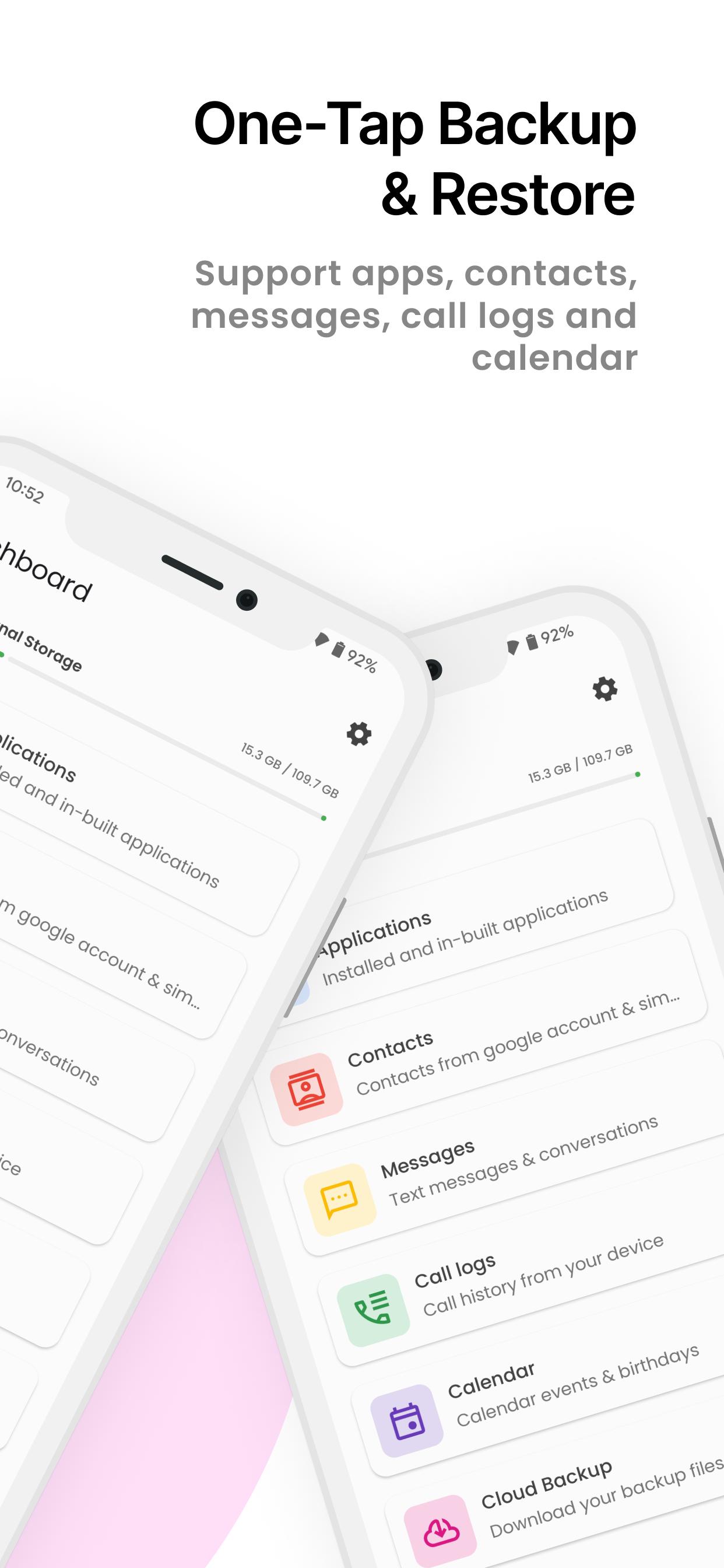
🔒 Securely Backup & Restore: Safeguard your valuable data with our #1 backup and restore application. Easily protect and restore your applications, contacts, text messages, call history, and calendars to your internal storage.
Important Notes:
👉 Before performing a factory reset or changing your phone, ensure the default backup folder is located in your external SD card. If not, copy the entire backup folder ("AllBackup" by default) to your external SD card for a seamless transition.
👉 Please note that our backup and restore functionality does not cover photos, videos, or media files.
👉 Restore only works for data that has been backed up with this application and cannot recover any previously deleted data.
👉 If you are using schedule automatic backup functionality and your phone has task killer or memory cleaner apps, please add our app to the 'white list' or 'ignore list' of your task killer or memory cleaner app. This allows our application to run in the background and perform scheduled backups seamlessly. Refer to your device's settings or the task killer app's preferences to add our app to the 'white list' and enjoy hassle-free backups.
👉 When you completed SMS Restore, but your SMS were not visible in the application, please try restarting the device.
Key Features:
🔸 Simple & Easy: Experience one-tap backup and restore functionality, making it effortless to protect and recover your valuable data.
🔸 Messages: Never lose your important text messages. Back them up with a single tap and restore them whenever needed.
🔸 Call Logs: Preserve your call history even after resetting or formatting your device. Backup your call logs and store them securely using the share option.
🔸 Calendars: Keep track of your important events and birthdays. Backup your calendar events and easily restore them at any time.
🔸 Selective Backup: Choose selective records from the list for backup, allowing you to customize the backup process according to your needs.
🔸 Preview & Delete: Confirm the contents of backup files and delete selective records using a long press for more control.
🔸 Flexible Storage: Change the backup folder path from Settings to suit different storage preferences for various categories.
🔸 Automatic Backup: Schedule automatic backups to ensure regular data protection and convenience.
🔸 Cloud Upload: Safely upload your backup files to the cloud for an extra layer of data security.
Permissions:
Read/Modify Text Messages(SMS/MMS): These permissions are used to backup & restore your SMS.
Read/Modify Contacts: These permissions are used to backup & restore your contacts.
Read/Modify Calendar Events: These permissions are used to backup & restore your calendars.
Read/Modify Call Logs: These permissions are used to backup & restore your call logs.
Storage: These permissions are required to store your backup files in internal or external storage.
Download now to experience the convenience and peace of mind that comes with reliable data backup and restore!
Preview
Tags
ToolsInformation
Developer
SuriDevs
Latest Version
5.9.24
Last Updated
2025-04-06
Category
Tools
Available on
Google Play
Show More
How to play All Backup & Restore with GameLoop on PC
1. Download GameLoop from the official website, then run the exe file to install GameLoop
2. Open GameLoop and search for “All Backup & Restore” , find All Backup & Restore in the search results and click “Install”
3. Enjoy playing All Backup & Restore on GameLoop
Minimum requirements
OS
Windows 8.1 64-bit or Windows 10 64-bit
GPU
GTX 1050
CPU
i3-8300
Memory
8GB RAM
Storage
1GB available space
Recommended requirements
OS
Windows 8.1 64-bit or Windows 10 64-bit
GPU
GTX 1050
CPU
i3-9320
Memory
16GB RAM
Storage
1GB available space