Cleaner Toolbox Pro (Free) PC
AB App Studio
Download Cleaner Toolbox Pro (Free) on PC With GameLoop Emulator
Cleaner Toolbox Pro (Free) on PC
Cleaner Toolbox Pro (Free), coming from the developer AB App Studio, is running on Android systerm in the past.
Now, You can play Cleaner Toolbox Pro (Free) on PC with GameLoop smoothly.
Download it in the GameLoop library or search results. No more eyeing the battery or frustrating calls at the wrong time any more.
Just enjoy Cleaner Toolbox Pro (Free) PC on the large screen for free!
Cleaner Toolbox Pro (Free) Introduction
Your phone running slow.? Application consuming your memory ,battery.? seeking for a powerful clean master or a hard drive cleaner with multiple necessary tools for your Android phone or tablet? We've got a gift for you! The most efficient trash cleaner, speed booster, battery and ram optimizer and app manager are together in one app!
"Clean Toolbox" is the smallest phone cleaner, memory booster, game booster, junk file cleaner, trash cleaner, memory booster, battery optimizer and app manager for your Android phones or tablet. The Fastest clean booster
How does "Clean Toolbox" help to improve your device performance?
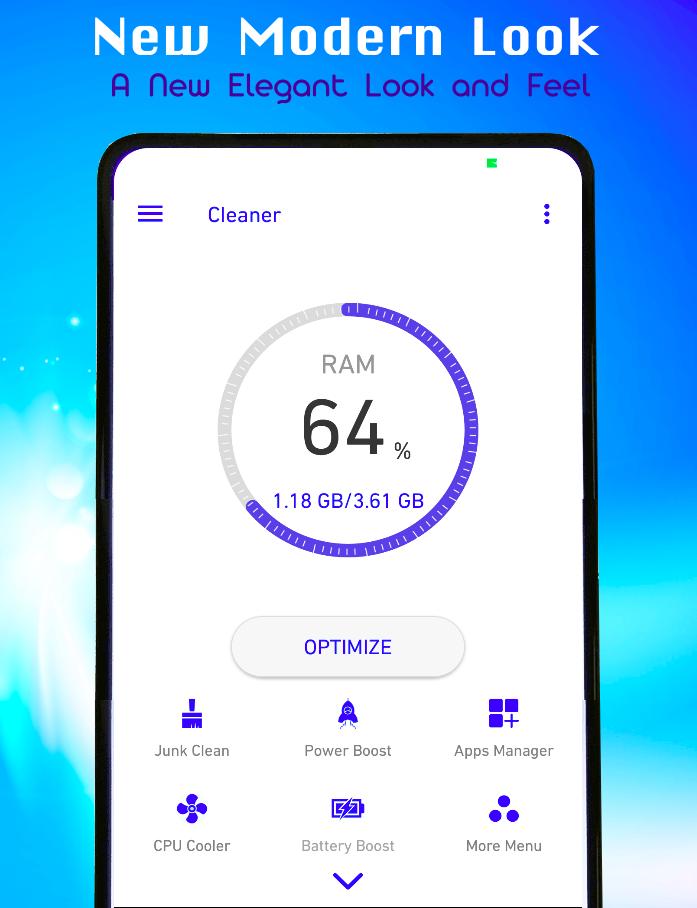
★ JUNK CLEAN
Based on our powerful Junk-Scan Engine, Power Clean can smartly detect useless files (system cache/app cache/uninstalled app residue/...), clean them up and release more storage safely.
★ POWER BOOST
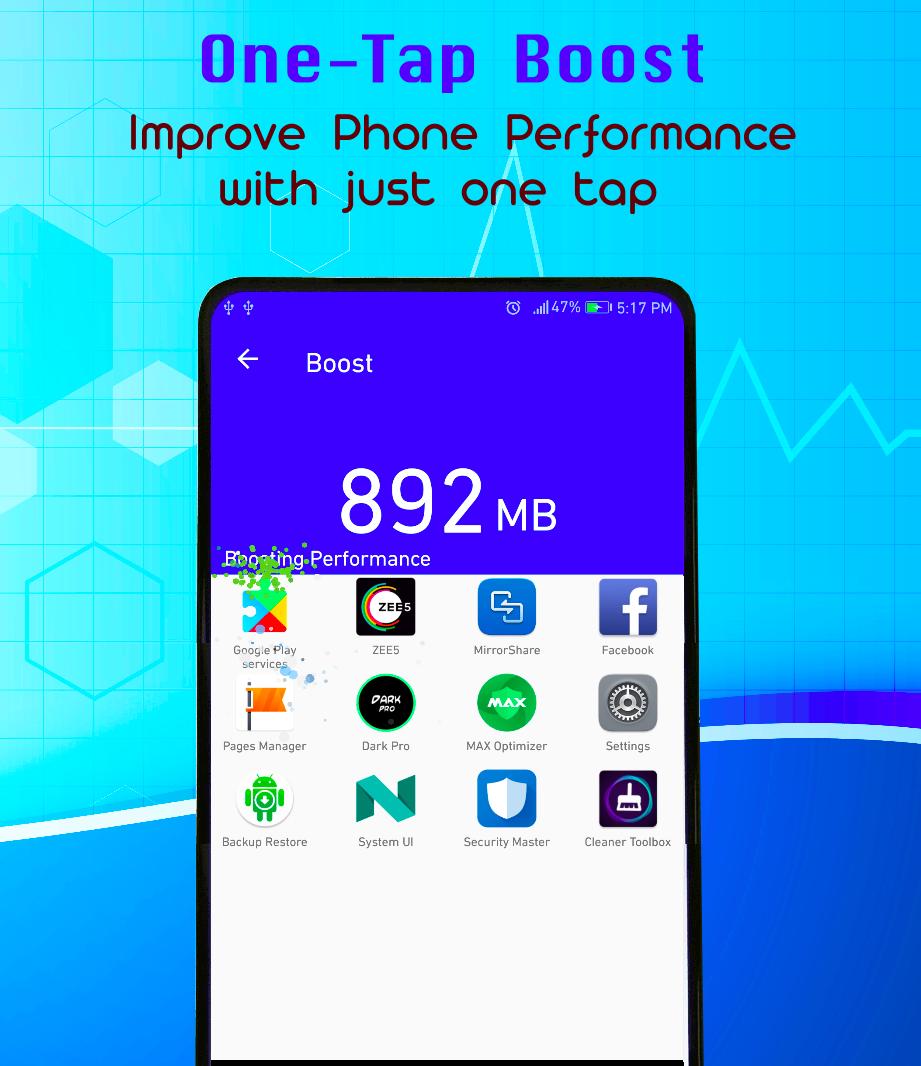
Analyze battery usage and force stop battery-draining apps to save power, boost device with 1-tap.
also optimize battery life.
★ CPU COOLER
Analyze CPU usage and stop overheating apps to cool down CPU temperature, also with only 1-tap.
it minimize cpu temperature.
★ APP MANAGER
You can backup your application directly and restore directly from "Clean Toolbox" to your file manager.
Other Highlights
► Memory Boost - A quick booster to free up RAM, providing extra entrance in widget, desktop shortcut and notification toolbar.
► Device Information - Monitor hardware health status.
► App Manager - Uninstall, backup & share apps.
► 1 Tap Boost make it easy to optimize directly from your homescreen.
► A single touch to speed up your devices and release memory.
► Extremely Powerful Tool.
► Colourful & Friendly User Interface.
► Fast, compact and efficient with low memory and CPU usage.
► Low Space Needed to Install.
► Advanced Monitoring System.
► Totally free from Ads and clutter.
► Check the usage of your CPU
► Keep track of your RAM and internal storage space
► BARCODE SCANNER: Scan barcode ,QR code and any other barcode type.
► System Uninstall: Uninstall system app if device rooted.
► Permission check: list permissions other apps required
► Quick settings: fast access to system settings
► Flashlight
"Cleaner Toolbox", always keep your device running like Rocket..!!!
Let us know if you have any suggestion
ABStudioIndia@gmail.com
Preview
Information
Developer
AB App Studio
Latest Version
3.0.1.2
Last Updated
2018-05-10
Category
Tools
Available on
Google Play
Show More
How to play Cleaner Toolbox Pro (Free) with GameLoop on PC
1. Download GameLoop from the official website, then run the exe file to install GameLoop
2. Open GameLoop and search for “Cleaner Toolbox Pro (Free)” , find Cleaner Toolbox Pro (Free) in the search results and click “Install”
3. Enjoy playing Cleaner Toolbox Pro (Free) on GameLoop
Minimum requirements
OS
Windows 8.1 64-bit or Windows 10 64-bit
GPU
GTX 1050
CPU
i3-8300
Memory
8GB RAM
Storage
1GB available space
Recommended requirements
OS
Windows 8.1 64-bit or Windows 10 64-bit
GPU
GTX 1050
CPU
i3-9320
Memory
16GB RAM
Storage
1GB available space