Camera triangulation PC
Junhyuck Kwak
Download Camera triangulation on PC With GameLoop Emulator
Camera triangulation on PC
Camera triangulation, coming from the developer Junhyuck Kwak, is running on Android systerm in the past.
Now, You can play Camera triangulation on PC with GameLoop smoothly.
Download it in the GameLoop library or search results. No more eyeing the battery or frustrating calls at the wrong time any more.
Just enjoy Camera triangulation PC on the large screen for free!
Camera triangulation Introduction
In Android version 6.0 or lower, you need to set permissions such as location and camera in the application settings of the mobile phone after the first installation.
I. Distance measurement
1. Touch the point you want to know the distance to.
2. After moving one step, touch the first point and the point you want to know the length of.
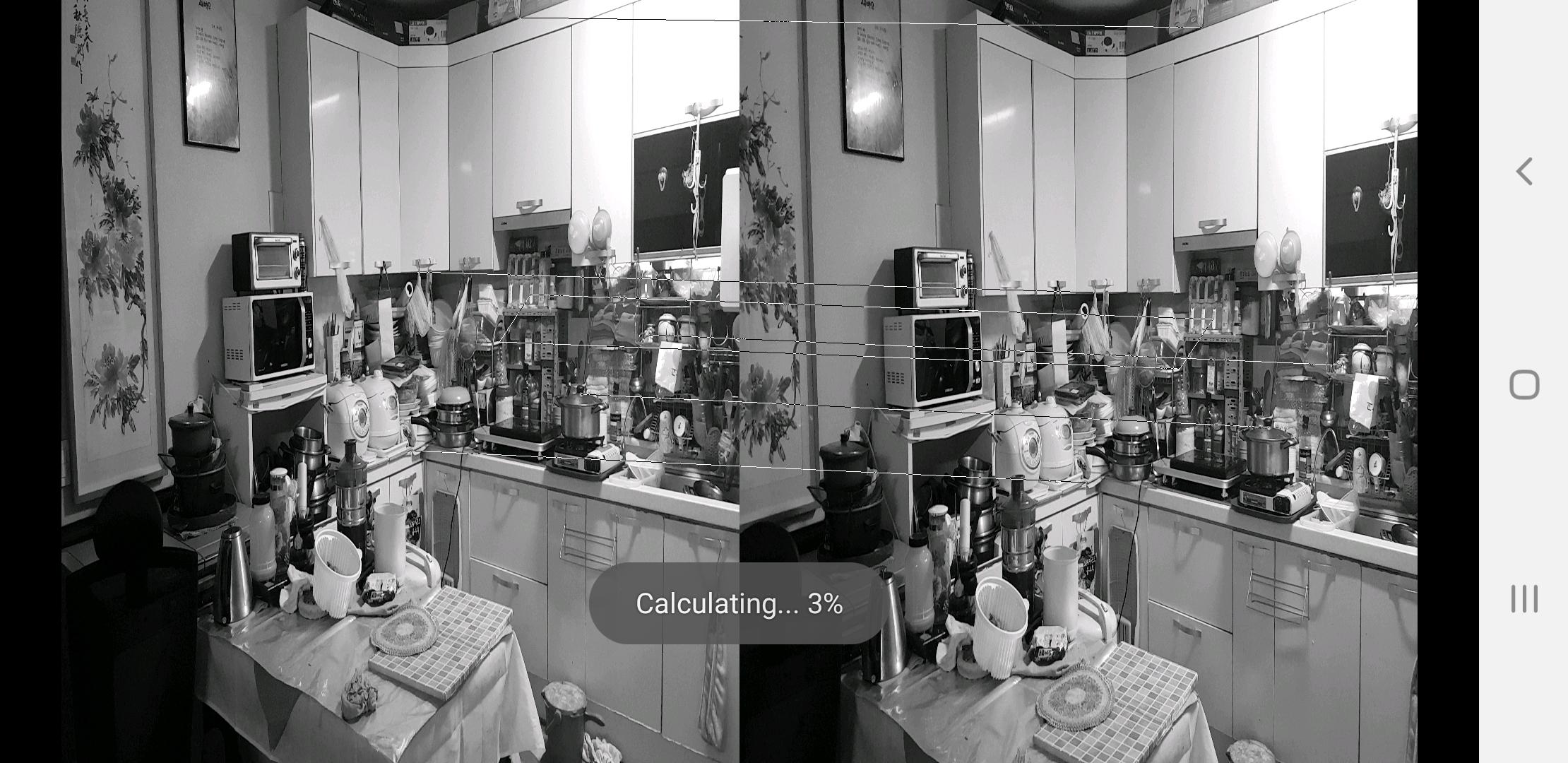
3. A line connecting the two points is visible, and then the calculation is carried out, and when the calculation is finished, the result screen is displayed.
** The error in the calculation is due to the error in the distance between the estimation of the essential matrix and the position of the camera. In the case of the essential matrix, we tried to reduce it as much as possible by repeating calculations several times. Errors due to camera position occur in the following routine. In this app, the positions of matching points are calculated after epipolar alignment of two screens taken by the camera. It is assumed that the camera position is shifted from the epipolar alignment process during the epipolar alignment process. It has been found empirically that this error occurs greatly when moving left and right. Therefore, it is recommended to move the camera forward or backward between the first and second scenes.
** Matching uses corner detection. Occasionally, there is a case of not being able to match. This is caused by the matching method, and it was found that when the stride length is greater than 1/20 times the distance (empirical), the matching is not possible.
** In the case of stride length, about 1/100 to 1/20 times the measurement distance is the proper size of the stride. Below 1/100x, it is not easy to recognize the difference between the two scenes (because the pixel position difference is small). Of course, we tried to overcome it by calculating in units of sub-pixels, but this is about 2 to 5 times the resolution and precision improvement.
Preview
Tags
ToolsInformation
Developer
Junhyuck Kwak
Latest Version
1.91
Last Updated
2022-11-29
Category
Tools
Available on
Google Play
Show More
How to play Camera triangulation with GameLoop on PC
1. Download GameLoop from the official website, then run the exe file to install GameLoop
2. Open GameLoop and search for “Camera triangulation” , find Camera triangulation in the search results and click “Install”
3. Enjoy playing Camera triangulation on GameLoop
Minimum requirements
OS
Windows 8.1 64-bit or Windows 10 64-bit
GPU
GTX 1050
CPU
i3-8300
Memory
8GB RAM
Storage
1GB available space
Recommended requirements
OS
Windows 8.1 64-bit or Windows 10 64-bit
GPU
GTX 1050
CPU
i3-9320
Memory
16GB RAM
Storage
1GB available space