
Camera ban - Lock the camera PC
El Qaiser
Download Camera ban - Lock the camera on PC With GameLoop Emulator
Camera ban - Lock the camera on PC
Camera ban - Lock the camera, coming from the developer El Qaiser, is running on Android systerm in the past.
Now, You can play Camera ban - Lock the camera on PC with GameLoop smoothly.
Download it in the GameLoop library or search results. No more eyeing the battery or frustrating calls at the wrong time any more.
Just enjoy Camera ban - Lock the camera PC on the large screen for free!
Camera ban - Lock the camera Introduction
Block Camera - Lock the camera for security and prevent apps and hackers from accessing the camera.
Block Camera is a simple app to disable your camera and prevent anyone from using it.
Camera blocking app locks back and front camera.
Safe application developed by Google android studio IDE and java language.
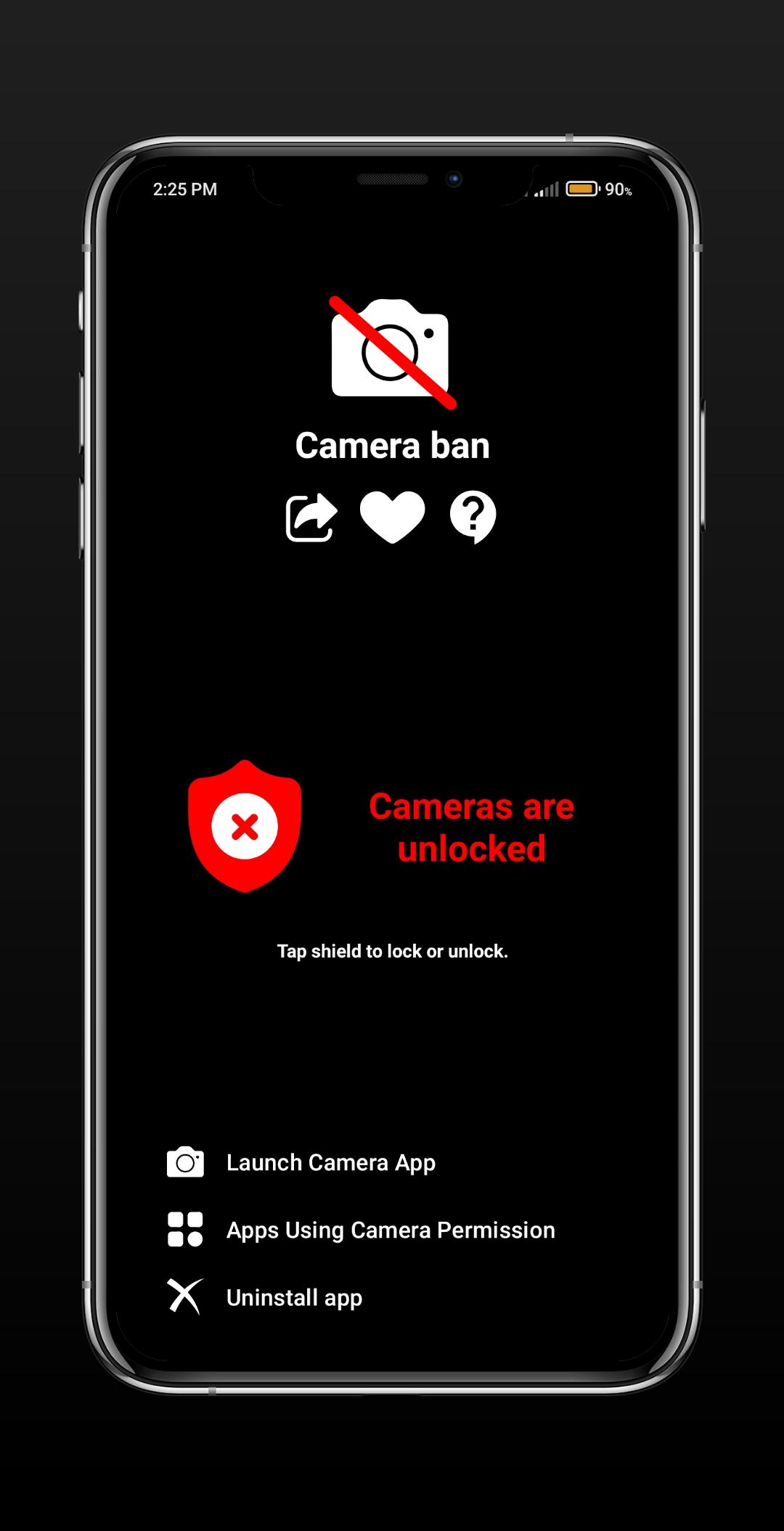
(Block Camera - Lock Camera for Security) It shows you all the apps used for the camera and inside the camera block you can open the app or open the app in settings.
Camera Blocking - Security Camera Lock will protect your phone camera from being seen and spying on you by privacy threats like: virus, surveillance, spyware and malware.
Camera blocking - Camera lock for security uses device administrator permission.
Why Block Camera - Lock Camera App:
- Installing and using the camera blocker app does not require root.
- Using block camera does not drain the battery.
100% compatible and works with older devices.
- Protects you from hacking.
- High performance and great user interface.
How to uninstall the camera blocker app? To block the camera, the application that uses the administrator function so that the application can be uninstalled in one way.
Go to Android Settings - Security Device Administrator - just uncheck Block Camera and uninstall the app normally.
If you don't get how to uninstall the app, please contact us before giving any bad reviews or ratings, we will surely help you.
Preview
Tags
ToolsInformation
Developer
El Qaiser
Latest Version
8.0
Last Updated
2022-12-28
Category
Tools
Available on
Google Play
Show More
How to play Camera ban - Lock the camera with GameLoop on PC
1. Download GameLoop from the official website, then run the exe file to install GameLoop
2. Open GameLoop and search for “Camera ban - Lock the camera” , find Camera ban - Lock the camera in the search results and click “Install”
3. Enjoy playing Camera ban - Lock the camera on GameLoop
Minimum requirements
OS
Windows 8.1 64-bit or Windows 10 64-bit
GPU
GTX 1050
CPU
i3-8300
Memory
8GB RAM
Storage
1GB available space
Recommended requirements
OS
Windows 8.1 64-bit or Windows 10 64-bit
GPU
GTX 1050
CPU
i3-9320
Memory
16GB RAM
Storage
1GB available space