Caller Name Announcer by Voice PC
Pixolation Lab
Download Caller Name Announcer by Voice on PC With GameLoop Emulator
Caller Name Announcer by Voice on PC
Caller Name Announcer by Voice, coming from the developer Pixolation Lab, is running on Android systerm in the past.
Now, You can play Caller Name Announcer by Voice on PC with GameLoop smoothly.
Download it in the GameLoop library or search results. No more eyeing the battery or frustrating calls at the wrong time any more.
Just enjoy Caller Name Announcer by Voice PC on the large screen for free!
Caller Name Announcer by Voice Introduction
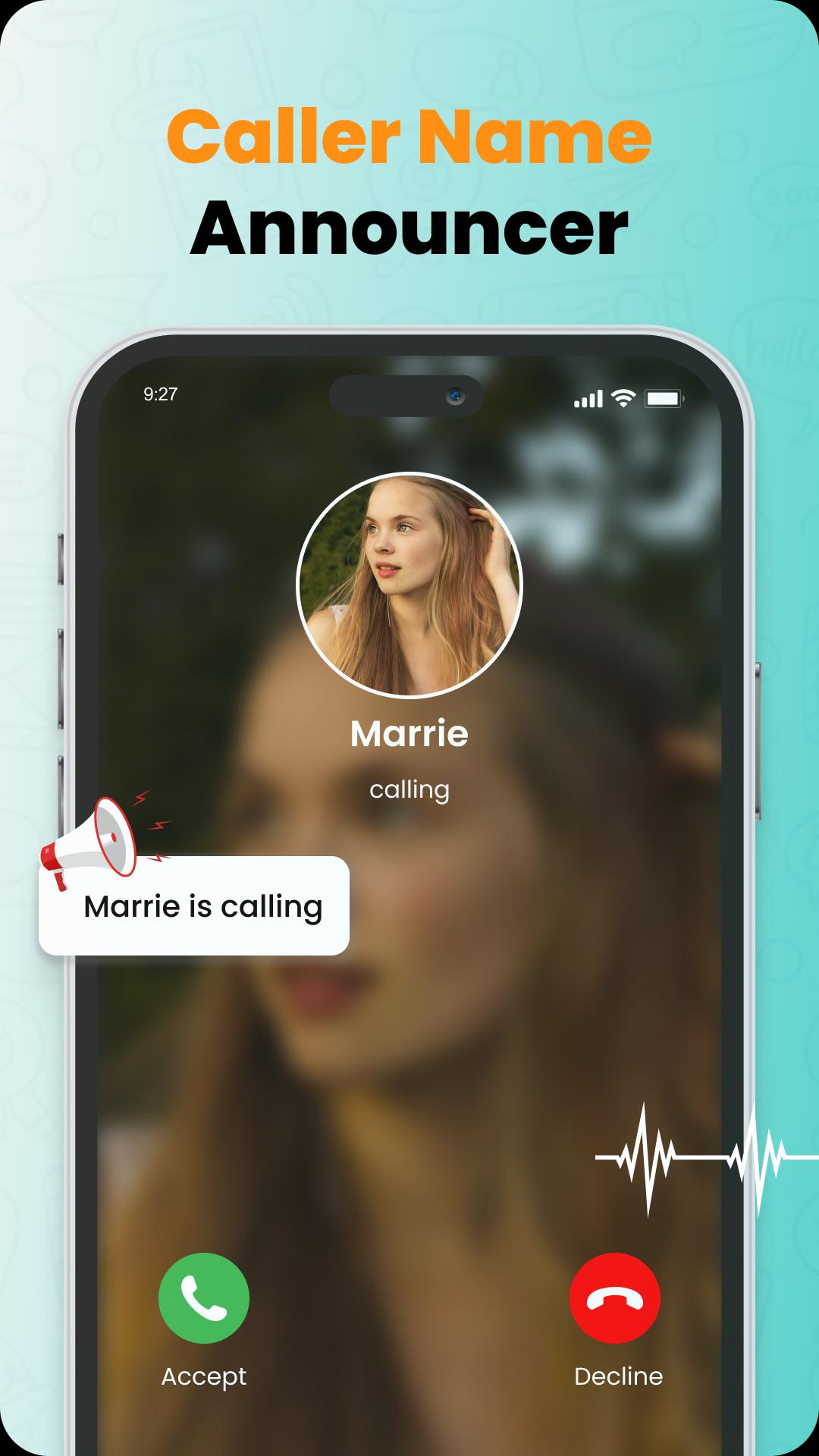
Caller Name Announcer – Talker is the ultimate voice announcer app that lets you know exactly who is calling or texting — without ever touching your phone. With advanced features and a clean interface, it delivers a fully hands-free experience using a caller name announcer by voice for both calls and SMS.
Whether you're driving, working, exercising, or just relaxing, Caller name announcer by voice will speak the name of the caller or sender aloud, keeping you informed and safe at all times.
This smart caller name announcer helps you stay hands-free by announcing incoming calls and SMS messages using clear, customizable voice alerts. Whether you're commuting or multitasking, the app makes sure you know who's contacting you without looking at your screen.
🔑 KEY FEATURES:
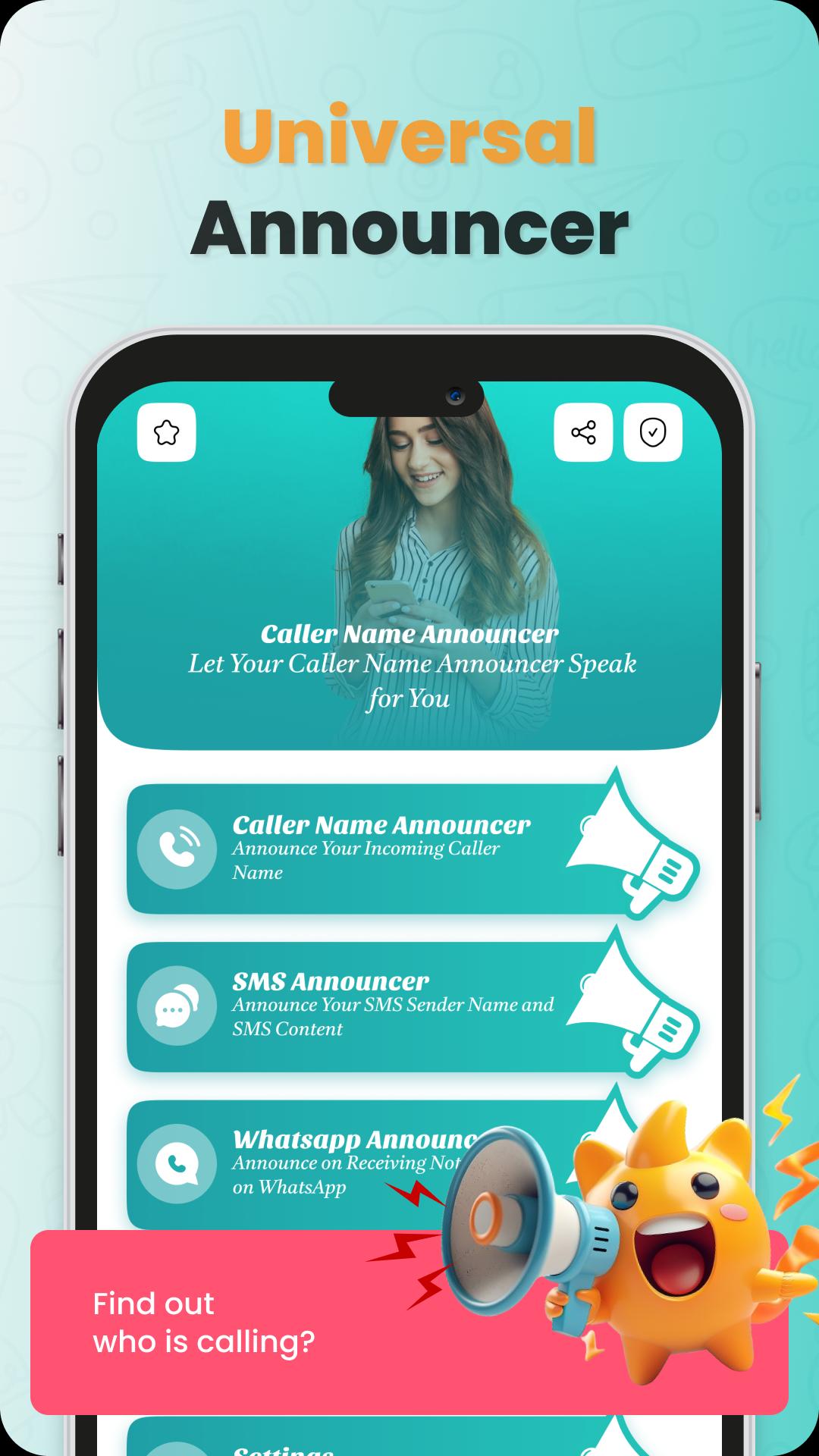
• 📞 Caller Name Announcer – Announces the caller’s name out loud
• 💬 SMS Announcer – Speaks the sender’s name and message content
• 🙌 Hands-Free Mode – Perfect for driving or when your hands are busy
• 🎛️ Customizable Settings – Adjust voice speed, volume, and repetition
• 🌐 Multi-Language Support – Announces in your preferred language
🔸 Why Choose Talker – Caller Name Announcer by Voice?
📢 Hands-free caller name announcer by voice keeps you informed when your phone is out of reach
📢 Get instant voice alerts for incoming calls and SMS
📢 Ideal for the car, gym, office, or any busy environment
📢 Fully customizable: choose how the caller name announcer sounds
📢 Optional silent hours and headphone-only mode for privacy
📢 Makes your phone smarter and safer by reducing distractions
📢 Caller name announcer ensures you never miss a call or text
📈 More Key Features:
• 📢 Voice announcer for calls and messages
• 📢 Speaking caller ID support
• 📢 Personalized caller name speaker
• 📢 Full call and SMS announcer support across languages
• 📢 Designed for accessibility, safety, and convenience
• 📢 Adjustable repeat settings for the caller name announcer by voice
In addition to announcing names and messages, Caller name announcer by voice – Talker is built with safety in mind. Whether you're commuting or focused on tasks, this app ensures you stay aware of important calls and texts — all while keeping your hands and eyes free.
📥 Download Talker: Caller Name Announcer by Voice today and enjoy a smart, hands-free mobile experience!
📣 FEEDBACK
If you enjoy the app, please rate us 5 stars ⭐
Have a suggestion or issue? Contact us via email — we’d love to hear from you!
Preview
Tags
ToolsPersonalizationInformation
Developer
Pixolation Lab
Latest Version
1.1.8
Last Updated
2025-08-24
Category
Tools
Available on
Google Play
Show More
How to play Caller Name Announcer by Voice with GameLoop on PC
1. Download GameLoop from the official website, then run the exe file to install GameLoop
2. Open GameLoop and search for “Caller Name Announcer by Voice” , find Caller Name Announcer by Voice in the search results and click “Install”
3. Enjoy playing Caller Name Announcer by Voice on GameLoop
Minimum requirements
OS
Windows 8.1 64-bit or Windows 10 64-bit
GPU
GTX 1050
CPU
i3-8300
Memory
8GB RAM
Storage
1GB available space
Recommended requirements
OS
Windows 8.1 64-bit or Windows 10 64-bit
GPU
GTX 1050
CPU
i3-9320
Memory
16GB RAM
Storage
1GB available space