
Schedule Planner & Calendar PC
Protector & Security for Mobile Ltd
Download Schedule Planner & Calendar on PC With GameLoop Emulator
Schedule Planner & Calendar on PC
Schedule Planner & Calendar, coming from the developer Protector & Security for Mobile Ltd, is running on Android systerm in the past.
Now, You can play Schedule Planner & Calendar on PC with GameLoop smoothly.
Download it in the GameLoop library or search results. No more eyeing the battery or frustrating calls at the wrong time any more.
Just enjoy Schedule Planner & Calendar PC on the large screen for free!
Schedule Planner & Calendar Introduction
:
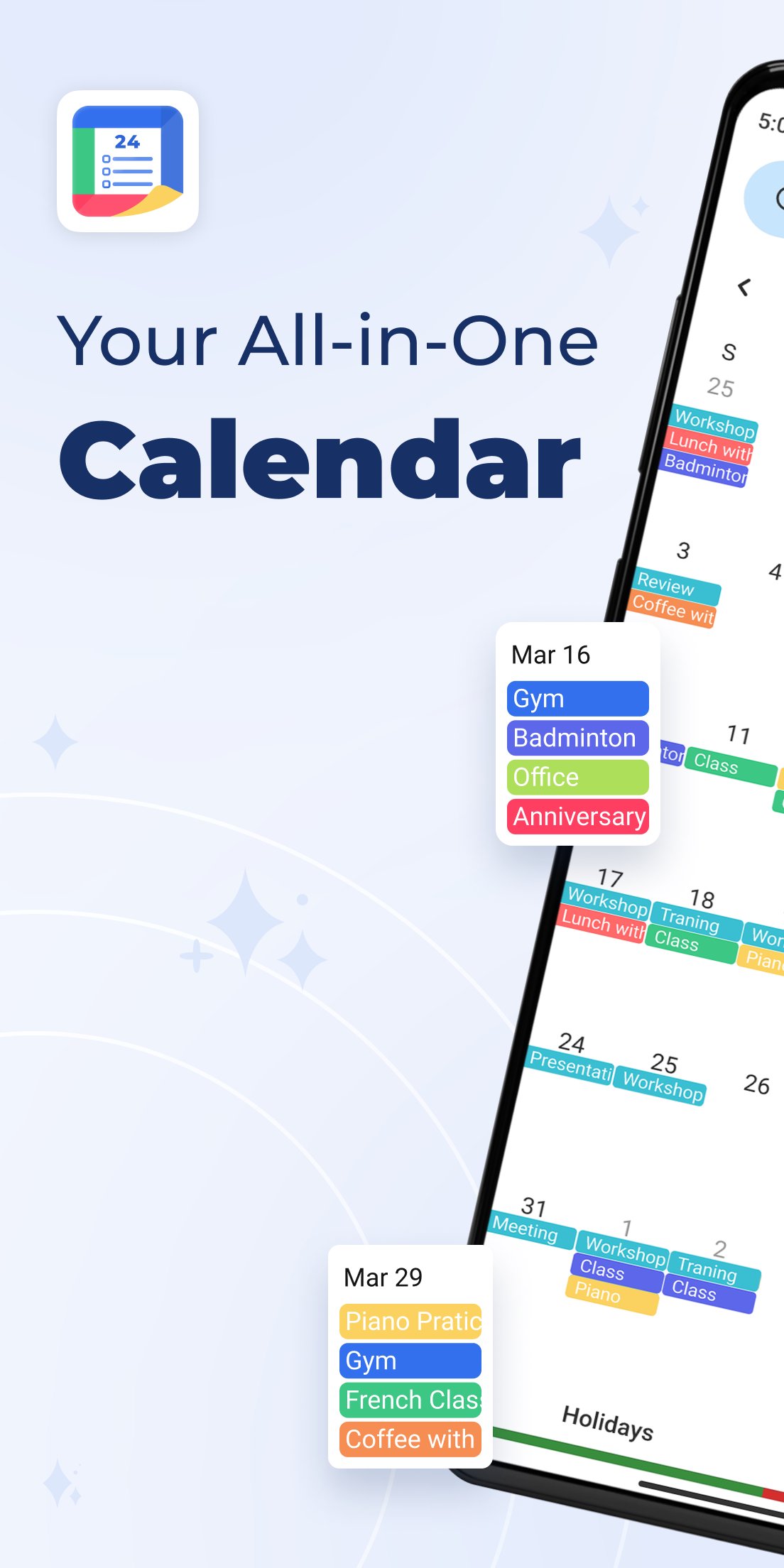
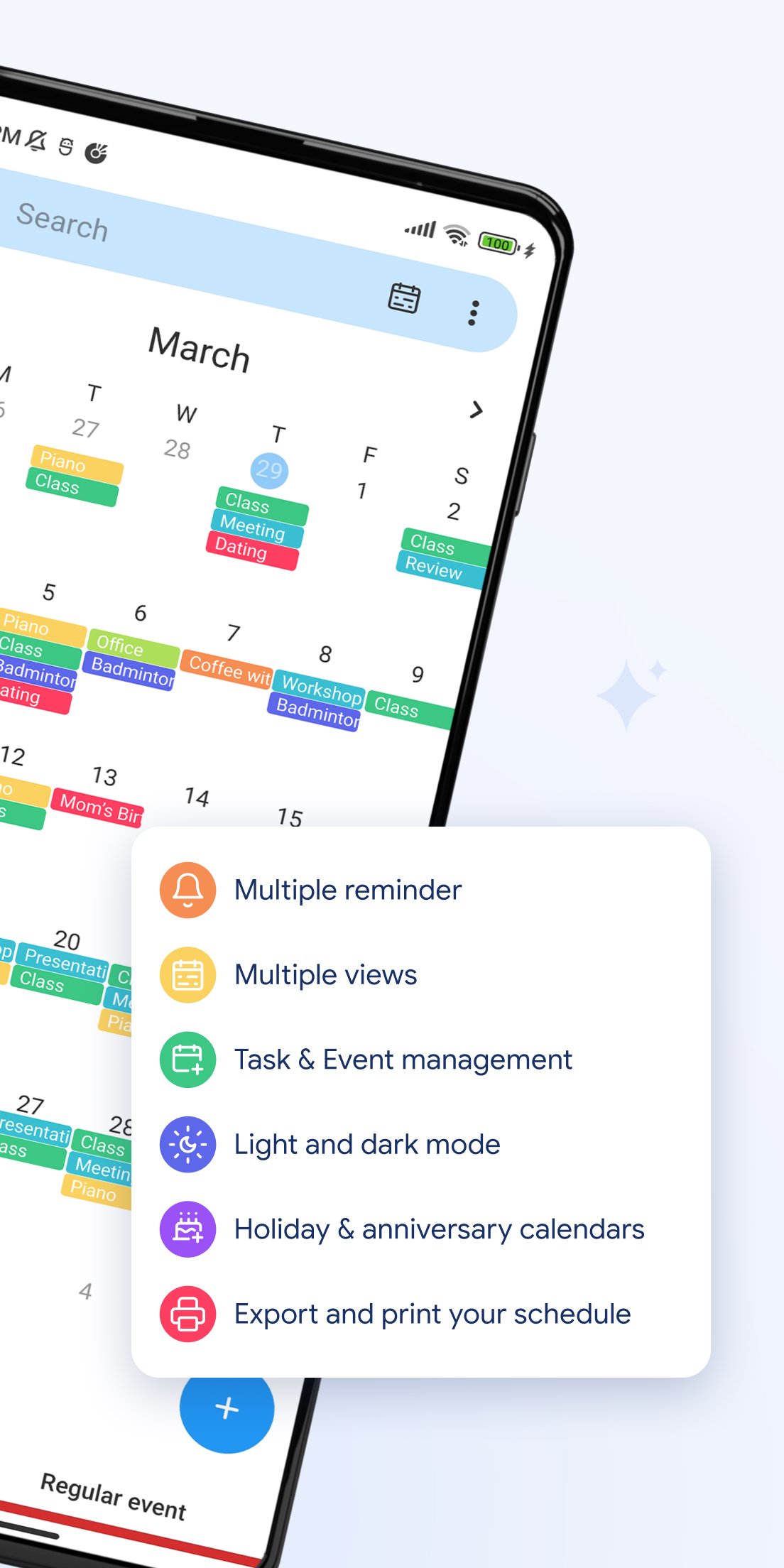
🗓️ All-in-One Calendar View
Switch easily between day, week, month, year, and agenda views. Manage your time the way you like.
🎉 Holidays & Festivals
Get access to holiday and festival calendars to mark special days.
🎂 Birthday Reminders
Import birthdays from your contacts or add them manually to get notified on time.
🧳 Work-Life Balance
Schedule tasks and appointments across time zones. Ideal for work, travel, and personal life.
📱 Home Screen Widgets
View your upcoming events and daily schedule at a glance, right from your Android home screen.
⏰ Smart Reminders
Set time- or location-based alerts to make sure you stay on top of your plans.
🔔 Push Notifications
Get timely reminders for newly added or scheduled events.
💼 Perfect for personal, business, school, or family planning — this calendar app helps you take control of your life with powerful tools and a clean, user-friendly interface.
📲 Download Schedule Planner & Calendar now and start organizing your life more efficiently!
Preview
Tags
ToolsInformation
Developer
Protector & Security for Mobile Ltd
Latest Version
30
Last Updated
2025-12-22
Category
Tools
Available on
Google Play
Show More
How to play Schedule Planner & Calendar with GameLoop on PC
1. Download GameLoop from the official website, then run the exe file to install GameLoop
2. Open GameLoop and search for “Schedule Planner & Calendar” , find Schedule Planner & Calendar in the search results and click “Install”
3. Enjoy playing Schedule Planner & Calendar on GameLoop
Minimum requirements
OS
Windows 8.1 64-bit or Windows 10 64-bit
GPU
GTX 1050
CPU
i3-8300
Memory
8GB RAM
Storage
1GB available space
Recommended requirements
OS
Windows 8.1 64-bit or Windows 10 64-bit
GPU
GTX 1050
CPU
i3-9320
Memory
16GB RAM
Storage
1GB available space