OTG USB Driver for Android PC
VPN Fastest
Download OTG USB Driver for Android on PC With GameLoop Emulator
OTG USB Driver for Android on PC
OTG USB Driver for Android, coming from the developer VPN Fastest, is running on Android systerm in the past.
Now, You can play OTG USB Driver for Android on PC with GameLoop smoothly.
Download it in the GameLoop library or search results. No more eyeing the battery or frustrating calls at the wrong time any more.
Just enjoy OTG USB Driver for Android PC on the large screen for free!
OTG USB Driver for Android Introduction
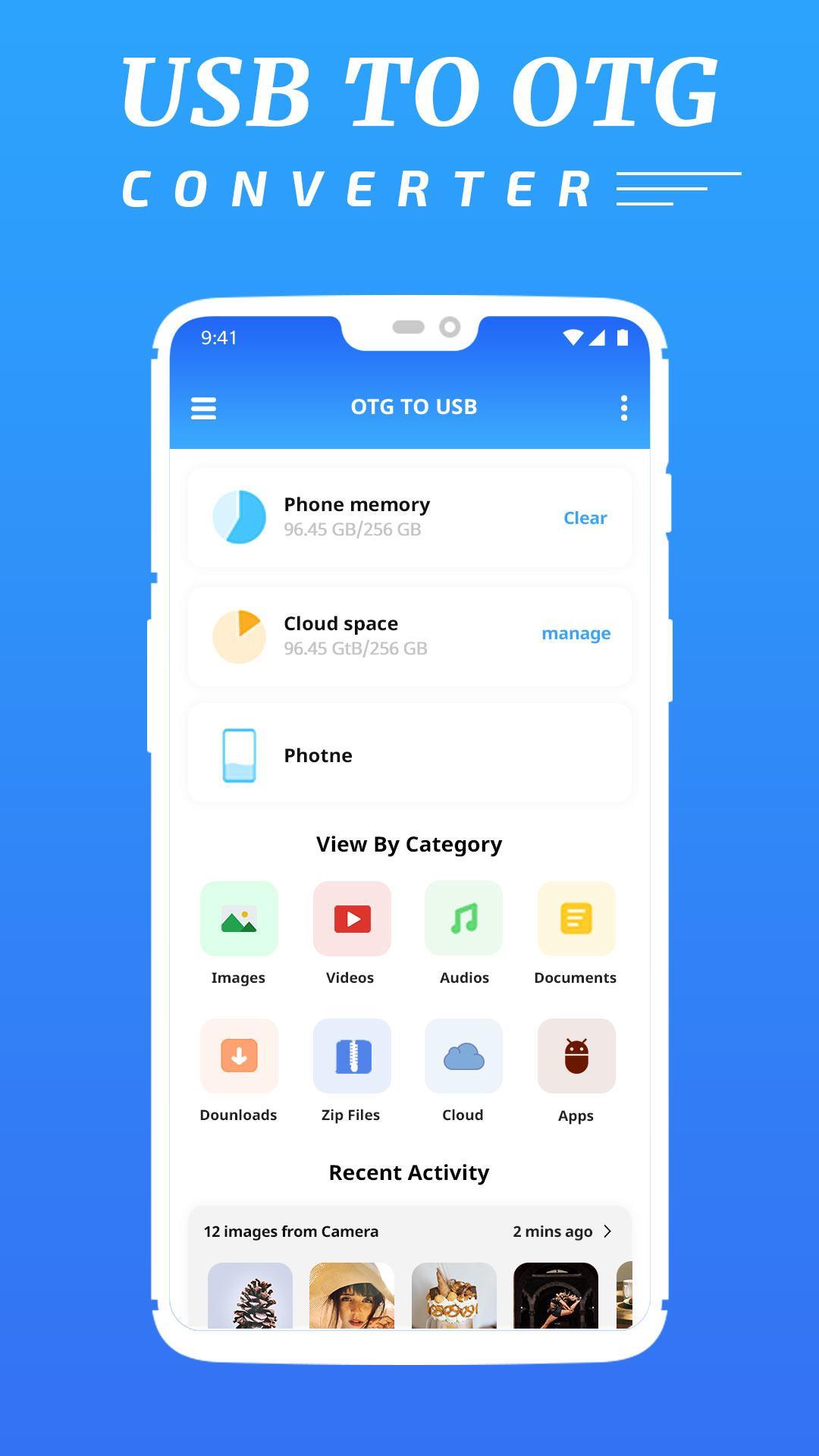
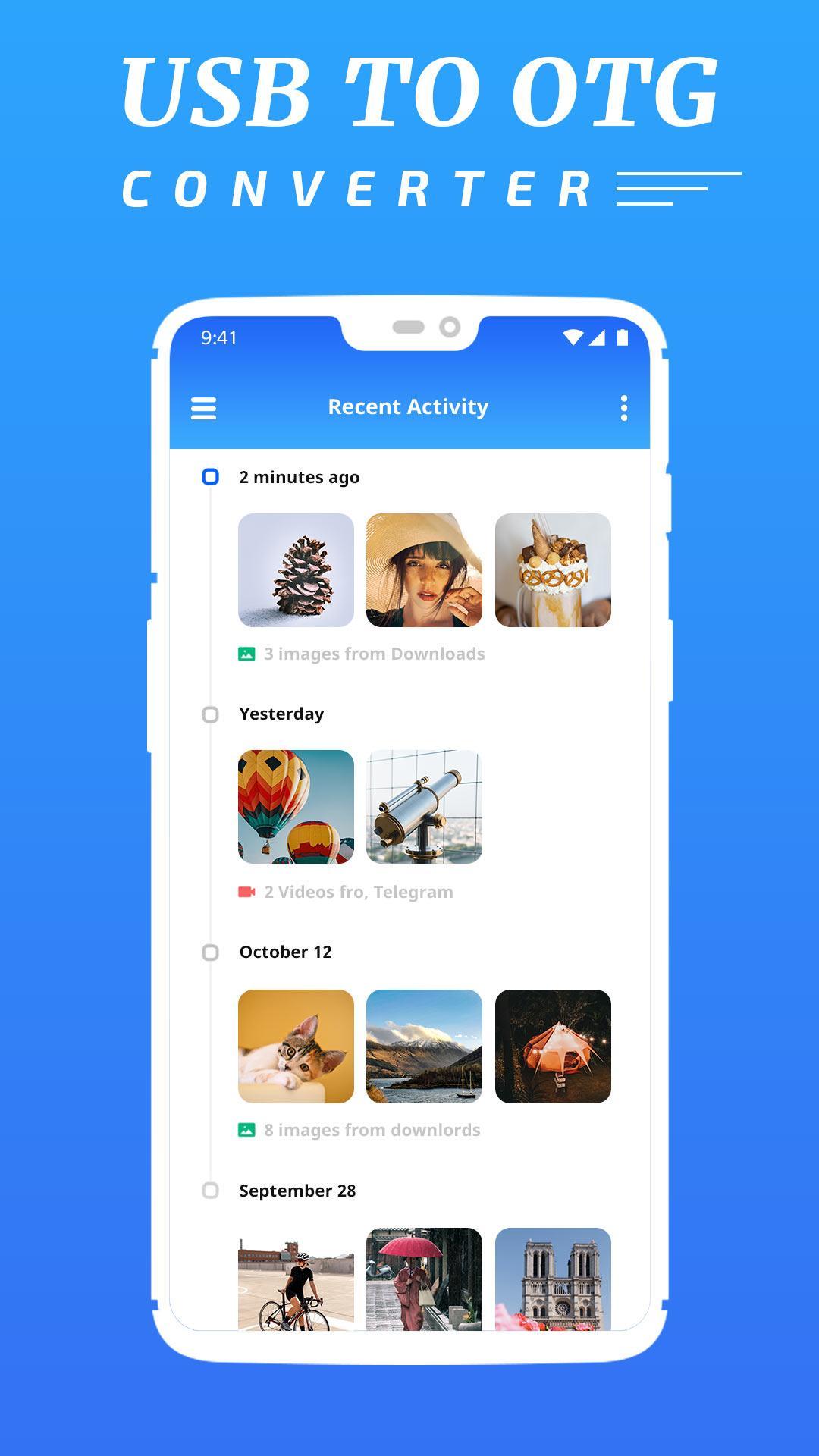
OTG USB Driver for Android is the best application which is help you to access OTG devices through USB OTG File Explorer Manager. OTG Explorer or OTG Connector Software For Android lets you to read USB flash drives as well as card readers.
Extract adbdriver.zip to your internal storage. You can find it on your computer with USB cable via MTP.
OTG File Explorer support application management like Uninstall applications, delete application and manage application like system app and user install app.
It is possible to connect an external disk or the USB stick further it wasn't made yet, and to press the mount button then on the screen the attached devices will appear. For an output of more detailed information, it is possible to use the Mounted button.
FEATURES
- Copy Data To Pen drive from your Android Device.
- Automatically start app on device connect.
- Automatically open the mounted drive 10 Media scanner triggered on mount...
- Other Functionality of File manager application like delete, Share, Copy, Cut & many more.
- Full NTFS support USB OTG.
- This app simply opens the hidden settings.
Preview
Tags
ToolsInformation
Developer
VPN Fastest
Latest Version
1.0
Last Updated
2019-12-16
Category
Tools
Available on
Google Play
Show More
How to play OTG USB Driver for Android with GameLoop on PC
1. Download GameLoop from the official website, then run the exe file to install GameLoop
2. Open GameLoop and search for “OTG USB Driver for Android” , find OTG USB Driver for Android in the search results and click “Install”
3. Enjoy playing OTG USB Driver for Android on GameLoop
Minimum requirements
OS
Windows 8.1 64-bit or Windows 10 64-bit
GPU
GTX 1050
CPU
i3-8300
Memory
8GB RAM
Storage
1GB available space
Recommended requirements
OS
Windows 8.1 64-bit or Windows 10 64-bit
GPU
GTX 1050
CPU
i3-9320
Memory
16GB RAM
Storage
1GB available space