Automatic Flashlight & Strobe PC
Prasan Games
Download Automatic Flashlight & Strobe on PC With GameLoop Emulator
Automatic Flashlight & Strobe on PC
Automatic Flashlight & Strobe, coming from the developer Prasan Games, is running on Android systerm in the past.
Now, You can play Automatic Flashlight & Strobe on PC with GameLoop smoothly.
Download it in the GameLoop library or search results. No more eyeing the battery or frustrating calls at the wrong time any more.
Just enjoy Automatic Flashlight & Strobe PC on the large screen for free!
Automatic Flashlight & Strobe Introduction
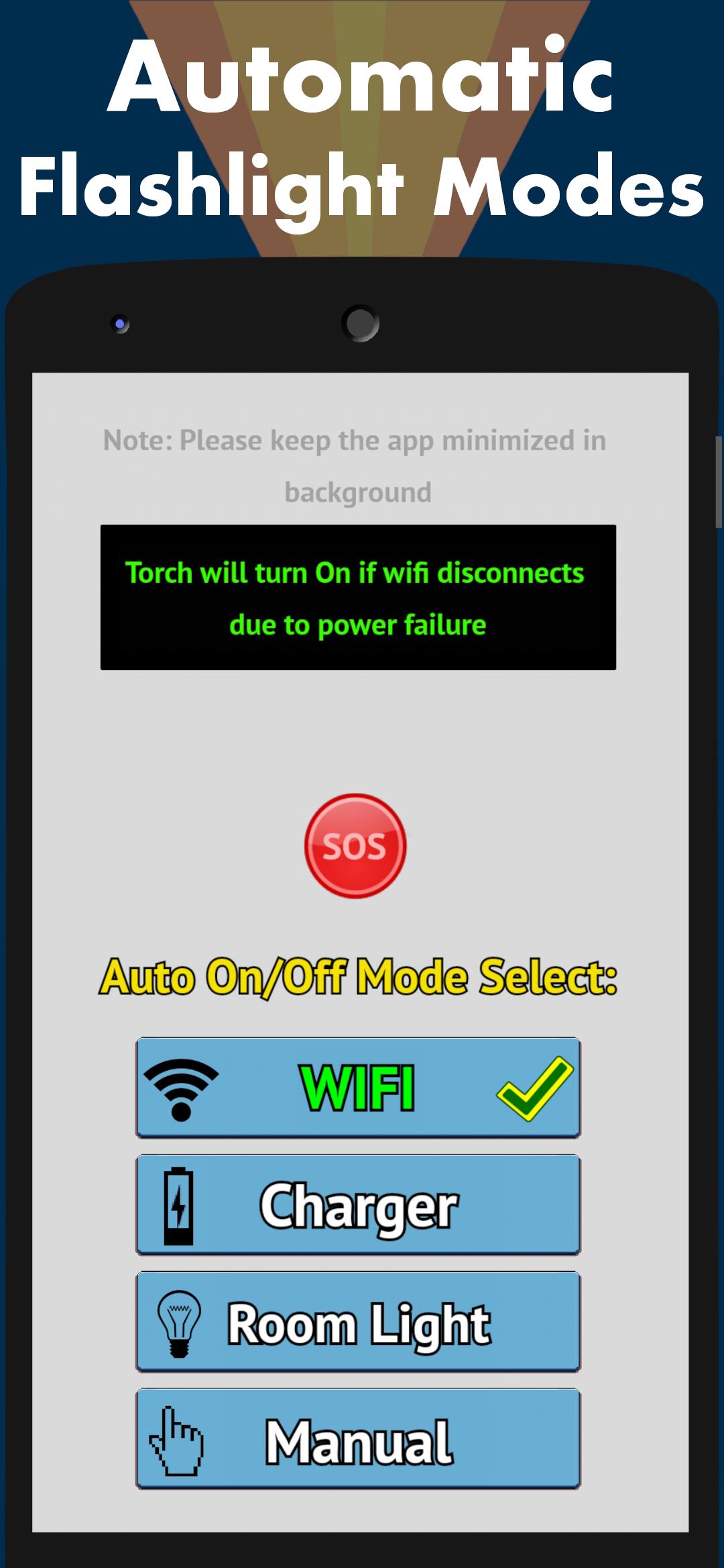
Automatic flashlight app can turn on automatically if there is a power outage. This smart LED torch app can also be used to locate your phone in dark on power failure. The torchlight app uses camera flash.
This "all in one" app has everything that you would need from a light app.
It is one of the best productivity tools and featured flashlight.
No permissions needed.
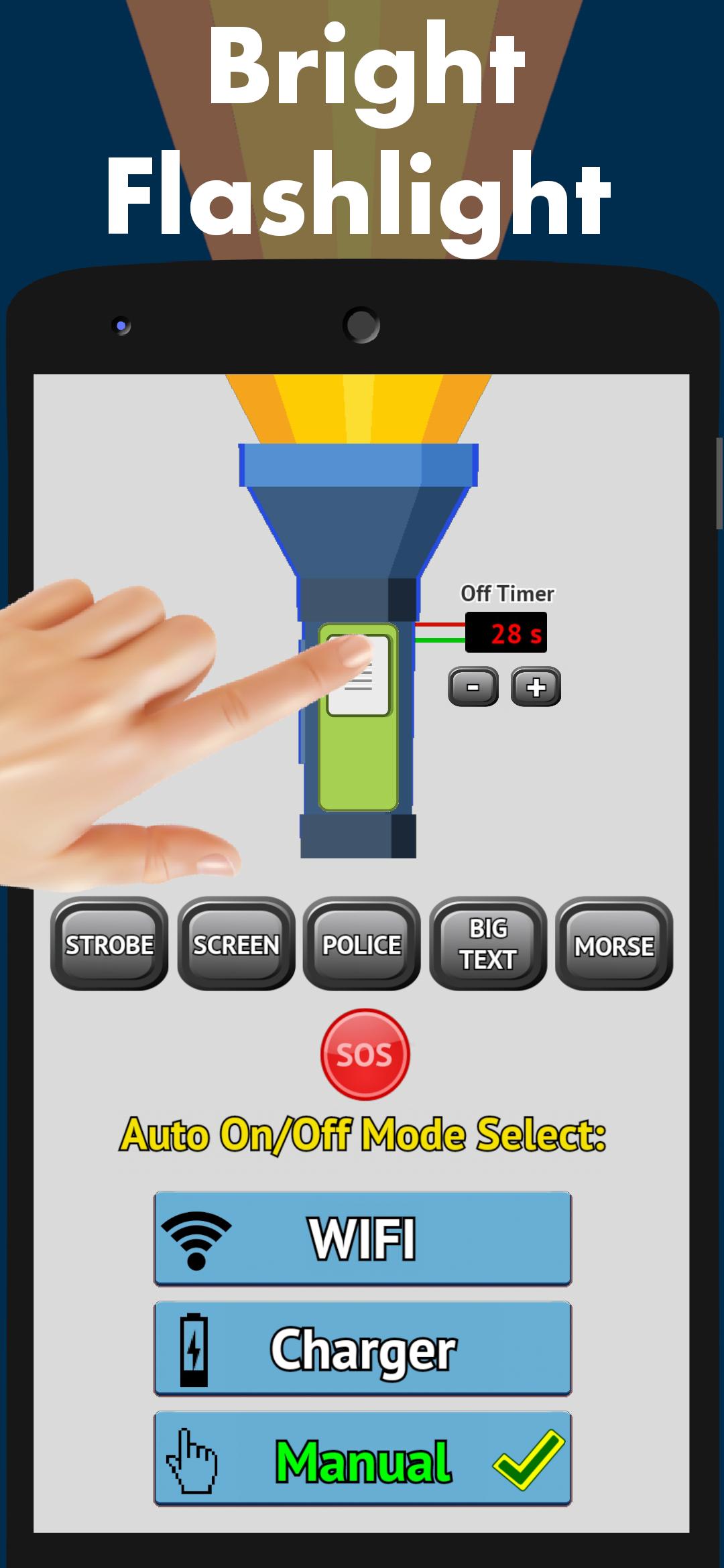
Sos mode added which flashes morse code using torch. A big "HELP" text is also flashed on the screen in sos mode. Custom text can also be shown as morse code.
Use this during emergency and also as a backup light, be safe 👍.
If you ever need to speed through traffic in case of an emergency, just use the police lights with loud siren, connected to the car speakers.
If you need a strobe light effect, maybe at a dance party, we've got it covered too. Speed can be set on the party flashing light to set the mood, or turn your room into disco. Let the party begin with the best party app on the market!
Main Features
Auto turn on during power outage.
Auto turn-off once power comes back.
Different modes of power outage detection.
Wifi off alarm.
Charger disconnect alarm.
Room dark alarm.
Manual mode also included.
Sos morse code mode.
Color lights and Screenlight mode.
Strobe light, Disco lights, Party light mode.
Police lights and Loud Police siren. Cop lights and Cop siren.
Night light with timer to On and Off.
Custom text to morse code display.
Big display text mode, which can be edited.
Ads can be removed.
Low battery consumption.
Uses phone camera flashlight.
Option to enable ringtone alert.
Screen also wakes up while torch turn on.
Locate your phone in darkness during power failure.
Your choices are remembered by the app.
More features to be added soon.
Preview
Tags
ToolsInformation
Developer
Prasan Games
Latest Version
5.3
Last Updated
2022-04-10
Category
Tools
Available on
Google Play
Show More
How to play Automatic Flashlight & Strobe with GameLoop on PC
1. Download GameLoop from the official website, then run the exe file to install GameLoop
2. Open GameLoop and search for “Automatic Flashlight & Strobe” , find Automatic Flashlight & Strobe in the search results and click “Install”
3. Enjoy playing Automatic Flashlight & Strobe on GameLoop
Minimum requirements
OS
Windows 8.1 64-bit or Windows 10 64-bit
GPU
GTX 1050
CPU
i3-8300
Memory
8GB RAM
Storage
1GB available space
Recommended requirements
OS
Windows 8.1 64-bit or Windows 10 64-bit
GPU
GTX 1050
CPU
i3-9320
Memory
16GB RAM
Storage
1GB available space