
Auto Call Scheduler & Reminder PC
COvayurt
Download Auto Call Scheduler & Reminder on PC With GameLoop Emulator
Auto Call Scheduler & Reminder on PC
Auto Call Scheduler & Reminder, coming from the developer COvayurt, is running on Android systerm in the past.
Now, You can play Auto Call Scheduler & Reminder on PC with GameLoop smoothly.
Download it in the GameLoop library or search results. No more eyeing the battery or frustrating calls at the wrong time any more.
Just enjoy Auto Call Scheduler & Reminder PC on the large screen for free!
Auto Call Scheduler & Reminder Introduction
Forget to call back? Not anymore.
Life is full of things to remember — follow-ups, check-ins, work calls, and personal moments.
Auto Call Scheduler & Reminder helps you stay organized by letting you schedule calls ahead of time. So even when life gets chaotic, your calls stay on track.
Simple, reliable, and designed to make calling easier — right when you need it.
✨ Here’s what you can do with Auto Call Scheduler:
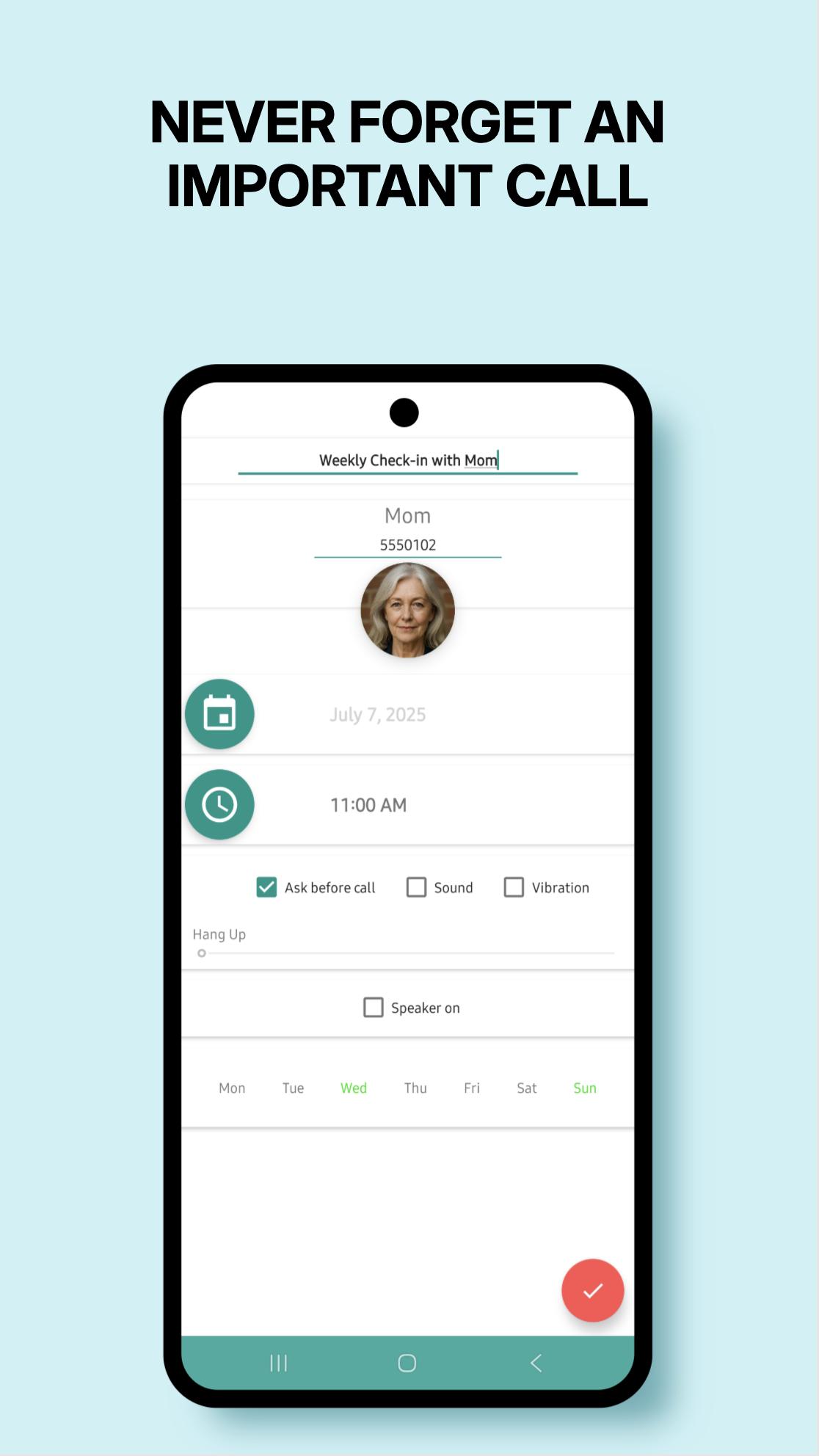
✅ Schedule calls by minute, hour, day, week, or specific weekdays
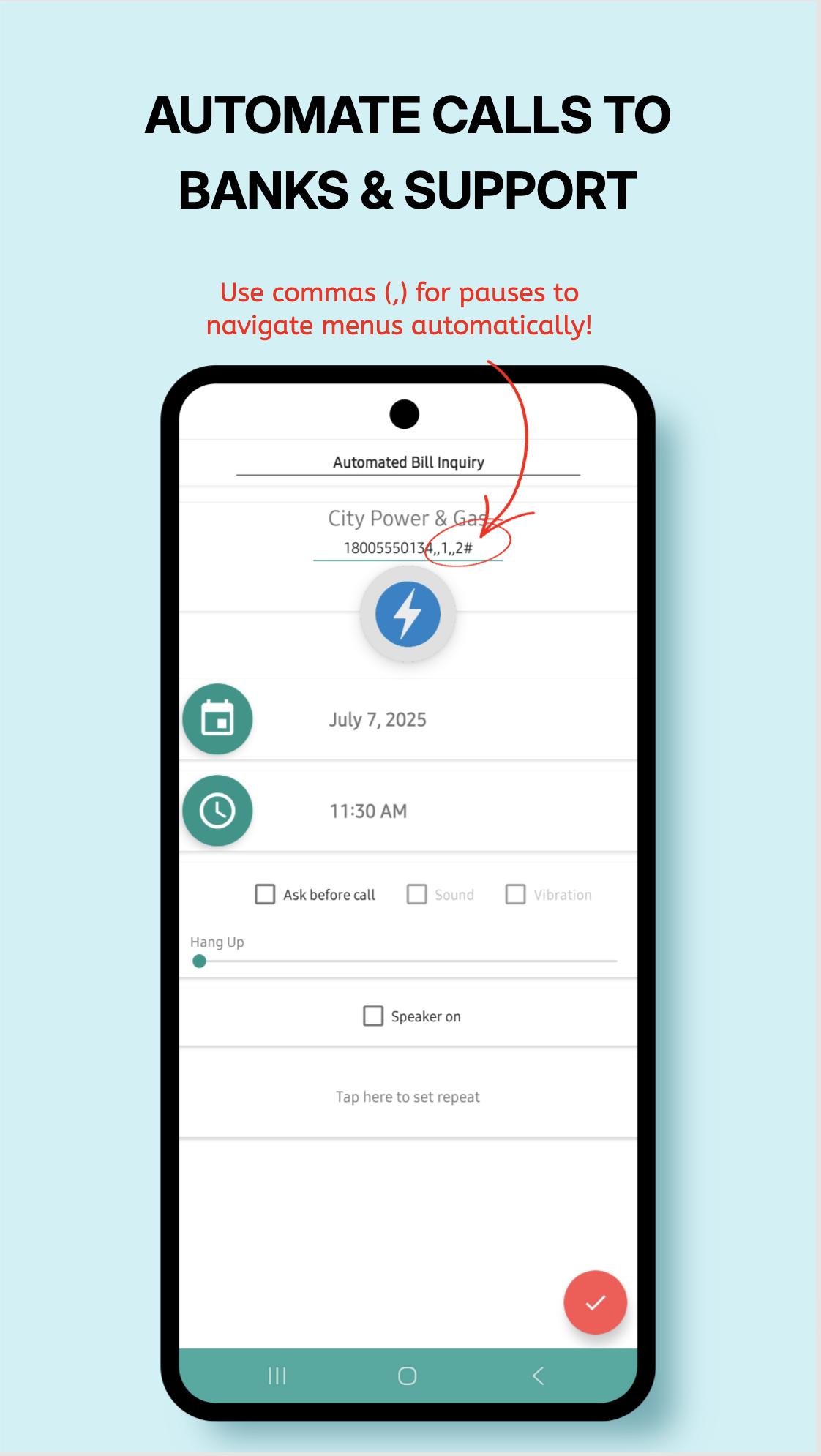
✅ Hands-free calls with automatic “speaker on”
✅ Get a reminder alarm before each scheduled call — cancel if needed
✅ Add notes to remember what the call is about
✅ Duplicate, edit, or delete schedules in seconds
✅ Auto hang-up after a set time (if supported by your device)
✅ Multi-SIM support
✅ Sleek, easy-to-use design
✅ Quick Call Widget – instantly schedule or dismiss calls while you're still on the line!
Whether it’s a client, a loved one, or a follow-up you must not forget —
Auto Call Scheduler helps you stay connected, on time, and stress-free.
Got feedback? We'd love to hear it: c.ovayurt@gmail.com
Want to try new features first?
Join our beta program:
https://play.google.com/apps/testing/autocallschedule.covayurt.com.autocallschedule
Preview
Tags
ToolsInformation
Developer
COvayurt
Latest Version
1.25.7
Last Updated
2025-08-09
Category
Tools
Available on
Google Play
Show More
How to play Auto Call Scheduler & Reminder with GameLoop on PC
1. Download GameLoop from the official website, then run the exe file to install GameLoop
2. Open GameLoop and search for “Auto Call Scheduler & Reminder” , find Auto Call Scheduler & Reminder in the search results and click “Install”
3. Enjoy playing Auto Call Scheduler & Reminder on GameLoop
Minimum requirements
OS
Windows 8.1 64-bit or Windows 10 64-bit
GPU
GTX 1050
CPU
i3-8300
Memory
8GB RAM
Storage
1GB available space
Recommended requirements
OS
Windows 8.1 64-bit or Windows 10 64-bit
GPU
GTX 1050
CPU
i3-9320
Memory
16GB RAM
Storage
1GB available space