
Antilag for PUBG - Fix lag PC
Shahid Kamal
Download Antilag for PUBG - Fix lag on PC With GameLoop Emulator
Antilag for PUBG - Fix lag on PC
Antilag for PUBG - Fix lag, coming from the developer Shahid Kamal, is running on Android systerm in the past.
Now, You can play Antilag for PUBG - Fix lag on PC with GameLoop smoothly.
Download it in the GameLoop library or search results. No more eyeing the battery or frustrating calls at the wrong time any more.
Just enjoy Antilag for PUBG - Fix lag PC on the large screen for free!
Antilag for PUBG - Fix lag Introduction
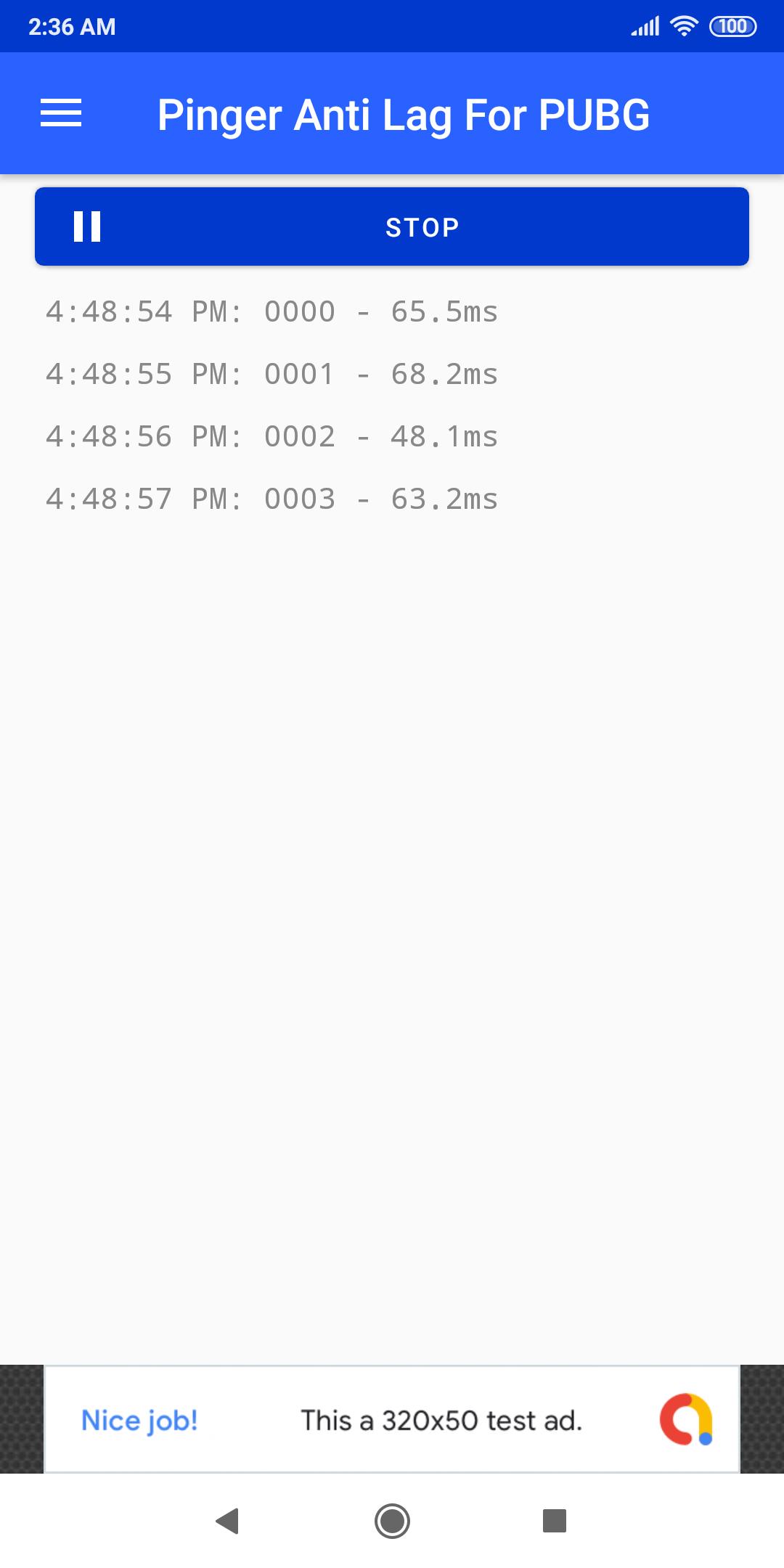
App helps you manage connectivity to your internet connection. So you'll face lags less often.
How app works?
App creates ICMP requests to google.com in other term you call it as ping. This will maintain your connectivity so you're less likely to face lags due to your internet connection.
Ping is still high sometimes?
This happens eventually when server you're playing on is overloaded or there are many player near you. This will eventually show some lag. To win chicken dinner in this situation, avoid engaging enemies when it happens. And go to 150-200m far from your area and then use any scope to target enemies.
Anything else?
Email me @(shahidkamalhimself@gmail.com) I'll surely reply asap.
Preview
Tags
ToolsInformation
Developer
Shahid Kamal
Latest Version
2.4
Last Updated
2021-11-26
Category
Tools
Available on
Google Play
Show More
How to play Antilag for PUBG - Fix lag with GameLoop on PC
1. Download GameLoop from the official website, then run the exe file to install GameLoop
2. Open GameLoop and search for “Antilag for PUBG - Fix lag” , find Antilag for PUBG - Fix lag in the search results and click “Install”
3. Enjoy playing Antilag for PUBG - Fix lag on GameLoop
Minimum requirements
OS
Windows 8.1 64-bit or Windows 10 64-bit
GPU
GTX 1050
CPU
i3-8300
Memory
8GB RAM
Storage
1GB available space
Recommended requirements
OS
Windows 8.1 64-bit or Windows 10 64-bit
GPU
GTX 1050
CPU
i3-9320
Memory
16GB RAM
Storage
1GB available space