
Anti Theft Alarm - Phone Alarm PC
Mobile Topup apps
Download Anti Theft Alarm - Phone Alarm on PC With GameLoop Emulator
Anti Theft Alarm - Phone Alarm on PC
Anti Theft Alarm - Phone Alarm, coming from the developer Mobile Topup apps, is running on Android systerm in the past.
Now, You can play Anti Theft Alarm - Phone Alarm on PC with GameLoop smoothly.
Download it in the GameLoop library or search results. No more eyeing the battery or frustrating calls at the wrong time any more.
Just enjoy Anti Theft Alarm - Phone Alarm PC on the large screen for free!
Anti Theft Alarm - Phone Alarm Introduction
No More Phone Hunting!
The Anti Theft Alarm - Phone Alarm app assists you to quickly find your lost phone by clap and whistle. Easily forget where you placed your phone? Don’t panic, we’ve got your back. Using our lost phone finder app, you can find phone by clap or whistle. Whenever you lose your phone, just clap to find your phone or just whistle to find our phone and your mobile will ring an alarm/alert until you pick up the mobile phone and turn it off. The additional wrong password alert feature of our lost phone finder app notifies you if someone tries to unlock your mobile screen with wrong password and keeps your phone safe from intruders.
This unique find my phone app offers exclusive features for your comfort. Your mobile is just a whistle away when you misplace it somewhere and forget. The whistle feature differentiates your whistle from surrounding noises to accurately identify your voice. The clap feature also accurately identifies your clap. After the clap or whistle is triggered, the app rings an alarm in to help you find your phone. The wrong password alert feature protects your mobile from theft and intruders.
Review the exciting features of the app below,
👉 Clap and Flash – Clap to Find Your Phone:
The Clap to Find My Phone feature uses mobile’s microphone to detect your clap and differentiated your clap from surrounding noises. The Clap and Flash rings an alarm to help you find your phone and also turns on the flashlight so that you can easily get to your phone.
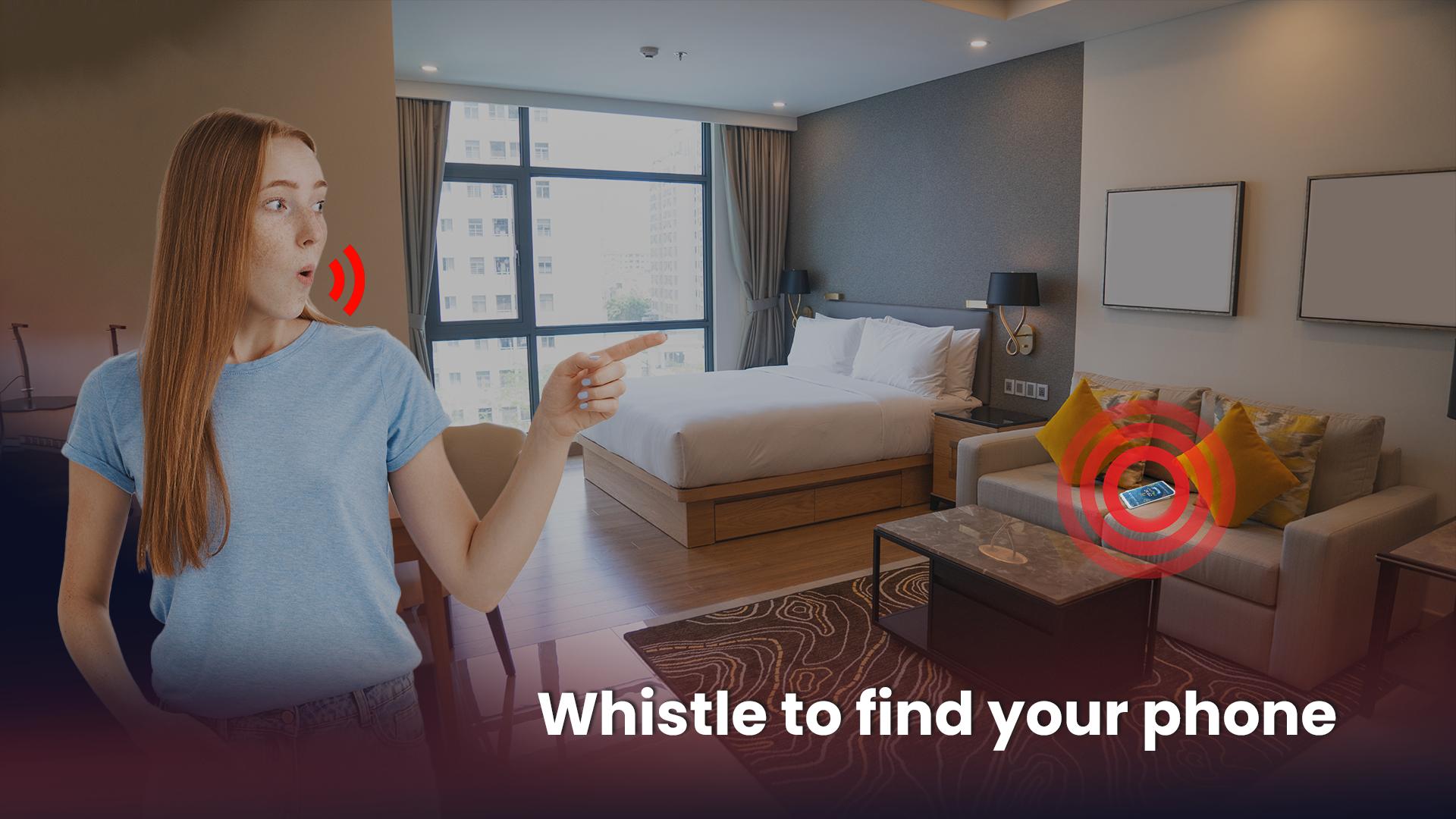
👉 Find Your Phone by Whistle – Whistle to Find My Phone:
The whistle to find my phone feature rings lost phone alarm after a whistle is triggered and identified by the app. The flashlight is also turned on along with the lost phone alert.
👉 Wrong Password Alarm/Alert:
Keep your phone safe from intruders with the wrong password alarm feature that rings an alert if someone enters a wrong password trying to unlock your mobile’s lock screen.
👉 Ring, Flash, and Vibrate:
Whenever a feature is triggered, whether it’s find phone by clap, find phone by whistle or wrong password alarm, your mobile will ring an alarm, turn on the flashlight or vibrate depending upon your preferences.
👉 Customizable Lost Phone Finder:
You can customize Anti Theft Alarm - Phone Alarm according to your preferences. Adjust the ringtone, volume and themes according to your needs and taste.
The Anti Theft Alarm - Phone Alarm app is the best find my phone app that helps you to find your lost phone by clapping and whistle. The wrong password alert feature adds extra layers of safety to your phone and lets you know if someone tries to unlock your phone by a wrong password.
Preview

Tags
ToolsInformation
Developer
Mobile Topup apps
Latest Version
3.0.6
Last Updated
2023-08-31
Category
Tools
Available on
Google Play
Show More
How to play Anti Theft Alarm - Phone Alarm with GameLoop on PC
1. Download GameLoop from the official website, then run the exe file to install GameLoop
2. Open GameLoop and search for “Anti Theft Alarm - Phone Alarm” , find Anti Theft Alarm - Phone Alarm in the search results and click “Install”
3. Enjoy playing Anti Theft Alarm - Phone Alarm on GameLoop
Minimum requirements
OS
Windows 8.1 64-bit or Windows 10 64-bit
GPU
GTX 1050
CPU
i3-8300
Memory
8GB RAM
Storage
1GB available space
Recommended requirements
OS
Windows 8.1 64-bit or Windows 10 64-bit
GPU
GTX 1050
CPU
i3-9320
Memory
16GB RAM
Storage
1GB available space