AMS India Font Converter PC
Narendra Bairagi
Download AMS India Font Converter on PC With GameLoop Emulator
AMS India Font Converter on PC
AMS India Font Converter, coming from the developer Narendra Bairagi, is running on Android systerm in the past.
Now, You can play AMS India Font Converter on PC with GameLoop smoothly.
Download it in the GameLoop library or search results. No more eyeing the battery or frustrating calls at the wrong time any more.
Just enjoy AMS India Font Converter PC on the large screen for free!
AMS India Font Converter Introduction
AMS India Font Converter – Unicode to AMS Font
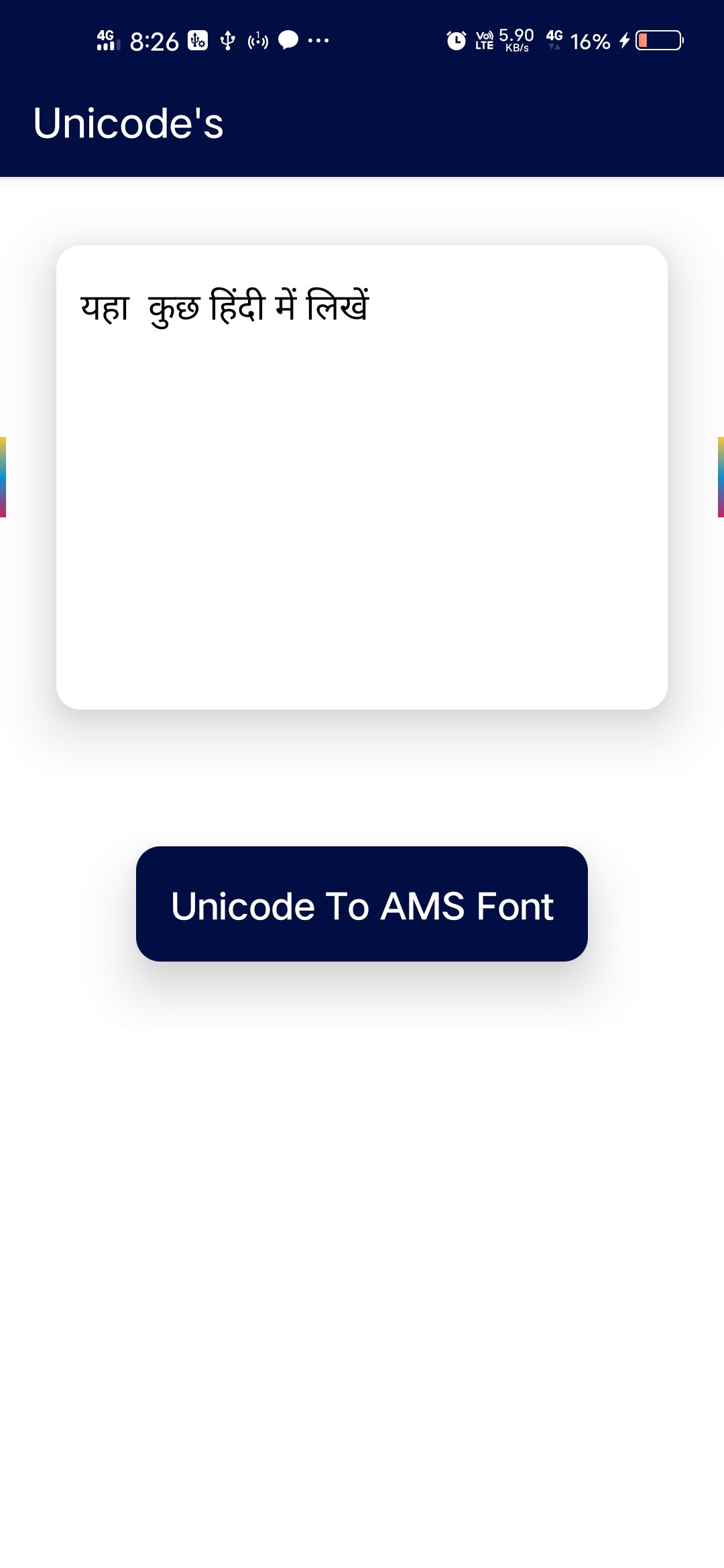
AMS India Font Converter is a simple and easy-to-use Hindi font converter app. This app allows you to convert AMS India Font to Unicode and Unicode to AMS Font quickly and accurately.
If you work with Hindi typing, calligraphy fonts, or government documents, this app helps you convert text between AMS India Font and Hindi Unicode without any difficulty.
🔹 Features:
✔ Convert AMS India Font to Hindi Unicode
✔ Convert Hindi Unicode to AMS India Font
✔ Fast and accurate text conversion
✔ Easy copy and paste option
✔ Simple and clean interface
✔ Useful for Hindi typing and calligraphy work
🔹 Why Use This App?
AMS India Font is widely used for Hindi typing and design work. However, many websites and official platforms require Unicode format.
This app helps you easily convert:
AMS Font to Unicode
Unicode to AMS Font
It works as a Hindi font converter tool for students, typists, designers, and office work.
🔹 Related Tools
If you are looking for Kruti Dev Font Converter, you can also try our other app:
Kruti Dev Font Converter Kruti Dev Font converter Install https://play.google.com/store/apps/details?id=in.narenbairagi.unicode.converter
Preview
Tags
ToolsInformation
Developer
Narendra Bairagi
Latest Version
8.0
Last Updated
2023-04-21
Category
Tools
Available on
Google Play
Show More
How to play AMS India Font Converter with GameLoop on PC
1. Download GameLoop from the official website, then run the exe file to install GameLoop
2. Open GameLoop and search for “AMS India Font Converter” , find AMS India Font Converter in the search results and click “Install”
3. Enjoy playing AMS India Font Converter on GameLoop
Minimum requirements
OS
Windows 8.1 64-bit or Windows 10 64-bit
GPU
GTX 1050
CPU
i3-8300
Memory
8GB RAM
Storage
1GB available space
Recommended requirements
OS
Windows 8.1 64-bit or Windows 10 64-bit
GPU
GTX 1050
CPU
i3-9320
Memory
16GB RAM
Storage
1GB available space