Alert Bridge PC
SilentLexx UA
Download Alert Bridge on PC With GameLoop Emulator
Alert Bridge on PC
Alert Bridge, coming from the developer SilentLexx UA, is running on Android systerm in the past.
Now, You can play Alert Bridge on PC with GameLoop smoothly.
Download it in the GameLoop library or search results. No more eyeing the battery or frustrating calls at the wrong time any more.
Just enjoy Alert Bridge PC on the large screen for free!
Alert Bridge Introduction
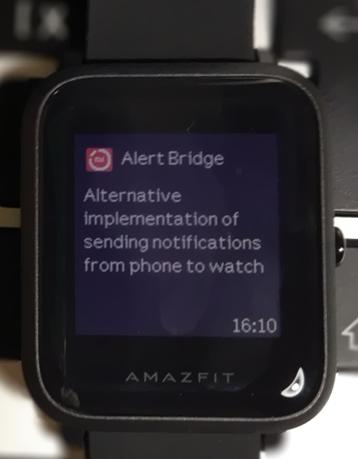
Alert Bridge is an alternative implementation of sending notifications from the phone to Amazfit Bip, Amazfit Cor, Amazfit GTR, Amazfit GTS, Mi Band 3 and Mi Band 4 devices.
Functionality in app at the moment:
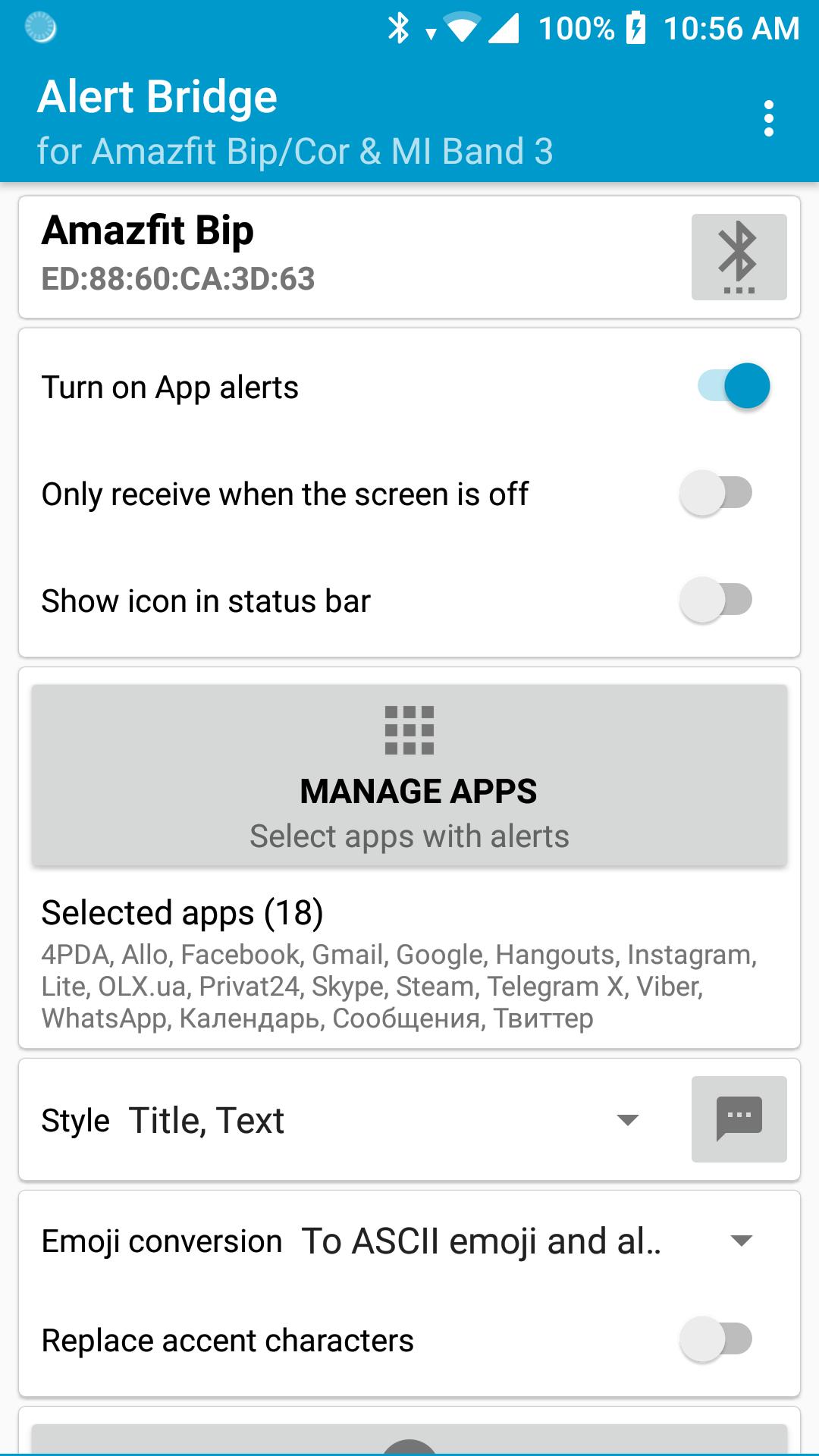
* Full content of messages from instant messengers
* Smilies replaced with their text names
* Replacement of Ukrainian letters with understandable "analogs"
* Customize the style of messages (3 styles to choose from)
* Any number of apps
* Sending text to the clock
* Selection of icons and style for apps
Before using you must bind your device into system in Bluetooth setting, give access to Alert Bridge for reading notifications, select needed application.
If you do not find your device, try manually entering the bluetooth address (the lowest position in the list of devices).
If you have problems with displaying accent characters, try turning on "Replace problematic characters".
Preview
Tags
ToolsInformation
Developer
SilentLexx UA
Latest Version
3.00
Last Updated
2023-08-18
Category
Tools
Available on
Google Play
Show More
How to play Alert Bridge with GameLoop on PC
1. Download GameLoop from the official website, then run the exe file to install GameLoop
2. Open GameLoop and search for “Alert Bridge” , find Alert Bridge in the search results and click “Install”
3. Enjoy playing Alert Bridge on GameLoop
Minimum requirements
OS
Windows 8.1 64-bit or Windows 10 64-bit
GPU
GTX 1050
CPU
i3-8300
Memory
8GB RAM
Storage
1GB available space
Recommended requirements
OS
Windows 8.1 64-bit or Windows 10 64-bit
GPU
GTX 1050
CPU
i3-9320
Memory
16GB RAM
Storage
1GB available space