Force LTE/5G PC
NewAgeDevs
Download Force LTE/5G on PC With GameLoop Emulator
Force LTE/5G on PC
Force LTE/5G, coming from the developer NewAgeDevs, is running on Android systerm in the past.
Now, You can play Force LTE/5G on PC with GameLoop smoothly.
Download it in the GameLoop library or search results. No more eyeing the battery or frustrating calls at the wrong time any more.
Just enjoy Force LTE/5G PC on the large screen for free!
Force LTE/5G Introduction
## 5G Network Controller: Force 5G/4G/3G & Network Speed Booster
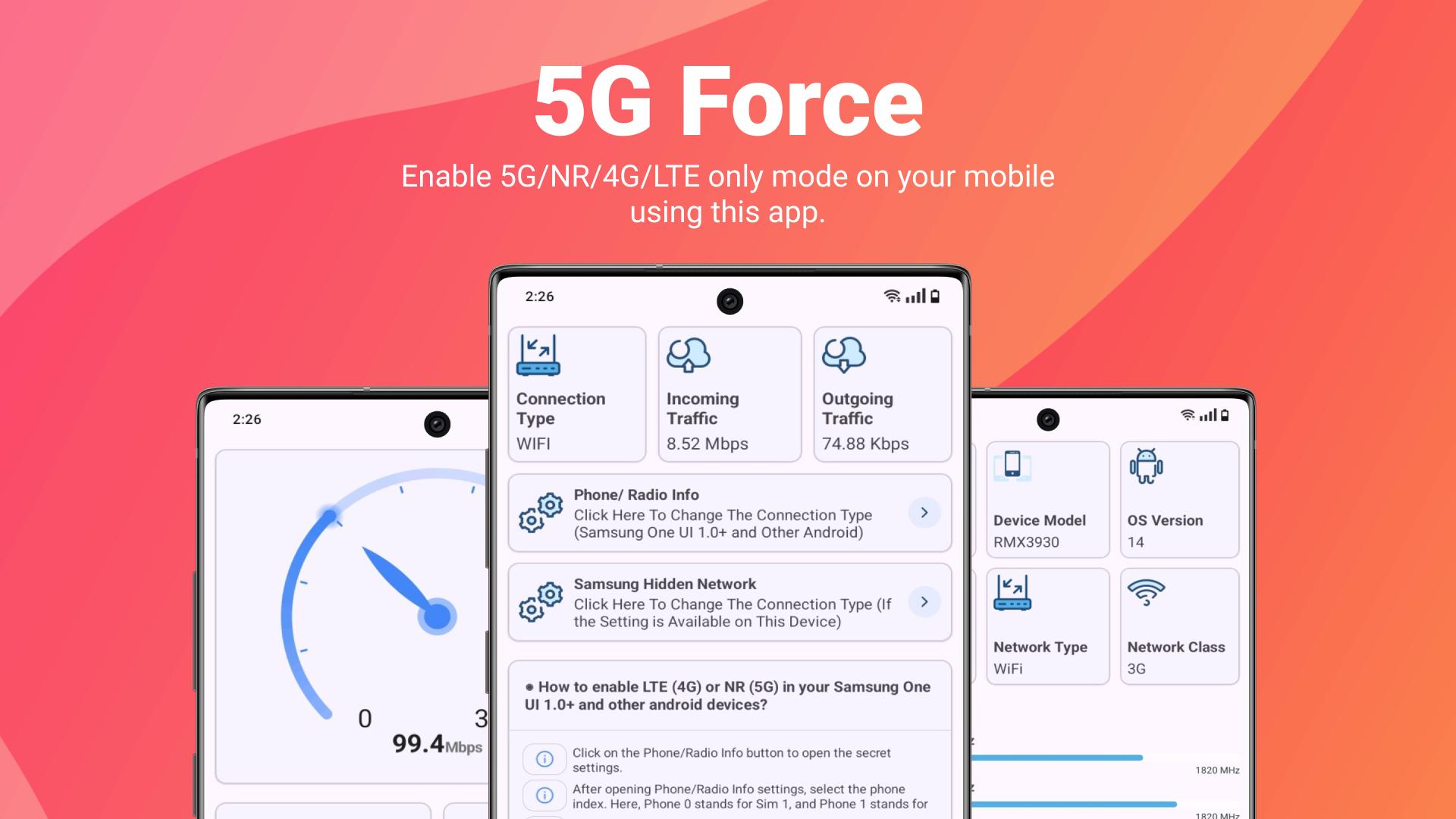
Unlock hidden network settings on your Android device! Switch between 5G, 4G LTE, 3G, and 2G networks with a single tap and maximize your mobile data performance.
### 🚀 NETWORK CONTROL AT YOUR FINGERTIPS
• Force **5G Only mode** for maximum speed
• Lock to **4G/LTE Only** for better battery life
• Switch to **3G/2G** for extended coverage areas
• Perfect for travel, troubleshooting, or optimizing battery life
### ✨ POWERFUL FEATURES
• **Real-time Connection Monitor:** Track your current network type
• **Speed Test & Insights:** Measure upload/download performance
• **Dual SIM Support:** Individual network control for each SIM
• **Advanced Samsung Settings:** Special features for Galaxy devices
• **Network Analytics:** Detailed signal strength and quality metrics
• **Device Info:** Comprehensive network specifications
### 📱 EASY TO USE
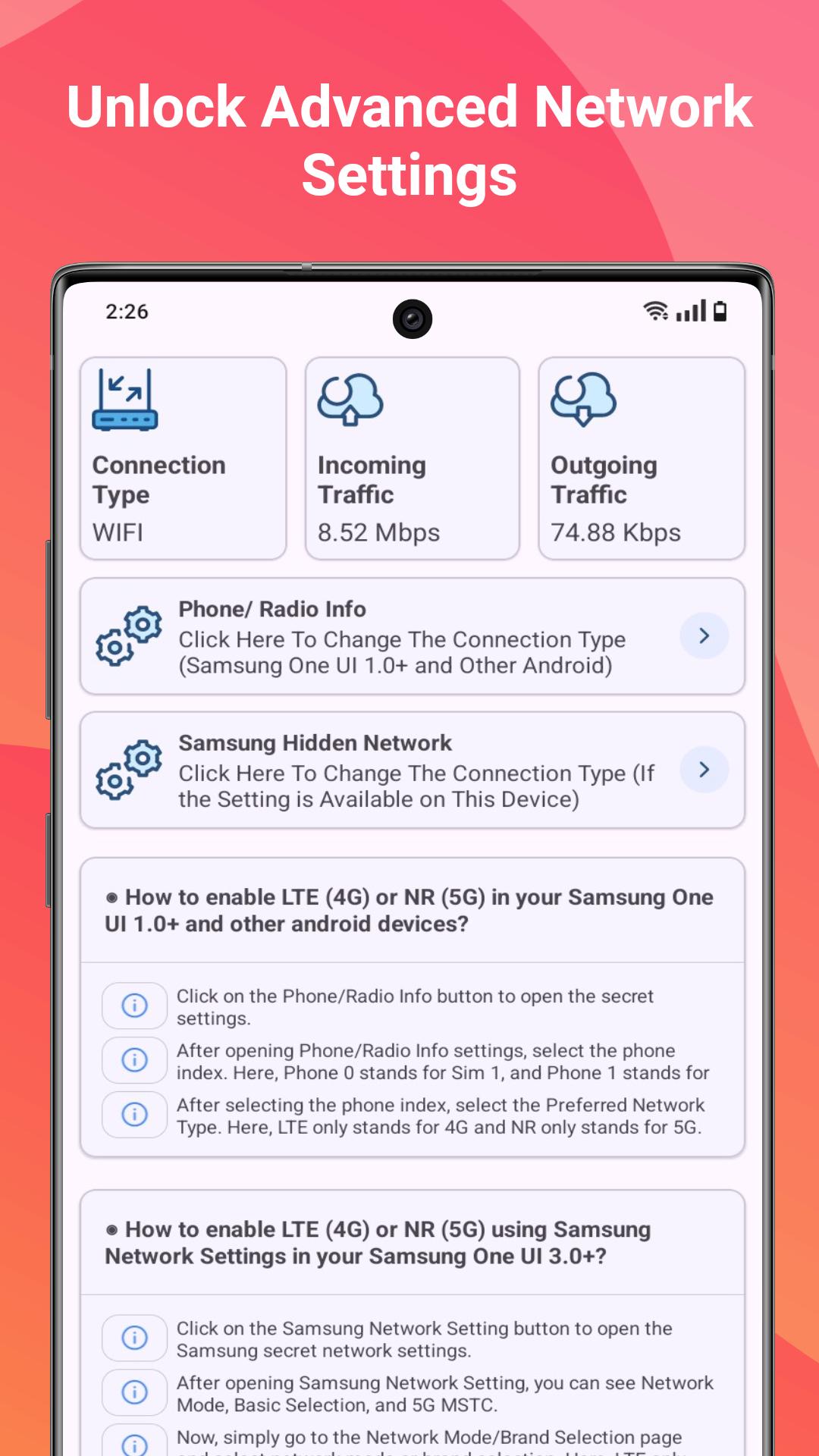
1. Open the app and select "Phone/Radio Info"
2. Choose your preferred network type:
- NR Only (5G)
- LTE Only (4G)
- WCDMA Only (3G)
- GSM Only (2G)
### 🔍 SAMSUNG DEVICE SPECIAL FEATURES
1. Tap "Samsung Hidden Network" option
2. Select the hamburger menu → "Band Selection"
3. Choose your preferred network band (LTE/NR)
### 🔄 RESTORE DEFAULT SETTINGS ANYTIME
Easily revert to automatic network selection through your device settings or within the app.
### ⚠️ COMPATIBILITY NOTES
• Optimized for Samsung One UI 2.0/3.0 and newer Android devices
• Some carriers may restrict network forcing capabilities
• VoLTE support required for calls on LTE-only mode
Join thousands of users who have taken control of their network experience! Perfect for areas with spotty 5G coverage, optimizing battery life, or troubleshooting connection issues.
Download 5G Network Controller today and experience the network performance you deserve!
#5GNetwork #NetworkBooster #AndroidTools #MobileSpeedTest #BatteryOptimization
Preview
Tags
ToolsInformation
Developer
NewAgeDevs
Latest Version
2.5.6
Last Updated
2025-05-30
Category
Tools
Available on
Google Play
Show More
How to play Force LTE/5G with GameLoop on PC
1. Download GameLoop from the official website, then run the exe file to install GameLoop
2. Open GameLoop and search for “Force LTE/5G” , find Force LTE/5G in the search results and click “Install”
3. Enjoy playing Force LTE/5G on GameLoop
Minimum requirements
OS
Windows 8.1 64-bit or Windows 10 64-bit
GPU
GTX 1050
CPU
i3-8300
Memory
8GB RAM
Storage
1GB available space
Recommended requirements
OS
Windows 8.1 64-bit or Windows 10 64-bit
GPU
GTX 1050
CPU
i3-9320
Memory
16GB RAM
Storage
1GB available space