Frog- Road Crossing Games PC
Nexon Studio
Download Frog- Road Crossing Games on PC With GameLoop Emulator
Frog- Road Crossing Games on PC
Frog- Road Crossing Games, coming from the developer Nexon Studio, is running on Android systerm in the past.
Now, You can play Frog- Road Crossing Games on PC with GameLoop smoothly.
Download it in the GameLoop library or search results. No more eyeing the battery or frustrating calls at the wrong time any more.
Just enjoy Frog- Road Crossing Games PC on the large screen for free!
Frog- Road Crossing Games Introduction
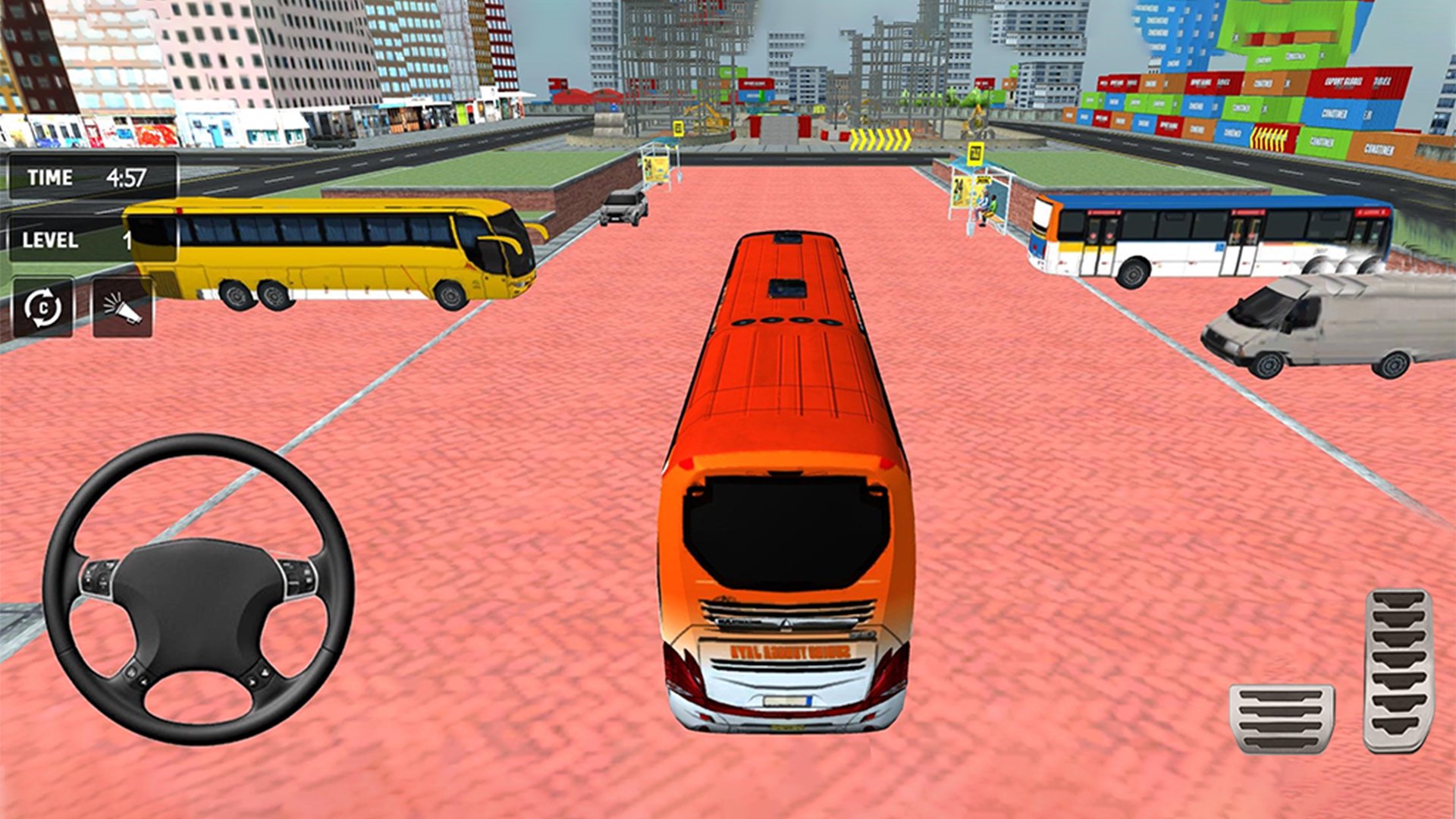
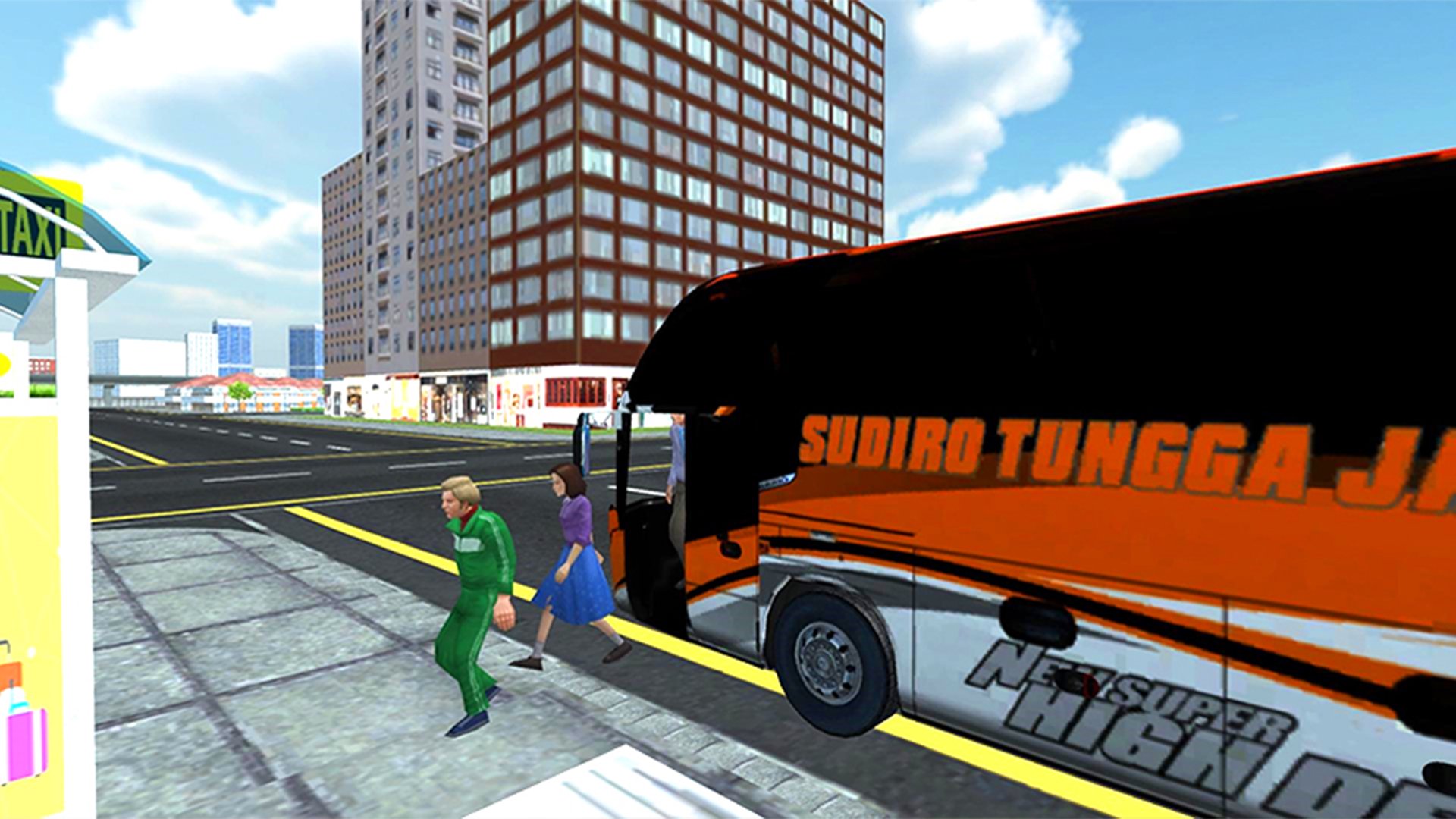
Step into the role of a professional bus driver and take control of modern buses as you transport passengers safely across the city. Drive through busy streets, follow traffic rules, pick up and drop off passengers at designated bus stops, and complete a variety of challenging transport missions that test your driving skills.
Explore a detailed open-world environment filled with realistic roads, city traffic, and exciting routes. Drive different buses through urban streets and highways, earn rewards by completing passenger transport missions, and unlock new buses as you progress. Every trip offers unique challenges, smooth driving mechanics, and an immersive bus simulator experience.
Preview
Tags
Role PlayingStrategyCasualInformation
Developer
Nexon Studio
Latest Version
9.8.9
Last Updated
2026-08-03
Category
Role-playing
Available on
Google Play
Show More
How to play Frog- Road Crossing Games with GameLoop on PC
1. Download GameLoop from the official website, then run the exe file to install GameLoop
2. Open GameLoop and search for “Frog- Road Crossing Games” , find Frog- Road Crossing Games in the search results and click “Install”
3. Enjoy playing Frog- Road Crossing Games on GameLoop
Minimum requirements
OS
Windows 8.1 64-bit or Windows 10 64-bit
GPU
GTX 1050
CPU
i3-8300
Memory
8GB RAM
Storage
1GB available space
Recommended requirements
OS
Windows 8.1 64-bit or Windows 10 64-bit
GPU
GTX 1050
CPU
i3-9320
Memory
16GB RAM
Storage
1GB available space