
Stacks -Block Games PC
Nexon Studio
Download Stacks -Block Games on PC With GameLoop Emulator
Stacks -Block Games on PC
Stacks -Block Games, coming from the developer Nexon Studio, is running on Android systerm in the past.
Now, You can play Stacks -Block Games on PC with GameLoop smoothly.
Download it in the GameLoop library or search results. No more eyeing the battery or frustrating calls at the wrong time any more.
Just enjoy Stacks -Block Games PC on the large screen for free!
Stacks -Block Games Introduction
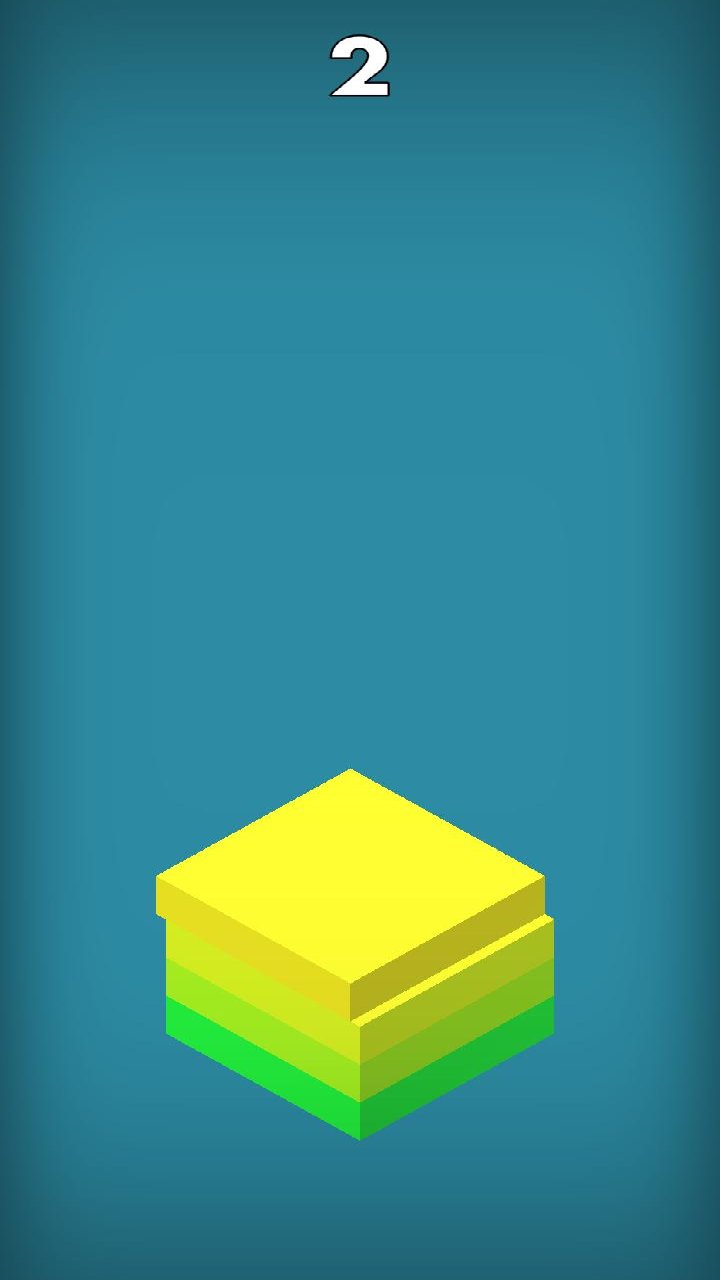
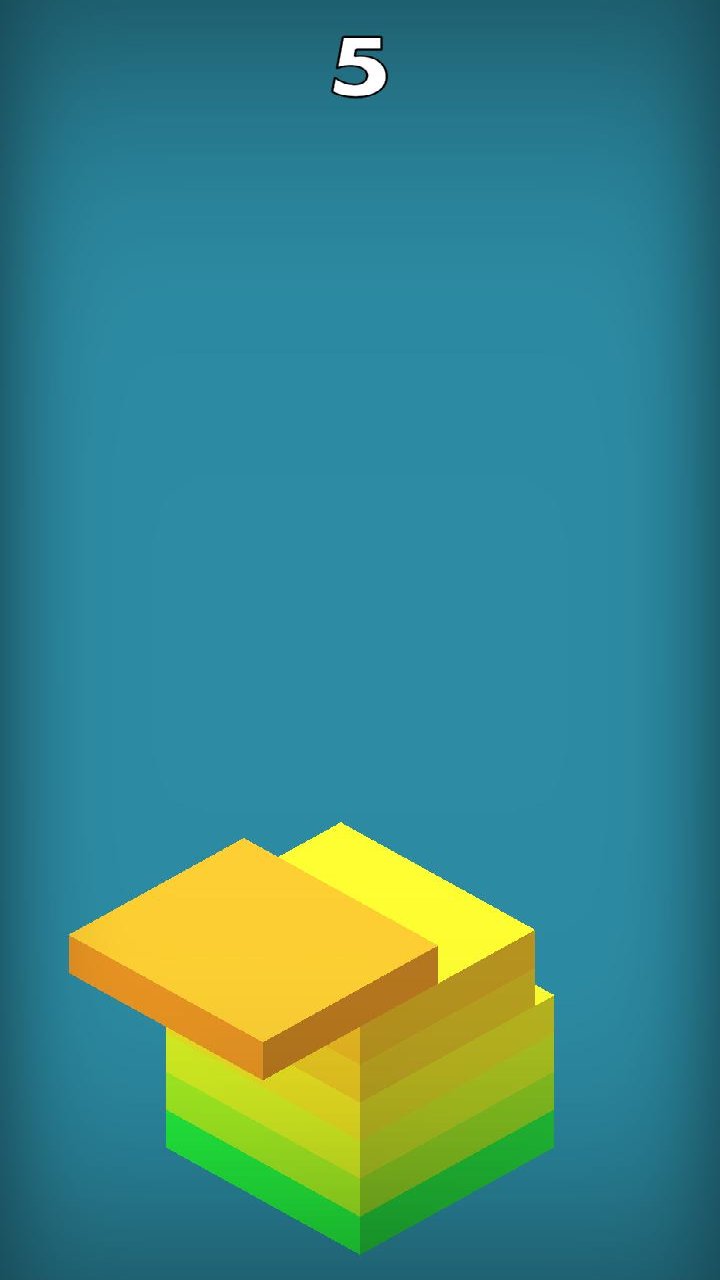
The goal of the straightforward and difficult arcade game Stacks-Block Games is to precisely time the stacking of blocks. Each moving block can be dropped by tapping, then placed on top of the preceding block. Because incorrect placements might make the stack smaller and more difficult to construct, try to precisely align each block. Maintain balance and accuracy while stacking blocks as high as you can. The movement quickens and timing becomes more crucial as the tower gets bigger. Keep a close eye on the moving block and tap at the ideal time because one incorrect placement can stop the run. With each game, strive to construct a taller tower and get better at time. Although the gameplay is simple to learn, it calls for focus, fast reflexes, and solid control.
Preview
Tags
Role PlayingStrategyCasualCasinoInformation
Developer
Nexon Studio
Latest Version
991
Last Updated
2026-09-10
Category
Role-playing
Available on
Google Play
Show More
How to play Stacks -Block Games with GameLoop on PC
1. Download GameLoop from the official website, then run the exe file to install GameLoop
2. Open GameLoop and search for “Stacks -Block Games” , find Stacks -Block Games in the search results and click “Install”
3. Enjoy playing Stacks -Block Games on GameLoop
Minimum requirements
OS
Windows 8.1 64-bit or Windows 10 64-bit
GPU
GTX 1050
CPU
i3-8300
Memory
8GB RAM
Storage
1GB available space
Recommended requirements
OS
Windows 8.1 64-bit or Windows 10 64-bit
GPU
GTX 1050
CPU
i3-9320
Memory
16GB RAM
Storage
1GB available space