
Zoho Sheet: Spreadsheet App PC
Zoho Corporation
Download Zoho Sheet: Spreadsheet App on PC With GameLoop Emulator
Zoho Sheet: Spreadsheet App on PC
Zoho Sheet: Spreadsheet App, coming from the developer Zoho Corporation, is running on Android systerm in the past.
Now, You can play Zoho Sheet: Spreadsheet App on PC with GameLoop smoothly.
Download it in the GameLoop library or search results. No more eyeing the battery or frustrating calls at the wrong time any more.
Just enjoy Zoho Sheet: Spreadsheet App PC on the large screen for free!
Zoho Sheet: Spreadsheet App Introduction
Create, edit, share, and collaborate on your spreadsheets using the Zoho Sheet app for Android devices—smartphones and tablets—for free. Work both offline and online.
As a standalone spreadsheet application, we don't ask you to link your credit or debit cards and introduce hidden costs later—it's a fully free experience.
You only need to sign up if you want to work online. Prefer working offline? Get started right away—no signup needed.
With Zoho Sheet, you can:
1. Create spreadsheets from scratch and manage them completely within the app.
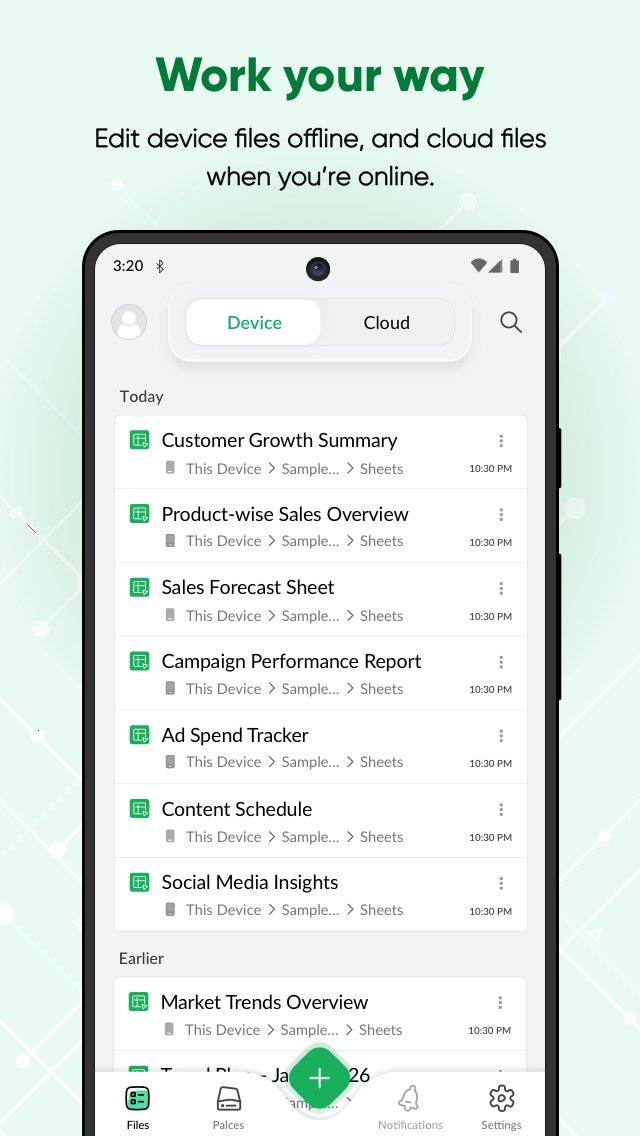
2. Access files in the cloud or work offline on your device as needed.
3. Open and edit MS Excel files (XLSX, XLS, XLSM, and XLTM), as well as CSV, TSV, ODS, and more stored on your device and cloud apps like Box and DropBox.
4. Create spreadsheets for bills, invoices, and receipts using Data from Picture. Just scan your paper records and turn them into spreadsheets in seconds.
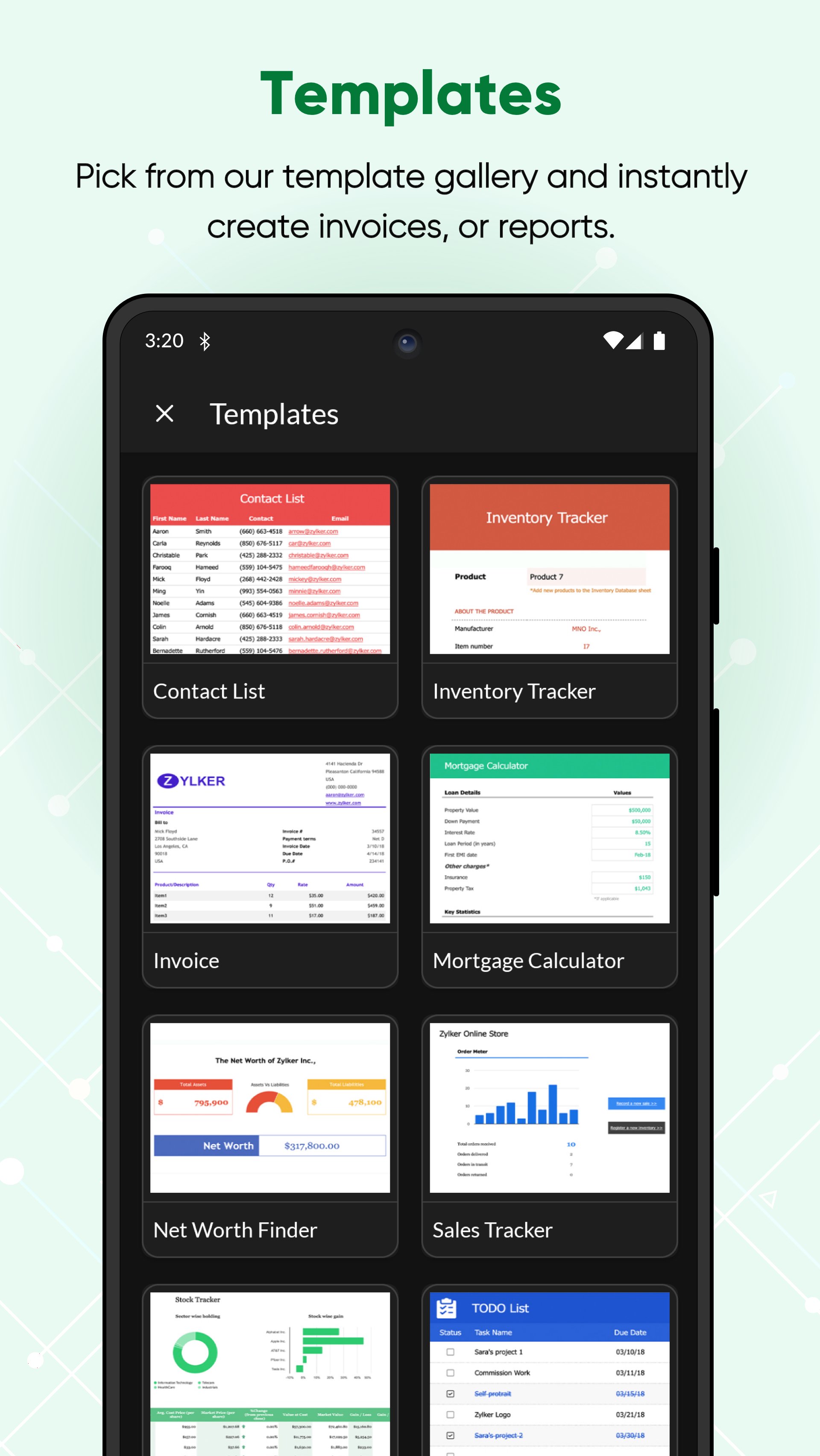
5. Set up your timesheets, budget spreadsheets and more in no time using our ready-made spreadsheet templates.
6. Share your spreadsheets with collaborators, set different permission levels, and work together in real time.
7. Add comments—at a cell or range level—and use @mentions to tag collaborators for improved teamwork.
8. Ensure accurate data entry with various data validation tools.
Format your cells with all the fundamental tools, sort and filter, and apply conditional formatting.
9. Crunch numbers with more than 350 functions and formulas—from VLOOKUP and XLOOKUP to IF and more.
10. Visualize your findings with more than 35 types of charts.
11. Let Zia, our in-house artificial intelligence, do the heavy lifting—get smart data analysis suggestions, automatically generate charts and pivot tables, and even ask questions using voice commands.
12. Rest assured that every bit of work you do is saved automatically and securely.
Keep your data in sync across platforms
Zoho Sheet is also available on the web and iOS. The best part? The data syncs instantaneously and automatically, so you can switch between platforms anytime.
Zoho's privacy promise
Respecting your privacy has always been central to our philosophy as a company. In our history of 25+ years, we have never sold our users' information to anyone for advertising or earned revenue by showing third-party ads. Your spreadsheet data stays yours.
The Zoho advantage for businesses
Zoho Sheet is the spreadsheet software in the Zoho office suite, which also includes Zoho Writer for word processing and Zoho Show for presentations. When you sign up for Zoho Sheet, you get a variety of tools to create and manage your sheets, presentations, and word documents in one place. It's also part of Zoho WorkDrive, an online file storage and collaboration tool and, Zoho Workplace, an email and collaboration suite.
Zoho's single sign-on account makes it easier to access all the Zoho apps you need. Our ecosystem currently offers 55+ apps across business categories—sales, marketing, email and collaboration, finance, HR, and more.
For more details visit: https://www.zoho.com/sheet/mobile.html
If you have questions before you try the app or while using it, please write to us at android-support@zohosheet.com.
Preview
Tags
ProductivityInformation
Developer
Zoho Corporation
Latest Version
2026.07.16
Last Updated
2026-07-17
Category
Productivity
Available on
Google Play
Show More
How to play Zoho Sheet: Spreadsheet App with GameLoop on PC
1. Download GameLoop from the official website, then run the exe file to install GameLoop
2. Open GameLoop and search for “Zoho Sheet: Spreadsheet App” , find Zoho Sheet: Spreadsheet App in the search results and click “Install”
3. Enjoy playing Zoho Sheet: Spreadsheet App on GameLoop
Minimum requirements
OS
Windows 8.1 64-bit or Windows 10 64-bit
GPU
GTX 1050
CPU
i3-8300
Memory
8GB RAM
Storage
1GB available space
Recommended requirements
OS
Windows 8.1 64-bit or Windows 10 64-bit
GPU
GTX 1050
CPU
i3-9320
Memory
16GB RAM
Storage
1GB available space