
My Diary: Journal Notes & Mood PC
MS International
Download My Diary: Journal Notes & Mood on PC With GameLoop Emulator
My Diary: Journal Notes & Mood on PC
My Diary: Journal Notes & Mood, coming from the developer MS International, is running on Android systerm in the past.
Now, You can play My Diary: Journal Notes & Mood on PC with GameLoop smoothly.
Download it in the GameLoop library or search results. No more eyeing the battery or frustrating calls at the wrong time any more.
Just enjoy My Diary: Journal Notes & Mood PC on the large screen for free!
My Diary: Journal Notes & Mood Introduction
My Diary: Journal, Notes & Mood Tracker
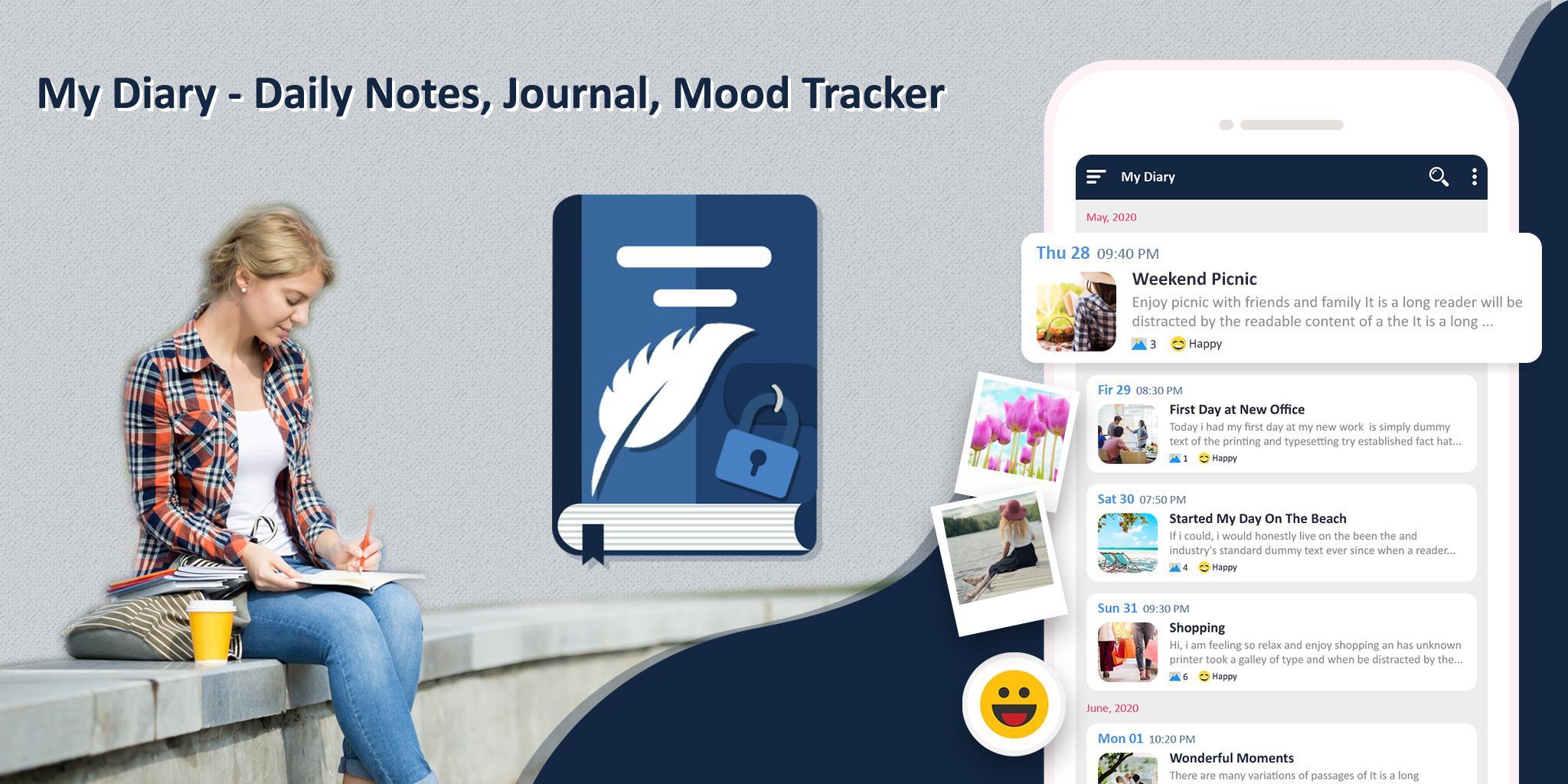
Best Free Diary App for writing personal journal entries, tracking your mood, taking daily notes, and storing memories — all in one secure and private diary.
✨ My Diary is a beautifully designed digital journal and daily mood tracker app where you can easily write diary entries, save thoughts, track emotions, and protect your private life with a PIN lock and data encryption. Use it as a gratitude journal, daily planner, note-taking app, or simply as your personal safe space.
🔐 Top Features – My Diary App
📝 Daily Journal & Note Taking App
• Quickly write and organize personal notes
• Use as a travel diary, dream journal, food journal, or mental health tracker
🎭 Mood Tracker with Emojis
• Track your emotional journey with mood icons
• Add how you feel to each entry to reflect your mental wellness
🖼️ Attach Photos & Customize Your Entries
• Add unlimited photos to your diary pages
• Personalize your notes with tags, emojis, themes, and more
🔍 Powerful Search & Smart Filters
• Search entries by keyword, title, or content
• Filter diary notes by date, mood, or tags
🎨 Custom Themes & Colorful UI
• Customize your diary app with beautiful themes
• Dark mode, minimalist mode & pastel colors included
🔒 Private & Secure Diary Lock
• Protect your private diary with PIN code
• All data is encrypted for 100% privacy
☁️ Backup & Sync to Google Drive
• Local backups on your device
• Optional cloud backup to your own Google Drive
📅 Daily Reminder Notifications
• Build your journaling habit
• Set a custom reminder time to write every day
📤 Export & Share Your Journal
• Share favorite memories or export your journal as text
📌 Use My Diary For:
Private diary writing
Mood tracking for self-care
Mental health journaling
Daily thoughts and ideas
Self-reflection and affirmations
Dream journal or gratitude log
Secret diary with lock & backup
Organizing your life events & emotions
Download My Diary: Journal, Notes & Mood Tracker now — your safe space to write, reflect, and grow every day. Secure. Beautiful. Free.
Preview

Tags
ProductivityInformation
Developer
MS International
Latest Version
1.39
Last Updated
2025-10-15
Category
Productivity
Available on
Google Play
Show More
How to play My Diary: Journal Notes & Mood with GameLoop on PC
1. Download GameLoop from the official website, then run the exe file to install GameLoop
2. Open GameLoop and search for “My Diary: Journal Notes & Mood” , find My Diary: Journal Notes & Mood in the search results and click “Install”
3. Enjoy playing My Diary: Journal Notes & Mood on GameLoop
Minimum requirements
OS
Windows 8.1 64-bit or Windows 10 64-bit
GPU
GTX 1050
CPU
i3-8300
Memory
8GB RAM
Storage
1GB available space
Recommended requirements
OS
Windows 8.1 64-bit or Windows 10 64-bit
GPU
GTX 1050
CPU
i3-9320
Memory
16GB RAM
Storage
1GB available space