Photo Widget: Screen Gallery PC
MS International
Download Photo Widget: Screen Gallery on PC With GameLoop Emulator
Photo Widget: Screen Gallery on PC
Photo Widget: Screen Gallery, coming from the developer MS International, is running on Android systerm in the past.
Now, You can play Photo Widget: Screen Gallery on PC with GameLoop smoothly.
Download it in the GameLoop library or search results. No more eyeing the battery or frustrating calls at the wrong time any more.
Just enjoy Photo Widget: Screen Gallery PC on the large screen for free!
Photo Widget: Screen Gallery Introduction
Photo Widget: Screen Gallery – Aesthetic Home Screen Widgets
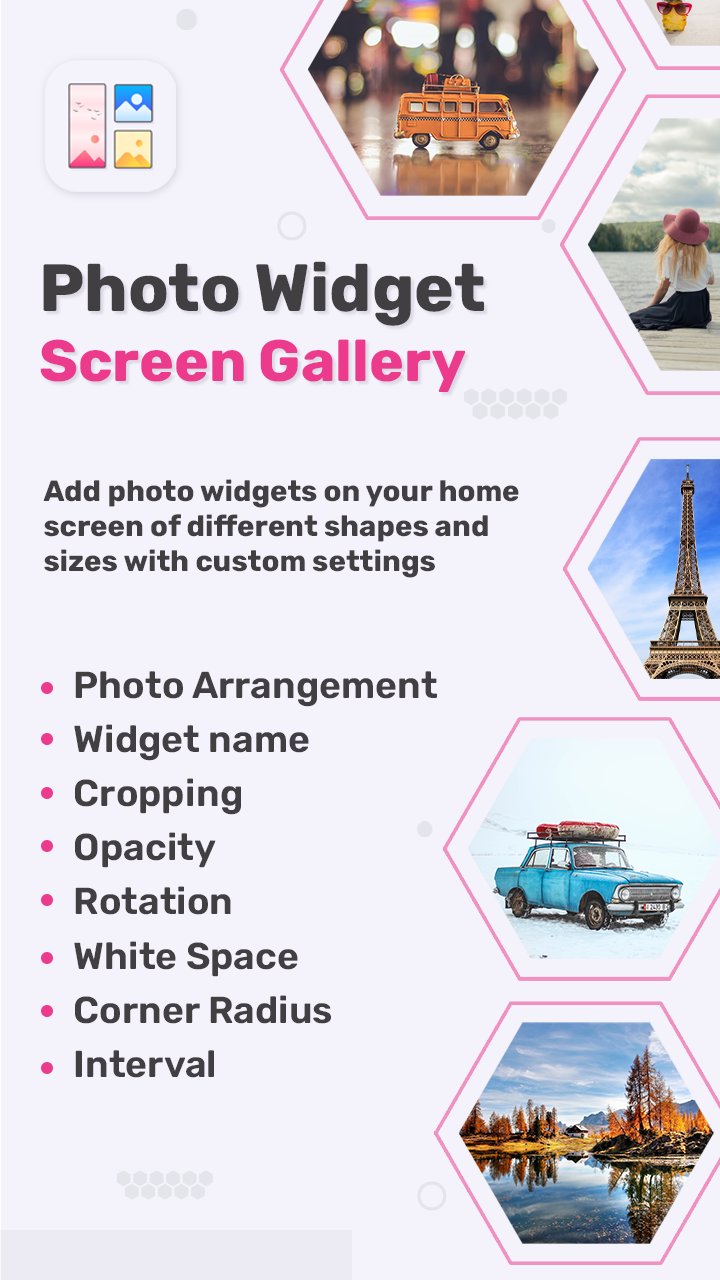
Create a personalized and aesthetic home screen with Photo Widget: Screen Gallery, the ultimate photo widget app for Android. Easily add your favorite photos to your home screen and turn it into a live gallery of memories, inspiration, or your daily vision board.
✨ Whether you want to display family memories, travel photos, motivational quotes, or your dream goals — this app helps you create a beautiful and functional photo widget that updates automatically.
🎨 Top Features:
⭐ Add multiple photos to one widget
Display one or more images in a single widget. Rotate or auto-change images at custom intervals.
⭐ Multiple photo display styles
Choose from:
Single view – highlight one image
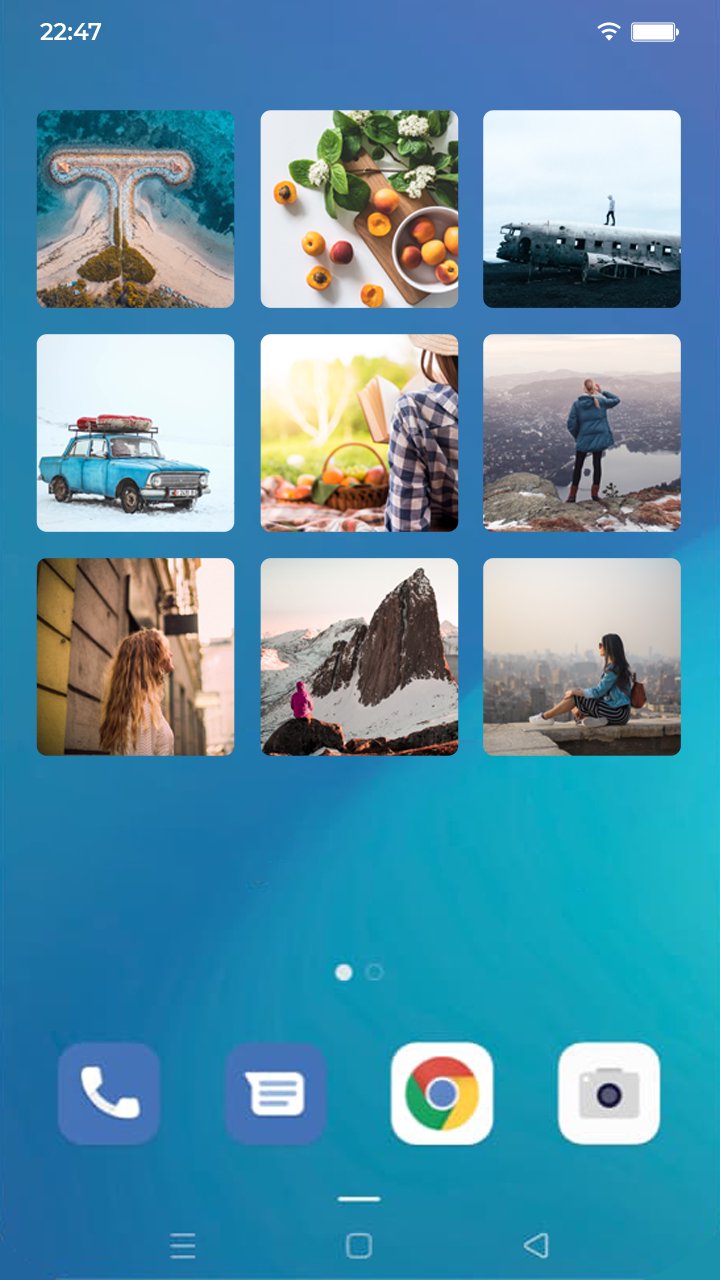
Grid view – arrange photos in rows and columns
Stack view – scroll or auto-flip through your gallery
⭐ Custom widget shapes & crop styles
Show photos in rectangle, circle, or hexagon shapes. Use center crop or fit to screen to adjust how images appear.
⭐ Vision board widget support
Perfect for displaying your goals or inspirations on your home screen using the grid layout and custom photo arrangements.
⭐ Widget customization options
Set widget name/title
Control image rotation & cropping
Adjust opacity, rounded corners, and photo spacing
Set manual or automatic photo paging
Choose update interval time
📷 Why Choose Photo Widget: Screen Gallery?
✔️ Lightweight & easy-to-use UI
✔️ Minimal battery & memory usage
✔️ Stylish design with full customization
✔️ Works great for aesthetic home screen setups, family photo widgets, and daily inspiration boards
✔️ Frequently updated with new features & improvements
📌 Popular Use Cases:
Daily photo memory widget
Aesthetic vision board widget
Inspirational quote slideshow
Display favorite moments with pets, family, or travel
Create custom themed widgets for holidays or seasons
💡 Personalize your Android home screen today with Photo Widget: Screen Gallery – the easiest way to keep your memories, dreams, and style in front of you every day!
🔽 Download now and make your home screen more YOU!
Preview
Tags
PersonalizationInformation
Developer
MS International
Latest Version
1.9
Last Updated
2025-12-08
Category
Personalization
Available on
Google Play
Show More
How to play Photo Widget: Screen Gallery with GameLoop on PC
1. Download GameLoop from the official website, then run the exe file to install GameLoop
2. Open GameLoop and search for “Photo Widget: Screen Gallery” , find Photo Widget: Screen Gallery in the search results and click “Install”
3. Enjoy playing Photo Widget: Screen Gallery on GameLoop
Minimum requirements
OS
Windows 8.1 64-bit or Windows 10 64-bit
GPU
GTX 1050
CPU
i3-8300
Memory
8GB RAM
Storage
1GB available space
Recommended requirements
OS
Windows 8.1 64-bit or Windows 10 64-bit
GPU
GTX 1050
CPU
i3-9320
Memory
16GB RAM
Storage
1GB available space