
Touchpix - Photo & Video Booth PC
Touchpix
Download Touchpix - Photo & Video Booth on PC With GameLoop Emulator
Touchpix - Photo & Video Booth on PC
Touchpix - Photo & Video Booth, coming from the developer Touchpix, is running on Android systerm in the past.
Now, You can play Touchpix - Photo & Video Booth on PC with GameLoop smoothly.
Download it in the GameLoop library or search results. No more eyeing the battery or frustrating calls at the wrong time any more.
Just enjoy Touchpix - Photo & Video Booth PC on the large screen for free!
Touchpix - Photo & Video Booth Introduction
Create unforgettable winter memories with Touchpix. the #1 360 photo booth app trusted by event pros worldwide.
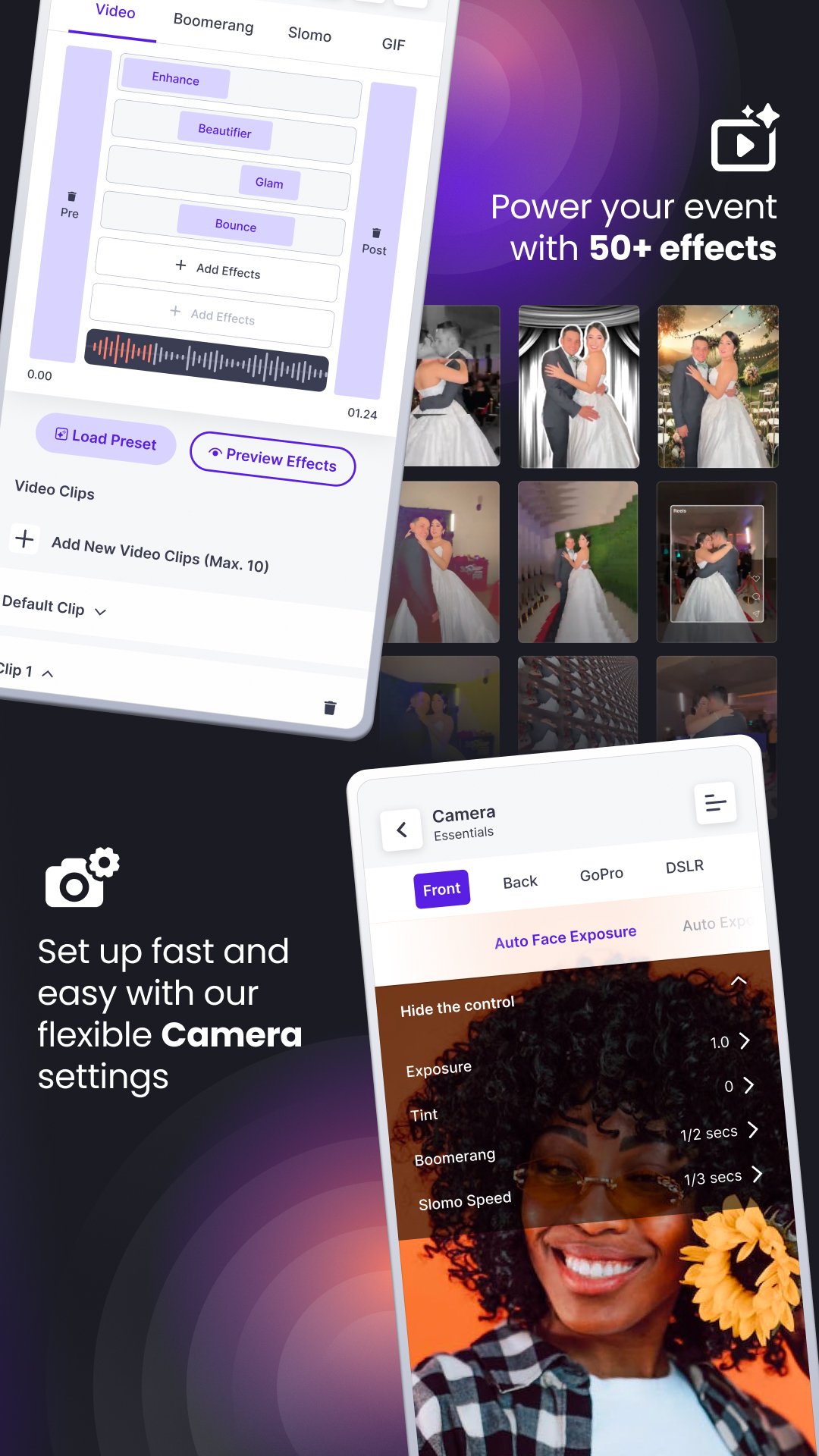
Capture jaw-dropping 360 photos, videos, boomerangs, and GIFs NO internet required. Perfect for holiday parties, weddings, corporate events, and brand activations this November and beyond.
🎥 360 Capture, Simplified
Compatible with GoPro 7–13, Touchpix gives you total control. wired or wireless.
Shoot stunning slow-mo, boomerangs, GIF bursts, and immersive 360 videos with pro-level effects.
Built-in AI filters, beauty tools, and face effects make every clip ready to share instantly.
⚡ Pro Features for Booth Owners
Run your booth with or without Wi-Fi thanks to offline sync and instant sharing.
Share content via QR, SMS, email, or WhatsApp in seconds.
Touchpix is built to scale. manage multiple devices and keep your brand experience seamless.
💎 Fully Customizable Branding
Personalize everything: themes, emails, overlays, and visuals with HTML & CSS.
Choose from 16 photo and 7 video templates to match your brand style.
Use AI background removal for green screen effects no setup needed!
📺 Smarter Displays & Guest Experiences
Display live slideshows and branded videos via Chromecast or TV.
Guests scan a QR code to instantly download their photos or videos straight from the big screen.
📊 Effortless Post-Event Control
Access your event dashboard anytime to manage templates, track results, and host branded galleries.
Clients can easily view, download, and share their memories online.
❄️ Why Touchpix This Season?
Works online or offline perfect for busy venues
Instant sharing & pro-quality results
Built for 360 booths, photo booths & video stations
Trusted by event professionals worldwide
Preview

Tags
PhotographyInformation
Developer
Touchpix
Latest Version
2.10.1
Last Updated
2025-12-11
Category
Photography
Available on
Google Play
Show More
How to play Touchpix - Photo & Video Booth with GameLoop on PC
1. Download GameLoop from the official website, then run the exe file to install GameLoop
2. Open GameLoop and search for “Touchpix - Photo & Video Booth” , find Touchpix - Photo & Video Booth in the search results and click “Install”
3. Enjoy playing Touchpix - Photo & Video Booth on GameLoop
Minimum requirements
OS
Windows 8.1 64-bit or Windows 10 64-bit
GPU
GTX 1050
CPU
i3-8300
Memory
8GB RAM
Storage
1GB available space
Recommended requirements
OS
Windows 8.1 64-bit or Windows 10 64-bit
GPU
GTX 1050
CPU
i3-9320
Memory
16GB RAM
Storage
1GB available space