
Time Warp Scan Camera PC
Grade Star Apps
Download Time Warp Scan Camera on PC With GameLoop Emulator
Time Warp Scan Camera on PC
Time Warp Scan Camera, coming from the developer Grade Star Apps, is running on Android systerm in the past.
Now, You can play Time Warp Scan Camera on PC with GameLoop smoothly.
Download it in the GameLoop library or search results. No more eyeing the battery or frustrating calls at the wrong time any more.
Just enjoy Time Warp Scan Camera PC on the large screen for free!
Time Warp Scan Camera Introduction
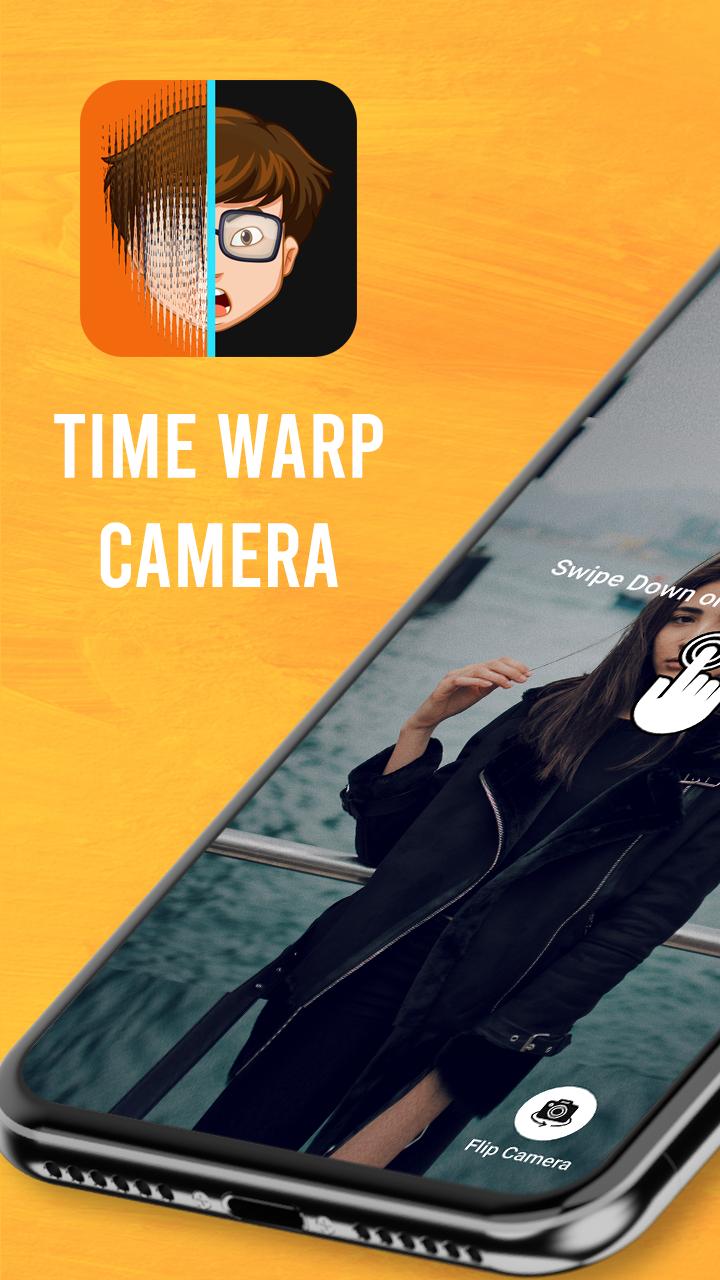
Time Warp Camera or Time freeze is one of the most popular camera filters, It can be used to make your face look like you are frozen in time with a cool effect. Catch up with the trendy effect that is viral on social networking sites with Warp slider.
This is a filter for videos and images that is extremely popular. With Funny filters, you can create unique faces, funny looks, and create interesting photos. The Time warp scan is one of the most popular and viral challenges on social media. Now you can use this trendy Face warp for free.
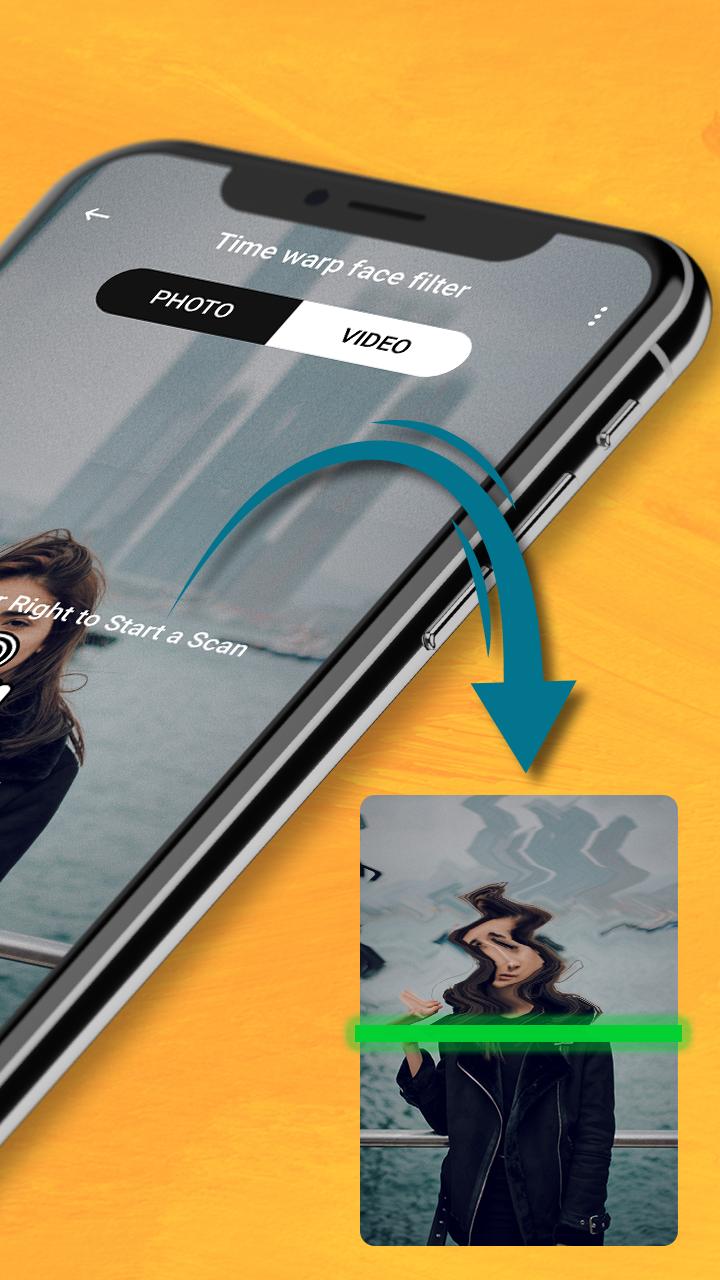
With the feature of freezing the image when the "blue line" passes, Warp slider will surely bring you laughs and fun and interesting experiences when using Warp scan. In particular, Time warp scan has a feature to help users adjust the “blue line” running vertically or horizontally. As such, nothing can limit your imagination. Create modern art photos with Face warp's amazing filter/effect.
§ Challenges you can do with the Time warp filter effect §
- Warp scan help you create a pine tree by leaving your phone in a fixed spot and jumping when the blue line of Time warp scan appears.
- Let's Time warp filter make the face transform into another shape by moving the face when Funny filters's scan bar slides over.
- Give the body, objects a more special shape such as: make body parts such as neck, legs, arms... lengthen or shorten or create a creative shape that you desire with Time warp.
- Change the shape of your head, lengthen your fingers, cut your hair short... the way you want thanks to Tik tok filter.
Not only that, Time warp filter help you have the freedom to be creative to create modern works of art or funny and interesting photos without being limited by anything. Time warp supports you to save your works and photos to your photo library and easily share them with family and friends.
▶ Features:
● Photo and video time wrap filter with live camera of app.
● Funny face maker by selecting image from gallery or capturing image using camera. Touch and wrap selected image.
● Choose between taking pictures or videos.
● Choose scan direction by swiping right or down.
● Save pictures and videos.
● Easy app control just 2 buttons.
● Save high resolution images.
● View created videos and photos in creation.
Get the all new Time Warp Scan Camera app for FREE!!!
Preview
Tags
PhotographyInformation
Developer
Grade Star Apps
Latest Version
1.1
Last Updated
2022-07-31
Category
Photography
Available on
Google Play
Show More
How to play Time Warp Scan Camera with GameLoop on PC
1. Download GameLoop from the official website, then run the exe file to install GameLoop
2. Open GameLoop and search for “Time Warp Scan Camera” , find Time Warp Scan Camera in the search results and click “Install”
3. Enjoy playing Time Warp Scan Camera on GameLoop
Minimum requirements
OS
Windows 8.1 64-bit or Windows 10 64-bit
GPU
GTX 1050
CPU
i3-8300
Memory
8GB RAM
Storage
1GB available space
Recommended requirements
OS
Windows 8.1 64-bit or Windows 10 64-bit
GPU
GTX 1050
CPU
i3-9320
Memory
16GB RAM
Storage
1GB available space