Profile Picture Border Frame PC
Video Mixer Video Editor
Download Profile Picture Border Frame on PC With GameLoop Emulator
Profile Picture Border Frame on PC
Profile Picture Border Frame, coming from the developer Video Mixer Video Editor, is running on Android systerm in the past.
Now, You can play Profile Picture Border Frame on PC with GameLoop smoothly.
Download it in the GameLoop library or search results. No more eyeing the battery or frustrating calls at the wrong time any more.
Just enjoy Profile Picture Border Frame PC on the large screen for free!
Profile Picture Border Frame Introduction
If you have a profile pic border frame than you can engage more audience to your profile. Profile Picture Border Frame is an app loaded with tons of super cool profile frames to give your Insta, FB or WhatsApp DP a spectacular look.
Making An amazing profile photo is a must for serious Instagram users to maximize a profile's potential. Beauty profile picture attracts attention and highlights you among others. it's beautiful Dp Maker.
Not only the content on your feed should be worthy but having an attractive profile pic is also important.
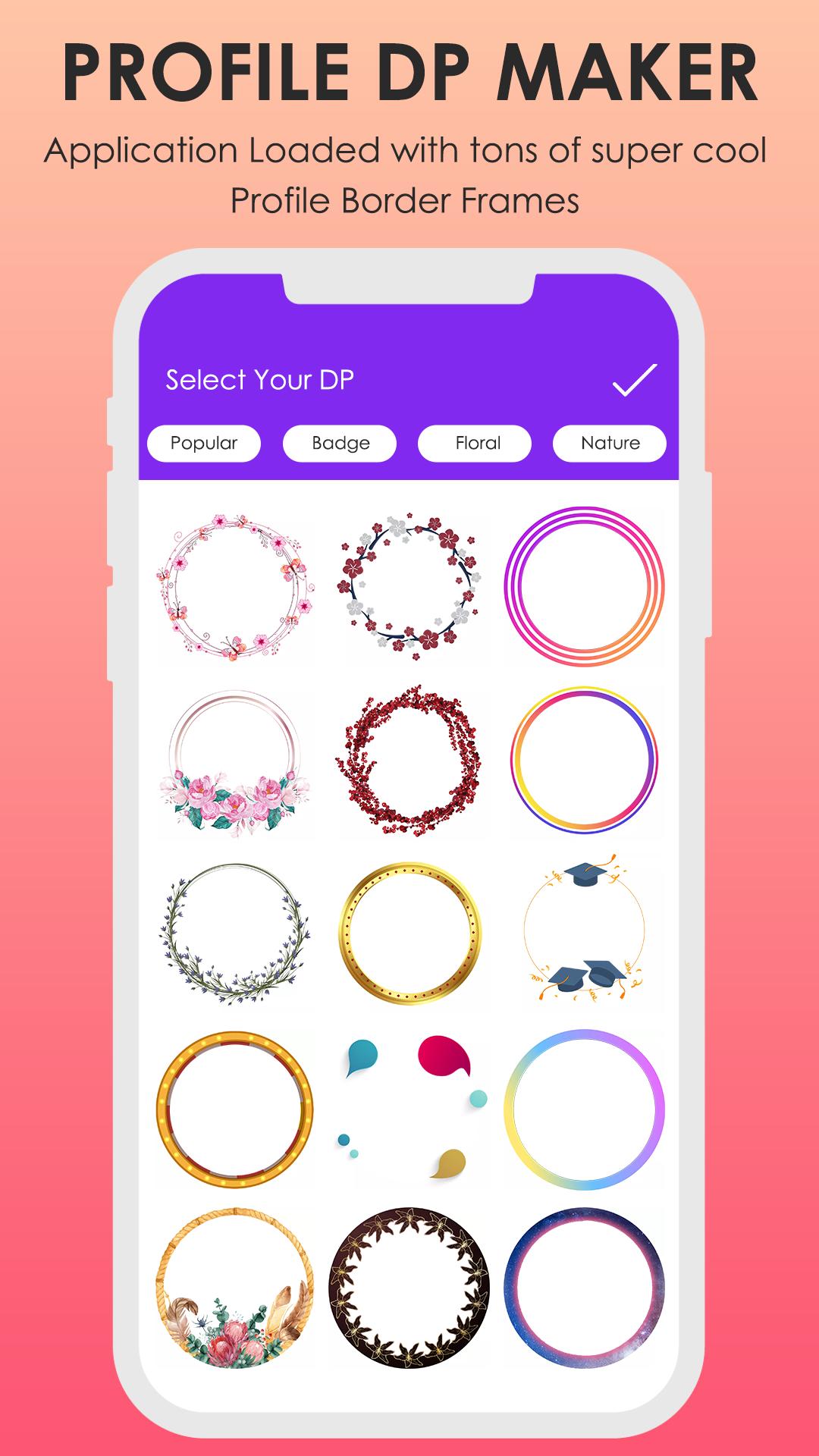
Profile picture border frame is an app loaded with tons of super cool profile frames to give your Insta, FB or WhatsApp DP a spectacular look.
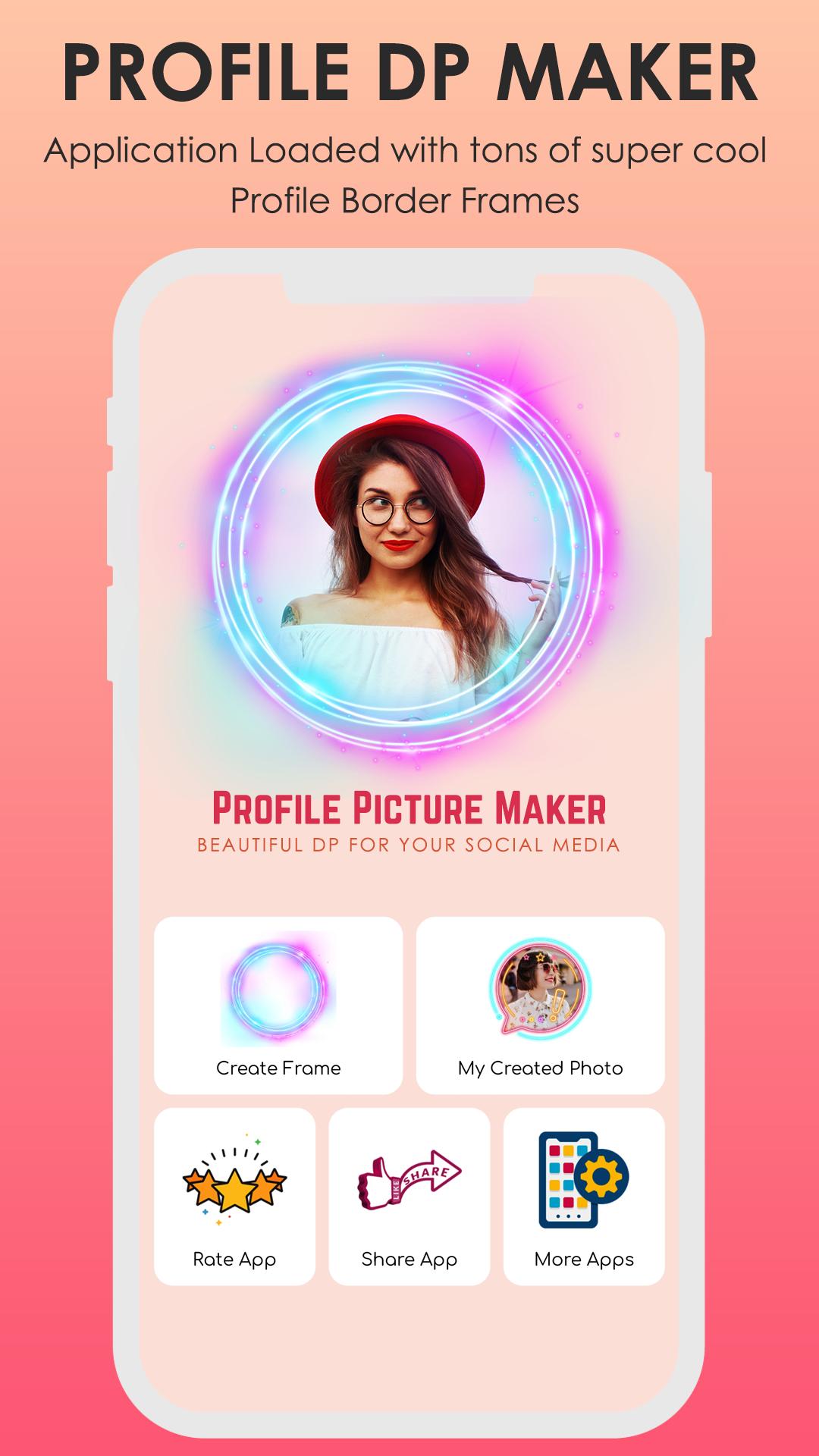
It’s very easy to use the app. Just add a photo, browse a variety of photo frames and preview them with your photo and click save button when you like one.
With Propic, you can preview and add a stunning DP frame on your selfie or picture.
Profile Picture Border Frame, a cool photo editor app for phones and tablets for creating full size profile pics for any template.
Just install app select images or capture via cemera then choose best border and impress your lovely friends.
How to use ? :
* Open Profile Picture Border Frame application.
* Click on frames and select your favorite frame.
* Select your photo from album Gallery.
* Crop and Adjust your pic in frame and save it.
* Open your social media and change your profile with saved pic.
* That's it now you profile is ready for killer look!
Please email us if your device is not supported, we will try our best to support it.
if you love this Profile Picture Border Frame application, please rate us and comment to encourage developers.
If you like this Profile Picture Border Frame app then share with your friends and family member.
Preview
Tags
PhotographyInformation
Developer
Video Mixer Video Editor
Latest Version
1.6
Last Updated
2023-07-26
Category
Photography
Available on
Google Play
Show More
How to play Profile Picture Border Frame with GameLoop on PC
1. Download GameLoop from the official website, then run the exe file to install GameLoop
2. Open GameLoop and search for “Profile Picture Border Frame” , find Profile Picture Border Frame in the search results and click “Install”
3. Enjoy playing Profile Picture Border Frame on GameLoop
Minimum requirements
OS
Windows 8.1 64-bit or Windows 10 64-bit
GPU
GTX 1050
CPU
i3-8300
Memory
8GB RAM
Storage
1GB available space
Recommended requirements
OS
Windows 8.1 64-bit or Windows 10 64-bit
GPU
GTX 1050
CPU
i3-9320
Memory
16GB RAM
Storage
1GB available space