Photo & Picture Resize - Reduce & Compress Photo PC
Photo Mixer & Video Editor Zone
Download Photo & Picture Resize - Reduce & Compress Photo on PC With GameLoop Emulator
Photo & Picture Resize - Reduce & Compress Photo on PC
Photo & Picture Resize - Reduce & Compress Photo, coming from the developer Photo Mixer & Video Editor Zone, is running on Android systerm in the past.
Now, You can play Photo & Picture Resize - Reduce & Compress Photo on PC with GameLoop smoothly.
Download it in the GameLoop library or search results. No more eyeing the battery or frustrating calls at the wrong time any more.
Just enjoy Photo & Picture Resize - Reduce & Compress Photo PC on the large screen for free!
Photo & Picture Resize - Reduce & Compress Photo Introduction
Photo & Picture Resize is a simple and easy to use application for resizing single and multiple photos.
Resize your photos as per your resolution requirement.
Reduce & Compress Photo in that you can reduce and compress your photos with custom resolutions and sending them by Email or social sites.
You can resize, reduce, and compress all at once on an album or folder basis.
Not only resizing but also clipping and rotating photos, Because it is possible, it is very useful.
Very good compression result here you get Ex. 10MB picture is reducing to 200 KB, for resolution 800x600.
Features :-
* Smart Photo & Picture Resizer.
* Capture photos from camera or Select from gallery also.
* Photo resizer displays the selected photo.
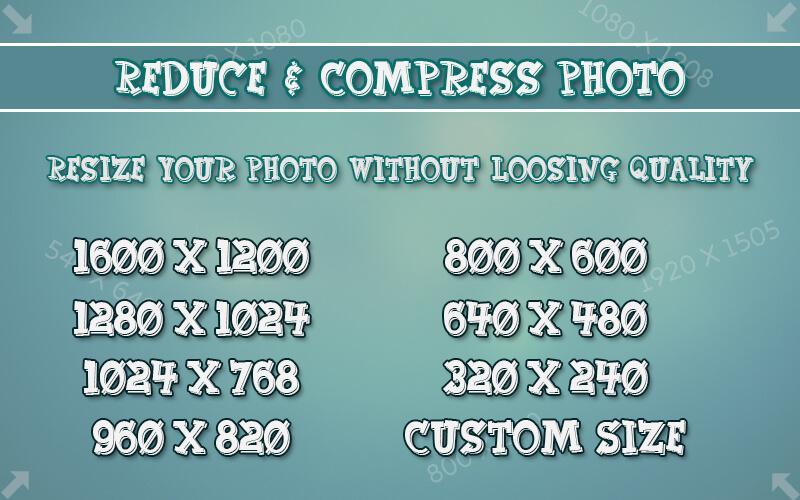
* Select the resolution (width x height) from the list, here you can set your custome resolution.
* Selected photos is reduced and displayed.
* Original pictures remains unchanged.
* Resize all photos with too large size.
* Very good quality of the resized photos.
* Photos resized several times do not lose quality.
* Very good compression result, Ex.2MB picture is reducing to 100 KB/for resolution 800x600.
* Resized pictures are automatically saved in the directory.
* You can share it on social sites.
Very easiest and best quality.
Resize, Compress, Reduce and share pictures quickly, Download now...!
Preview
Information
Developer
Photo Mixer & Video Editor Zone
Latest Version
1.0
Last Updated
2017-08-11
Category
Photography
Available on
Google Play
Show More
How to play Photo & Picture Resize - Reduce & Compress Photo with GameLoop on PC
1. Download GameLoop from the official website, then run the exe file to install GameLoop
2. Open GameLoop and search for “Photo & Picture Resize - Reduce & Compress Photo” , find Photo & Picture Resize - Reduce & Compress Photo in the search results and click “Install”
3. Enjoy playing Photo & Picture Resize - Reduce & Compress Photo on GameLoop
Minimum requirements
OS
Windows 8.1 64-bit or Windows 10 64-bit
GPU
GTX 1050
CPU
i3-8300
Memory
8GB RAM
Storage
1GB available space
Recommended requirements
OS
Windows 8.1 64-bit or Windows 10 64-bit
GPU
GTX 1050
CPU
i3-9320
Memory
16GB RAM
Storage
1GB available space