US Passport Photo PC
Smartphone iD
Download US Passport Photo on PC With GameLoop Emulator
US Passport Photo on PC
US Passport Photo, coming from the developer Smartphone iD, is running on Android systerm in the past.
Now, You can play US Passport Photo on PC with GameLoop smoothly.
Download it in the GameLoop library or search results. No more eyeing the battery or frustrating calls at the wrong time any more.
Just enjoy US Passport Photo PC on the large screen for free!
US Passport Photo Introduction
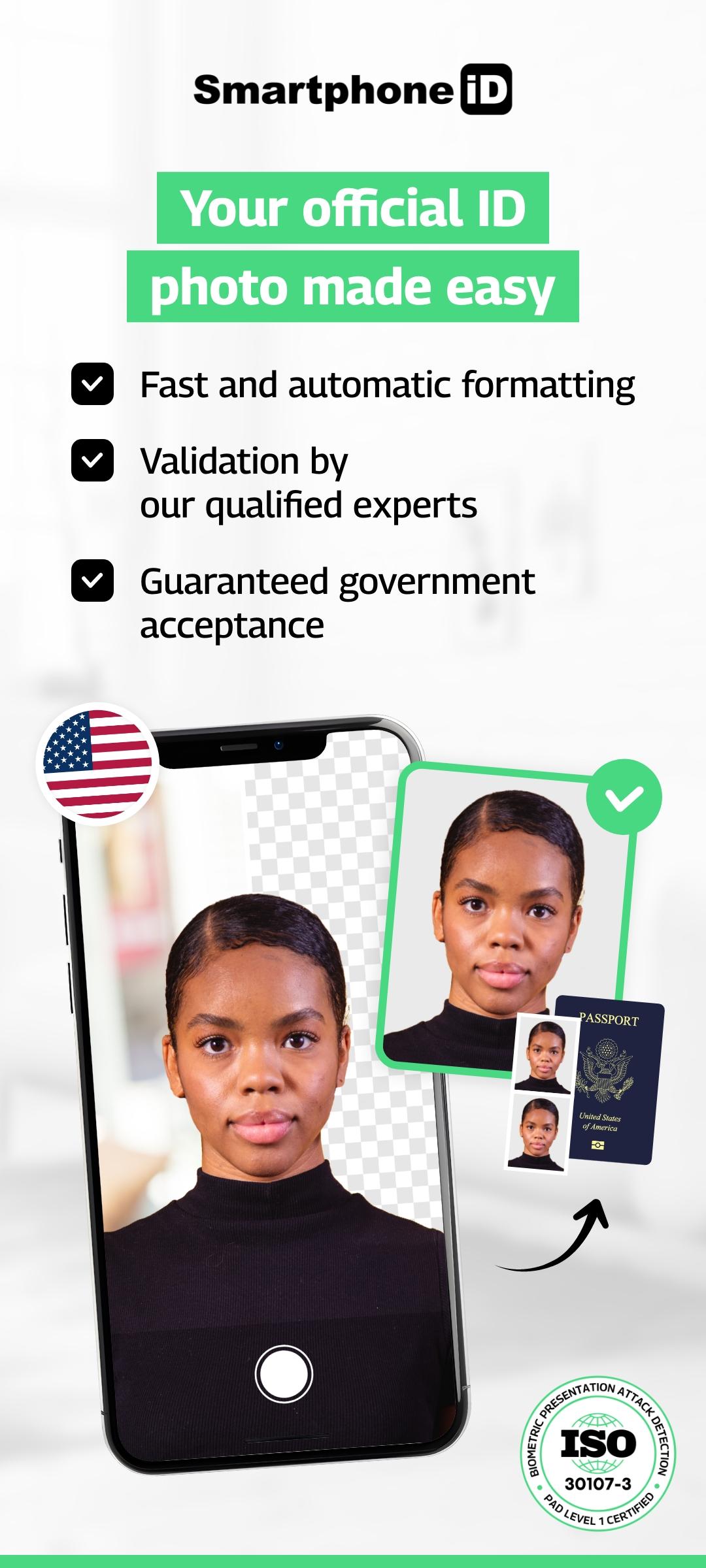
Passport photo – 100% accepted for all official US documents.
Take it from home. Fast, secure, and government-compliant.
Simple. Fast. Reliable service.
Since 2017, millions of users have trusted Smartphone iD to take official ID photos — without leaving home.Whether it’s for a passport, visa, Green Card, DMV license, or any government application, Smartphone iD provides a compliant photo in minutes, with step-by-step guidance.
Why choose Smartphone iD:
- 100% compliant with official US and international standards
- Unlimited retakes until your photo is approved
- Dual verification: AI + human expert review
- Track your order directly from the app
- Service available 24/7 — take your photo anytime
- Affordable, fast, and user-friendly
- GDPR & privacy compliant — full control over your data
How it works:
1. Select your country
2. Choose the document type (passport, visa, ID, Green Card…)
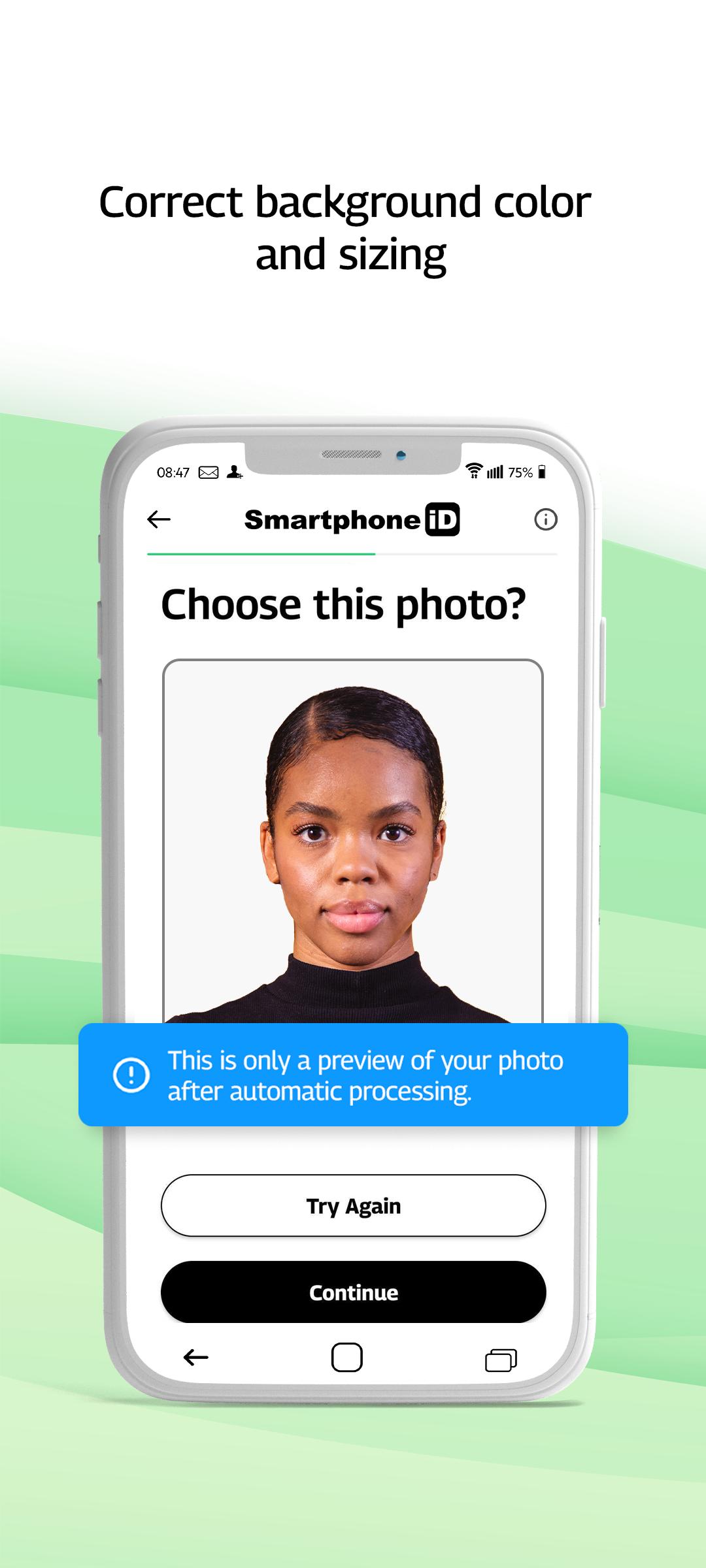
3. Take your photo with our guidance
4. Confirm your order and get your verified photo by email
Need a physical photo?You can order prints or download the file.
If you print it yourself, use a certified photo kiosk to ensure quality and acceptance.
Check our quick photo tips before starting — it speeds up approval.
Preview
Tags
PhotographyInformation
Developer
Smartphone iD
Latest Version
2.21
Last Updated
2025-09-11
Category
Photography
Available on
Google Play
Show More
How to play US Passport Photo with GameLoop on PC
1. Download GameLoop from the official website, then run the exe file to install GameLoop
2. Open GameLoop and search for “US Passport Photo” , find US Passport Photo in the search results and click “Install”
3. Enjoy playing US Passport Photo on GameLoop
Minimum requirements
OS
Windows 8.1 64-bit or Windows 10 64-bit
GPU
GTX 1050
CPU
i3-8300
Memory
8GB RAM
Storage
1GB available space
Recommended requirements
OS
Windows 8.1 64-bit or Windows 10 64-bit
GPU
GTX 1050
CPU
i3-9320
Memory
16GB RAM
Storage
1GB available space