Eye Color Changer Photo Editor PC
AA Destination Apps
Download Eye Color Changer Photo Editor on PC With GameLoop Emulator
Eye Color Changer Photo Editor on PC
Eye Color Changer Photo Editor, coming from the developer AA Destination Apps, is running on Android systerm in the past.
Now, You can play Eye Color Changer Photo Editor on PC with GameLoop smoothly.
Download it in the GameLoop library or search results. No more eyeing the battery or frustrating calls at the wrong time any more.
Just enjoy Eye Color Changer Photo Editor PC on the large screen for free!
Eye Color Changer Photo Editor Introduction
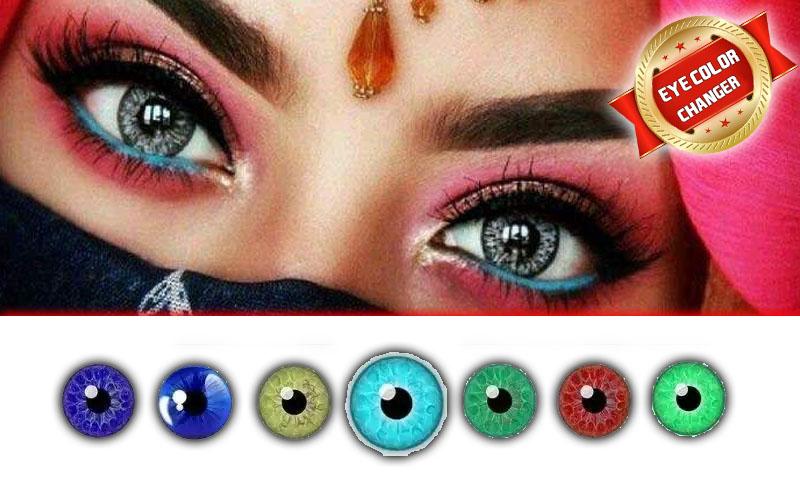
Eye Color changer or Eye Lens Photo editor is a best a android application to change colors oy eye and give you stunning look. Try hundred different eyes color on your photo and create a look according to your choice.
Android application has a pack of color and photo editing tool feature to edit photo, focus on eyes and apply different colors.
Free eye color changer with different eye colors and multi colored eyes lenses for different eyes shape. The eye lens photo editor is a best free eye coloring app with multiple options. This app will give you the opportunity to change your eye colors with an eye changing features. The photo maker and photo editor app are perfectly working as you need and make your eyes more beautiful and attractive and enjoy the fun with friends and family by adding different eye lens in your pictures.
How Eye Lens Photo Maker works
Change colors of eyes
First open eye lens photo editor
Select the photo from the gallery and crop it
Select different colors from the list
Select the eye area where you want to apply lens
Zoom in images and select points
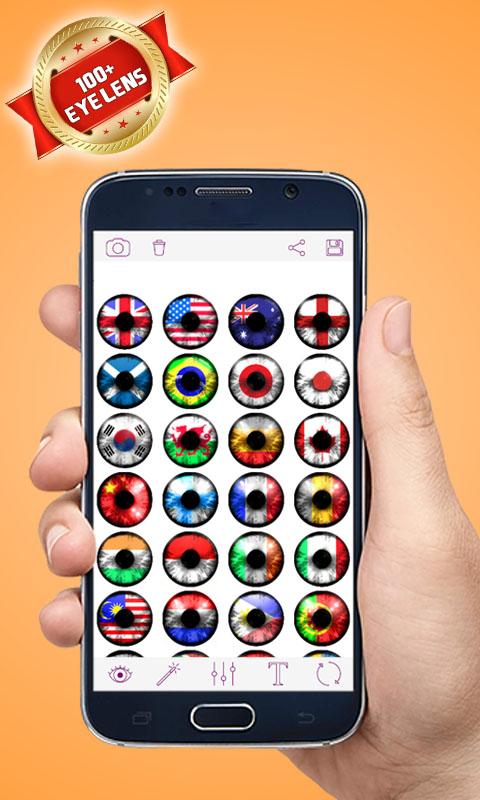
Select eyes lens from a huge list of eye colors
This is a real eye color changer app. You can change eye colors with natural eyes lens effect in simple manner. Eye photo editor app has collection of green eyes, blue eyes, red eyes and all color lenses. In this app you can adjust opacity of all eye color lenses.
DISCLAIMER:
The eye color Changer or eye lens photo editor app did not access any sensitive information it only need media access to select photos from gallery. We respect intellectual property rights and did not want to violate any intellectual property laws. All copyright and trademarks are owned by their respective owners.
images in this app are collected from around the web if we are violating any copyright policy, please let us know and it will be removed as soon as possible.
Preview
Tags
PhotographyInformation
Developer
AA Destination Apps
Latest Version
1.0.2
Last Updated
2022-04-02
Category
Photography
Available on
Google Play
Show More
How to play Eye Color Changer Photo Editor with GameLoop on PC
1. Download GameLoop from the official website, then run the exe file to install GameLoop
2. Open GameLoop and search for “Eye Color Changer Photo Editor” , find Eye Color Changer Photo Editor in the search results and click “Install”
3. Enjoy playing Eye Color Changer Photo Editor on GameLoop
Minimum requirements
OS
Windows 8.1 64-bit or Windows 10 64-bit
GPU
GTX 1050
CPU
i3-8300
Memory
8GB RAM
Storage
1GB available space
Recommended requirements
OS
Windows 8.1 64-bit or Windows 10 64-bit
GPU
GTX 1050
CPU
i3-9320
Memory
16GB RAM
Storage
1GB available space