
instax mini LiPlay PC
FUJIFILM Corporation
Download instax mini LiPlay on PC With GameLoop Emulator
instax mini LiPlay on PC
instax mini LiPlay, coming from the developer FUJIFILM Corporation, is running on Android systerm in the past.
Now, You can play instax mini LiPlay on PC with GameLoop smoothly.
Download it in the GameLoop library or search results. No more eyeing the battery or frustrating calls at the wrong time any more.
Just enjoy instax mini LiPlay PC on the large screen for free!
instax mini LiPlay Introduction
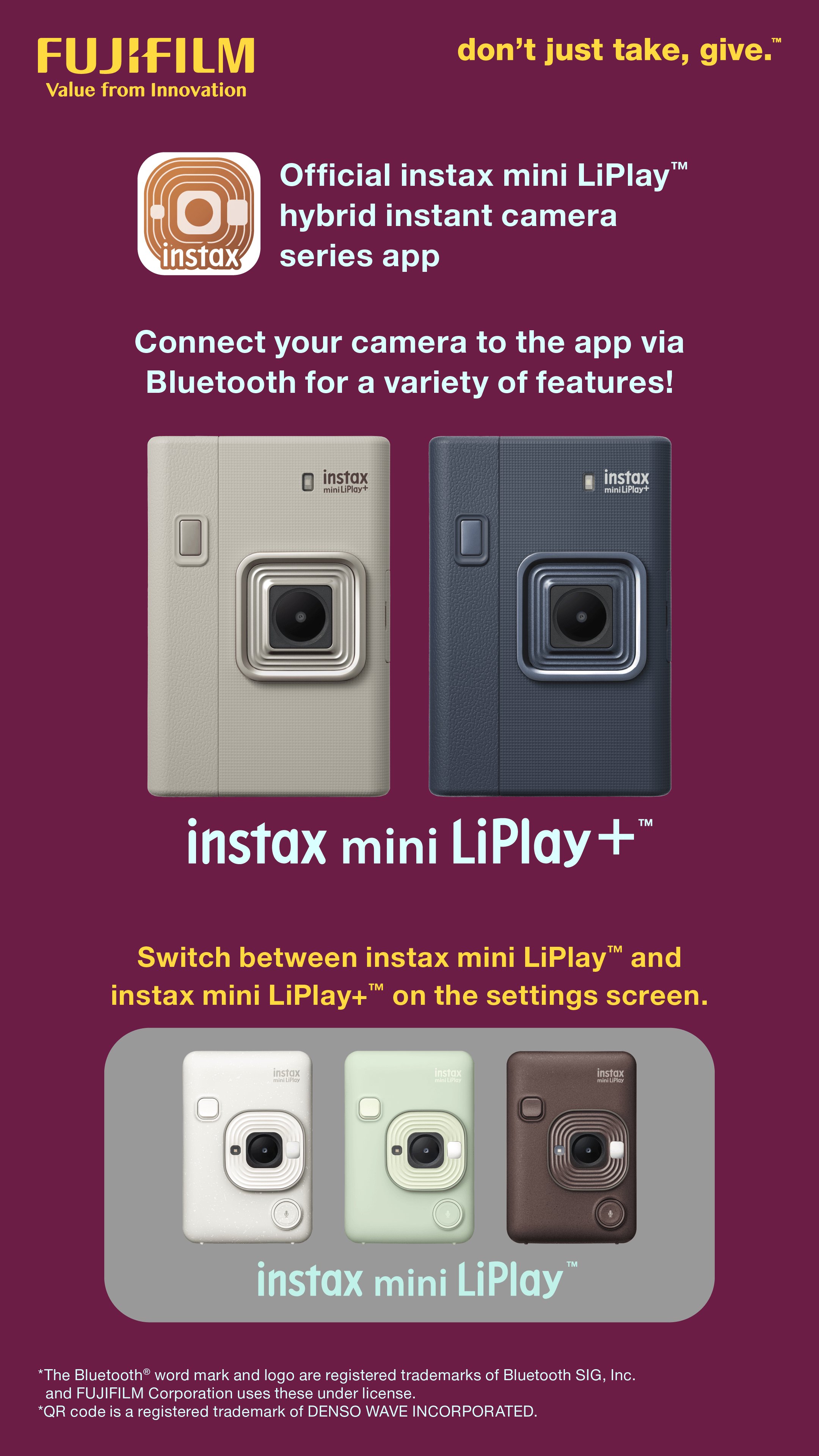
This app is exclusively for the Fujifilm instax mini LiPlay™ and instax mini LiPlay+™ hybrid instant cameras.
You can enjoy the following functions by connecting your camera and this app via Bluetooth:
instax mini LiPlay+™ Features
(1) instax Sound Album™
Create videos using images from your smartphone and combining them with music.
Choose an image, add a QR code, and print it from your camera.
Play the video by scanning the QR code with your smartphone. You can also download the video.
(2) instax Sound Print™
Add sounds to an image from your smartphone to make an instax™ photo.
(3) GALLERY
View images printed from your camera and videos from the app.
You can also download the data to your smartphone and reprint.
Basic Features
(4) SOUND
Sound recorded with your camera or smartphone can be converted into an instax™ photo with QR code.
Scan the QR code with your smartphone to play the image with sound.
With the instax mini LiPlay+™ camera, you can use the instax Sound Album™ feature to combine multiple images with sound and music into a video.
(5) REMOTE SHOOTING
Take photos with the camera remotely using your smartphone.
(6) DIRECT PRINT
Print images from your smartphone's camera roll and turn them into instax™ photos.
(7) CUSTOM FRAME
Change the design frame set on the camera using the app.
On instax mini LiPlay™, design frames are set to the three shortcut buttons on the side of the camera.
Access instax mini LiPlay+™ frames from the “Frame Settings” menu in the settings screen.
[Supported OS] Android 11 or later
Preview

Tags
PhotographyInformation
Developer
FUJIFILM Corporation
Latest Version
7.1.0
Last Updated
2026-03-28
Category
Photography
Available on
Google Play
Show More
How to play instax mini LiPlay with GameLoop on PC
1. Download GameLoop from the official website, then run the exe file to install GameLoop
2. Open GameLoop and search for “instax mini LiPlay” , find instax mini LiPlay in the search results and click “Install”
3. Enjoy playing instax mini LiPlay on GameLoop
Minimum requirements
OS
Windows 8.1 64-bit or Windows 10 64-bit
GPU
GTX 1050
CPU
i3-8300
Memory
8GB RAM
Storage
1GB available space
Recommended requirements
OS
Windows 8.1 64-bit or Windows 10 64-bit
GPU
GTX 1050
CPU
i3-9320
Memory
16GB RAM
Storage
1GB available space