
Facetune: Hair, Photo Editor PC
Lightricks Ltd.
Download Facetune: Hair, Photo Editor on PC With GameLoop Emulator
Facetune: Hair, Photo Editor on PC
Facetune: Hair, Photo Editor, coming from the developer Lightricks Ltd., is running on Android systerm in the past.
Now, You can play Facetune: Hair, Photo Editor on PC with GameLoop smoothly.
Download it in the GameLoop library or search results. No more eyeing the battery or frustrating calls at the wrong time any more.
Just enjoy Facetune: Hair, Photo Editor PC on the large screen for free!
Facetune: Hair, Photo Editor Introduction
Facetune – The Ultimate AI Photo & Video Editor
Transform your photos and videos effortlessly with Facetune, the fastest, easiest way to glow up your content. Whether it’s a quick selfie, a polished headshot, or a scroll-stopping video, Facetune is your one-stop editing tool for standout results—no pro skills required.
✨ AI-Powered Photo & Video Editing
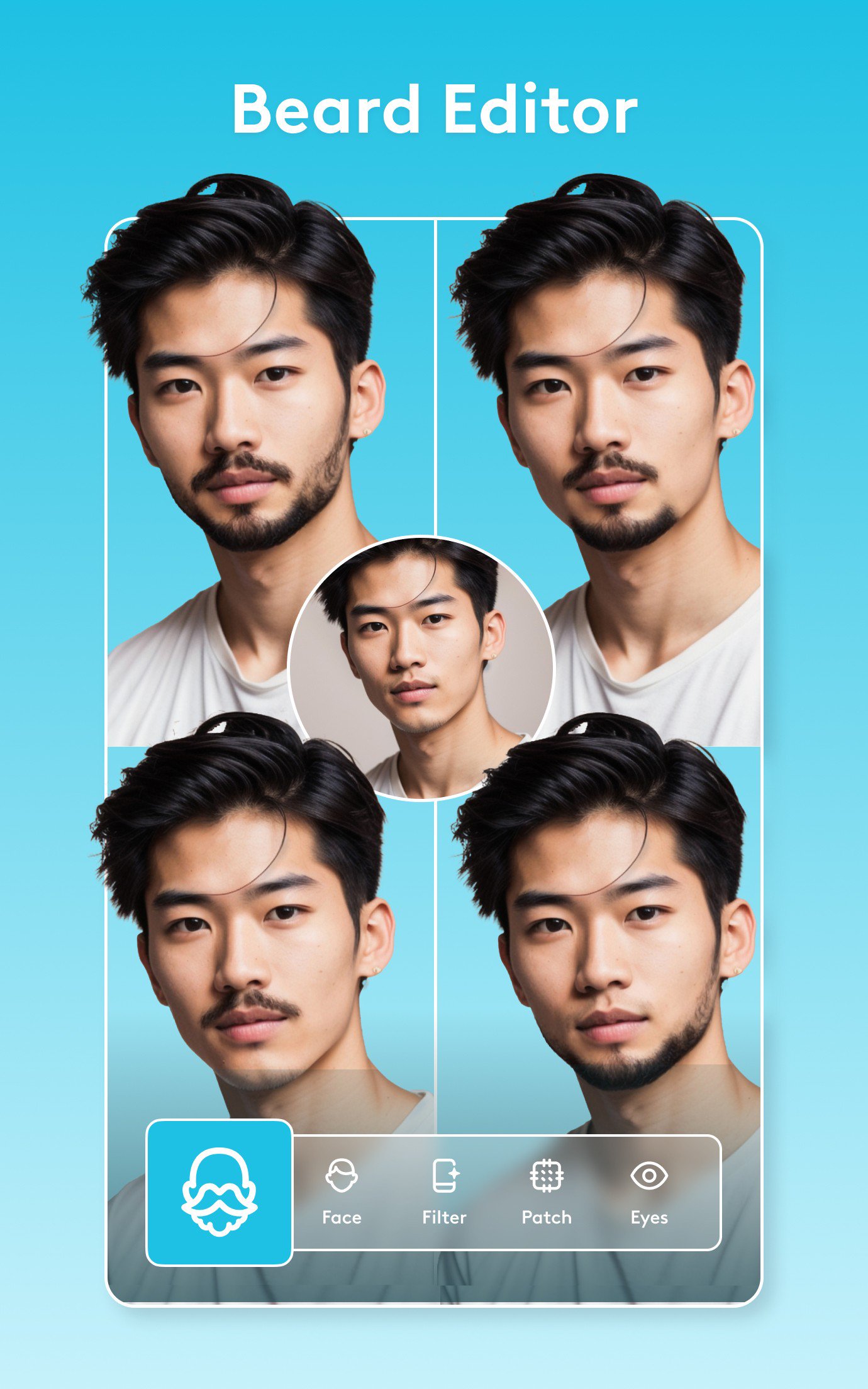
From one-tap fixes to advanced retouching, Facetune’s AI tools handle it all. Smooth skin, brighten eyes, reshape features, or experiment with bold new styles. Want more control? Fine-tune every detail manually.
Instantly enhance photos with filters & one-tap edits
Retouch single frames or entire videos in seconds
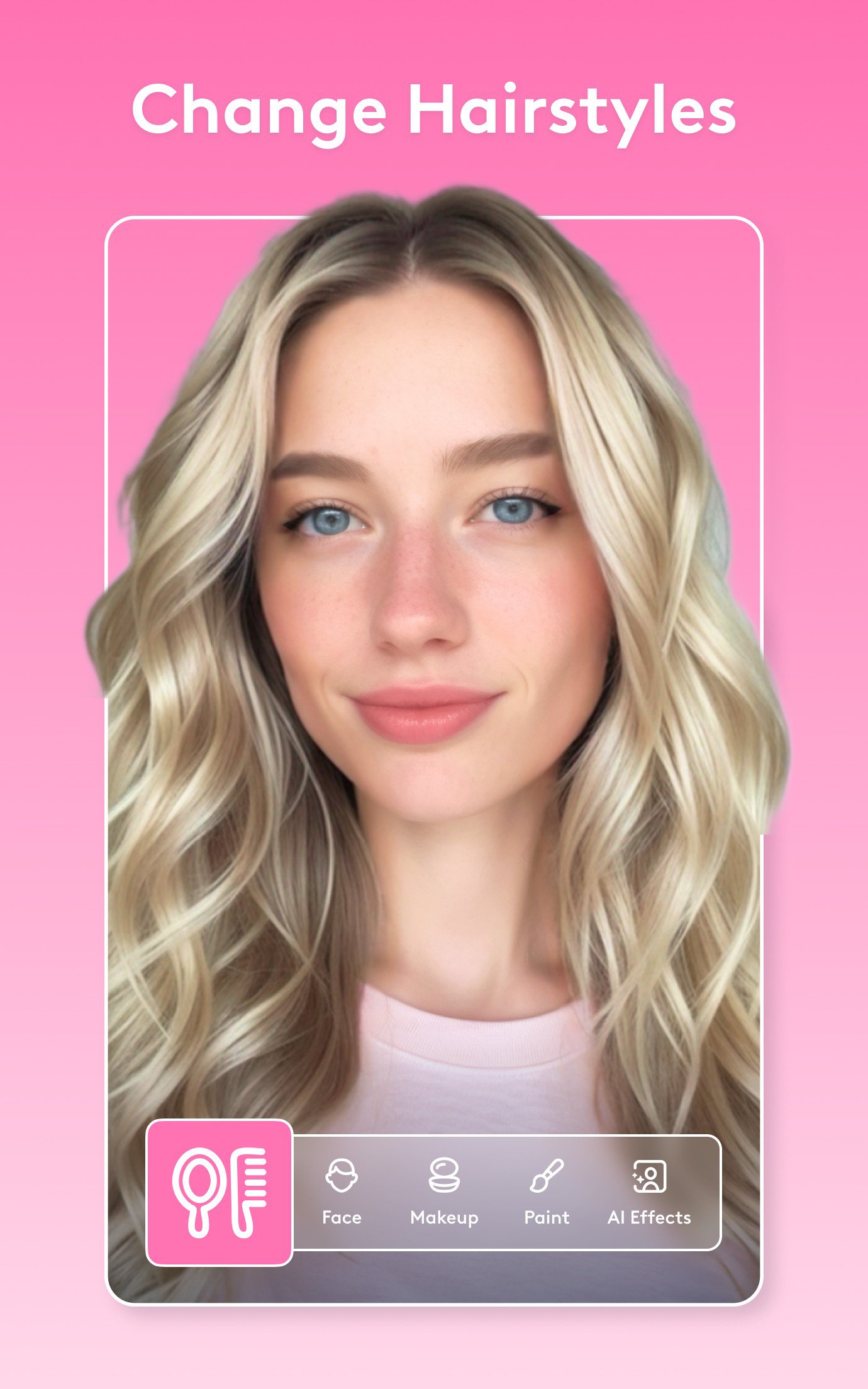
Add glam makeup, test new hairstyles, or change your hair color with a tap
💄 Try a New Look in Seconds
Refresh your style or go full glam—Facetune makes it easy.
Whiten teeth & smooth skin for a flawless finish
Change eye or hair color instantly with the hair color changer
Apply makeup filters or airbrush a natural glow
Create resume-ready headshots with one-tap pro tools
🎞 Next-Level Video Editing
Make your videos as stunning as your photos.
Add filters, retouch faces & brighten clips
Apply changes across an entire video instantly
Create Instagram-ready content with eye-catching effects
🔥 AI Tools That Keep Getting Smarter
Facetune gives you creative control with intelligent features that keep evolving:
Blur or swap backgrounds for a studio effect
Add light to your eyes for a captivating look
Adjust body skin tone, add a tan, or enhance your smile
Generate professional headshots instantly with the AI headshot tool
📸 Why Facetune?
Facetune combines precision editing with effortless AI magic. From subtle touch-ups to total transformations, you’ll find everything you need to look and feel your best: teeth whitening, blemish removal, reshaping tools, hair try-on, filters, effects, and more.
👉 Download Facetune today and start creating your favorite version of you—effortlessly.
Facetune is part of Lightricks’ award-winning creative suite:
Videoleap – AI-powered video editing made simple
Photoleap – Advanced 3D & AI photo editing
Start editing, experimenting, and standing out.
Terms of Use: https://static.lightricks.com/legal/terms-of-use.html
Privacy Policy: https://static.lightricks.com/legal/privacy-policy.html
Preview
Tags
PhotographyInformation
Developer
Lightricks Ltd.
Latest Version
2.58.0-free
Last Updated
2025-12-14
Category
Photography
Available on
Google Play
Show More
How to play Facetune: Hair, Photo Editor with GameLoop on PC
1. Download GameLoop from the official website, then run the exe file to install GameLoop
2. Open GameLoop and search for “Facetune: Hair, Photo Editor” , find Facetune: Hair, Photo Editor in the search results and click “Install”
3. Enjoy playing Facetune: Hair, Photo Editor on GameLoop
Minimum requirements
OS
Windows 8.1 64-bit or Windows 10 64-bit
GPU
GTX 1050
CPU
i3-8300
Memory
8GB RAM
Storage
1GB available space
Recommended requirements
OS
Windows 8.1 64-bit or Windows 10 64-bit
GPU
GTX 1050
CPU
i3-9320
Memory
16GB RAM
Storage
1GB available space