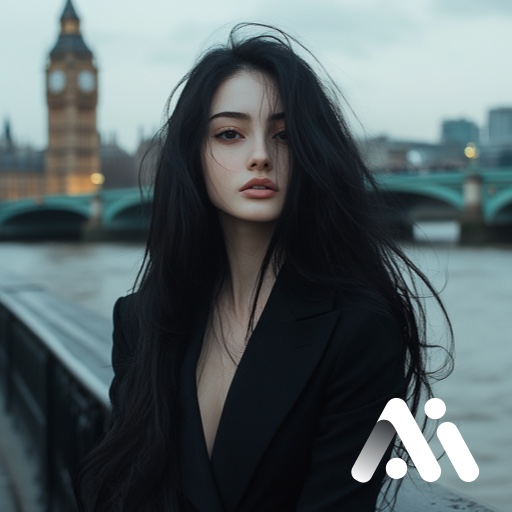
AI Photo Generator & AI Video PC
VIDEOSHOW Video Editor & Video Maker LTD.
Download AI Photo Generator & AI Video on PC With GameLoop Emulator
AI Photo Generator & AI Video on PC
AI Photo Generator & AI Video, coming from the developer VIDEOSHOW Video Editor & Video Maker LTD., is running on Android systerm in the past.
Now, You can play AI Photo Generator & AI Video on PC with GameLoop smoothly.
Download it in the GameLoop library or search results. No more eyeing the battery or frustrating calls at the wrong time any more.
Just enjoy AI Photo Generator & AI Video PC on the large screen for free!
AI Photo Generator & AI Video Introduction
Insunny · Where Imagination Becomes Reality
Powered by Nano Banana Pro (Gemini 3 Pro Image), turning every photo into art.
Transform everyday photos into stunning masterpieces with just one tap. From professional headshots to fantasy portraits, Insunny delivers studio-quality 4K AI visuals in seconds—no expensive equipment or editing skills required, all supercharged by the next-generation Nano Banana Pro engine.
🔮 Why Millions Love Insunny
● Your Digital Identity, Redefined
Generate highly personalized portraits that capture your unique essence, powered by Nano Banana Pro's advanced learning capabilities.
● Studio-Quality 4K Headshots in Seconds
Turn ordinary selfies into ultra-sharp professional portraits with perfect lighting and composition, ready for any occasion.
● Image to Video — Bring Photos to Life (New)
Transform a single portrait into a cinematic video clip. Watch your image move, breathe, and tell a story with smooth, expressive realism.
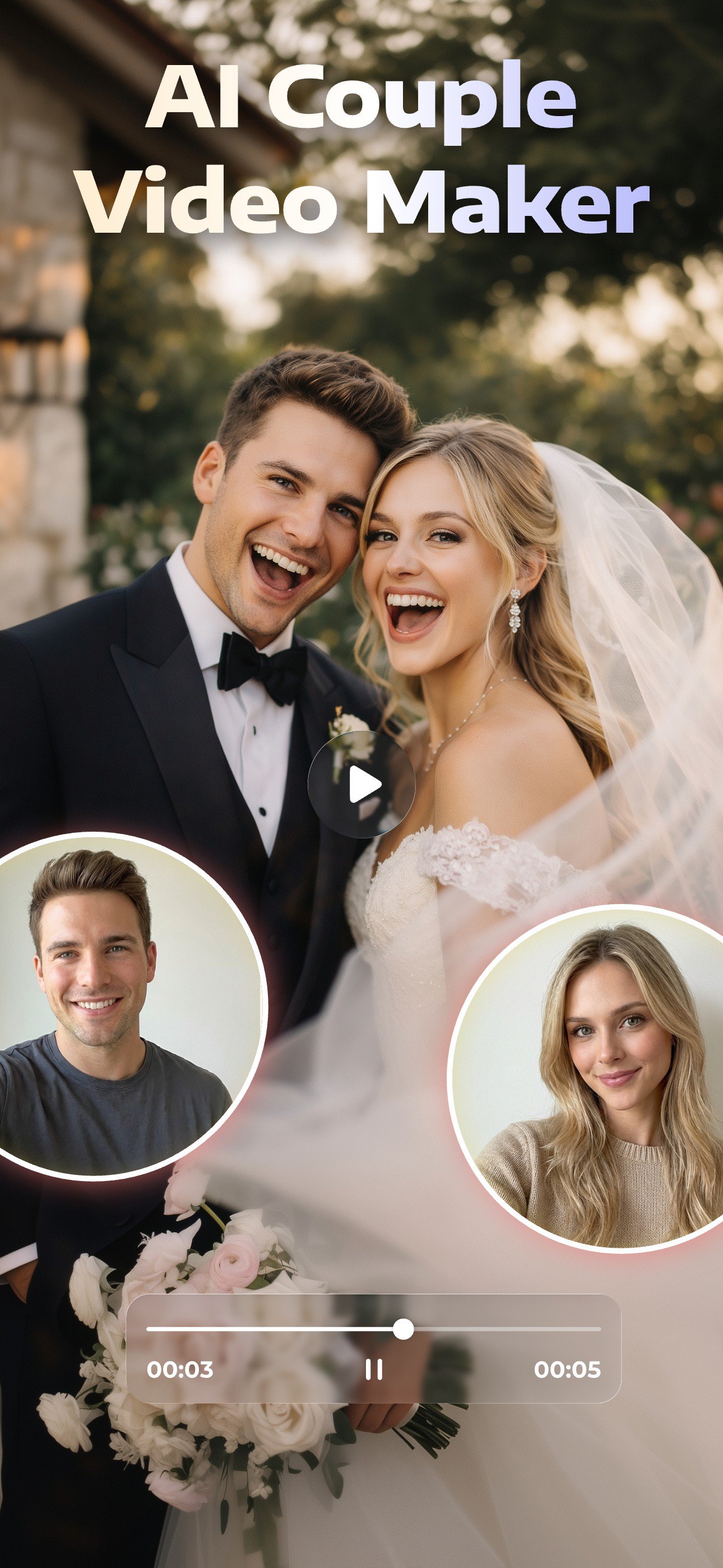
● Dual Portrait Magic (New)
Upload two photos to instantly create stunning portraits for couples, best friends, or family—perfect for celebrating shared moments.
● Endless Creative Styles
Explore a rich and growing library of aesthetics—from business elegance to surreal fantasy realms.
● Crystal-Clear HD Results
Every image is rendered with breathtaking clarity, natural skin textures, and sharp details—optimized for social media, print, and professional use.
💎 Popular Themes to Explore
● Business Professional – Boardroom-ready LinkedIn portraits
● Luxury Lifestyle – Supercars, penthouses, yachts & high-life vibes
● Polaroid Retro – Nostalgic instant-camera charm
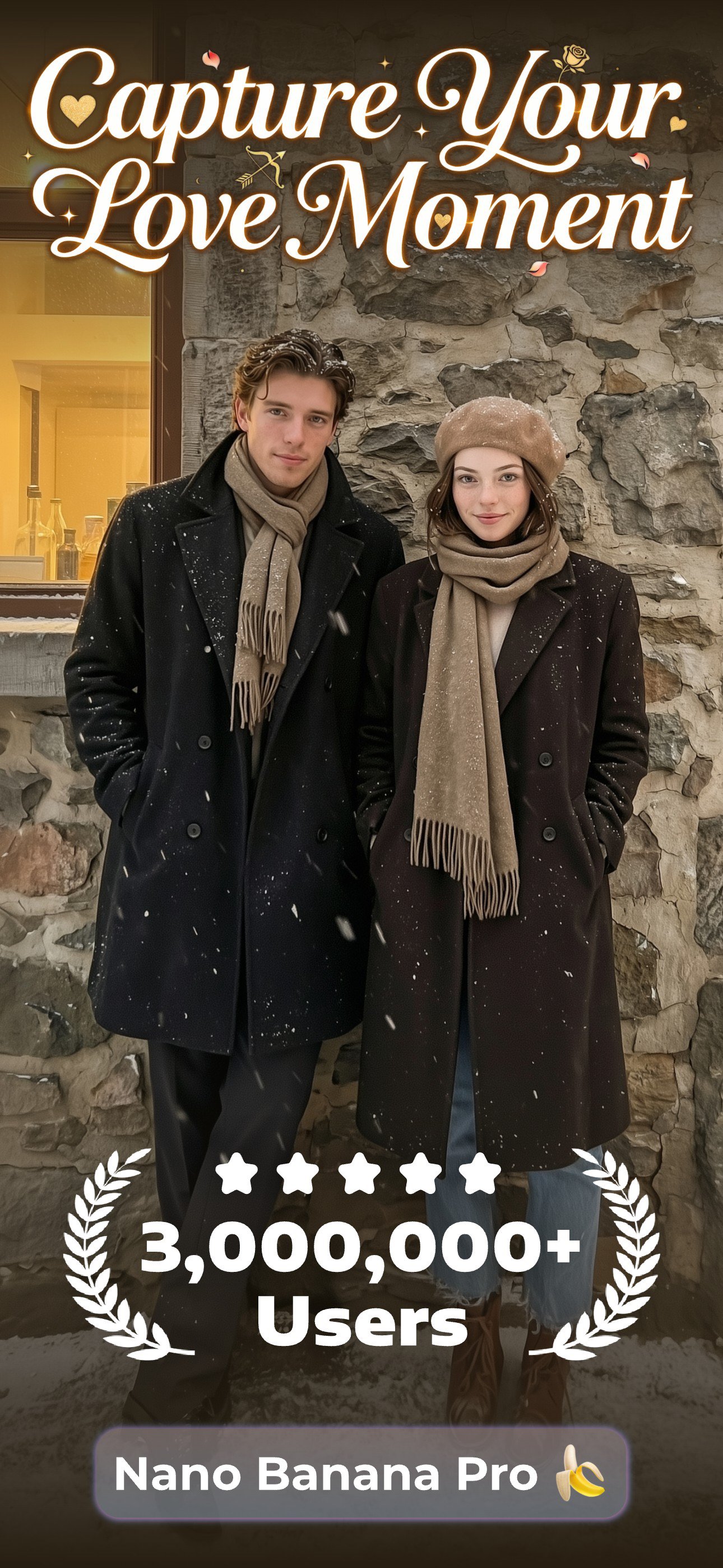
● Winter Snowscape – Cinematic cold-weather visuals
● Birthday Celebrant – Festive and fun party-themed portraits
● Epic Portraits – Become the hero of your own cinematic story
● Athletic & Sporty – Dynamic gym and sports scenes
● Glamorous Allure – High-fashion lighting and dramatic looks
● Gala & Evening Wear – Red-carpet elegance
● Academic Portrait – Scholarly and intellectual atmospheres
● Global Traveler – Iconic landmarks around the world
● Fantasy Realm – Mythical creatures and magical characters
● K-Pop Inspired – Bold, trendy idol-style aesthetics
🎯 Perfect For
● Professionals – 4K headshots for LinkedIn and business
● Content Creators – Eye-catching visuals and video content
● Couples & Friends – Beautiful dual-person AI portraits
● Students – Stand-out profile photos and creative projects
● Families – Artistic and memorable family portraits
● Dreamers & Creatives – Bring your imagination to life effortlessly
🚀 Powered by Nano Banana Pro (Gemini 3 Pro Image)
Experience the new era of AI image generation with:
● 4K ultra-high resolution output
● Image-to-video generation
● Lightning-fast rendering
● Photorealistic detail
● Natural skin tones
● Intelligent facial refinement
● Seamless background fusion
Every portrait feels authentic, expressive, and beautifully crafted.
📸 Join the AI Photography Revolution
Download Insunny today to:
● Create stunning 4K AI portraits in seconds
● Generate couple and dual portraits effortlessly
● Turn images into cinematic videos
● Save time, effort, and money
● Always have the perfect photo ready
✨ With Nano Banana Pro (Gemini 3 Pro Image), every creation is a masterpiece.
Download now and unleash your creativity!
Preview
Tags
PhotographyInformation
Developer
VIDEOSHOW Video Editor & Video Maker LTD.
Latest Version
2.0.5.4
Last Updated
2026-02-10
Category
Photography
Available on
Google Play
Show More
How to play AI Photo Generator & AI Video with GameLoop on PC
1. Download GameLoop from the official website, then run the exe file to install GameLoop
2. Open GameLoop and search for “AI Photo Generator & AI Video” , find AI Photo Generator & AI Video in the search results and click “Install”
3. Enjoy playing AI Photo Generator & AI Video on GameLoop
Minimum requirements
OS
Windows 8.1 64-bit or Windows 10 64-bit
GPU
GTX 1050
CPU
i3-8300
Memory
8GB RAM
Storage
1GB available space
Recommended requirements
OS
Windows 8.1 64-bit or Windows 10 64-bit
GPU
GTX 1050
CPU
i3-9320
Memory
16GB RAM
Storage
1GB available space